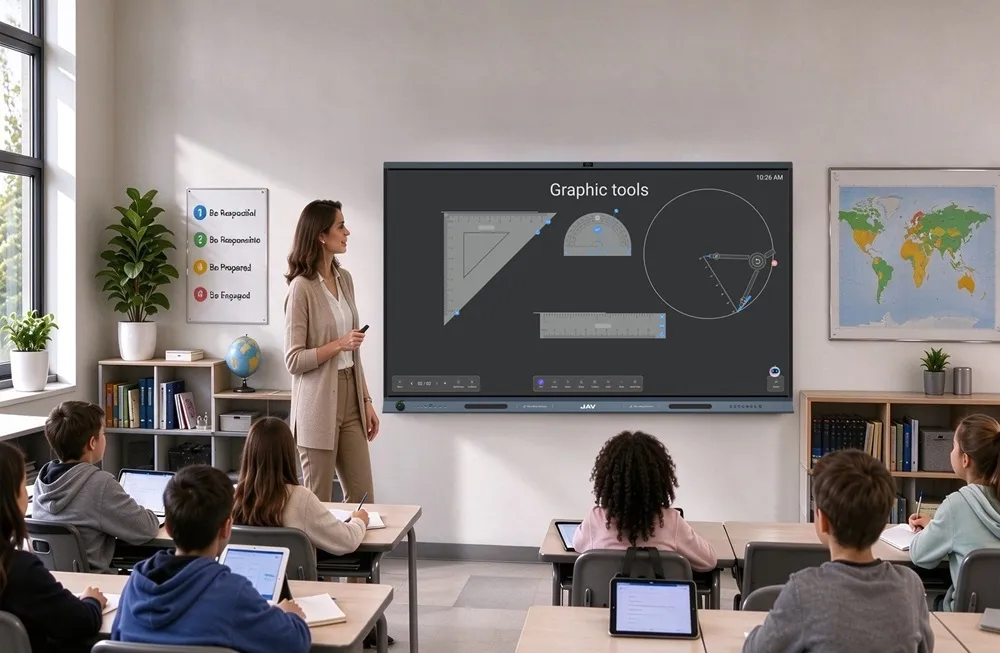
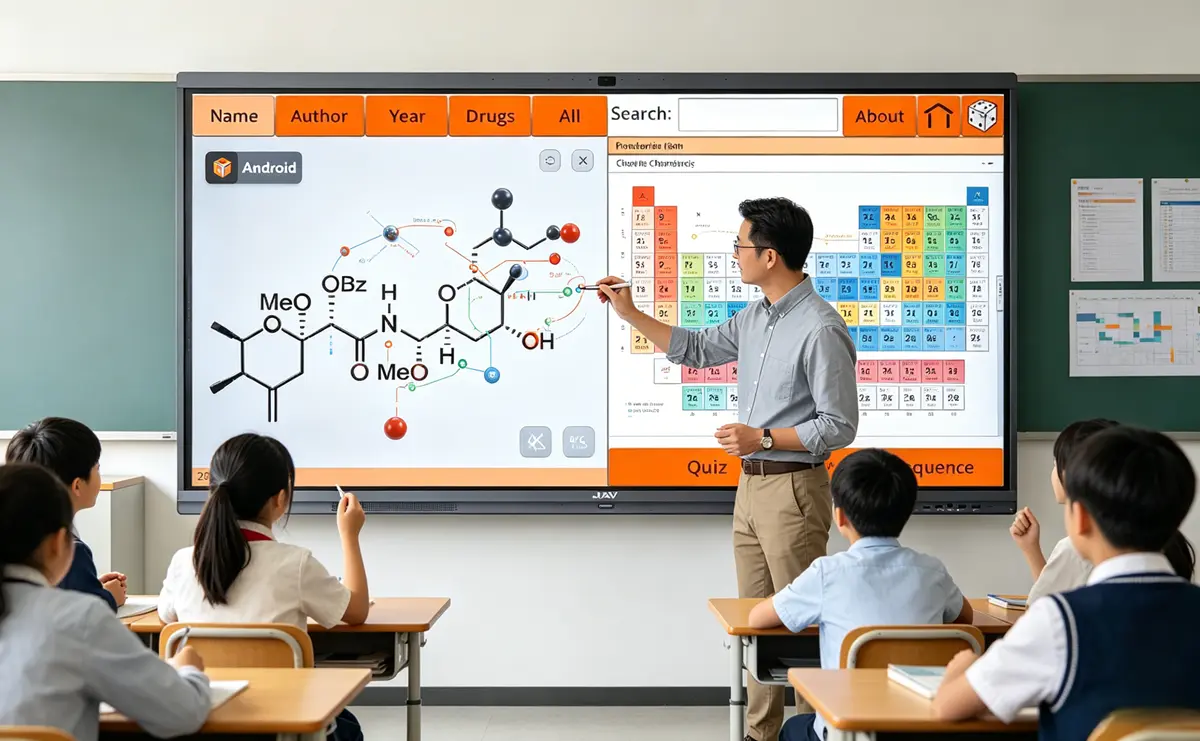
Chemistry is a complex subject for many students. An interactive whiteboard for teaching can improve how it is delivered.
Chemistry involves molecules, reactions, and laboratory processes.
Students often struggle with abstract chemical concepts. Traditional whiteboards and chalkboards are limited tools. Drawing molecules and reaction diagrams takes time. It can also interrupt the flow of teaching.
As a result, classroom engagement and efficiency can decrease. Modern schools are adopting smarter digital tools.
The JAV Board 10 is an interactive whiteboard for teaching. It helps teachers visualize chemistry concepts clearly. Lessons become more interactive and easier to understand.
How the JAV Board Enhances Chemistry Lessons
Use Chemistry Apps on the Interactive Whiteboard for Teaching to Visualize Molecules and Elements
A key challenge in chemistry is helping students visualize molecules and elements. With “Chemistry” installed on JAV Board 10, teachers can display interactive Periodic Tables, explore atomic properties, and visualize molecular formulas. Teachers can zoom in on specific elements, explore solubility charts, or calculate molar masses, all directly on the board.
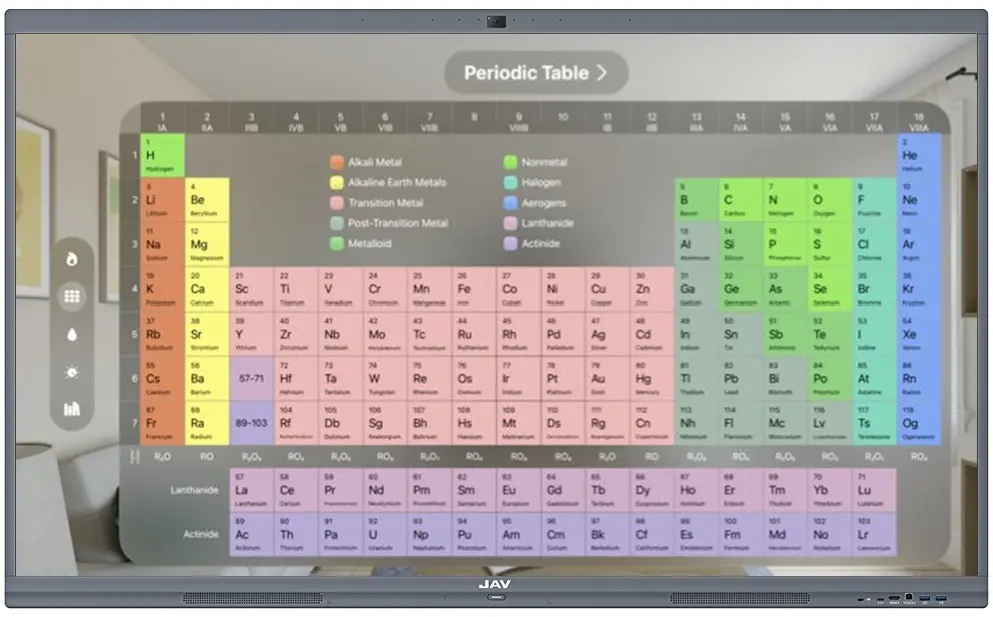
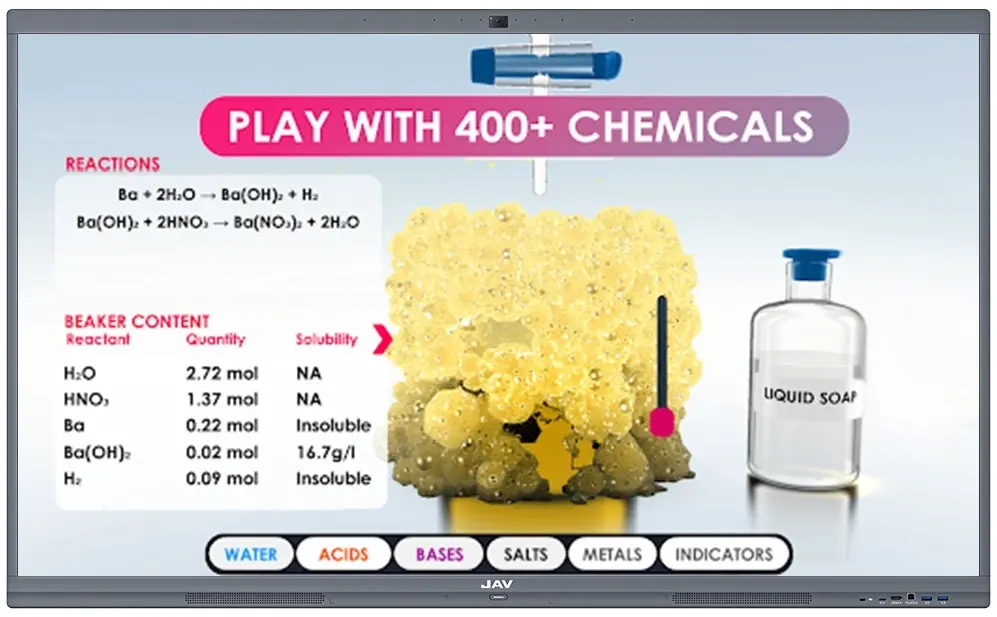
For a more immersive experience, apps like Unreal Chemist – Chemistry Lab allow students to explore 3D molecular structures, simulate reactions, and observe chemical behavior in real time. Using the board’s infinite canvas, teachers can annotate these visualizations with arrows, notes, and highlights using the sidebar Annotation tool, making abstract chemical concepts tangible and interactive.
Use JAV Interactive Whiteboard for Teaching for Reaction Mechanisms
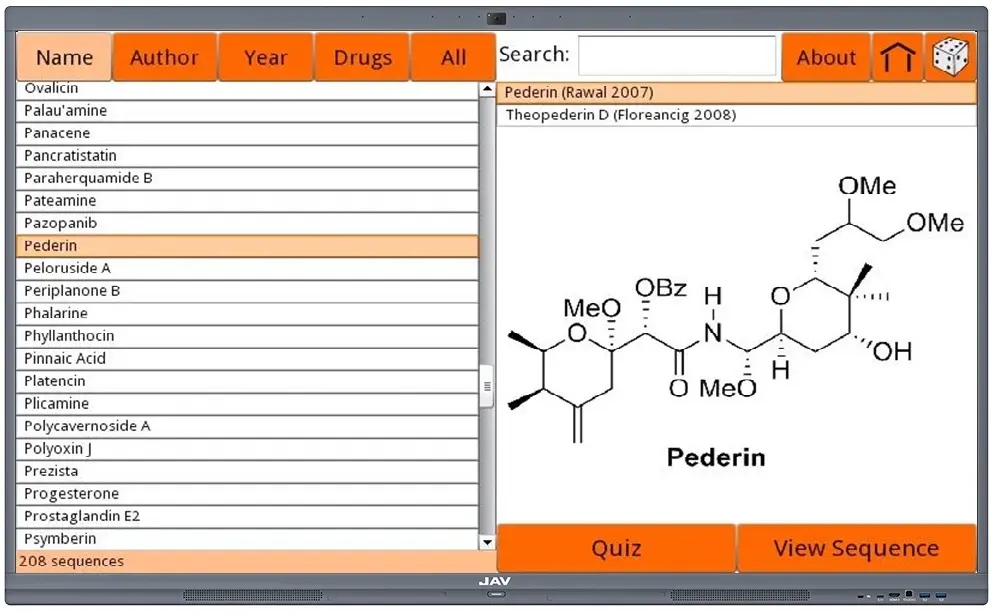
Understanding reaction pathways and mechanisms is essential in chemistry education. With the Chemistry app installed on the JAV Board, teachers can generate chemical equations and display corresponding reaction formulas. And there’s the Chemistry By Design app which focuses on multi-step organic synthesis pathways. And to help students better follow complex reactions step by step and enhance their comprehension, teachers can use the JAV Board’s annotation feature to highlight functional groups, circle key reactants, or draw reaction arrows directly on the app screen.
Boost Interactive Learning and Engage Students with JAV Interactive Whiteboard for Teaching
The split-screen functionality of JAV Board 10 allows teachers to run two apps simultaneously—for example, displaying Chemistry alongside Unreal Chemist—so students can compare static data with dynamic simulations. Multi-touch support enables collaborative problem solving, such as balancing equations or exploring reaction pathways together. Combined with the annotation feature, teachers can mark important results, provide guidance, and save content for review, fostering an engaging, hands-on learning environment.
Conclusion
As classrooms adopt smarter teaching tools, the JAV Board emerges as a versatile interactive whiteboard for teaching chemistry. By combining Android chemistry apps, infinite canvas, annotation tools, and split-screen capabilities, it allows teachers to visualize molecules, annotate reactions, simulate experiments, and engage students interactively. For schools seeking to enhance chemistry instruction, the JAV Board provides a comprehensive solution that transforms abstract concepts into tangible, engaging learning experiences.