Modern workplaces depend on fast communication, clear content sharing, and smooth hybrid collaboration. In many companies, meeting rooms are no longer used only for in-person discussions. They are now spaces where local teams, remote participants, clients, and partners need to work together in real time.
Because of this shift, businesses are looking for meeting room display solutions that do more than show slides on a screen. A modern meeting room display should support presentations, video conferencing, wireless sharing, digital whiteboarding, and team collaboration.
Traditional AV setups can still work, but they often create complexity. Multiple devices, cables, adapters, external cameras, and separate audio systems can slow meetings down and increase maintenance work. For many workplaces, an all-in-one interactive display is becoming a more practical choice.
What Are Meeting Room Display Solutions?
Meeting room display solutions refer to the hardware and software used to show, share, and interact with information during meetings. They can include TVs, projectors, interactive displays, video conferencing systems, wireless presentation tools, digital whiteboards, cameras, microphones, and speakers.
In the past, these components were often installed as separate devices. A meeting room might have a projector, a conference camera, a speakerphone, a laptop, and a control system. Today, many businesses prefer integrated meeting room solutions that combine key functions into one platform.
A modern meeting room display solution should help teams present clearly, share content quickly, communicate with remote participants, and collaborate without technical delays.
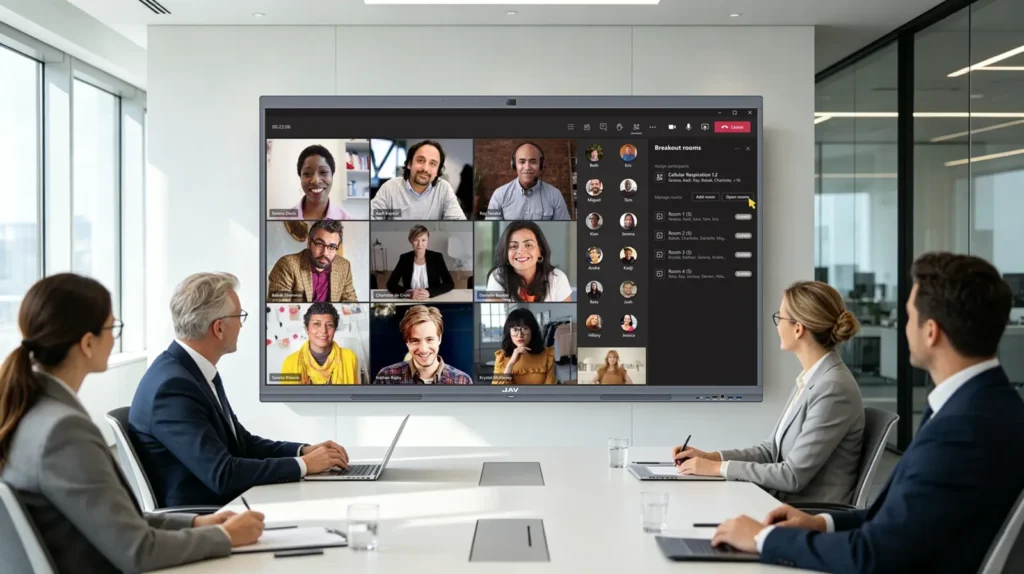
Why Traditional AV Setups Are No Longer Enough
Traditional meeting room AV systems usually rely on several separate devices working together. While this approach can be flexible, it also creates common problems.
First, setup can be slow. Users may need to connect laptops, switch inputs, adjust audio settings, or find the right cable before the meeting starts. These small delays can become frustrating when meeting rooms are used many times throughout the day.
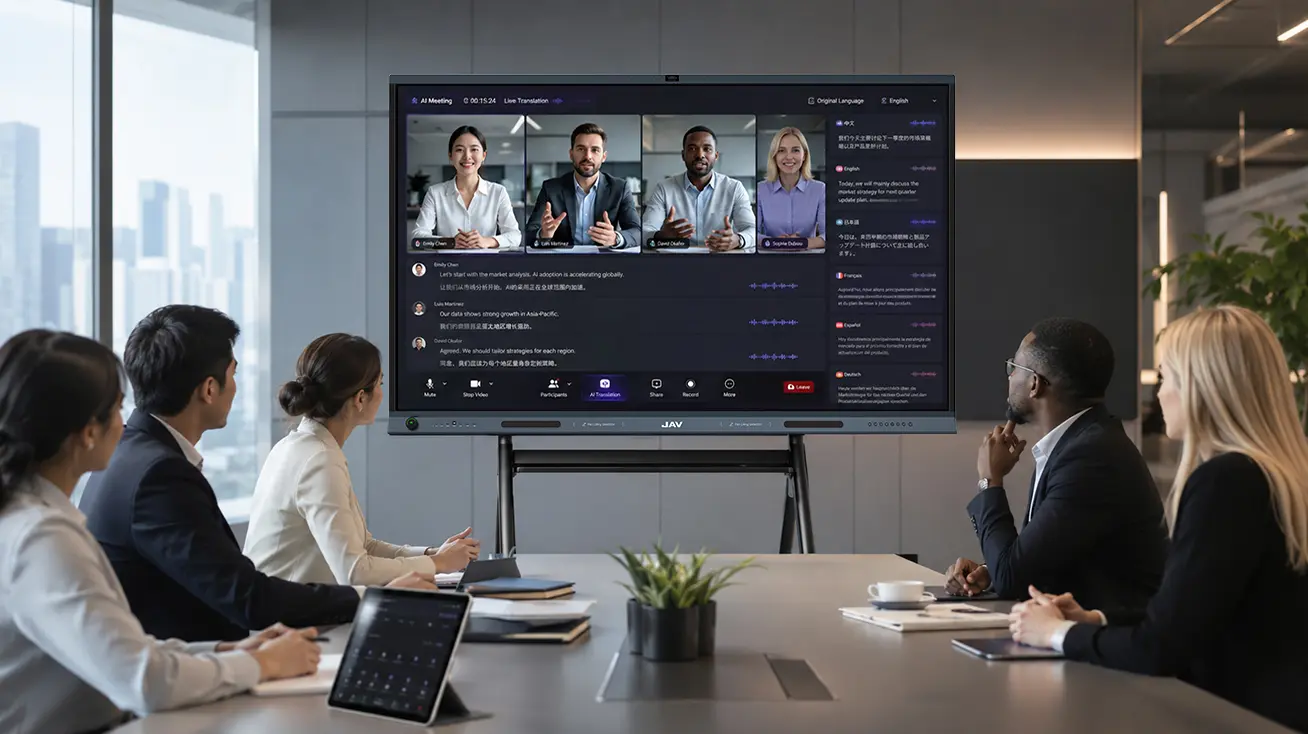
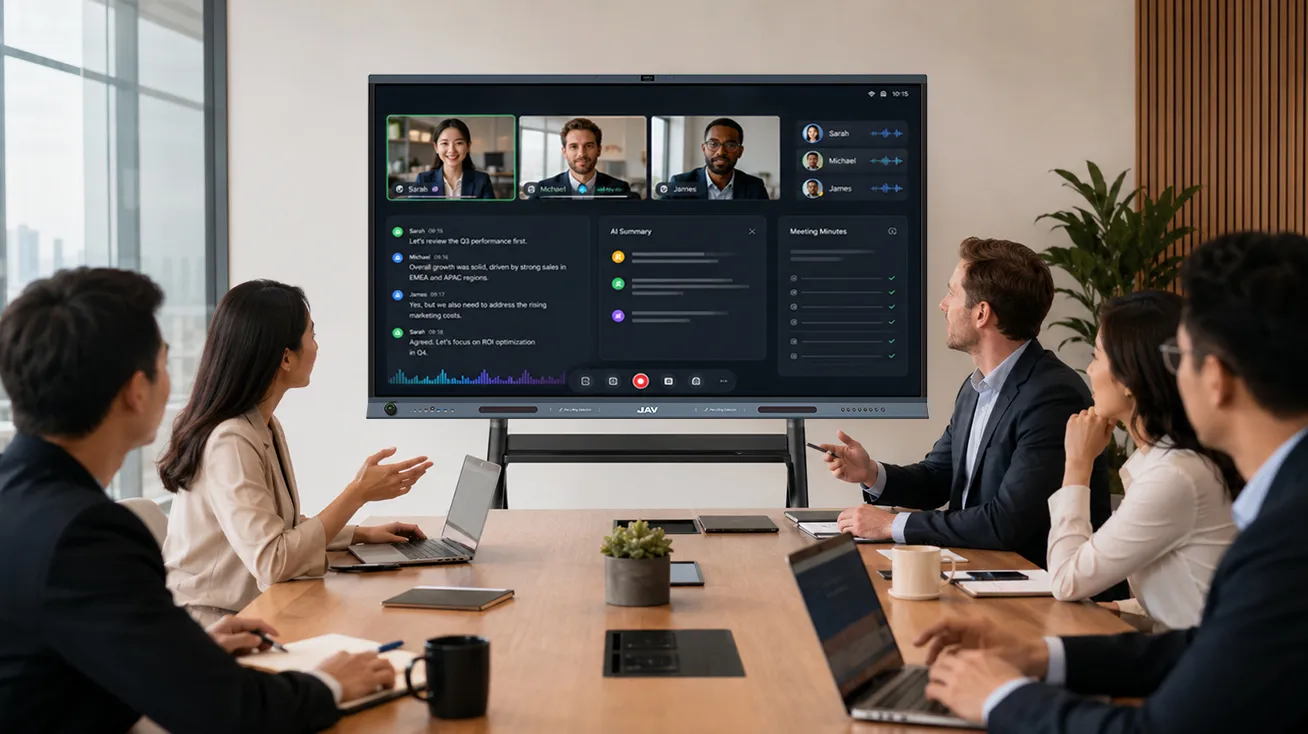
Second, hybrid meetings may not feel natural. Remote participants may struggle to hear in-room conversations, see shared content clearly, or take part in real-time discussions. If the display, camera, microphone, and sharing tools are not well integrated, the meeting experience becomes fragmented.
Third, maintenance can be expensive. More devices mean more points of failure. IT teams may need to manage cables, adapters, cameras, microphones, software updates, and compatibility issues across multiple rooms.
These challenges are pushing companies to consider simpler and more integrated meeting room display solutions.
Types of Meeting Room Display Solutions
Businesses usually choose from three main types of meeting room displays: TVs, projectors, and interactive displays.
| Display Option | Best For | Limitations |
|---|---|---|
| TV display | Basic presentations and video calls | Limited interaction and collaboration |
| Projector | Large image size for big rooms | Can be affected by lighting and maintenance needs |
| Interactive display | Hybrid meetings, collaboration, annotation, and wireless sharing | Higher upfront cost, but more functions in one device |
A TV may be enough for simple content viewing. A projector may work for large presentations, especially in rooms with controlled lighting. However, for teams that need collaboration, video conferencing, screen sharing, and real-time annotation, an interactive display is often the stronger option.
Key Features to Look for in Meeting Room Display Solutions
When choosing meeting room display solutions, businesses should focus on real meeting needs rather than screen size alone.
A good display solution should include clear image quality, easy content sharing, simple operation, and support for collaboration. For hybrid workplaces, video conferencing compatibility is also important.
Key features to consider include:
- 4K display quality for clear slides, documents, and charts
- Wireless screen sharing from laptops, tablets, and phones
- Touch interaction for writing and annotation
- Digital whiteboard for brainstorming and planning
- Built-in or integrated camera, microphone, and speakers
- Compatibility with Zoom, Microsoft Teams, Google Meet, and other platforms
- Easy operation for non-technical users
- Clean installation with fewer cables
- Lower long-term maintenance requirements
The best meeting room display solution should help meetings start faster, reduce technical issues, and make collaboration easier for everyone.
Choosing Display Solutions by Meeting Room Type
Different meeting rooms have different needs. A small huddle room does not require the same setup as a large training room or executive conference room.
Huddle Rooms
Huddle rooms are usually used by small teams for quick discussions, video calls, and project updates. These rooms need simple operation, fast startup, and easy wireless sharing. A compact interactive display can help teams share content and collaborate without a complex AV setup.
Small and Medium Meeting Rooms
Small and medium meeting rooms are often used for department meetings, client discussions, brainstorming, and hybrid meetings. These spaces need a display large enough for everyone to see clearly, along with video conferencing and annotation tools.
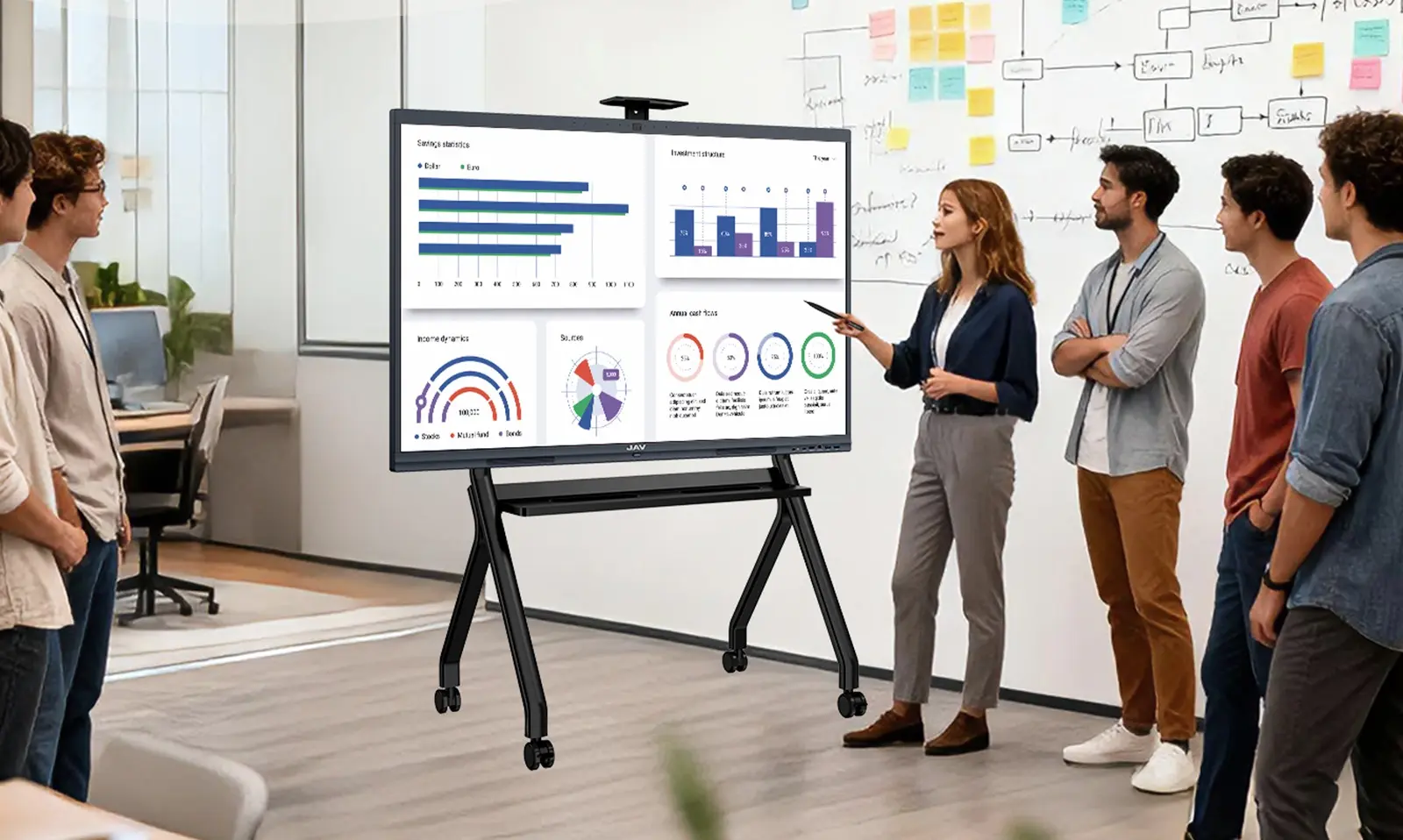
An interactive display can support both presentation and collaboration, allowing users to share screens, mark up documents, and use a digital whiteboard during discussions.
Large Conference Rooms
Large conference rooms need stronger visual impact and better support for remote participants. Screen visibility, audio clarity, and easy content sharing become more important.
In these spaces, businesses should consider larger interactive displays or combined display setups that help both in-room and remote attendees follow the same content clearly.
Training Rooms
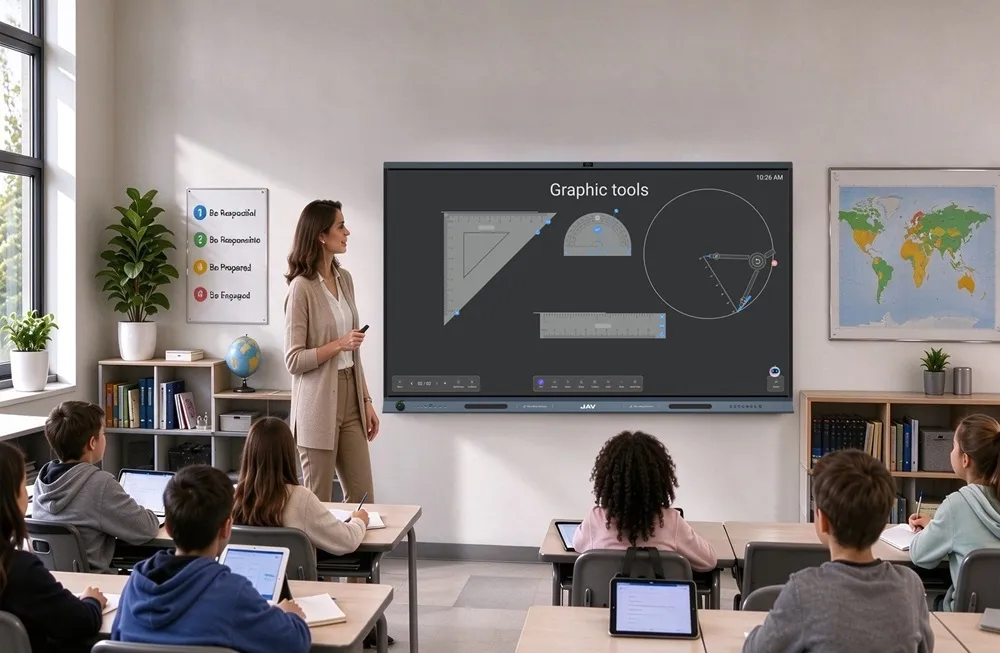
Training rooms require more than basic presentation. Instructors may need to show slides, play videos, write notes, annotate materials, and invite participants to interact. A meeting room collaboration display with touch and whiteboarding features can make training more engaging and easier to manage.
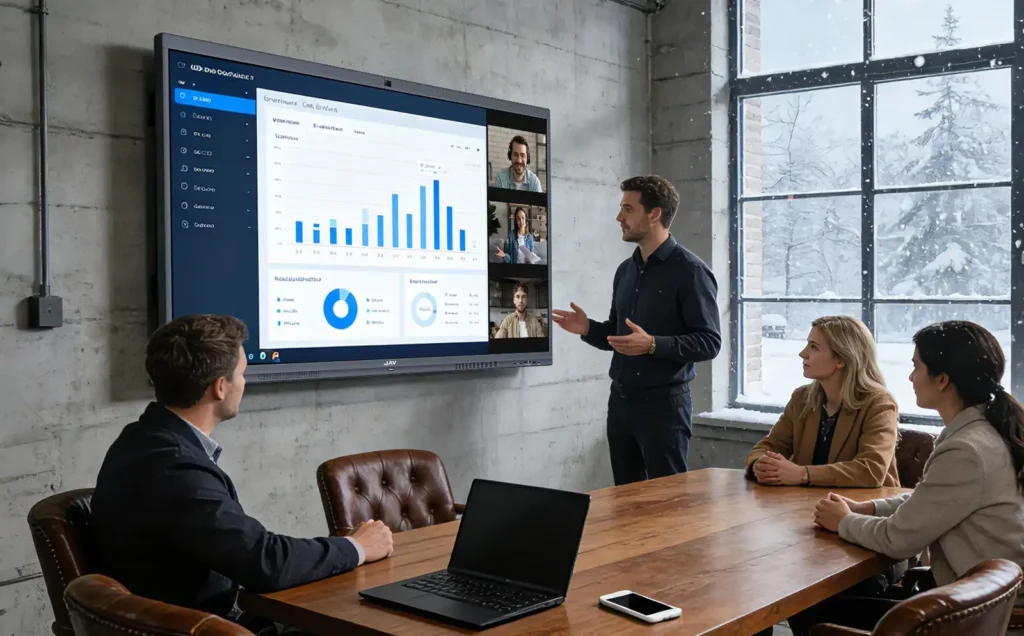
How JAV Board Supports Modern Meeting Rooms
For businesses looking for an all-in-one meeting room display solution, JAV Board 10 provides an interactive display designed for presentation, video conferencing, wireless sharing, and collaboration.
Simply put, JAV Board 10 works like a large-format Android tablet for meeting rooms. It combines a 4K touch display, built-in system, digital whiteboard, wireless screen sharing, annotation tools, multimedia playback, and app-based workflows in one interactive screen.
This helps companies reduce the need for separate projectors, whiteboards, external sharing devices, and multiple control systems.
With wireless sharing and an integrated display, JAV Board helps teams start quick meetings with less setup time. In hybrid meetings, it keeps in-room and remote participants aligned through video conferencing workflows and shared visual content. During brainstorming sessions, teams can write, draw, annotate, and organize ideas directly on the screen. IT teams also benefit from managing one integrated device instead of maintaining several separate systems.
JAV Board is suitable for huddle rooms, meeting rooms, conference rooms, training spaces, and other workplace collaboration environments where teams need a cleaner, simpler, and more interactive meeting experience.
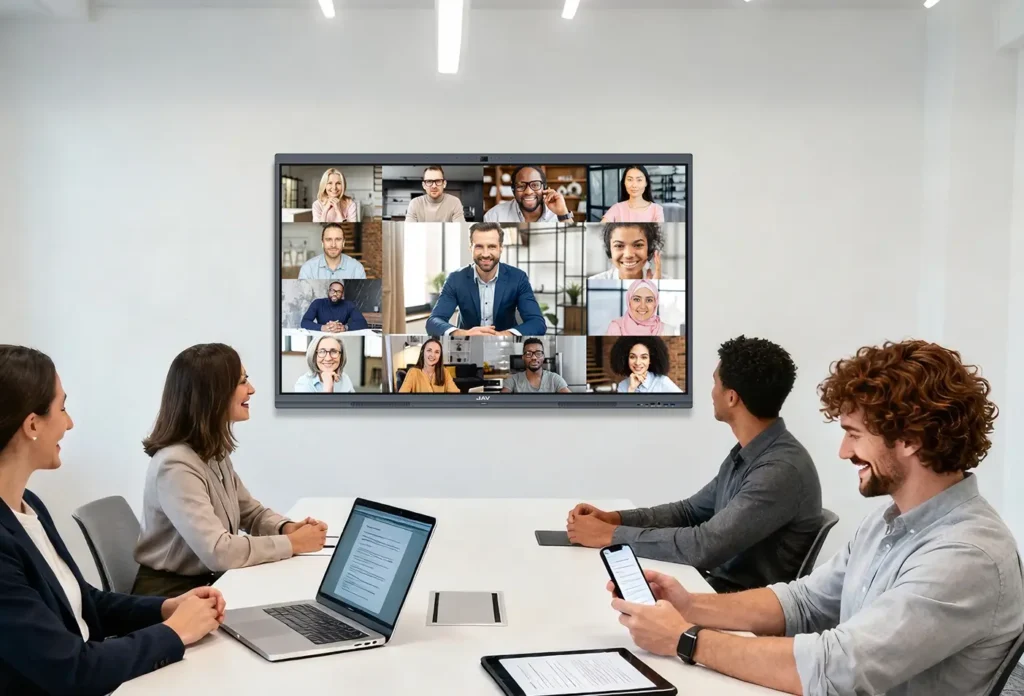
FAQ About Meeting Room Display Solutions
What are meeting room display solutions?
Meeting room display solutions are the display and collaboration systems used in meeting spaces. They can include TVs, projectors, interactive displays, wireless sharing tools, video conferencing systems, cameras, microphones, and digital whiteboards.
What is the best display for a meeting room?
The best display depends on the room size and meeting needs. For basic presentations, a TV may be enough. For collaborative meetings, hybrid work, and real-time annotation, an interactive display is often a better choice.
Is an interactive display better than a projector for meetings?
An interactive display is often better for collaboration because it supports touch writing, annotation, wireless sharing, and digital whiteboarding. A projector may still be useful for large image projection, but it usually offers less interaction.
What size display is best for a conference room?
The right size depends on room dimensions, viewing distance, and the number of participants. Small rooms may use smaller displays, while larger conference rooms usually need larger screens so participants can view content clearly from the back of the room.
How does JAV Board work as a meeting room display solution?
JAV Board combines a 4K interactive display, digital whiteboard, wireless screen sharing, annotation tools, multimedia support, and app-based meeting workflows in one device. It helps teams present, collaborate, and run hybrid meetings more efficiently.
Conclusion
Modern meeting room display solutions are no longer just about showing content. They are about helping teams communicate, share ideas, collaborate, and connect with remote participants more effectively.
Traditional AV setups can create setup delays, cable clutter, maintenance challenges, and fragmented hybrid meeting experiences. Integrated interactive displays provide a simpler and more flexible alternative.
For organizations upgrading their workplace collaboration spaces, JAV Board offers an all-in-one meeting room display solution that supports presentations, wireless sharing, whiteboarding, annotation, and hybrid meeting workflows in one interactive platform.