
You can easily download Microsoft Office apps onto your JAV Smart Board. Let’s take the JAV H10S Pro as an example.
Since the H10S Pro (and most other JAV Smart Boards) is Google EDLA-certified, you have full access to the Google Play Store. This means you can download Microsoft Word, PowerPoint, Excel, and other apps directly onto your device.
Follow these steps to install Microsoft Office apps:
- From the Home screen, open the Google Play Store.
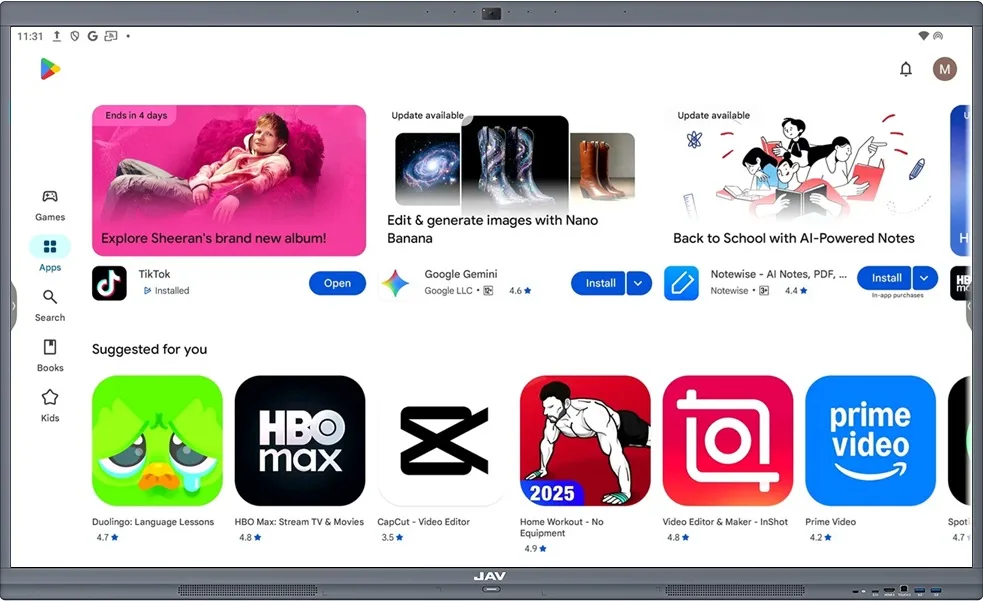
2. Tap the Search icon and type Office.
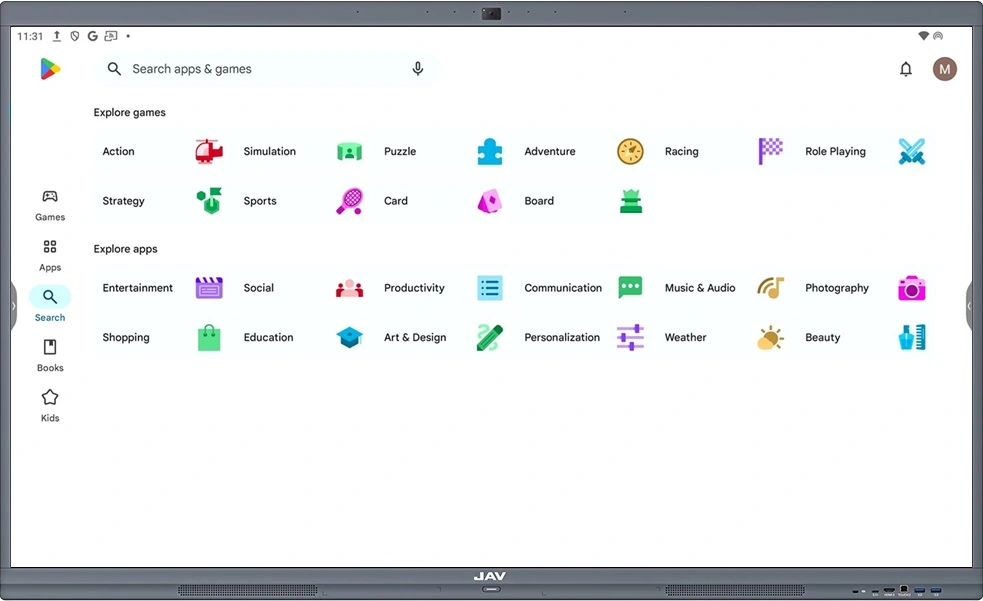
3. From the results, choose the app you need, such as Microsoft Word, PowerPoint, or Excel.
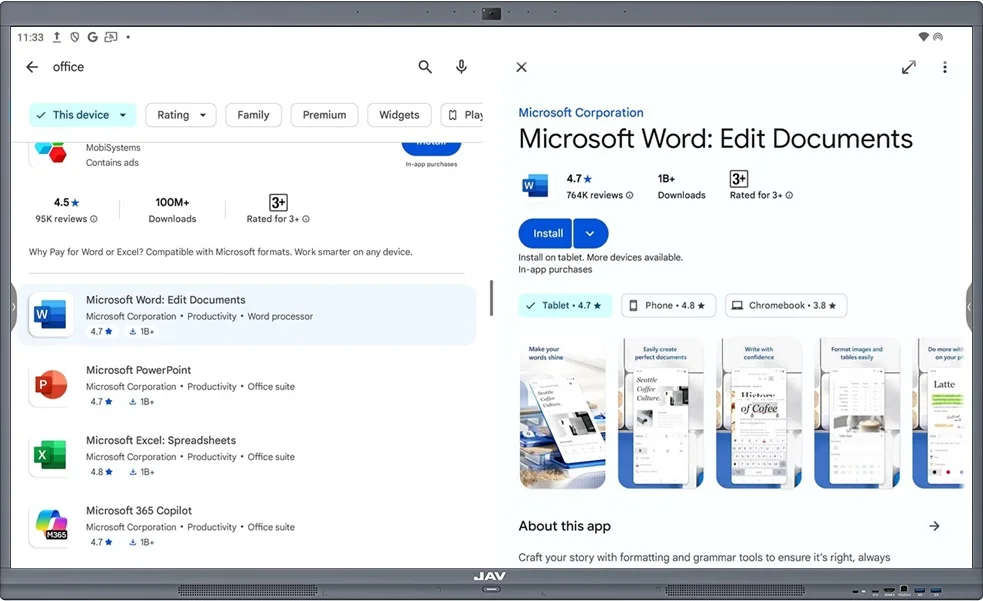
4. Tap Install to download and install the app on your smart board.
Once installed, the app will appear in your Home screen as well as your App Drawer, ready to use for your lessons, presentations, or meetings.