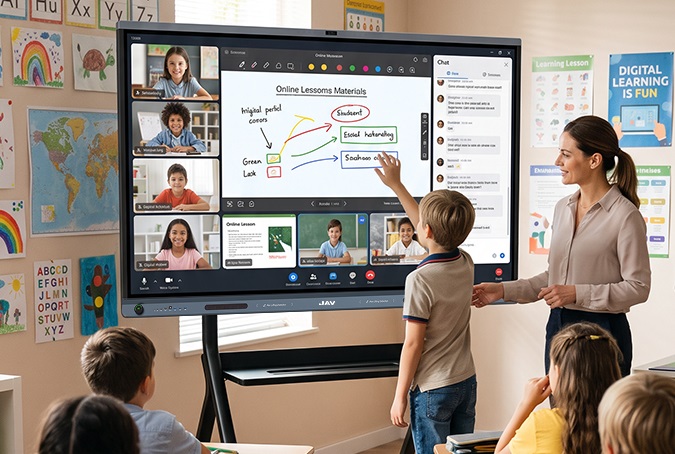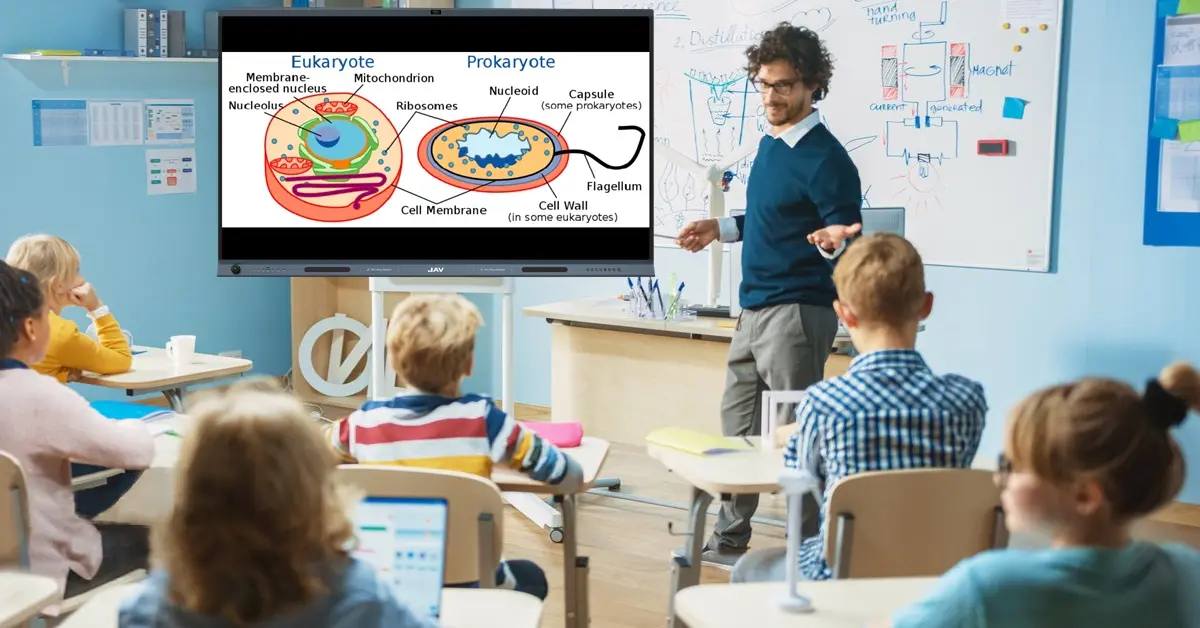
Teaching math in primary school presents unique challenges. Abstract concepts such as fractions, geometry, and word problems are often difficult for young learners to visualize. Traditional classroom setup methods—static whiteboards, printed worksheets, and one-way instruction—can limit student engagement and reduce interaction. As a result, participation drops, understanding becomes uneven, and teachers spend more time repeating explanations instead of deepening learning. This is where an interactive whiteboard becomes a powerful upgrade to the classroom setup, transforming math lessons into visual, hands-on, and highly interactive experiences.
What Is an Interactive Whiteboard?
An interactive whiteboard is a large touch-enabled display that allows teachers and students to write, draw, annotate, and interact directly with digital content in real time. In primary school math classrooms, interactive whiteboards are commonly used to make abstract concepts more visual, encourage student participation, and support collaborative problem-solving.
Solutions such as the JAV Board 10 interactive whiteboard combine a smart display, built-in whiteboard software, and app-based teaching tools to help schools build a more effective and engaging classroom setup for modern math instruction.
Why JAV Board 10 Is Ideal for Primary School Math Classrooms
1. Interactive Whiteboard Software Designed for Math Learning
At the core of JAV Board 10 is a powerful built-in whiteboard application designed for real classroom use. Teachers can write freely using fingers or a stylus, just like a traditional board—but with far more flexibility.
For math classes, the whiteboard supports:
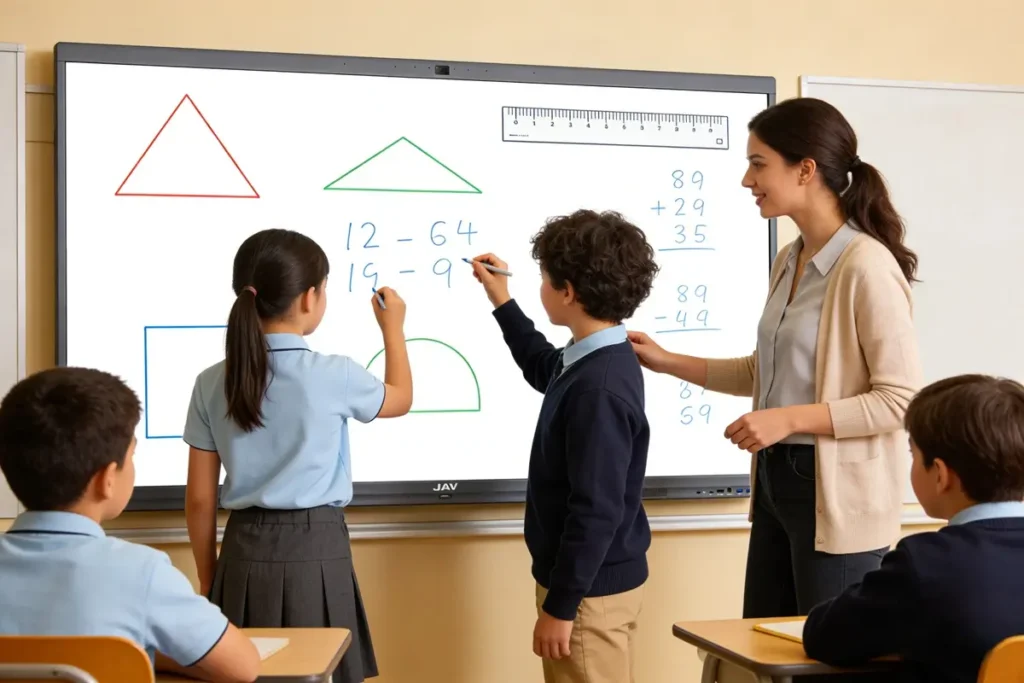
- Multiple students writing simultaneously (multi-touch), ideal for group problem-solving
- AI handwriting recognition, converting handwritten English text into clean digital fonts
- Adjustable pen colors and stroke thickness, making it easy to highlight steps, mistakes, or key formulas
This setup encourages active participation and helps teachers instantly assess student understanding.
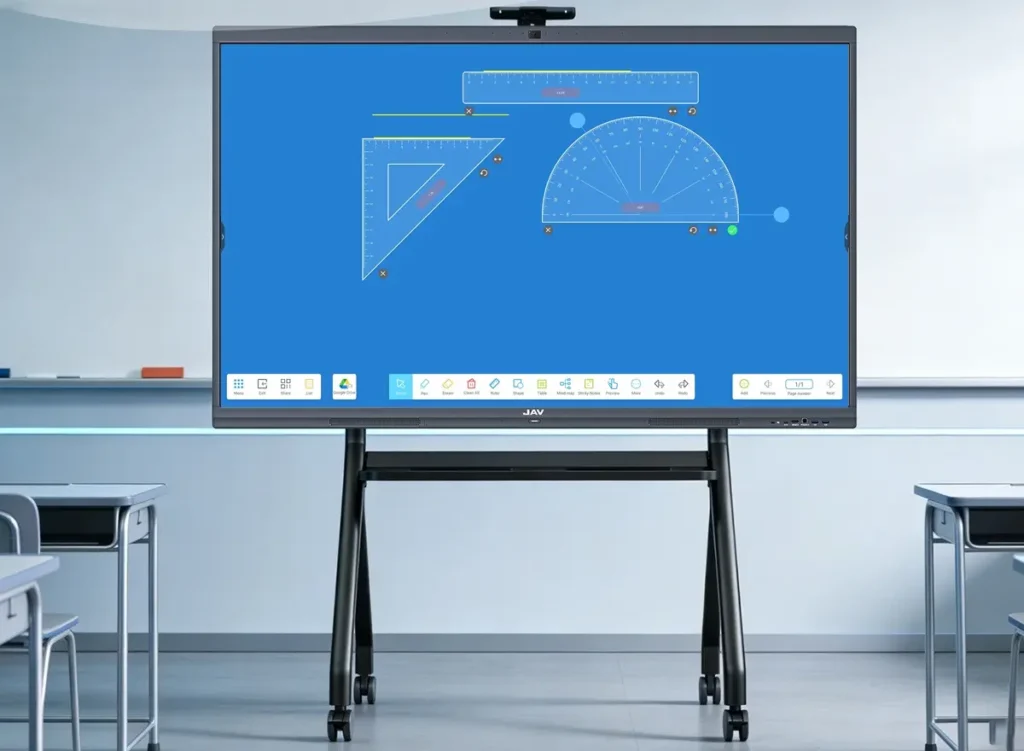
2. Built-In Math Tools: Rulers, Protractors, and Geometry Made Easy
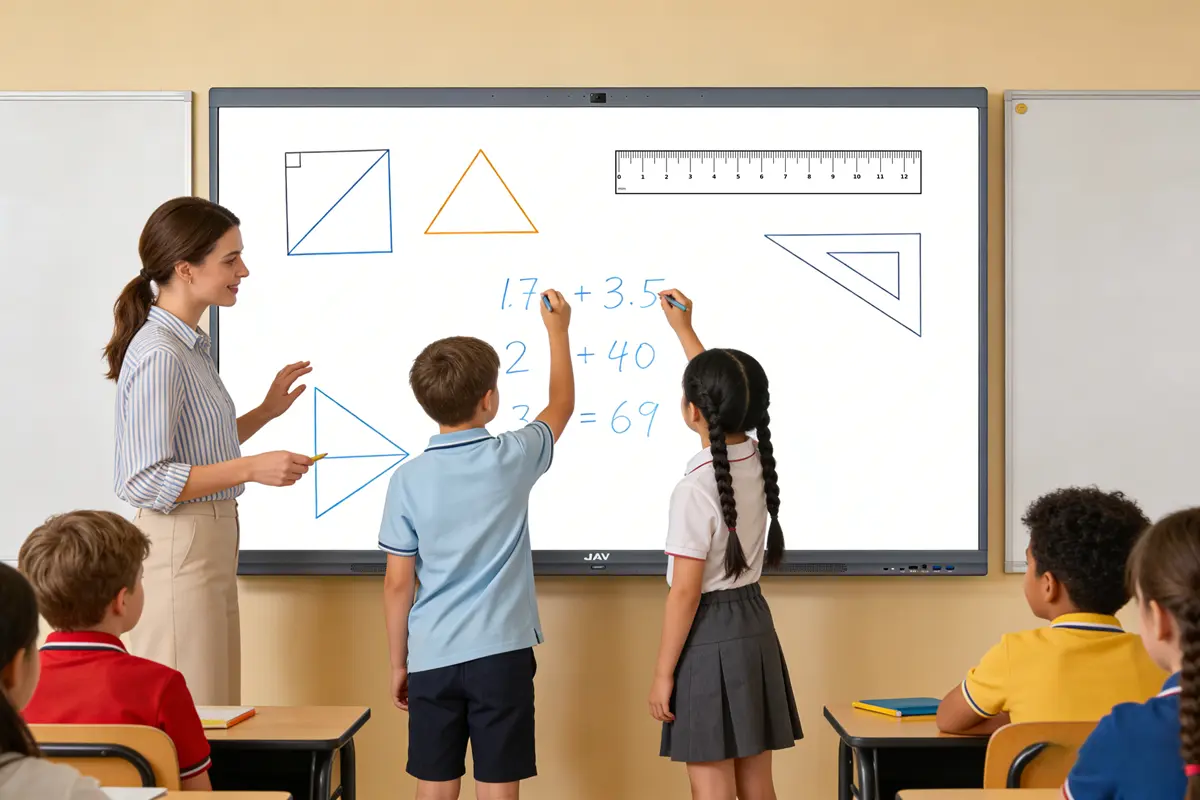
Geometry is one of the most challenging areas for primary students. JAV Board 10’s whiteboard software includes built-in math teaching tools, such as:
- Rulers and triangles
- Protractors for measuring angles
- Compasses for drawing circles
- Ready-made 2D and 3D shapes
Instead of imagining shapes, students can see and manipulate them in real time, making abstract concepts concrete and easier to understand.
3. Annotate Lessons Instantly and Save for Review
When teaching math using slides or worksheets, annotation is essential. JAV Board 10 allows teachers to open math lessons using:
- Microsoft PowerPoint (Android version)
- Google Slides
- Google Docs or Sheets
Thanks to Android 14 with Google EDLA certification, these apps can be installed directly from Google Play. Teachers can annotate over any content instantly, save the notes locally, upload them to cloud storage (Google Drive, Dropbox), or share them via QR code for students to review after class.
4. Timers and Games That Boost Classroom Engagement
Primary students learn best through play. JAV Board 10 includes a timer plugin that teachers can use to create math games—such as timed problem-solving challenges between students or teams. This simple feature dramatically increases attention, motivation, and classroom energy without adding extra preparation time.
5. Unlimited Canvas and Zoom for Step-by-Step Math Explanations
Unlike a traditional board with limited space, the digital whiteboard on JAV Board 10 offers an infinite canvas. Teachers can:
- Write continuously without erasing previous work
- Zoom in to focus on detailed steps
- Zoom out to review earlier problems instantly
This is especially useful for multi-step math problems where context matters.
6. Spotlight Feature to Emphasize Key Math Concepts
The Spotlight tool allows teachers to darken the screen except for a selected area. During math lessons, this helps students focus on:
- A specific step in a calculation
- A key number or formula
- Common mistakes to avoid
It reduces visual distraction and improves comprehension for younger learners.
7. Record Lessons for Homework Review and Absent Students
With built-in screen recording and screenshot tools, teachers can record the entire math lesson—including voice, annotations, and student interactions. Recordings can be saved to USB drives or uploaded to cloud platforms, allowing students to revisit lessons at home or catch up if they miss class.
Building a Smart Classroom with the Right Equipment
As part of modern smart classroom setup, the JAV Board 10 interactive whiteboard replaces multiple traditional tools—whiteboard, projector, document camera, and media player—into one integrated solution. It supports online research through Google Chrome, video learning via YouTube, and flexible multimedia playback for any math-related content.
Final Thoughts
For primary school math education, the right classroom setup makes a measurable difference. By combining visual learning, hands-on interaction, and digital flexibility, the JAV Board 10 interactive whiteboard creates an engaging, effective, and future-ready math classroom—one where students don’t just watch math happen, but actively participate in it.
Frequently Asked Questions (FAQ)
1. Why is an interactive whiteboard effective for primary school math classes?
An interactive whiteboard makes math more visual and hands-on, helping young students better understand abstract concepts like geometry, fractions, and problem-solving through direct interaction.
2. How does an interactive whiteboard improve classroom setup?
By combining a digital whiteboard, presentation display, and teaching tools into one screen, an interactive whiteboard simplifies classroom setup and reduces the need for multiple devices.
3. Can multiple students use an interactive whiteboard at the same time?
Yes. Most interactive whiteboards support multi-touch, allowing several students to write, draw, or solve math problems simultaneously, which encourages collaboration and participation.
4. Is an interactive whiteboard suitable for young learners?
Yes. Interactive whiteboards are well suited for primary school students because they support touch-based interaction, visual learning, and simple gestures that feel intuitive and engaging.
5. What math topics benefit most from an interactive whiteboard?
Topics such as geometry, measurements, word problems, and multi-step calculations benefit greatly, as teachers can use visual tools, annotations, and real-time demonstrations.
6. Can teachers save or share math lesson content after class?
Yes. Teachers can save whiteboard notes, annotations, screenshots, or recorded lessons and share them digitally, helping students review math concepts after class.
7. Does an interactive whiteboard support smart classroom equipment integration?
Interactive whiteboards are a core part of smart classroom equipment and can work alongside document cameras, tablets, cloud storage, and educational software to create a connected learning environment.
8. Is special training required to use an interactive whiteboard?
Basic functions such as writing, annotating, and opening lesson materials are intuitive. Most teachers can start using an interactive whiteboard effectively with minimal training.
Check out the JAV Interactive Whiteboard classroom setup right now.