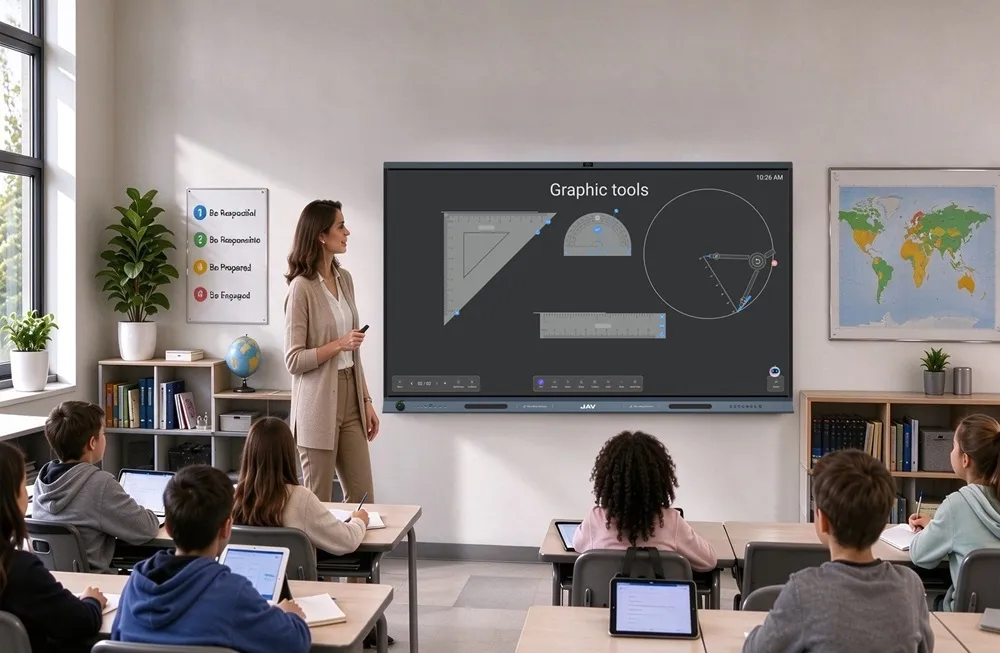
أن interactive whiteboard for education is becoming an essential part of modern classrooms. As schools move toward digital teaching, hybrid learning, and more visual lesson delivery, traditional whiteboards are no longer enough to support today’s teaching needs.
Instead of simply writing on a board, teachers now need to display multimedia content, annotate lessons in real time, involve students directly, and share materials across different devices. This is where interactive whiteboards bring clear value. They combine digital writing, touch control, wireless sharing, classroom collaboration, and multimedia teaching into one connected teaching tool.
For schools looking to upgrade their classroom technology, understanding how an interactive whiteboard works can help them choose the right device for long-term teaching efficiency.
What Is an Interactive Whiteboard for Education?
An interactive whiteboard for education is a digital display that allows teachers and students to interact directly with lesson content using fingers, styluses, or connected devices. It can be used for writing, drawing, presenting, annotating, playing videos, displaying documents, and sharing classroom materials.
Compared with a traditional whiteboard, an interactive classroom display does more than show written information. It creates a digital teaching space where lessons can become more visual, flexible, and collaborative.
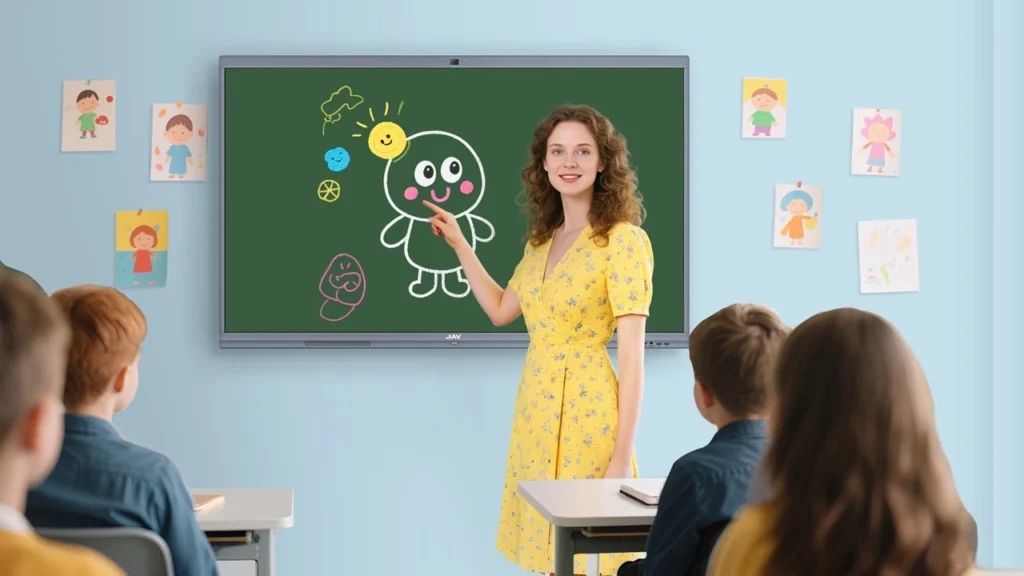
Teachers can use it to explain difficult concepts, highlight key points, save whiteboard notes, and share materials with students after class. Students can also participate by writing answers, moving objects, solving problems, or presenting group work directly on the screen.
Interactive Whiteboard vs Traditional Whiteboard
Traditional whiteboards are simple and familiar, but they have clear limitations in modern classrooms. They only support static writing, and everything written on the board disappears once erased. They also cannot support videos, digital documents, remote learning, or real-time content sharing.
An interactive whiteboard changes this experience by connecting physical classroom teaching with digital learning resources.
| Feature | Traditional Whiteboard | Interactive Whiteboard |
|---|---|---|
| Writing | Marker-based writing | Finger or stylus writing |
| Content display | Static text only | Videos, images, slides, documents |
| Student interaction | Limited | Multi-user touch and collaboration |
| Lesson saving | Not available | Notes can be saved and shared |
| Remote learning | Not supported | Supports hybrid classroom teaching |
| Teaching flexibility | Basic | Visual, digital, and interactive |
This difference makes interactive whiteboards especially useful for schools that want to improve classroom engagement, digital learning, and teaching efficiency.
How Does an Interactive Whiteboard Work in the Classroom?
An interactive whiteboard works by combining a large touch display, digital whiteboard software, wireless connectivity, and classroom teaching apps. These parts work together to help teachers control, present, and interact with digital content during lessons.
In a typical classroom, the teacher can open a presentation, write directly on the screen, annotate over images or videos, and invite students to participate. Lesson content can also be saved, shared, or accessed later.
1. Touchscreen Interaction
Touch control is one of the most important features of an interactive whiteboard. Teachers can use their fingers or a stylus to write, draw, erase, zoom in, move objects, and highlight important information.
For example, in a math class, a teacher can write equations step by step and circle key formulas. In a geography lesson, students can drag labels onto a digital map. In a science class, the teacher can play an experiment video and annotate directly on the screen.
This hands-on interaction helps turn passive learning into active participation.
2. Digital Whiteboard Software
Interactive whiteboard software allows teachers to create a flexible teaching space. Instead of being limited to one physical board, teachers can use an infinite canvas, insert images, add shapes, write notes, and organize lesson content more clearly.
Some digital whiteboard tools also support handwriting recognition, shape recognition, and file exporting. This makes it easier for teachers to prepare lessons, explain concepts, and share class notes after the lesson.
3. Wireless Screen Sharing
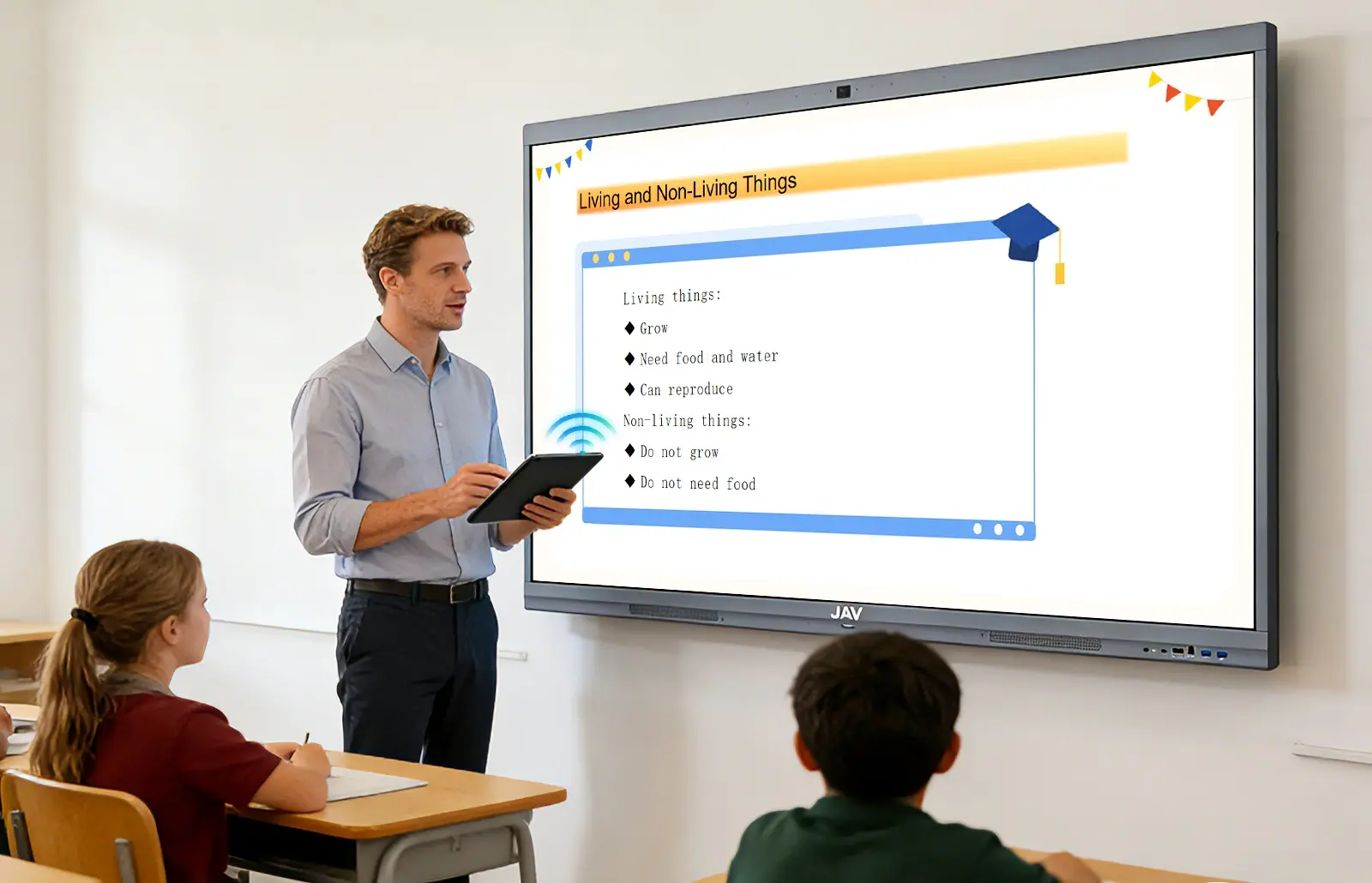
Wireless screen sharing allows teachers and students to display content from laptops, tablets, or smartphones on the interactive whiteboard. This is useful for presentations, group discussions, student projects, and multimedia teaching.
For example, a teacher can quickly share slides from a laptop, while students can present their group work from a tablet. This reduces setup time and makes classroom collaboration smoother.
4. Cloud and Hybrid Learning Integration
Modern interactive whiteboards can work with cloud platforms, video conferencing tools, and learning management systems. This allows teachers to use digital lesson materials, save classroom notes, and support students who join remotely.
In hybrid classrooms, students in the room and students online can follow the same lesson content. Teachers can write, annotate, and explain ideas on the interactive display while remote students watch in real time.
Key Benefits of Interactive Whiteboards in Education
Better Student Engagement
Interactive whiteboards make lessons more visual and participatory. Instead of only listening, students can interact with content, answer questions on the screen, and take part in classroom activities.
This is especially helpful for younger students and visual learners who understand information better through images, diagrams, animations, and hands-on activities.
Stronger Visual Learning
Many subjects become easier to understand when teachers can show visual examples.
In science classes, teachers can showcase diagrams and experiment videos to make concepts more tangible. For math, formulas can be deconstructed step by step, helping students grasp each stage. When teaching languages, instructors often combine images, audio, and interactive exercises to engage learners.
This helps students connect abstract ideas with clear visual explanations.
More Efficient Teaching
An interactive whiteboard can reduce the time teachers spend switching between devices, writing repeatedly, or preparing printed materials. Teachers can open files, annotate content, save notes, and share lesson materials from one display.
This makes classroom teaching more organized and efficient.
Improved Collaboration
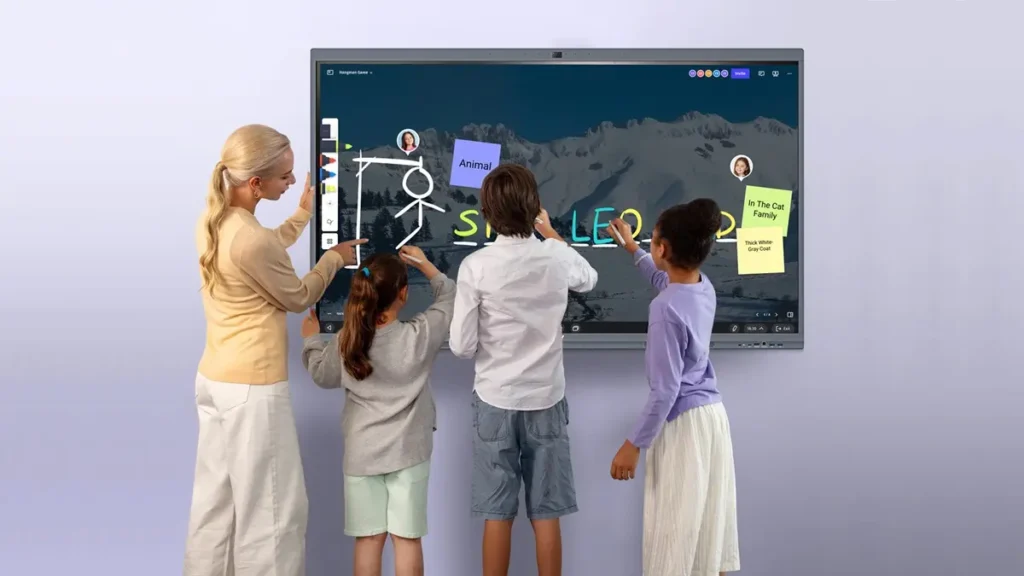
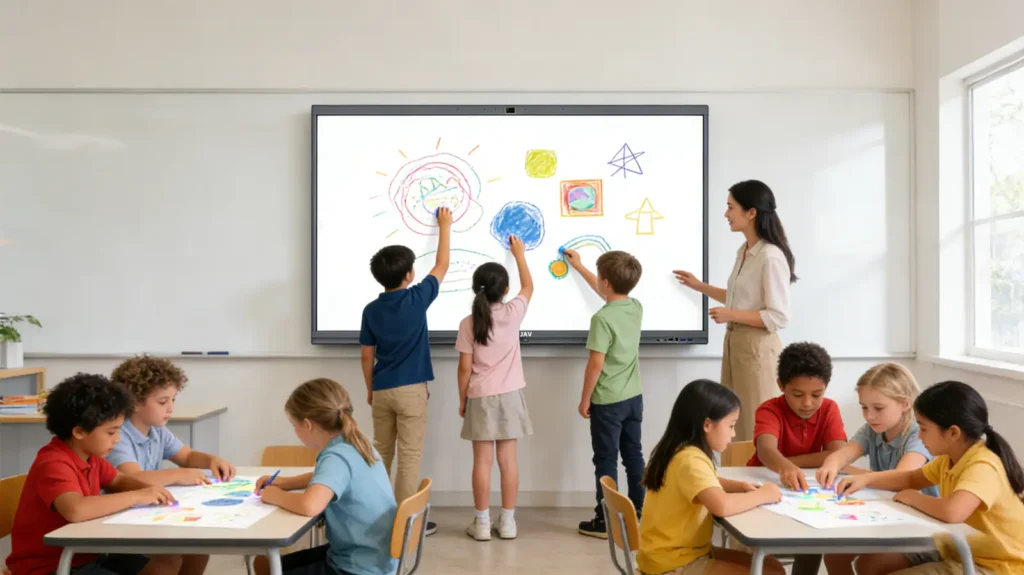
Many interactive whiteboards support multi-touch interaction, allowing more than one student to write or interact with the screen at the same time. This is useful for group problem-solving, brainstorming, classroom games, and project-based learning.
Students can work together more naturally, while teachers can guide the discussion visually.
Better Support for Hybrid Classrooms
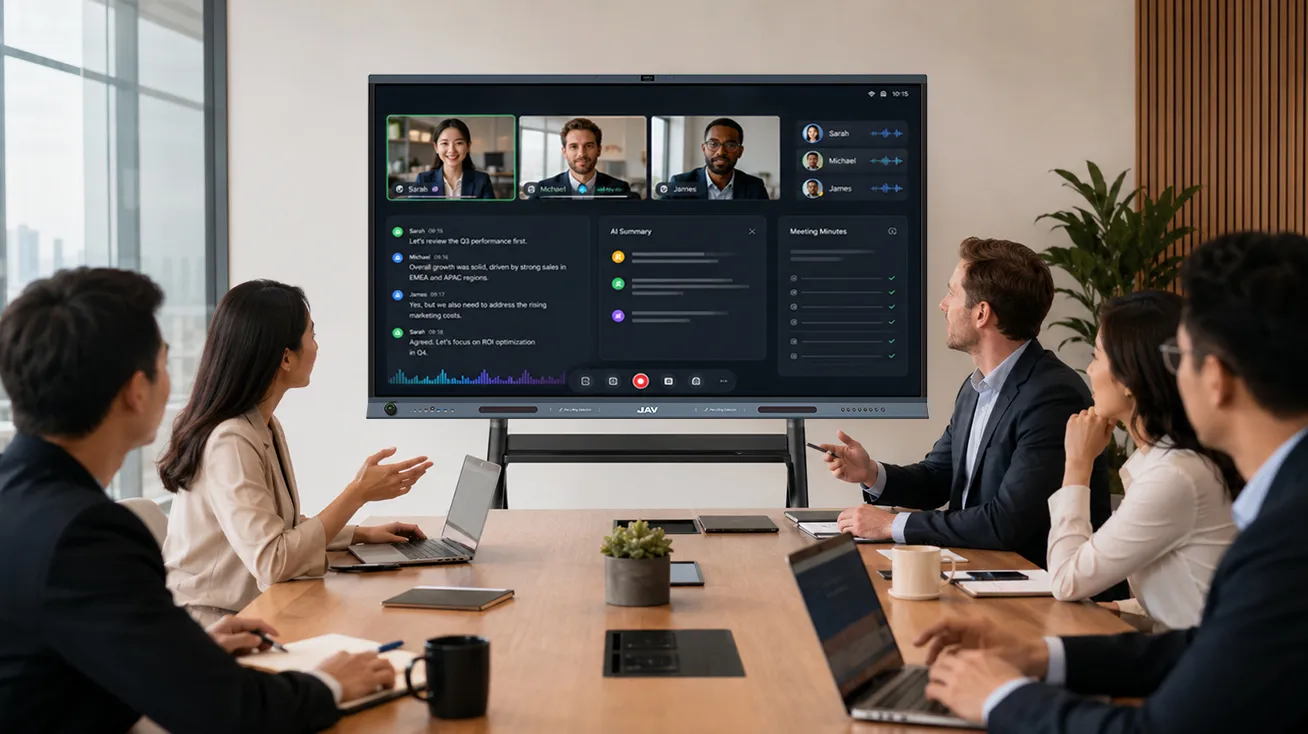
Interactive whiteboards help schools adapt to hybrid learning. Teachers can connect with remote students, share digital content, and keep lessons consistent across online and offline environments.
This flexibility is valuable for schools that need scalable digital teaching tools.
Common Classroom Use Cases
An interactive whiteboard for education supports a wide range of teaching and learning activities, helping teachers deliver more engaging lessons while encouraging active student participation.
K-12 Classrooms
Teachers can transform traditional lessons into interactive learning experiences by incorporating images, videos, educational games, and touch-enabled activities that keep students engaged throughout the class.
Science Lessons
Complex concepts become easier to understand when teachers use diagrams, experiment videos, and real-time annotations to illustrate scientific processes and highlight key observations.
Mathematics Instruction
From solving equations step by step to demonstrating problem-solving strategies, an interactive whiteboard allows teachers to explain concepts clearly while giving students opportunities to work through problems directly on the screen.
Language Learning
Reading passages, audio recordings, grammar exercises, and vocabulary activities can all be integrated into a single lesson, creating a more immersive and interactive language-learning environment.
Collaborative Group Work
Students can brainstorm ideas, build mind maps, organize project materials, and present their findings directly from the board, encouraging teamwork and critical thinking.
Hybrid and Remote Learning
By combining screen sharing, video conferencing, and digital whiteboard tools, teachers can connect remote learners with classroom activities and create a more seamless learning experience for everyone.
How to Choose the Right Interactive Whiteboard for Education
When choosing an interactive whiteboard, schools should consider more than screen size or price. The right device should support daily teaching, long-term use, and different classroom scenarios.
Screen Size
The screen size should match the classroom size. Smaller classrooms may use a 55-inch or 65-inch display, while larger classrooms may need 75-inch or 86-inch screens for better visibility.
Touch Accuracy and Writing Experience
A good interactive whiteboard should provide smooth writing, accurate touch response, and low latency. Teachers should be able to write naturally without delays or broken lines.
Software Compatibility
Schools should check whether the device supports commonly used teaching tools, cloud platforms, and classroom apps. Compatibility with Google tools, Microsoft apps, video conferencing platforms, and learning management systems can make teaching more flexible.
Wireless Sharing
Wireless screen sharing is important for modern classrooms. It allows teachers and students to connect devices quickly without relying on cables.
Display Quality
A 4K display with anti-glare glass can improve visibility in bright classrooms. Clear image quality is important for reading text, viewing diagrams, and displaying multimedia content.
Hybrid Learning Support
For schools that use online or hybrid teaching, features such as camera support, microphone compatibility, video conferencing apps, and cloud whiteboard tools are important.
Long-Term Value
Schools should also consider installation, durability, after-sales support, software updates, and total cost of ownership. A lower upfront price may not always mean better long-term value.
How JAV Board 10 Supports Modern Classrooms
For schools looking for a practical interactive whiteboard for education, لوحة JAV 10 is designed to support modern teaching needs in one connected classroom device.
It combines a 4K interactive display, responsive touch writing, digital whiteboarding, wireless screen sharing, and Android-based system integration. Teachers can use it to present lessons, annotate materials, display multimedia content, and encourage students to interact directly with the screen.
The JAV Board 10 interactive whiteboard can also support different classroom formats, from traditional in-person teaching to hybrid learning environments. With wireless connectivity and flexible teaching software, it helps teachers reduce setup time and create a more engaging learning experience.
Rather than simply replacing a traditional board, JAV Board 10 helps schools build a more interactive, visual, and connected classroom environment.
FAQ About Interactive Whiteboards for Education
What is the difference between an interactive whiteboard and a smart board?
A smart board is often used as a general term for an interactive display used in classrooms or meeting rooms. An interactive whiteboard focuses on touch interaction, digital writing, annotation, and classroom collaboration.
Can interactive whiteboards be used for remote learning?
Yes. Many modern interactive whiteboards can support video conferencing, cloud-based content sharing, and hybrid learning. This allows teachers to deliver lessons to both in-person and remote students.
What size interactive whiteboard is best for classrooms?
It depends on the classroom size. A 55-inch or 65-inch screen may be suitable for small classrooms, while 75-inch and 86-inch displays are better for larger classrooms where students need clear visibility from the back of the room.
Are interactive whiteboards suitable for primary schools?
Yes. Interactive whiteboards are especially useful in primary schools because they make lessons more visual, engaging, and hands-on. Teachers can use images, videos, games, and interactive exercises to keep young students involved.
What should schools consider before buying an interactive whiteboard?
Schools should consider screen size, touch accuracy, software compatibility, wireless sharing, display quality, hybrid learning support, installation, and after-sales service.
خاتمة
An interactive whiteboard for education is no longer just a digital replacement for a traditional board. It has become an important classroom technology that supports visual teaching, student engagement, collaboration, and hybrid learning.
By combining touch interaction, multimedia content, digital whiteboarding, and wireless sharing, interactive whiteboards help teachers create more effective and connected learning experiences.
With classroom-ready devices like JAV Board 10, schools can upgrade their teaching spaces and build a more engaging, flexible, and future-ready learning environment.