Compared to traditional projecting devices——projector+screen/electronic whiteboard, our JAV Board 10 provides a more interactive and collaborative meeting by a complete upgrade of function.

1st  Generation
Projector+Projecting Screen

  • Function
    -Document Presentation

2nd Generation
Projector+Electronic whiteboard

  • Function
    -Document Presentation
    -Whiteboard Presentation
    -Annotation

3rd Generation
Interactive Display(JAV Board)

  • Function
    -Document Presentation
    -Whiteboard Presentation
    -Annotation
    -Video Conferencing
    -Wireless screen Sharing
    -Local Storage
    -…like iPad

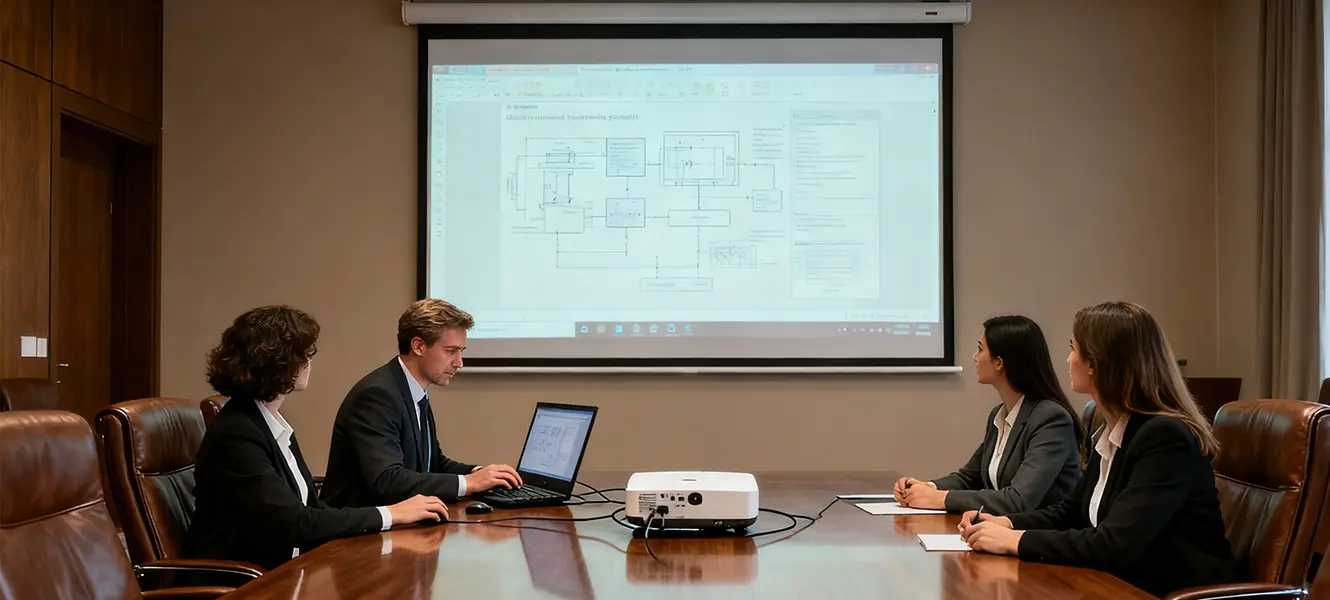
Traditional Projecting Devices

The electronic whiteboard need to be connected to a PC first, then we can write. Writings can only be saved through PC.

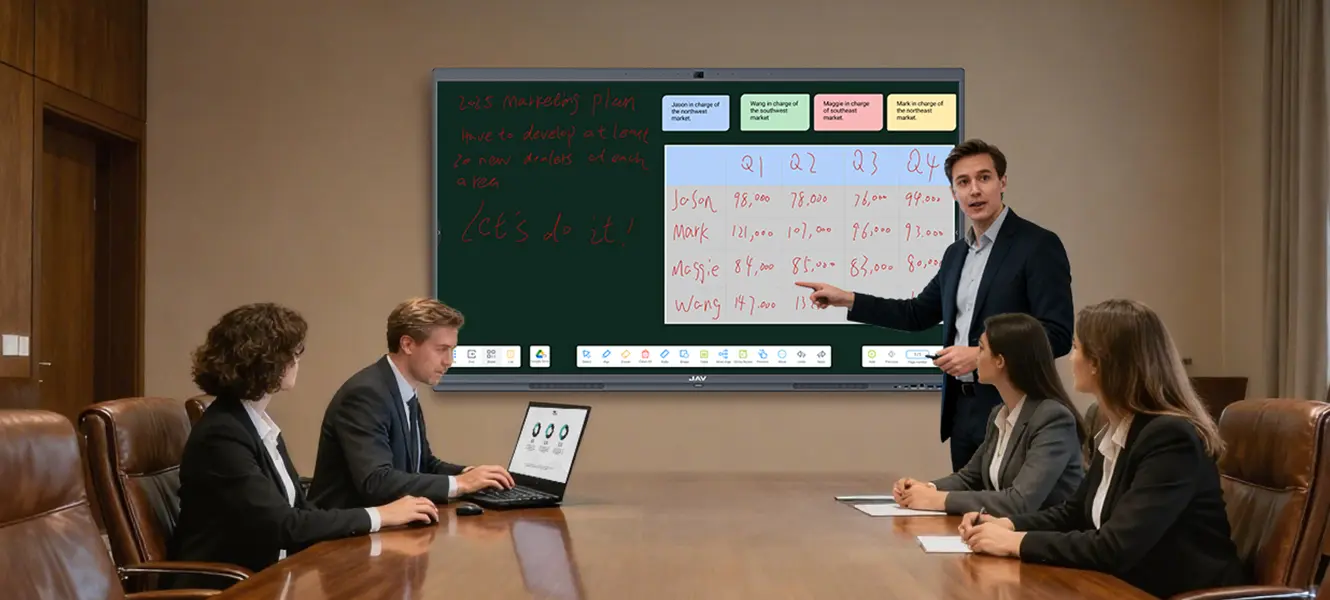
whiteboard app on jav smart boards

مجلس جاف

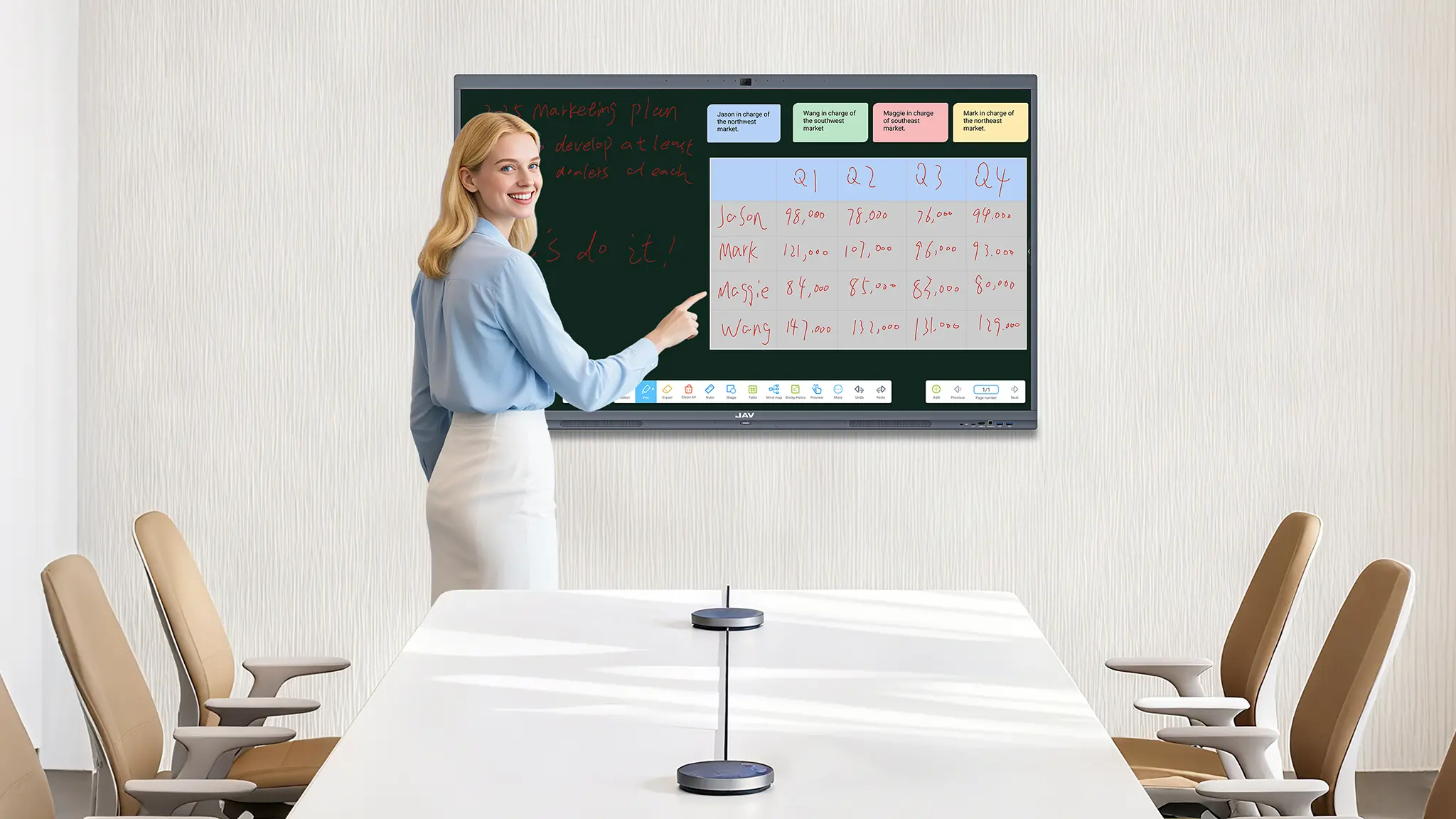
Open the “note” software, and start to write. Writings can be saved locally by one click.
Traditional Projecting Devices

Document presentation can only be initiated from an external PC, which doesn’t allow multiple presenters to work on the presentation at the same time.
jav smart board multiple devices

مجلس جاف

Document presentation can be initiated locally, which allows multiple presenters to work on the presentation at the same time.
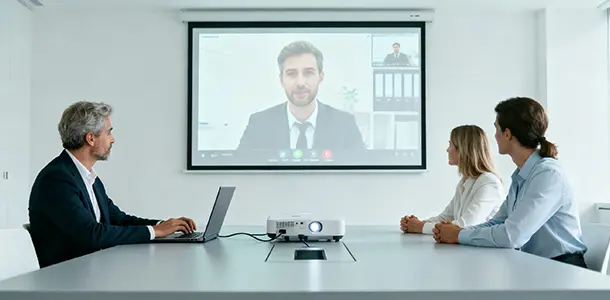
Traditional Projecting Devices

The video conferencing can only be initiated from an external PC, which only allows one presenter to show on screen and make presentation at one time.
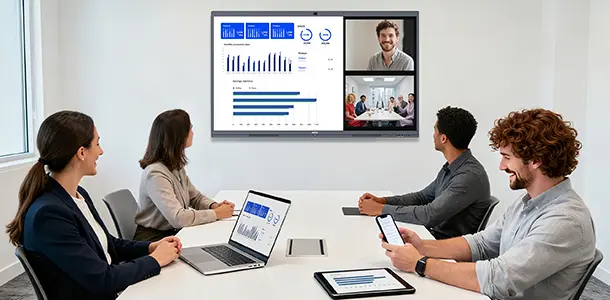
مؤتمرات الفيديو مع لوحات جاف الذكية

مجلس جاف

The video conferencing can be initiated locally, which allows all presenters to show on screen and work on the presentation together at the same time.
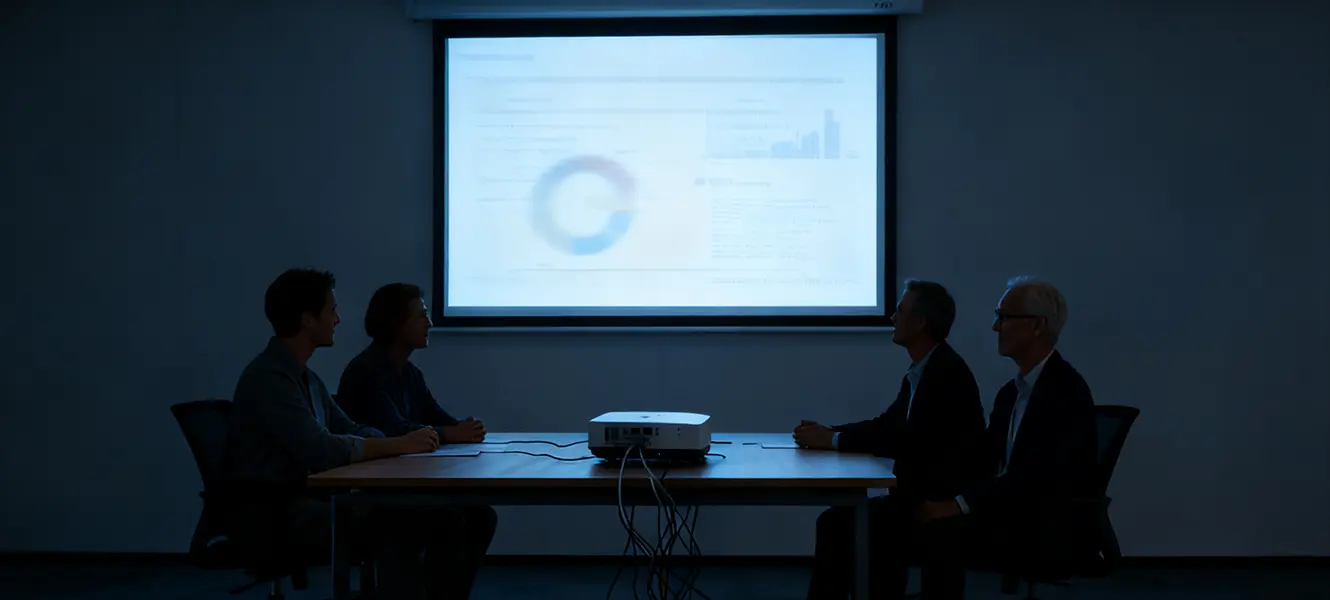
projector used with no light

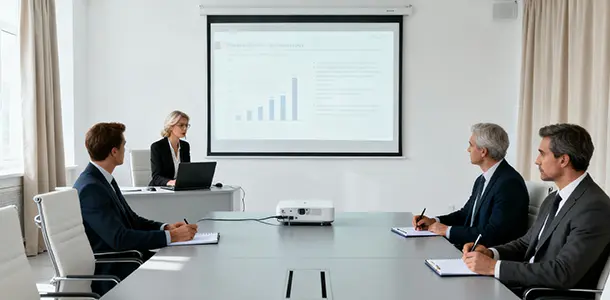
Traditional Projecting Devices

The projecting progress happens outside, and it can be easily affected by ambient lights. That’s why we have to conduct a meeting in a dark environment.
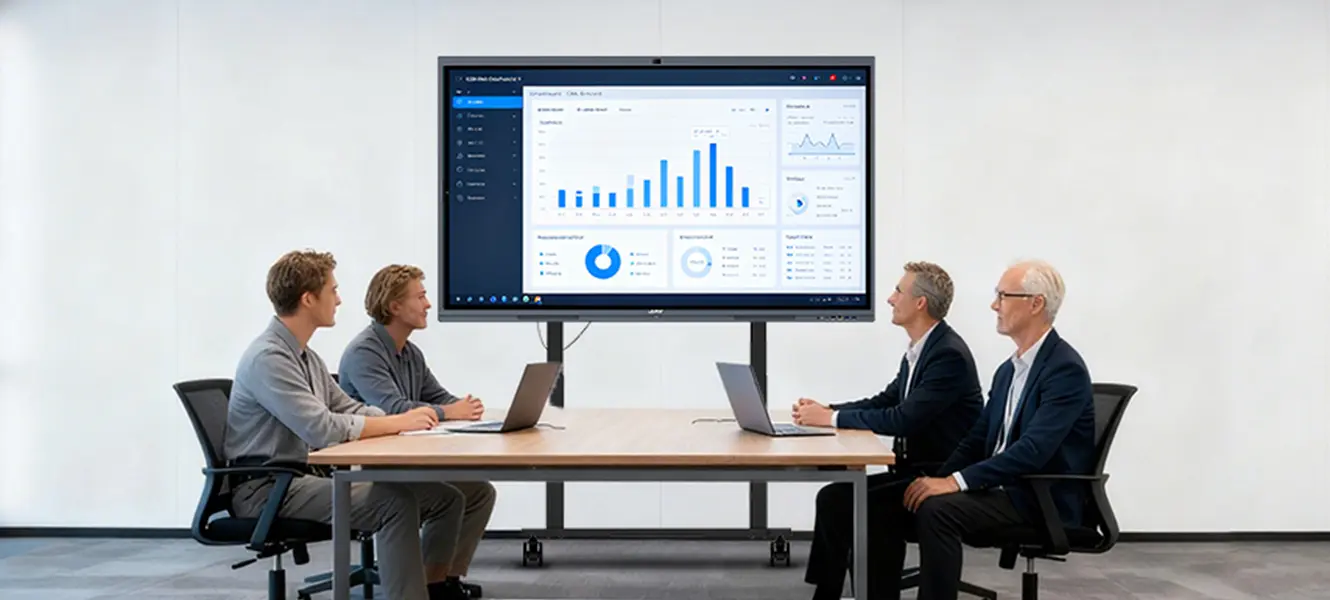
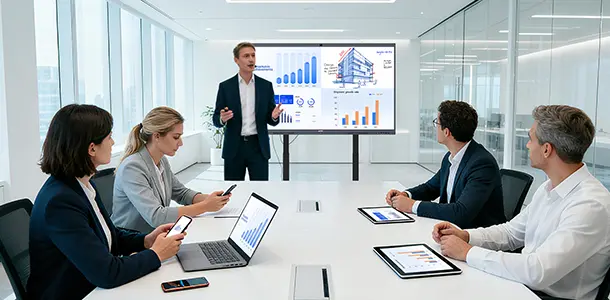
jav smart board meeting room with good lighting

مجلس جاف

The projecting progress happens inside the machine, and won’t be affected by ambient lights. So we can conduct a meeting freely in any environment.
JAV Board 10 is easy to buy, to install and to use.

Easy to buy

Traditional Projecting Devices

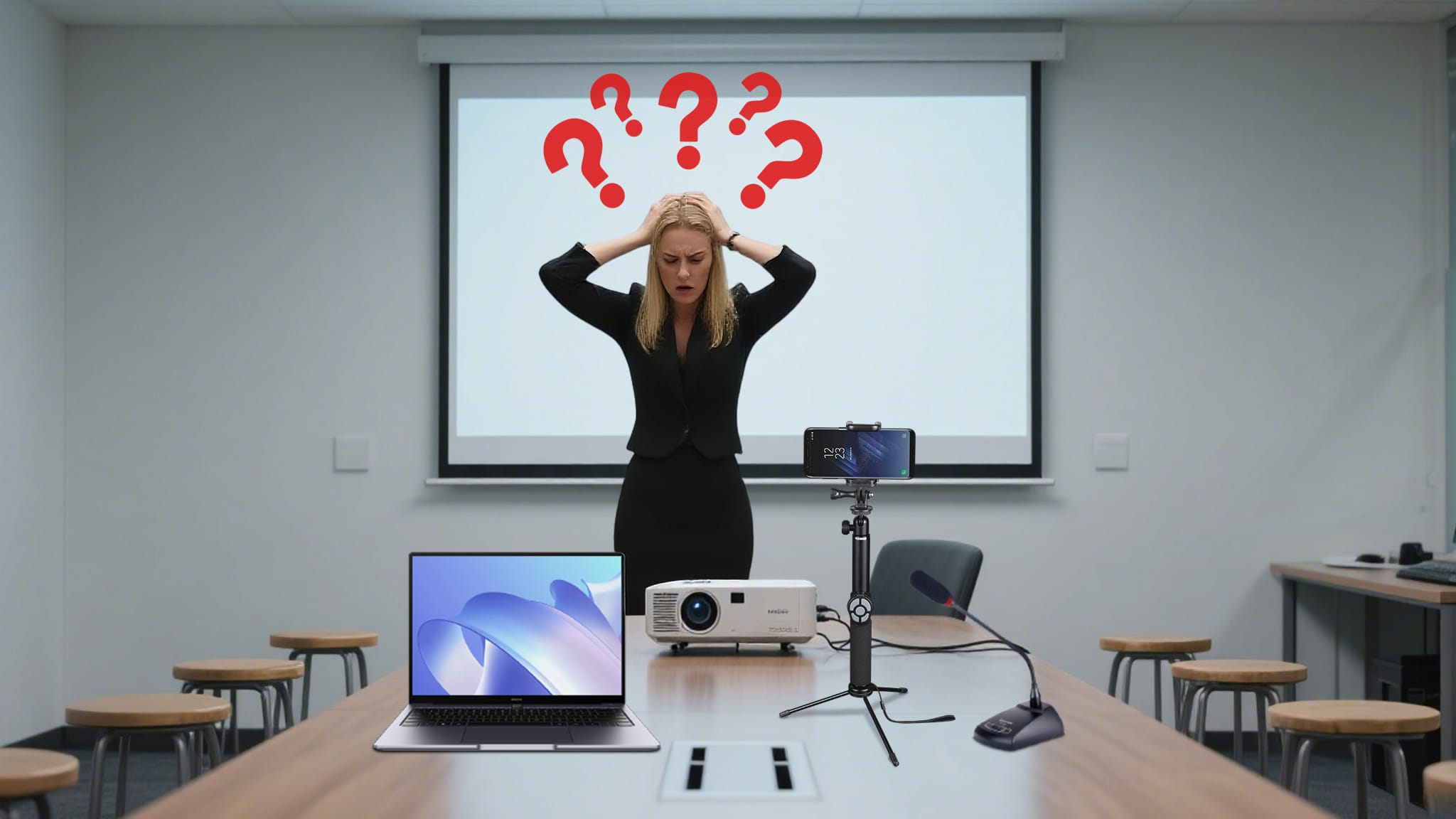
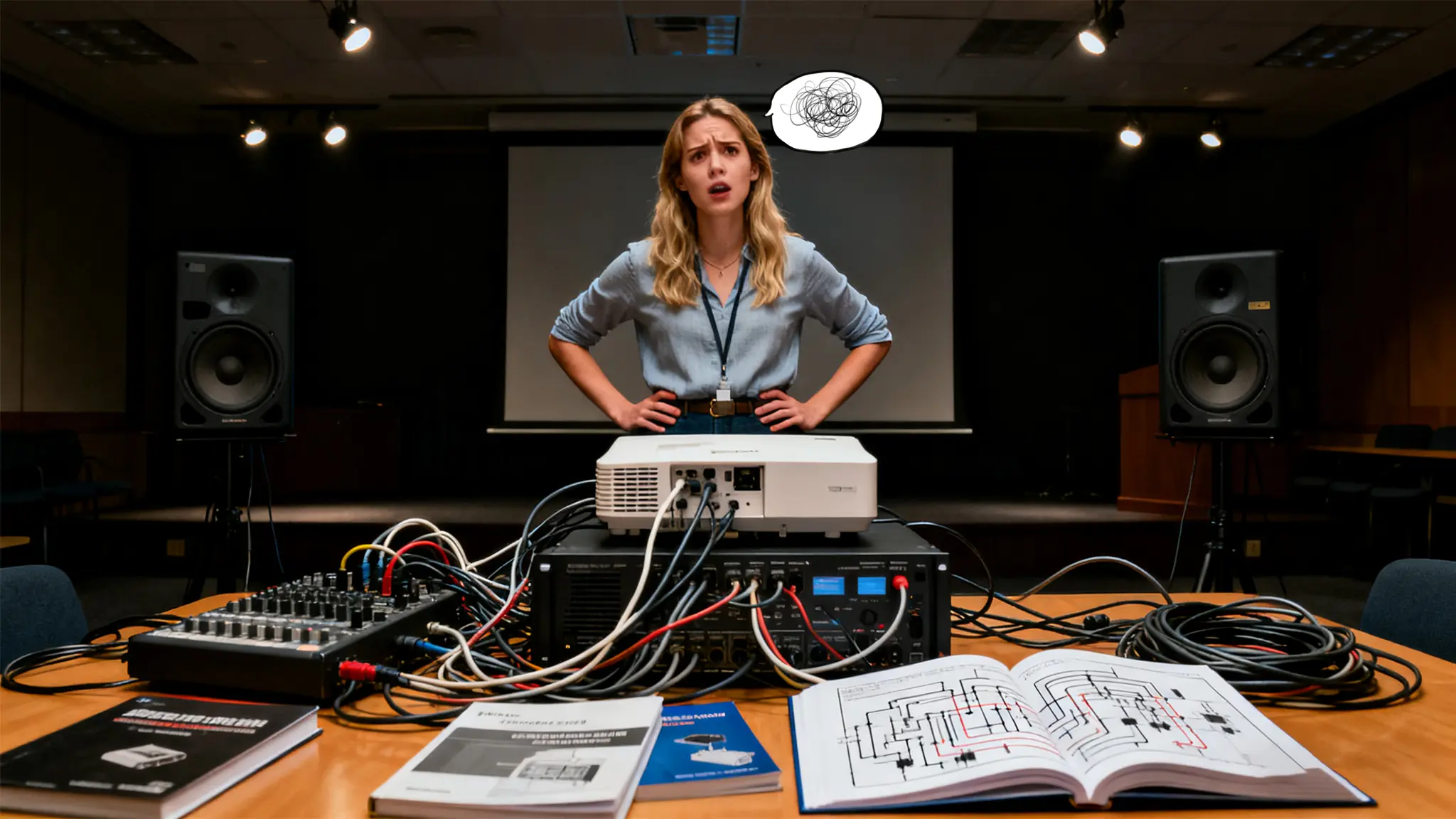
Need to buy projectors and screens/electronic whiteboards separately, or even other external devices like PC, cameras, speakers, and microphones. We have to make a choice out of tons of specifications and worry about matching problem between these devices.
مجلس جاف

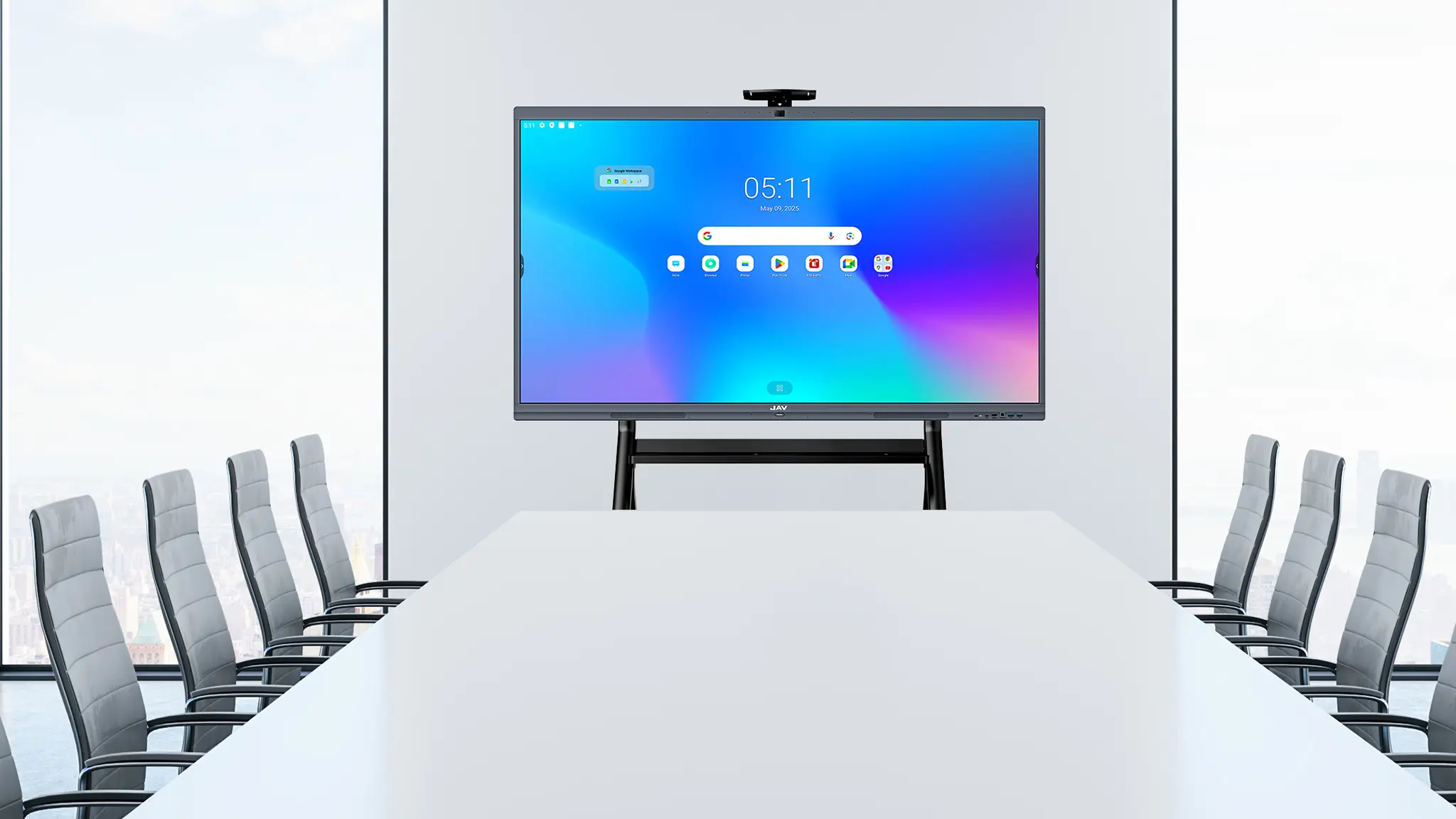
Our JAV Board is an integrated device, so there is no matching problem. Also, its specifications are just designed and tested for meeting, we don’t need to worry all the specifications. One-click buying to save your time.
Easy to install

projectors are hard to install

Traditional Projecting Devices

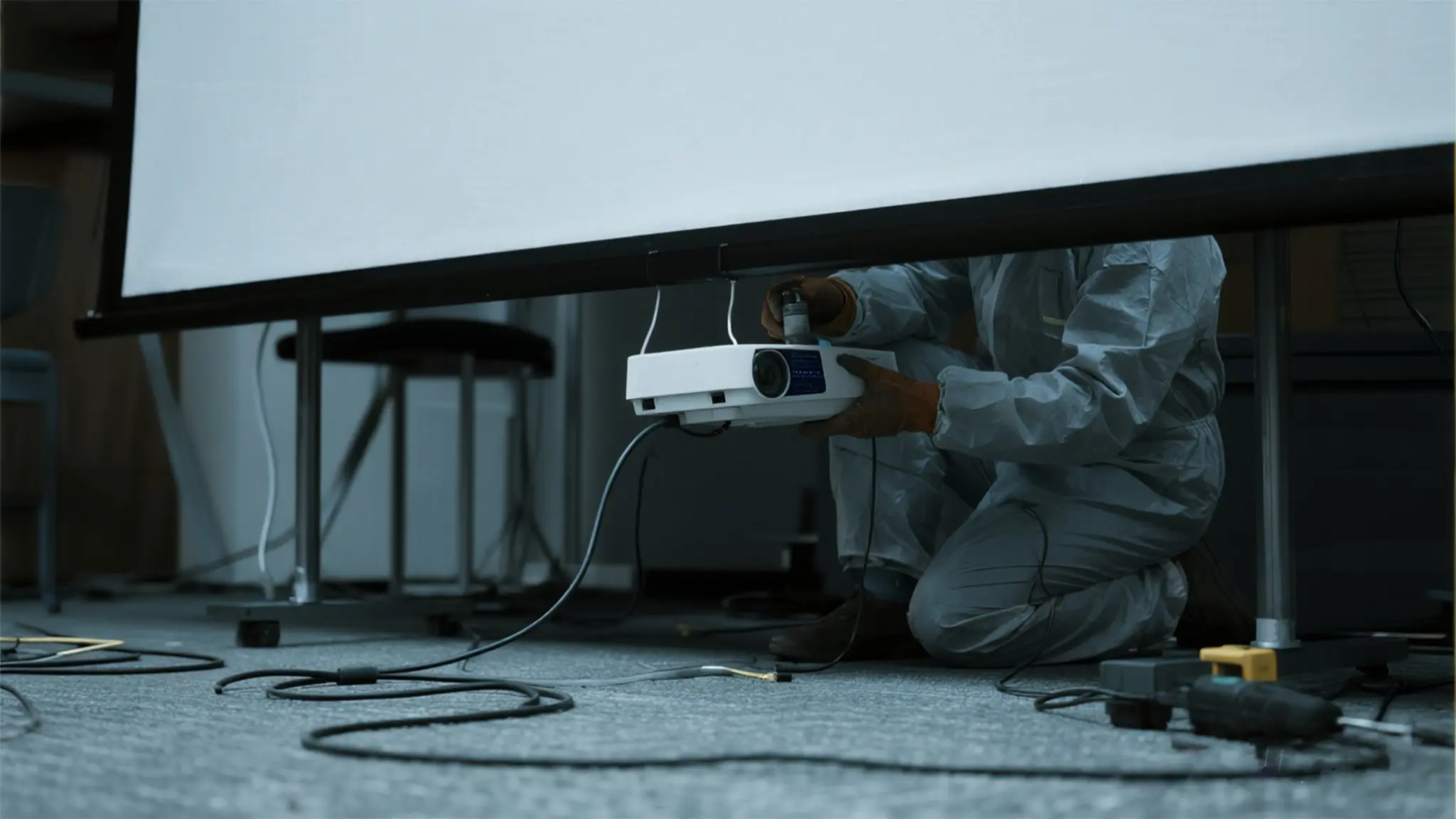
Need professional installers, many tools for drilling, mounting, testing, etc. Takes at least half a day and extra labor costs.
smart boards are easy to install

مجلس جاف

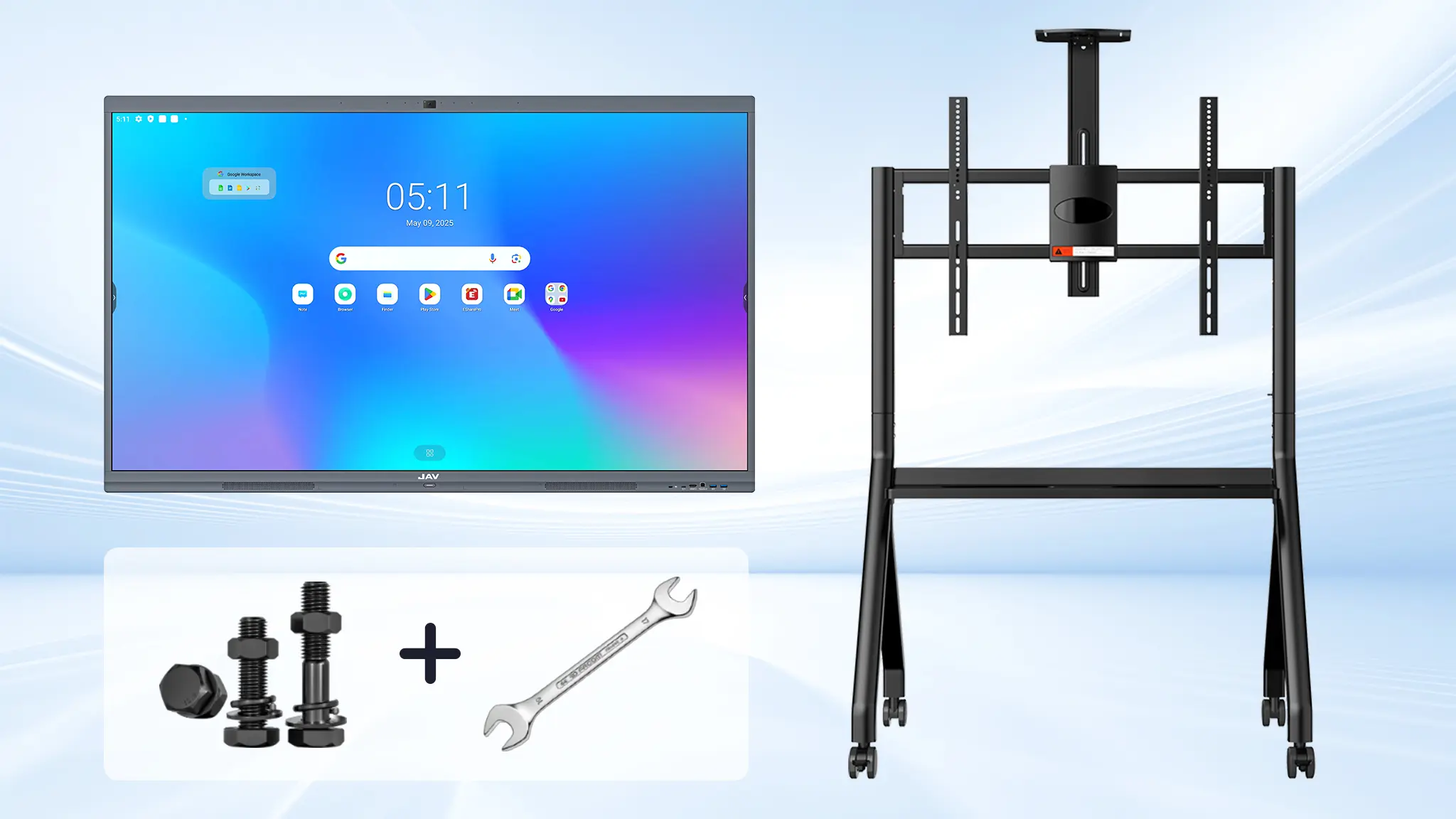
Install it by ourselves, saving installation time and cost. Especially with a movable stand, it can be moved to any place as we want.


جهاز عرض + شاشة عرض
جهاز عرض + سبورة إلكترونية (محمول)
لوحة JAV 10 (محمولة)
تثبيت


إعداد التثبيت

الموظفين المطلوبين
اثنين من المثبتين المحترفين
العملاء أنفسهم
الأدوات المطلوبة
ميزان الماء، المثقاب الكهربائي، الكماشة، مفك البراغي، المطرقة، السلم، إلخ.
مفتاح ربط، مفك براغي، عدد كبير من البراغي
مفك براغي، وعدد قليل من البراغي (متضمنة في الصندوق)
عملية التثبيت

  • 1. المسح والتسوية والحفر
  • 2. قم بتركيب حامل شاشة العرض على الحائط
  • 3. قم بتثبيت شاشة العرض
  • 4. قم بتثبيت كابل طاقة الشاشة ومفتاح الرفع
  • 5. قم بتثبيت عمود حامل جهاز العرض
  • 6. قم بتثبيت جهاز العرض
  • 7. الكابلات (توصيل جميع كابلات الطاقة، وكابلات الصوت والفيديو، وما إلى ذلك)
  • 8. معايرة جهاز العرض (أفقيًا، رأسيًا، أمامي/خلفي، دوران، انحراف أفقي)
  • 1. المسح والتسوية والحفر
  • 2. قم بتثبيت حامل الحائط لجهاز العرض
  • 3. قم بتثبيت حامل الحائط للسبورة الإلكترونية
  • 4. قم بتثبيت جهاز العرض
  • 5. كابلات جهاز العرض (توصيل كابلات الطاقة، وكابلات الصوت والفيديو، وما إلى ذلك)
  • 6. قم بتثبيت السبورة الإلكترونية
  • 7. الكابلات (توصيل جميع كابلات الطاقة، وكابلات الصوت والفيديو، وما إلى ذلك)
  • 8. معايرة جهاز العرض (أفقيًا، رأسيًا، أمامي/خلفي، دوران، انحراف أفقي)
  • 1. تجميع حامل السبورة الإلكترونية المتحرك
  • 2. قم بتثبيت السبورة الإلكترونية على الحامل
  • 3. تجميع حامل جهاز العرض
  • 4. قم بتجميع حامل جهاز العرض مع حامل السبورة البيضاء
  • 5. قم بتثبيت جهاز العرض على الحامل
  • 6. التوصيلات (توصيل جميع كابلات الطاقة، وكابلات الصوت والفيديو، وما إلى ذلك)
  • 7. معايرة جهاز العرض (أفقيًا، رأسيًا، أمامي/خلفي، دوران، انحراف أفقي)
  • 1. تجميع حامل الهاتف المحمول
  • 2. قم بتعليق لوحة JAV على الحامل
  • 3. قم بتشغيل الجهاز وبدء الاستخدام
وقت التثبيت

أكثر من نصف يوم
أكثر من نصف يوم
حوالي نصف يوم
خلال 30 دقيقة
تكلفة التركيب

أكثر من 500 يورو
أكثر من 500 يورو
أكثر من 300 يورو
0

سهل الاستخدام

Traditional Projecting Devices

All kinds of devices and their operation instructions make a long learning curve. Following maintenance and troubleshooting are also a headache.
مجلس جاف

The all-in-one design allows everyone to use it just like an ipad. Easy hands-on.