
The FD570 mobile stand is designed for the JAV Board 10 Smart Board in 55″ and 65″. This guide walks you through the complete setup process of the JAV Board 10 smart board, helping you assemble the stand securely and prepare your smart board for use in classrooms, offices, or any other environment.
Before You Begin
Ensure you have all included hardware and tools ready. Follow the steps in order for a smooth and safe installation.
Parts included in the JAV Board 10 package:
- 2 Tripods
- 1 Tray
- 1 Mount Plate
- 2 Pillars
- 2 Hanging Strips
- 4 Rolling Wheels
- Miscellaneous: Screws, Screwdriver, Wrench
Assembly Instructions
Wheel Installation
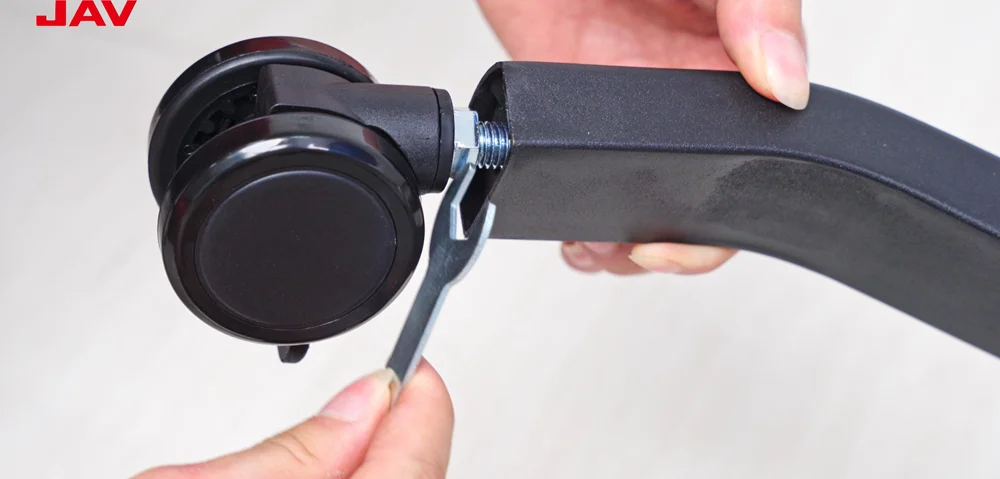
Step 1. Attach the four caster wheels to the bottom ends of the tripod legs. Use the provided wrench to tighten each wheel until it is firmly in place.
Tripod Assembly

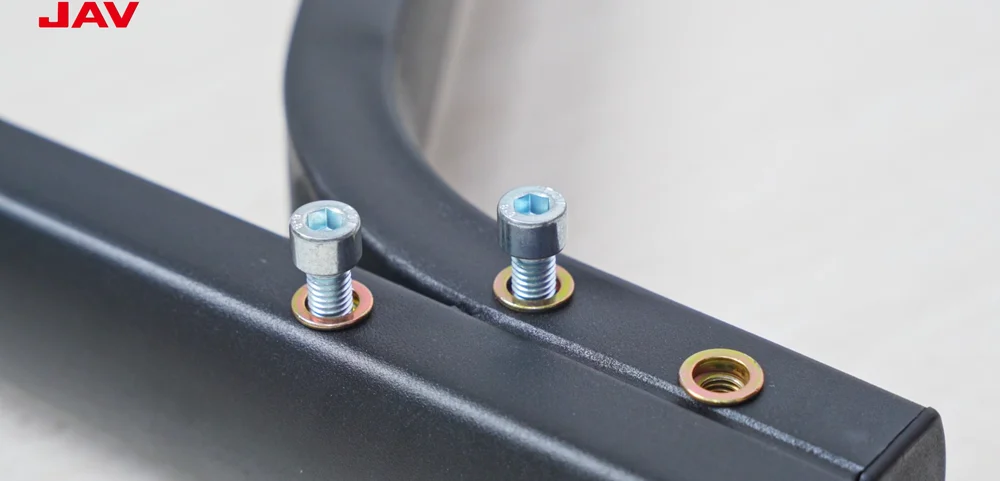
Step 2. Connect the two tripod bases and lock them together by tightening the bolts on both sides.
Tray Installation
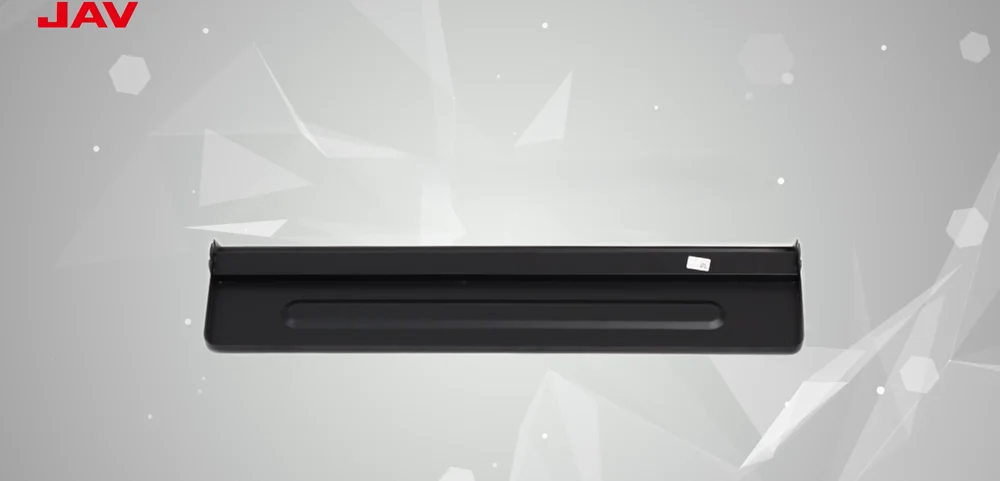
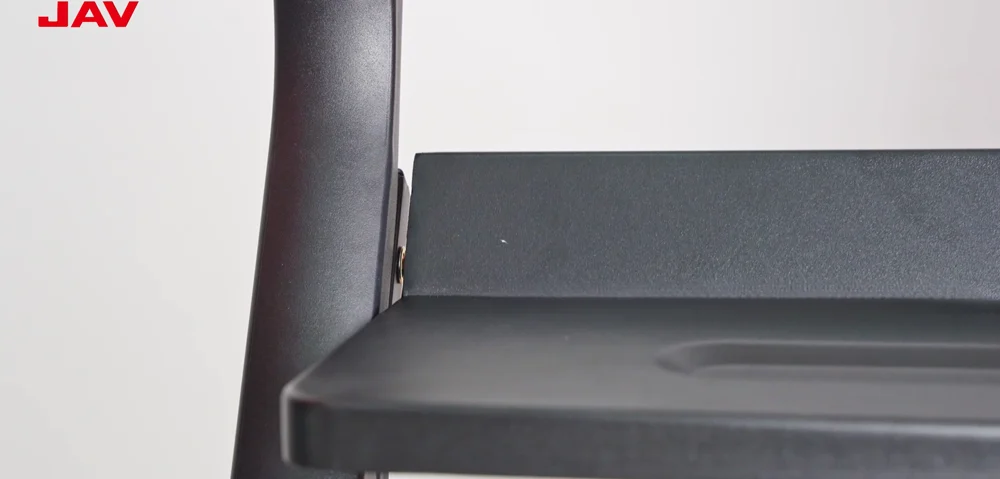
Step 3. Position the tray so that its slot lines up with the protruding bolt on the tripod.
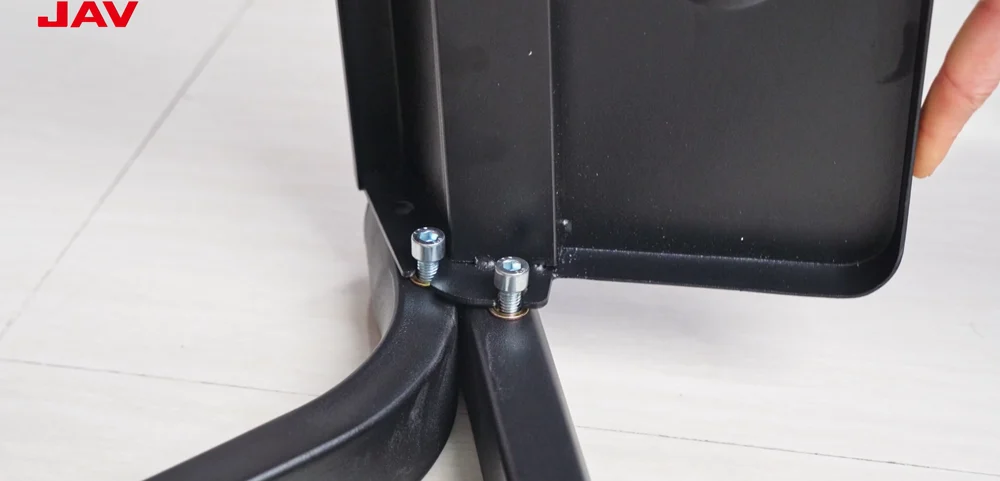
Step 4. Use a screwdriver to secure the tray to the frame.
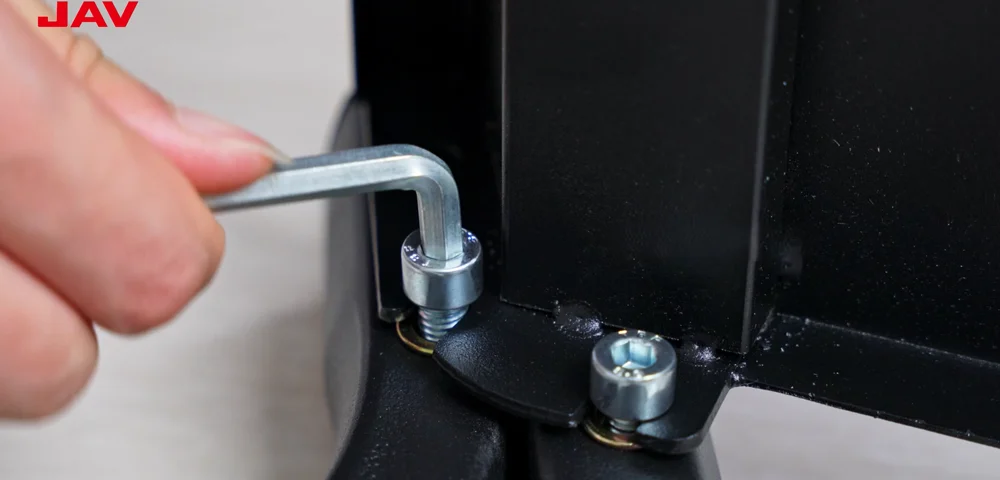
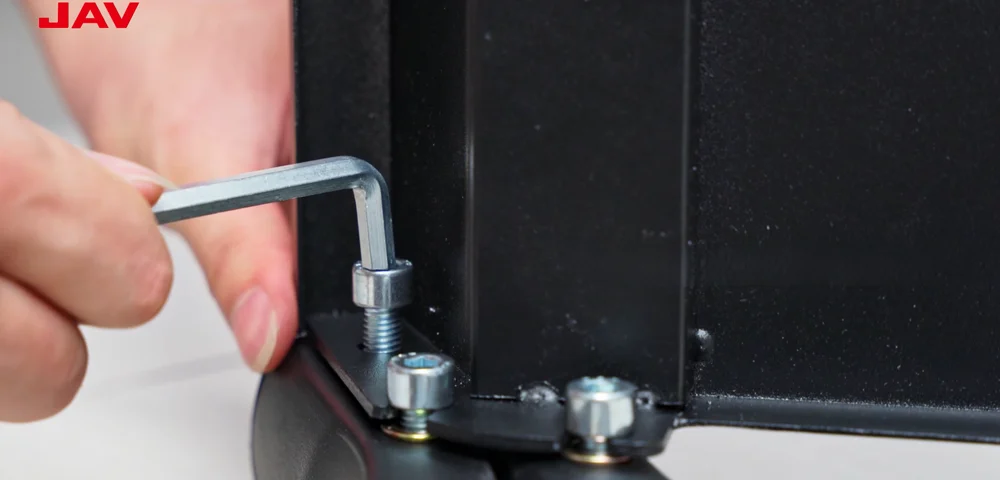
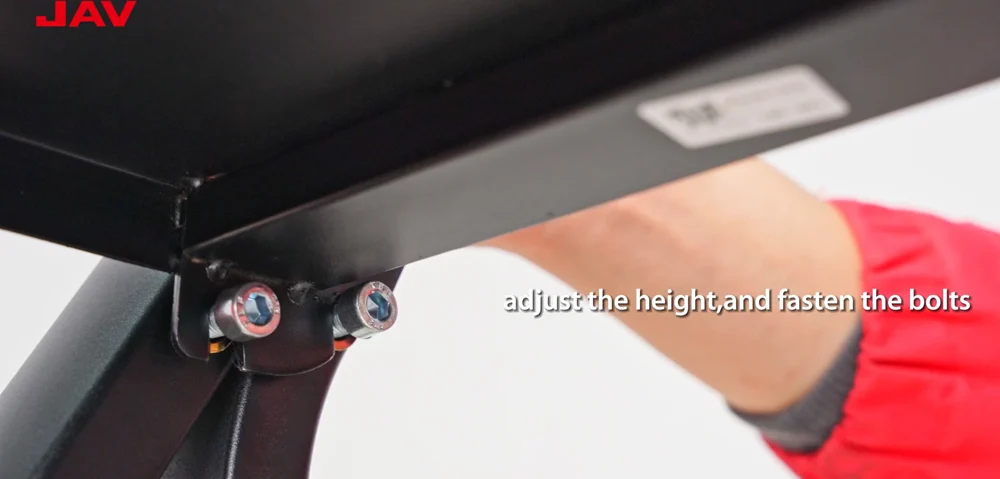
Step 5. Adjust the tray to your preferred height, then tighten the bolts to hold it steadily.
Pillar Installation

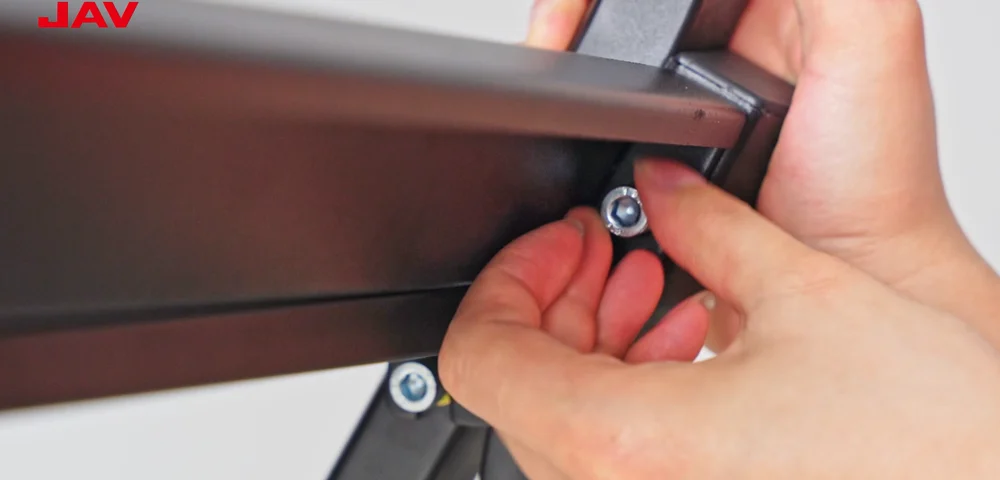
Step 6. Install the two vertical pillars onto the tripods, making sure the sides with screw holes are facing inward.
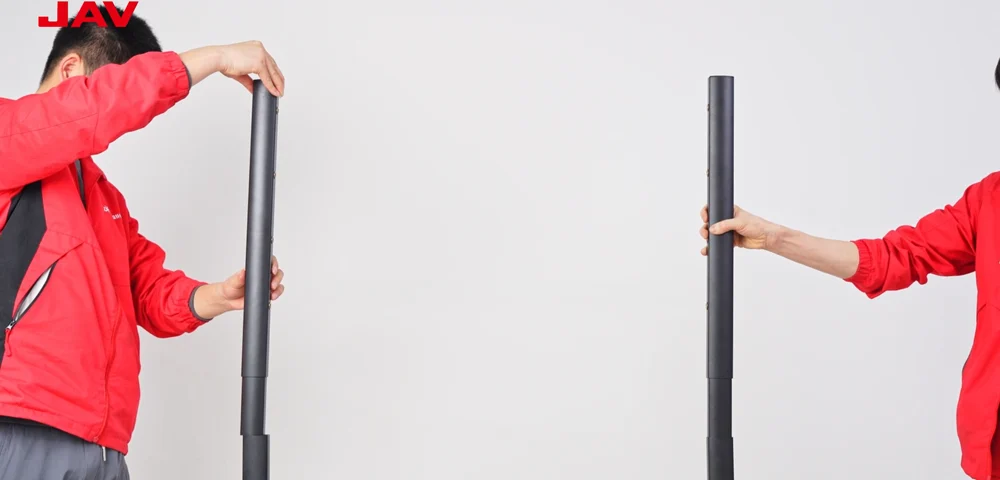
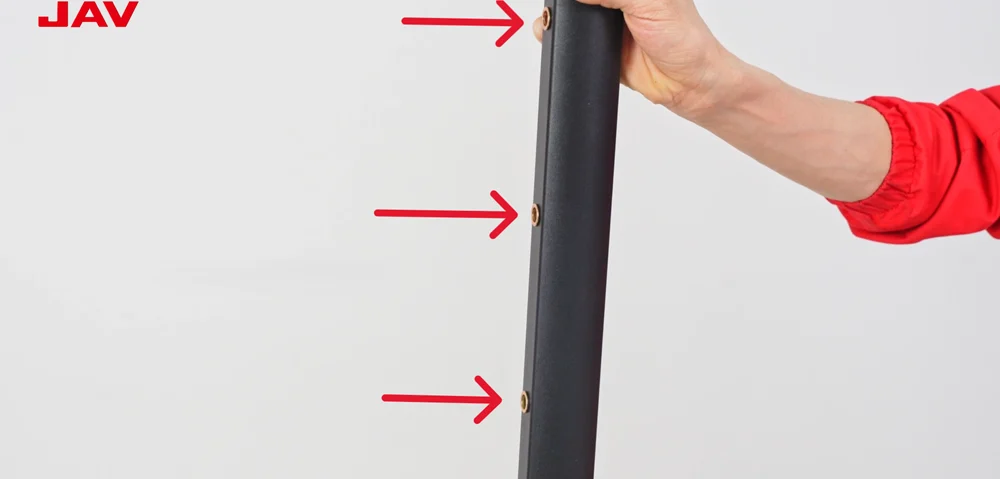
Step 7. Use the included nuts to fasten the pillars securely.
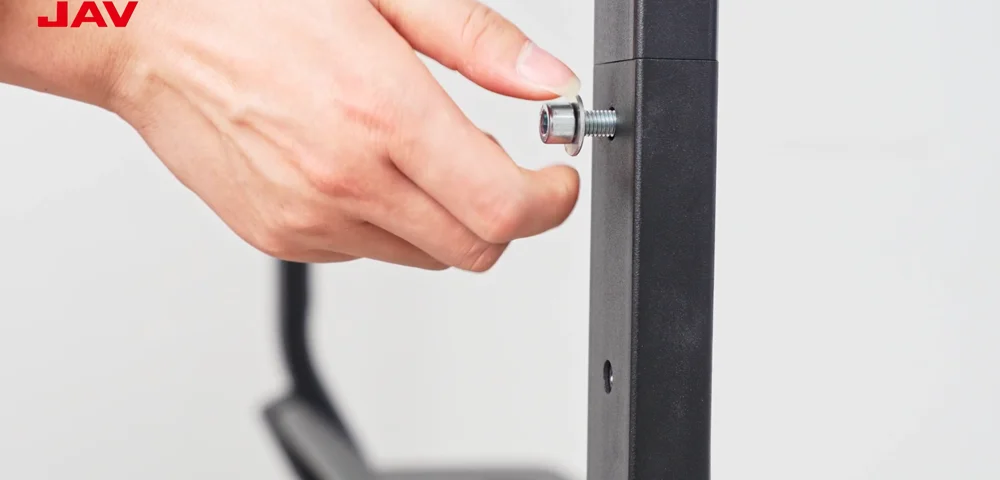
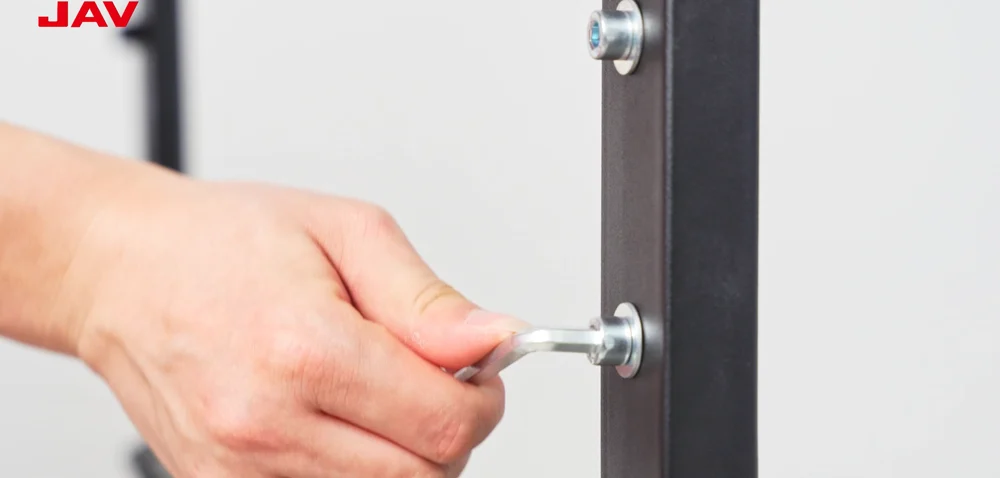
Step 8. Tighten the screws on both sides to stabilize the frame.
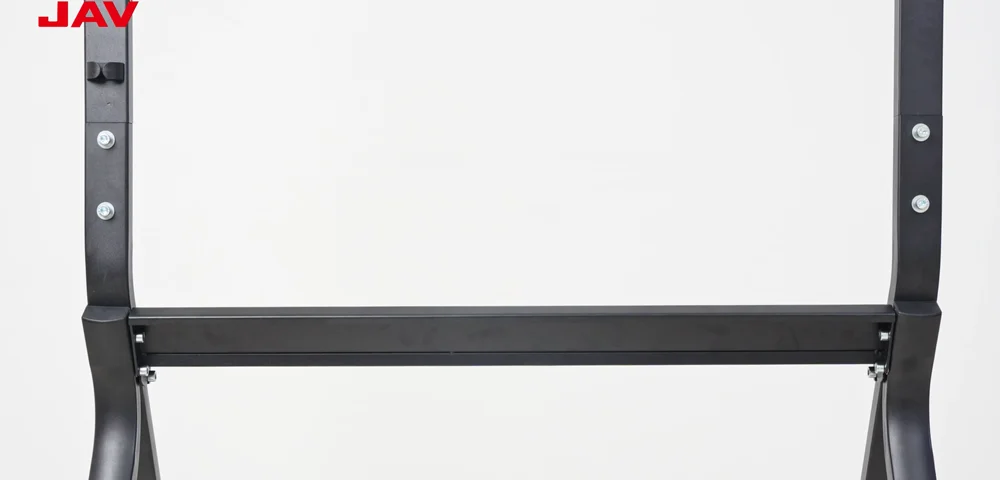
Mounting Plate Installation
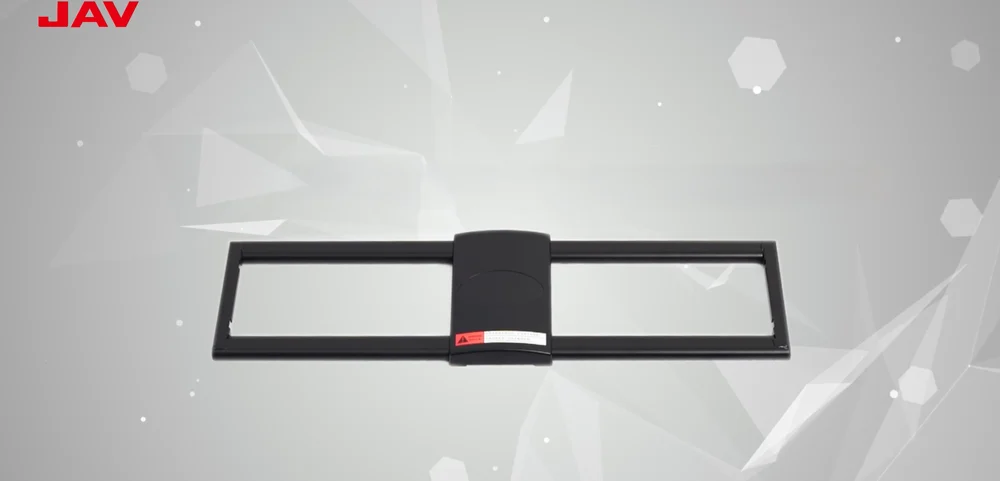
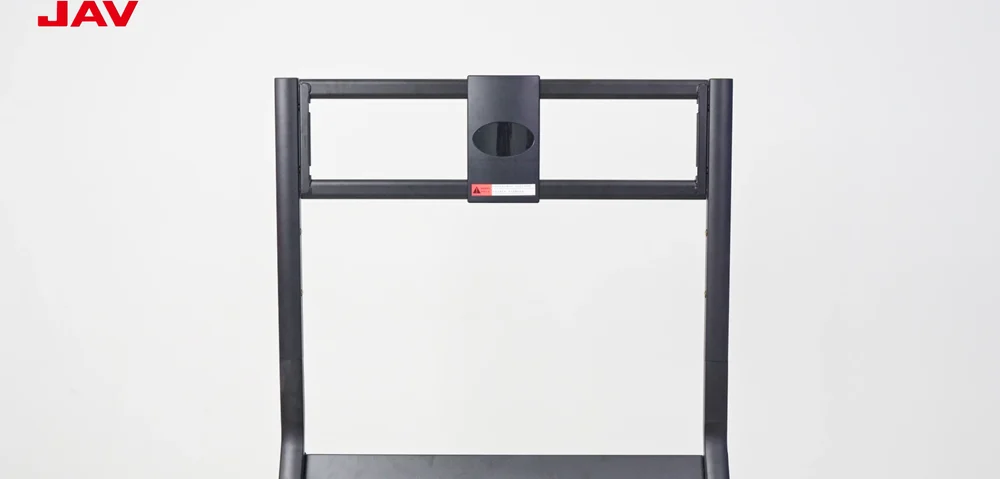
Step 9. Position the mounting bracket onto the frame.
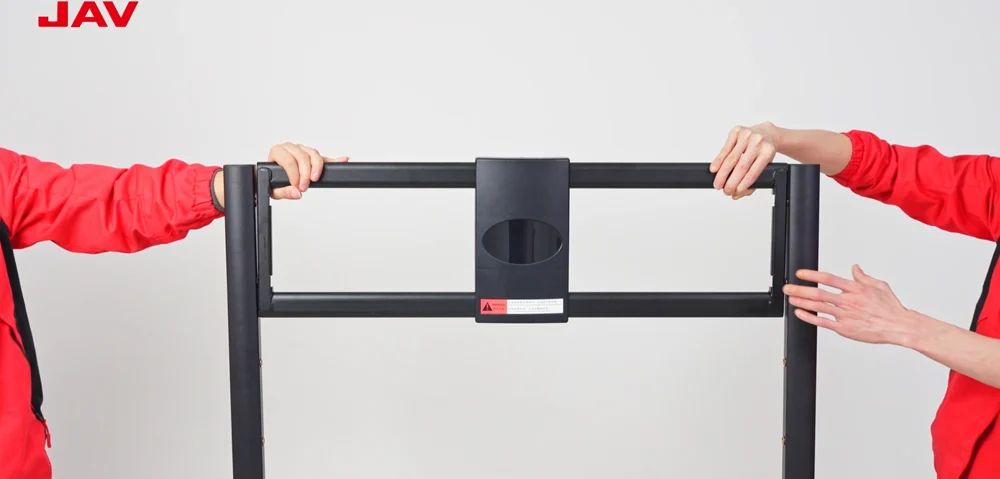
Step 10. Fix the bracket in place with screws, ensuring both sides sit evenly.
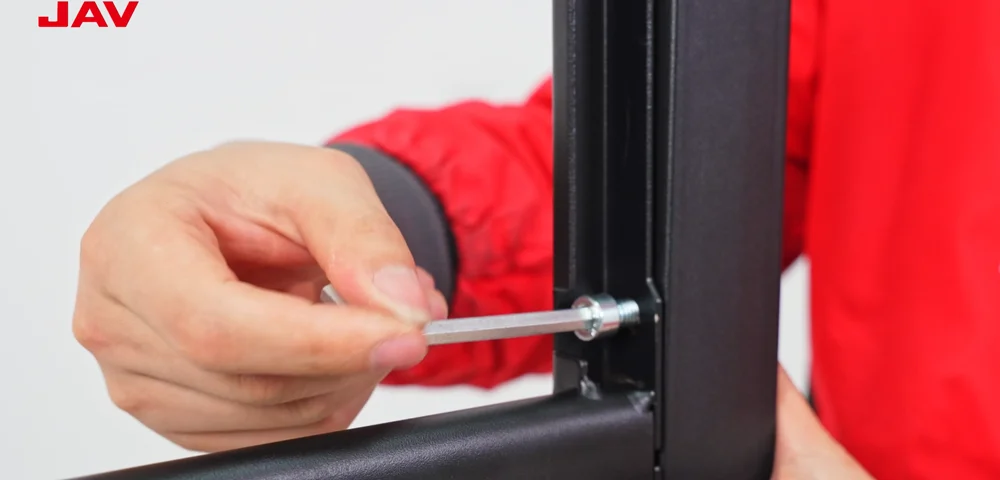
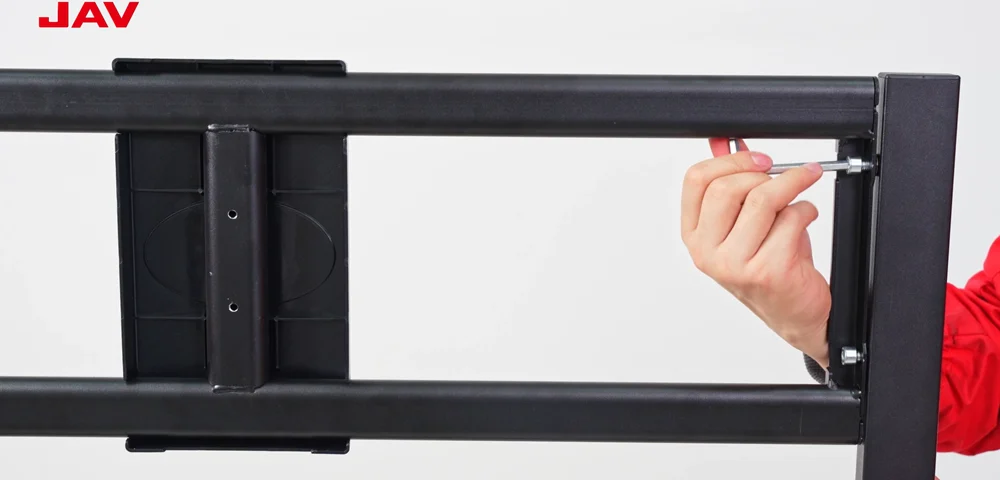
Step 11. Verify that the bracket is firmly secured and aligned at the same height across both sides.
Mounting Strip Installation

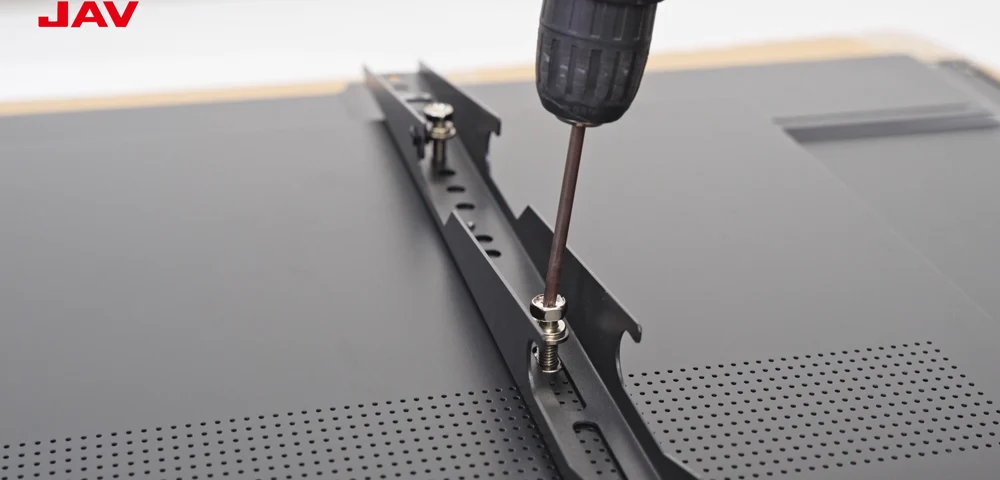
Step 12. Attach the hanging rails to the back of the display, making sure the alignment is correct.
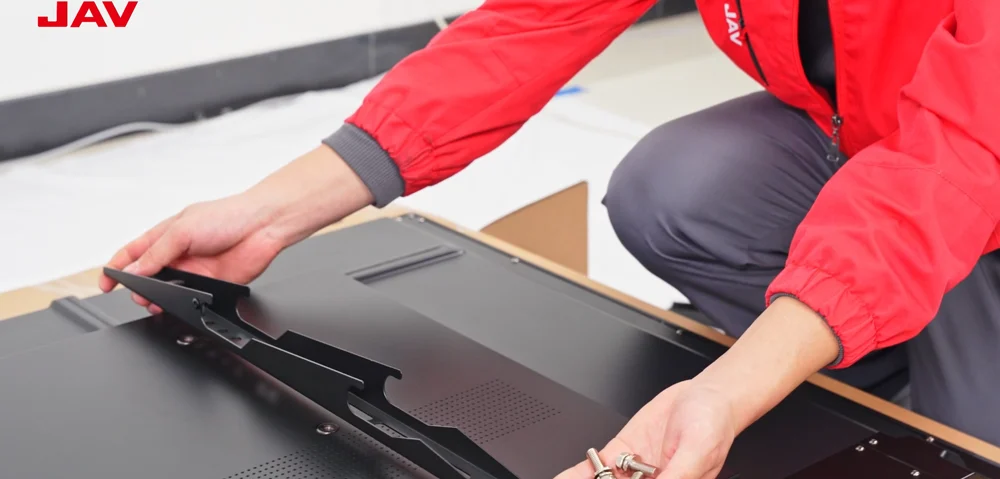
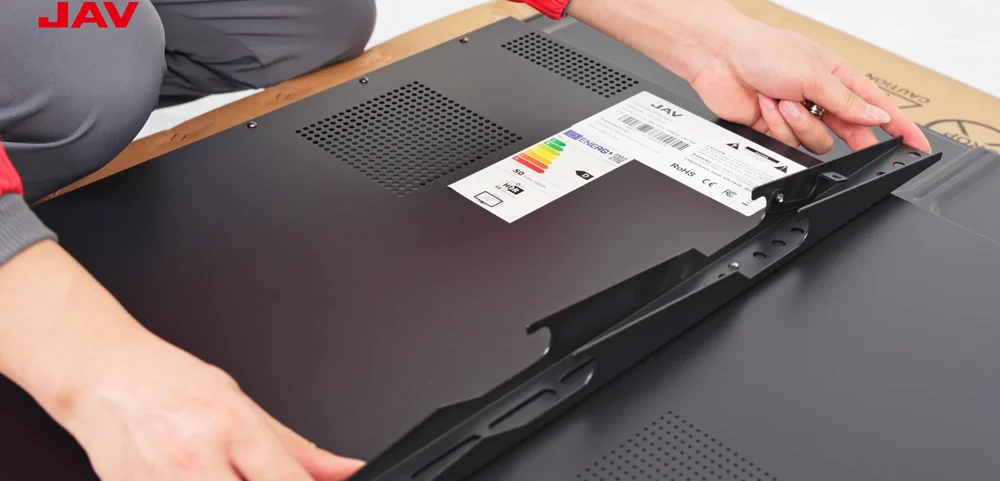
Step 13. Tighten all remaining nuts and bolts, confirming the hooks are oriented downward.
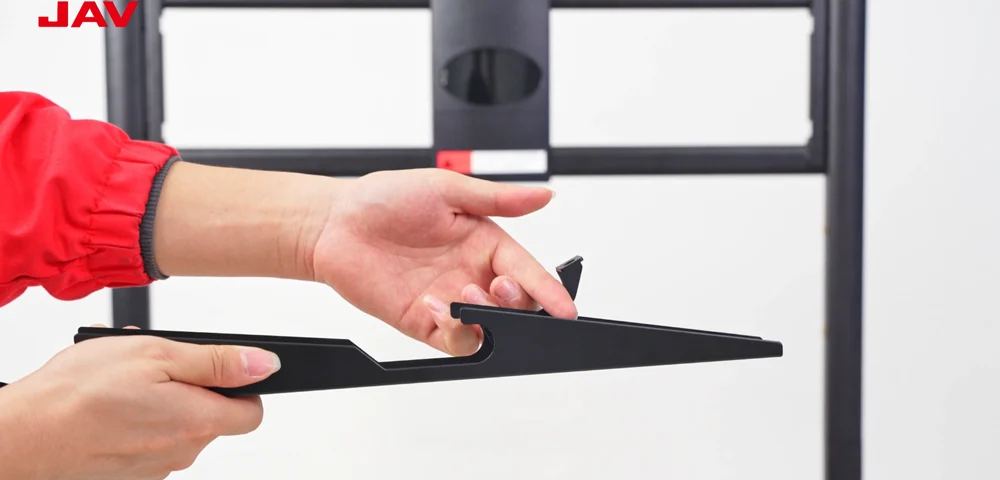
Step 14. Lift the latch upward to lock the smart board onto the stand.
Step 15. Hang the display onto the stand.
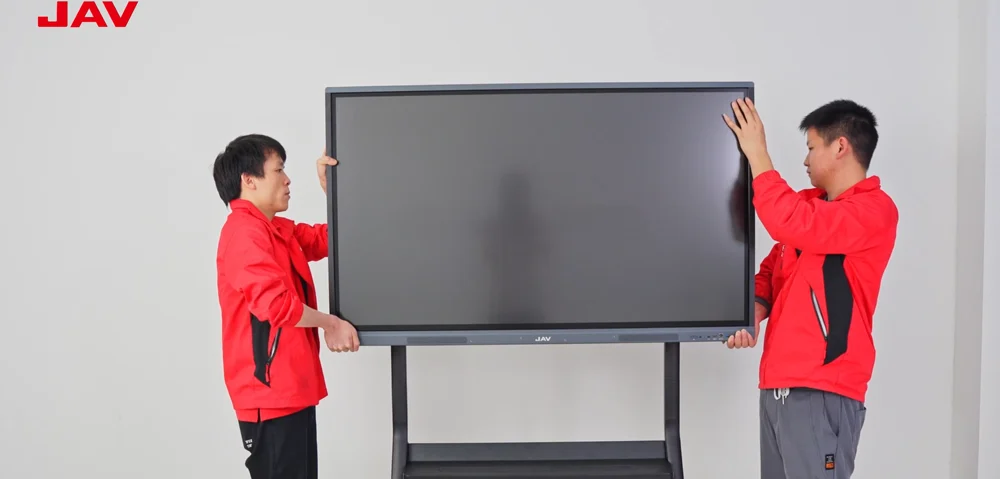
Step 16. Once the screen is mounted, push the two latches back down to their original positions.
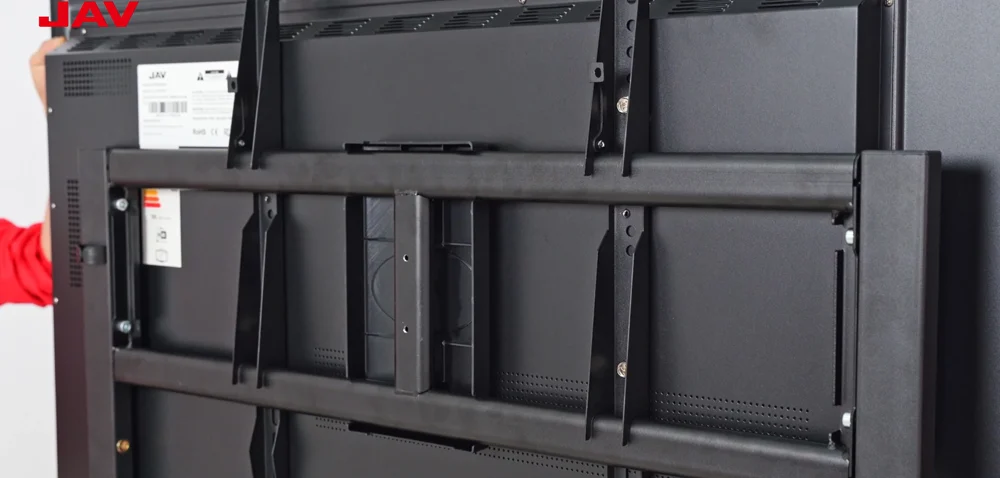
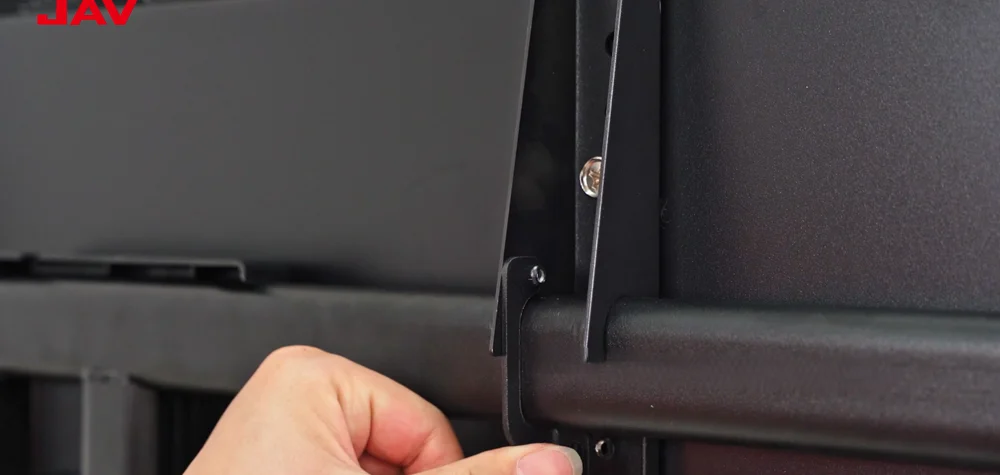
Step 17. Tighten the bolts on both latches to firmly secure the smart board to the stand.
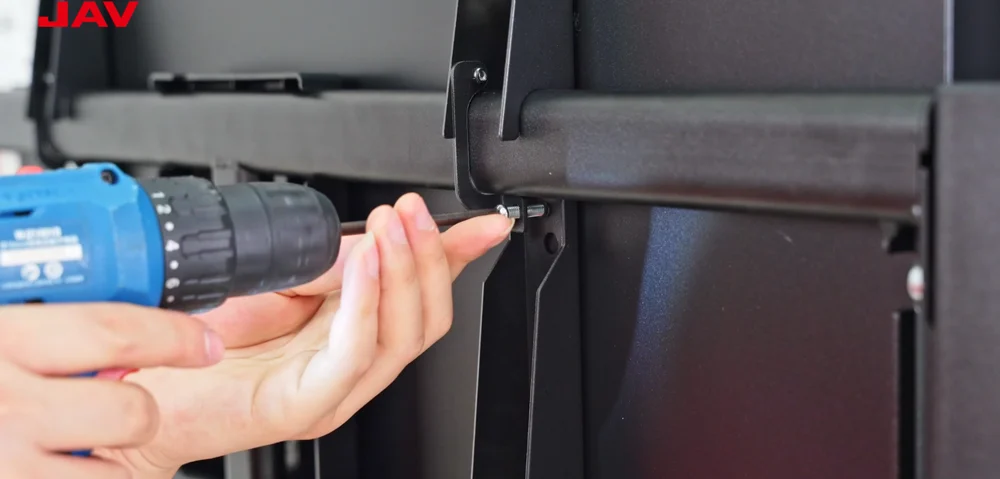
Once the assembly is complete, your FD570 rolling stand will provide a stable, flexible, and mobile mounting solution for the JAV Board 10 Smart Board. If you have questions or need additional support, feel free to reach out to our customer service team. A properly assembled stand ensures safer operation, smoother mobility, and a better smart board experience.