
The Stopwatch feature on the JAV Board 10 Smart Whiteboard is a handy tool for classroom activities, timed presentations, or training sessions. This guide walks you through how to access and use it effectively.
Opening the Stopwatch
- Tap on one of the side buttons to open the Sidebar.
- Tap More to view additional tools.
- Select the Stopwatch icon to launch the app.
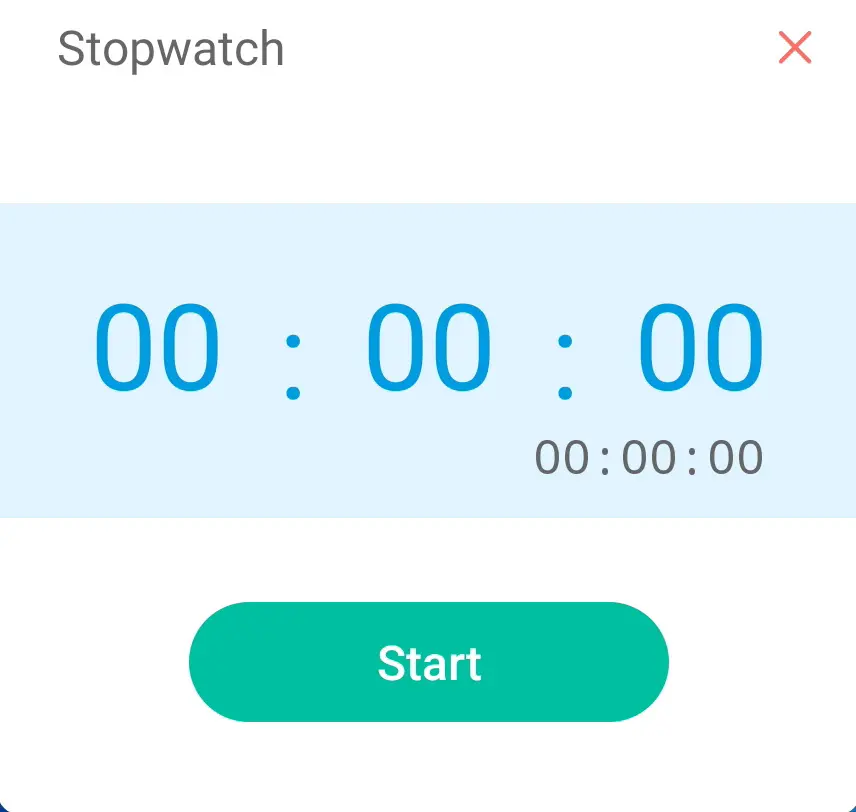
Using the Stopwatch
- Start: Tap Start to begin timing.
- Pause: Tap Pause to temporarily stop the timer.
- Lap: Tap Lap to record split times while the stopwatch is running.
- Continue: After pausing, tap Continue to resume timing.
- Reset: Tap Reset to clear the stopwatch and start a new timing session.
Tips for Effective Use
- Use Lap to track multiple intervals during group activities.
- Reset the stopwatch between sessions to avoid confusion.
- Keep the stopwatch app open during timed tasks for easy access.
✅ With this guide, you can quickly set up and manage the Stopwatch feature on your JAV Board 10 Smart Board, making your sessions more organized and efficient.