Presentations don’t have to be passive or forgettable. Whether you’re teaching in a classroom or leading a business meeting, an interactive flat panel for presentations allows you to engage your audience in real time—writing, annotating, sharing ideas, and collaborating directly on the screen.
Unlike traditional projectors or static slides, interactive flat panels (also known as smart boards or interactive whiteboards) turn presentations into two-way experiences. In this guide, you’ll learn how to use an interactive flat panel to make presentations more interactive, improve audience engagement, and support better learning and decision-making in both educational and professional environments.
Why Are Interactive Flat Panels Important for Modern Presentations?
Traditional presentations often rely on slides and verbal explanations alone. While informative, this approach can limit engagement and retention. Interactive presentations, by contrast, encourage participation—asking viewers to think, respond, and collaborate in real time.
Interactive flat panels, also known as smart boards or interactive whiteboards, enable presenters to annotate content, manipulate visuals, and invite audience input directly on the screen. This shift from passive viewing to active involvement is especially valuable in both education and professional environments.
How Does Touch-Based Annotation on an Interactive Flat Panel Improve Presentations?
An interactive flat panel for presentations improves engagement by allowing real-time annotation, multi-user collaboration, multimedia integration, and wireless content sharing. These features turn passive presentations into interactive experiences that support learning, discussion, and decision-making.
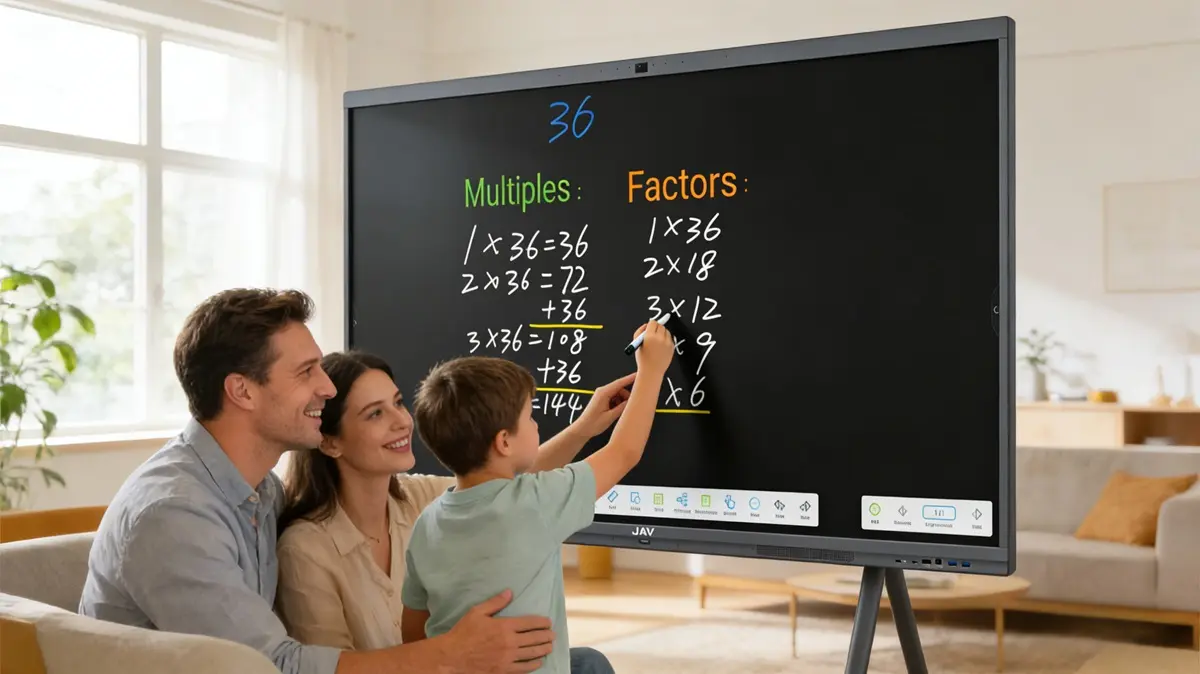
One of the simplest ways to make presentations interactive is through real-time annotation. With an interactive flat panel, presenters can write, draw, highlight, and underline directly on slides, documents, or web pages.
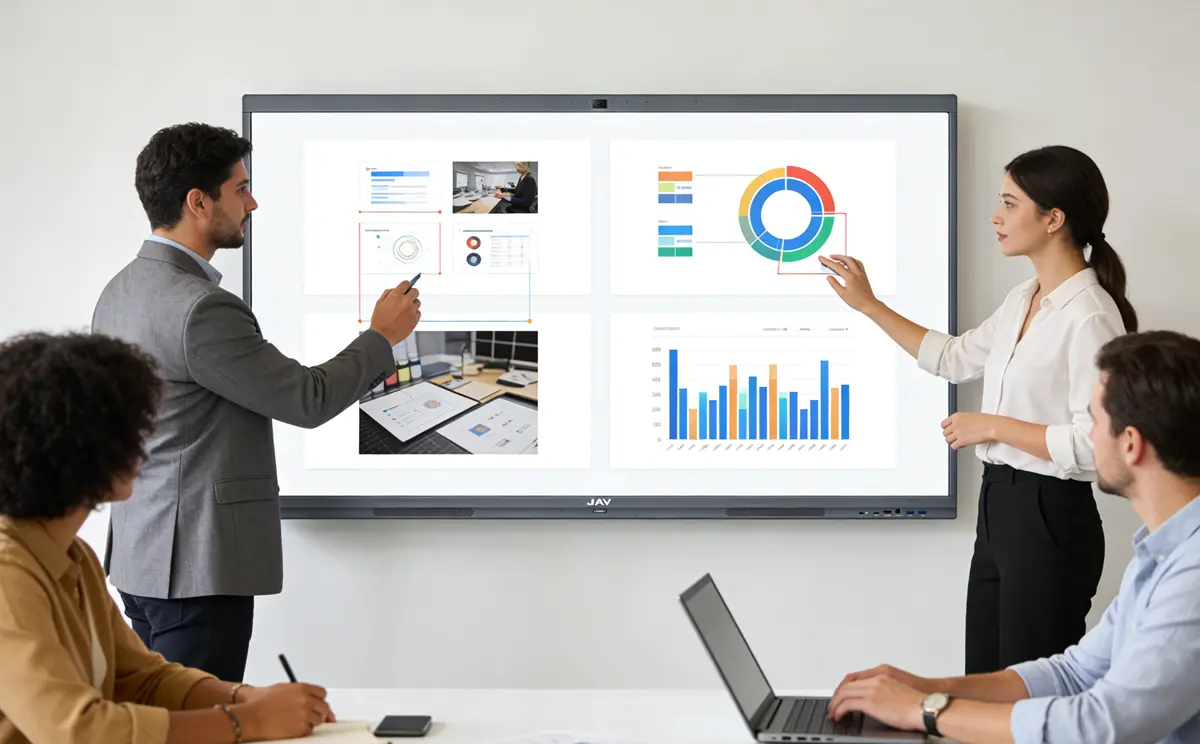
For educators using a smart board for teaching, this allows lessons to adapt instantly based on student questions. In corporate settings, a smart whiteboard for office use enables teams to mark up charts, brainstorm ideas, and clarify complex concepts during meetings. This immediacy keeps audiences focused and encourages discussion rather than passive note-taking.
How Multi-User Interaction on an Interactive Flat Panel Enhances Collaboration
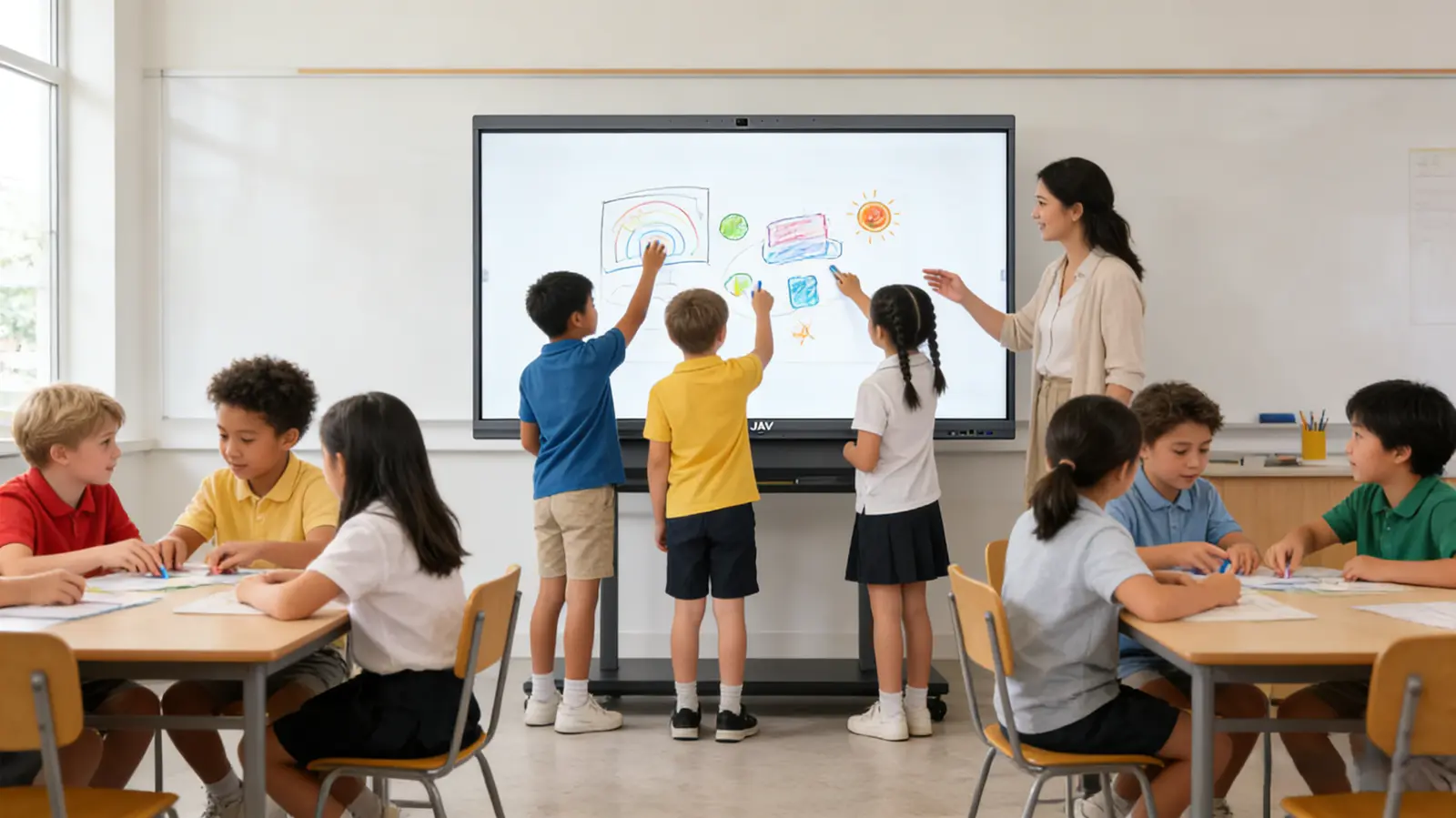
Modern interactive flat panels support multiple touch points, allowing several users to interact with the screen simultaneously. This feature is particularly effective for group activities and collaborative problem-solving.
In interactive whiteboards in the classroom, students can work together on exercises, diagrams, or group projects, fostering participation and peer learning. For executives and corporate teams, multiple contributors can review strategies, modify workflows, or map out ideas together—turning presentations into collaborative work sessions rather than one-direction briefings.

How Multimedia Integration on an Interactive Flat Panel Increases Audience Engagement
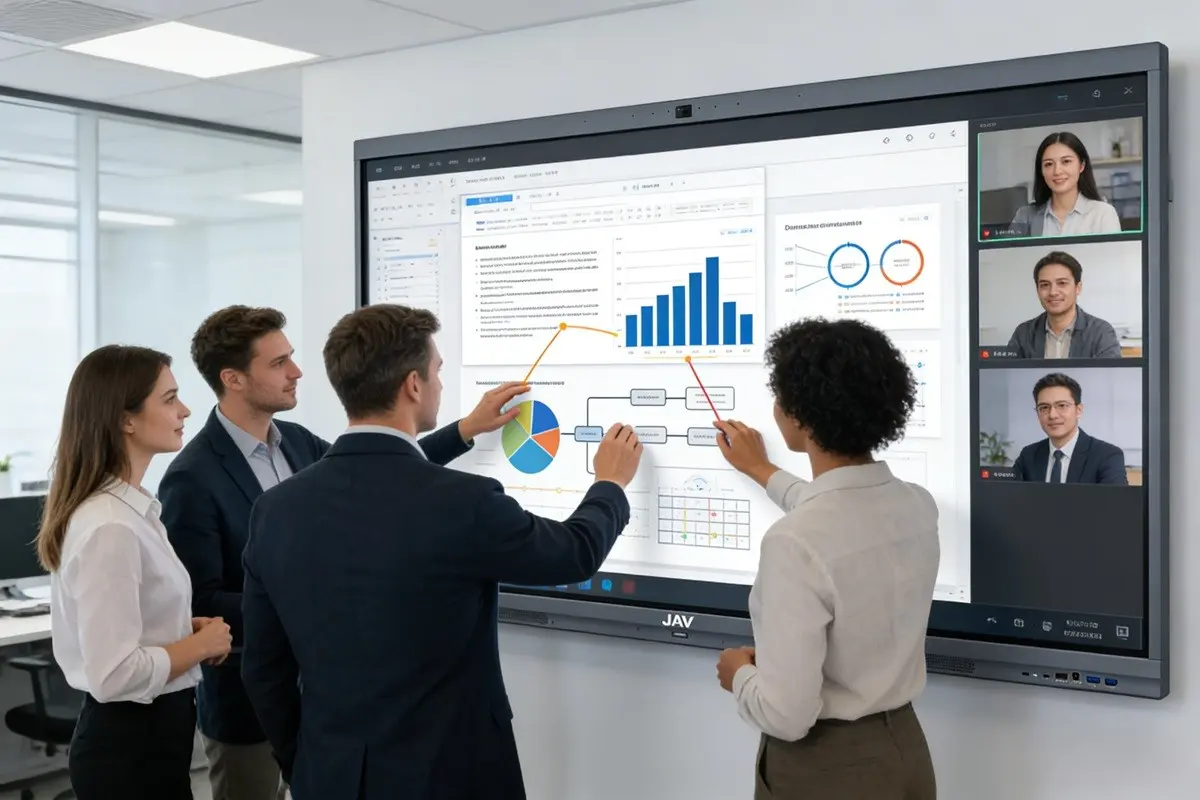
Interactive flat panels allow seamless integration of videos, images, live websites, and applications. Instead of switching between devices or screens, presenters can embed multimedia directly into the presentation flow.
For example, a trainer can pause a video and annotate key moments, or a teacher can zoom into diagrams and add explanations in real time. This capability makes abstract ideas more concrete and helps diverse audiences better understand complex information.
How Wireless Screen Sharing Makes Interactive Flat Panel Presentations More Engaging
Wireless screen sharing is another powerful way to increase interaction. Participants can project content from laptops, tablets, or smartphones directly onto the interactive flat panel.
In a classroom, students can present their work instantly. In meetings, team members can share data, proposals, or live dashboards without disrupting the presentation. This approach creates a more inclusive environment where ideas can be shared and evaluated on the spot.
What Is the Best Interactive Display for Presentations in Classrooms and Offices?
To fully realize these benefits, reliable hardware is essential. The JAV Board 10 Smart Board is designed for both educational and professional environments, offering responsive touch performance, multi-user interaction, and seamless integration with common presentation tools.
Whether used as a smart board for teaching or a smart whiteboard for office collaboration, the JAV Board 10 supports interactive workflows that improve clarity, engagement, and productivity across different presentation scenarios.
Conclusion: Turning Presentations into Experiences
An interactive flat panel is more than a display—it is a communication platform. By using touch-based annotation, collaboration features, multimedia integration, and wireless sharing, presenters can transform traditional presentations into interactive experiences that educate, engage, and inspire. For educators, corporate teams, and executives alike, adopting interactive whiteboard technology is a strategic step toward more effective communication.
Discover how the JAV Board 10 interactive flat panel for presentations helps educators and teams deliver more engaging, collaborative presentations.