Classrooms today demand more than static slides and traditional whiteboards. As learning environments become more dynamic and student-centered, teachers need tools that support visual explanation, real-time interaction, and collaboration without adding unnecessary complexity. This is why a smart board for classroom has become an essential part of modern teaching—bridging traditional instruction with interactive, technology-driven learning.
Unlike conventional displays, smart boards for classroom use combine teaching, presentation, and collaboration into a single platform. They allow lessons to evolve naturally, responding to student questions, discussion, and exploration in real time. As a result, learning becomes more engaging, efficient, and effective.
The JAV Board 10 Smart Board is designed specifically for this purpose. By integrating an interactive whiteboard, multimedia display, collaboration tools, and classroom management features into one device, it supports teachers in delivering interactive lessons across subjects and grade levels.
Below, we explore how a smart board in classroom settings—powered by the JAV Board 10—enables more interactive and impactful teaching.
What is a Smart Board for Classroom?
A smart board for classroom is an interactive digital display that combines the functions of a traditional whiteboard, projector, and computer into one touch-enabled teaching tool. It allows teachers and students to write, draw, annotate, display multimedia content, and collaborate in real time—making lessons more engaging, visual, and interactive than conventional classroom displays.
Use a Smart Board for Classroom to Turn Everyday Teaching into Interactive Experiences
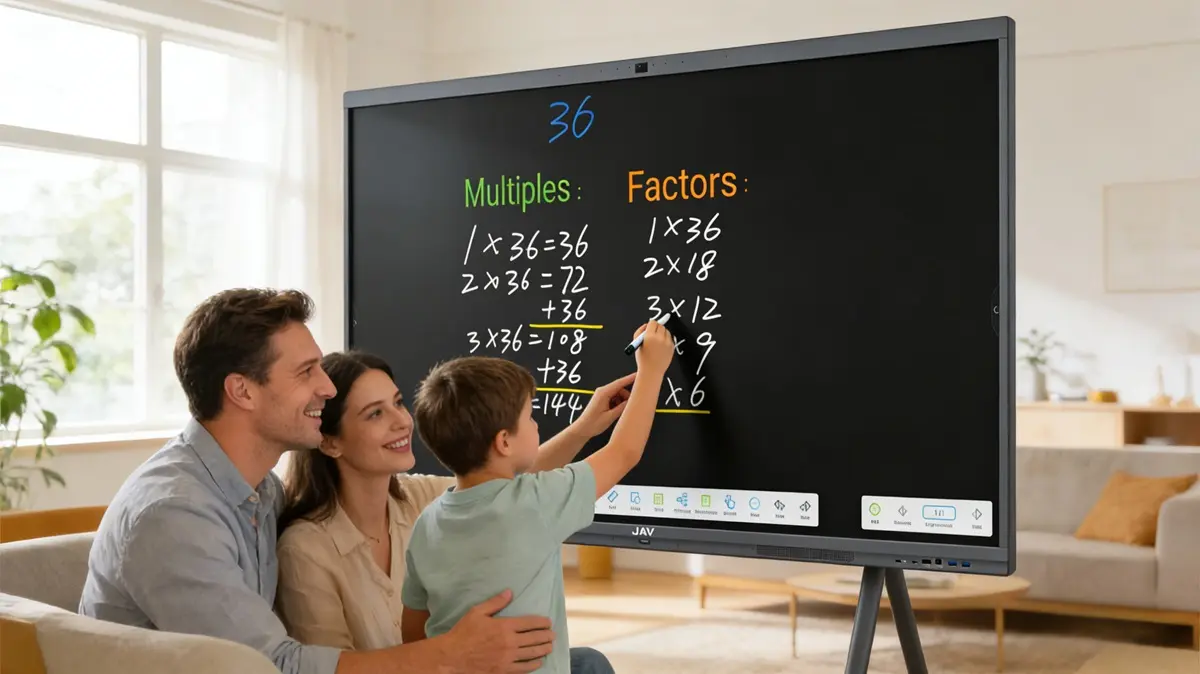
At the core of any smart board for teaching is the interactive whiteboard. The JAV Board 10 includes a built-in whiteboard app that allows teachers to explain concepts dynamically rather than relying on static content. Math problems can be solved step by step, diagrams can be drawn and adjusted in real time, and ideas can be clarified instantly based on student feedback.
With split-screen mode, teachers can display reference materials on one side while writing or drawing on the other. Notes can be saved and shared after class, helping students review lessons more effectively and reducing the need for repeated explanations.
Seamlessly Integrate Multimedia into Lessons with A Smart Board
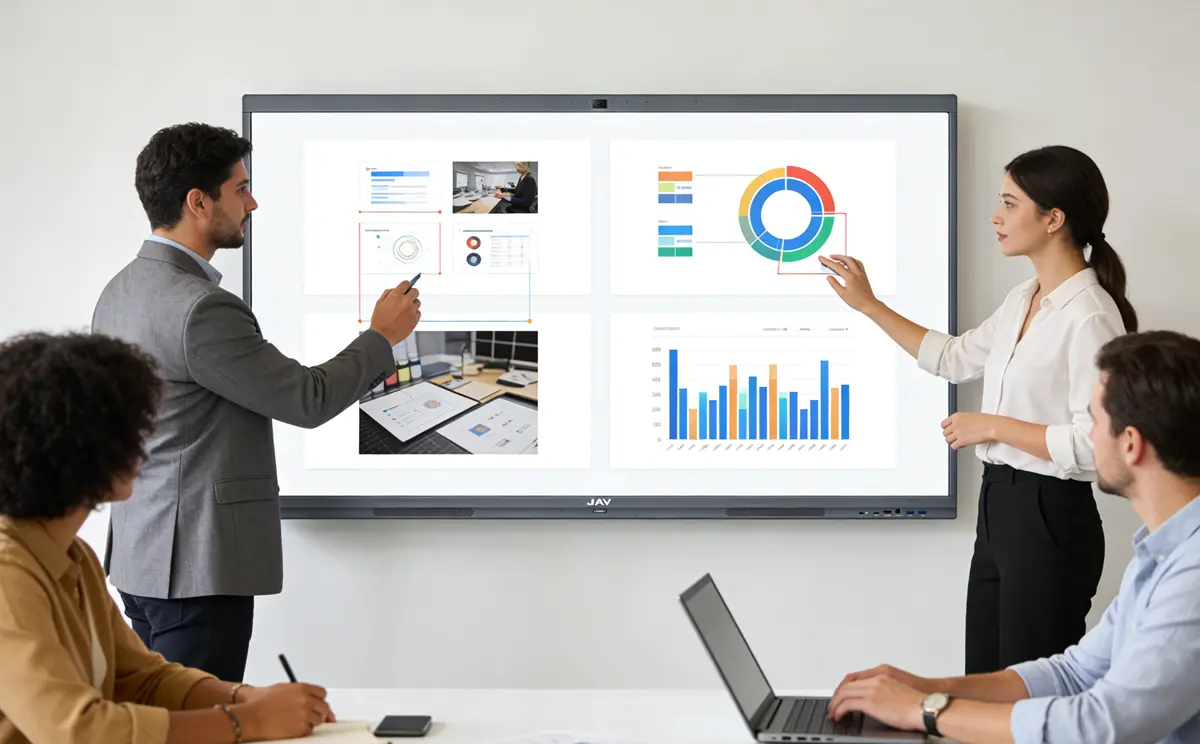
Visual learning plays a critical role in student understanding. A smart board for classroom use makes it easy to integrate slides, videos, images, websites, and educational apps into a single lesson flow.
Teachers using the JAV Board 10 can pause videos to explain key points, zoom in on detailed charts, or open live websites for discussion—without switching devices. This seamless multimedia integration keeps students focused and helps complex concepts become easier to grasp.
Enhancing Understanding with On-Screen Annotation
One of the most practical advantages of an interactive whiteboard for classroom teaching is on-screen annotation. Teachers can write directly over documents, images, web pages, and even paused videos using a floating toolbar.
This allows vocabulary to be highlighted, maps to be marked during geography lessons, or important details to be emphasized visually. Annotated content can be saved and reused, turning live instruction into lasting learning resources.
Encourage Student Participation and Collaboration with Smart Board in the Classroom
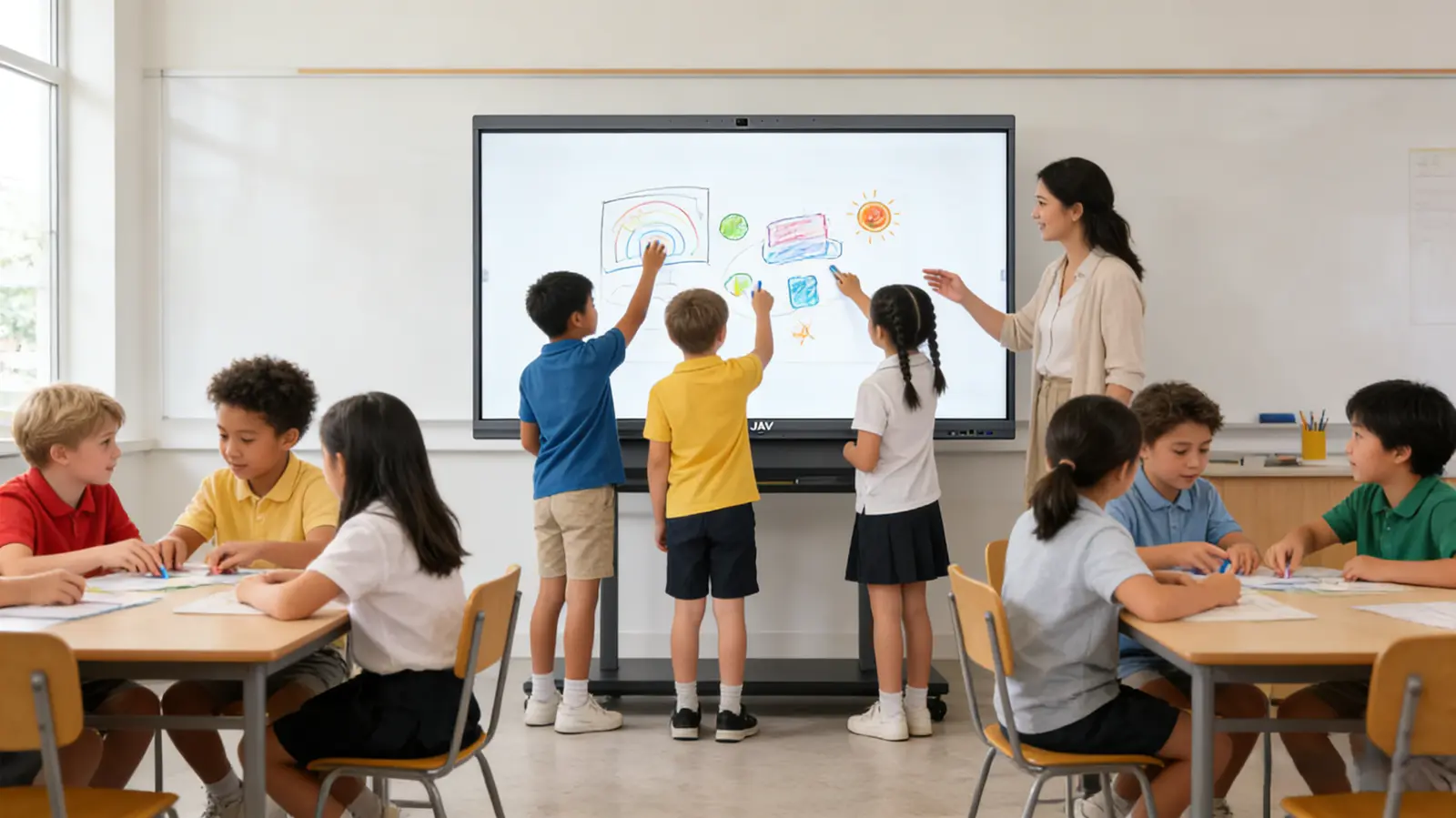
Interactive lessons thrive on student involvement. The JAV Board 10 supports multi-touch input, allowing multiple students to interact with the screen simultaneously. This makes group problem-solving, brainstorming, and student-led activities more engaging.
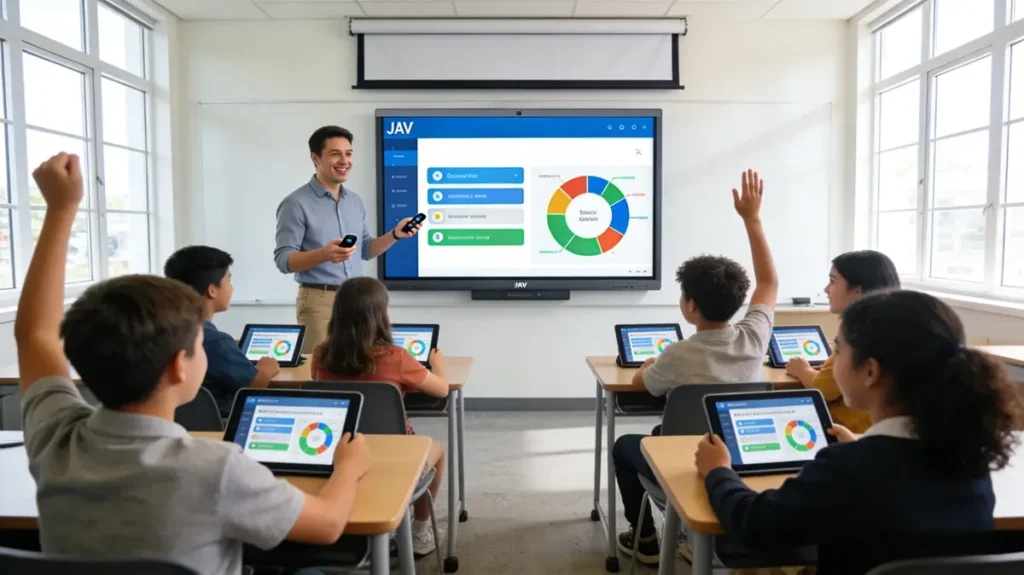
Wireless screen sharing further enhances collaboration. Students can present their work directly from their own devices, while teachers maintain full control over what appears on the screen. This creates a structured yet inclusive learning environment.
Teaching Without File and Device Barriers
Teachers often move between classrooms and devices throughout the day. A smart board in classroom environments removes friction by supporting direct access to cloud storage.
Lesson plans, presentations, and teaching materials can be opened instantly—without USB drives or laptops. This flexibility allows teachers to prepare lessons anywhere and teach with confidence in any classroom.
Using a Smart Board in Classroom Environments to Adapt to Every Subject and Grade Level
Because the JAV Board 10 supports a wide range of Android-based educational apps, it adapts easily to different teaching needs. From STEM simulations and geometry tools to reading, annotation, and creative drawing apps, it functions as more than just a display.
This adaptability makes it one of the most versatile smart boards for classroom use, suitable for elementary education, language learning, STEM labs, and secondary classrooms alike.
Final Thoughts
Interactive teaching is no longer optional—it is essential. With real-time annotation, multimedia integration, student collaboration, and flexible teaching tools, a smart board for classroom empowers teachers to deliver lessons that are engaging, organized, and effective.
The JAV Board 10 transforms the classroom into an environment where students actively participate, concepts are easier to understand, and teachers can focus on what matters most: teaching with confidence and creativity.
Ready to create more interactive lessons?
Discover how the JAV Board 10 smart board helps teachers engage students, collaborate in real time, and teach with confidence.