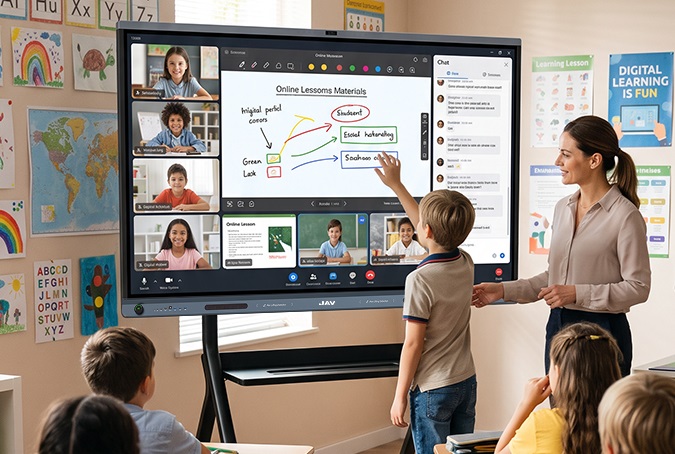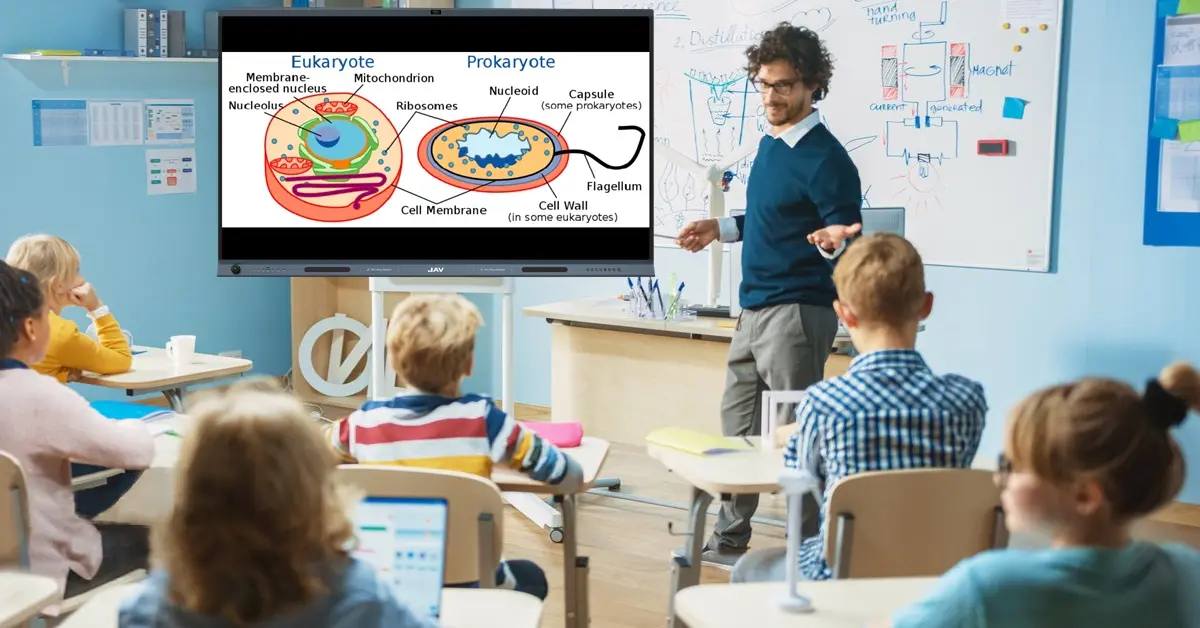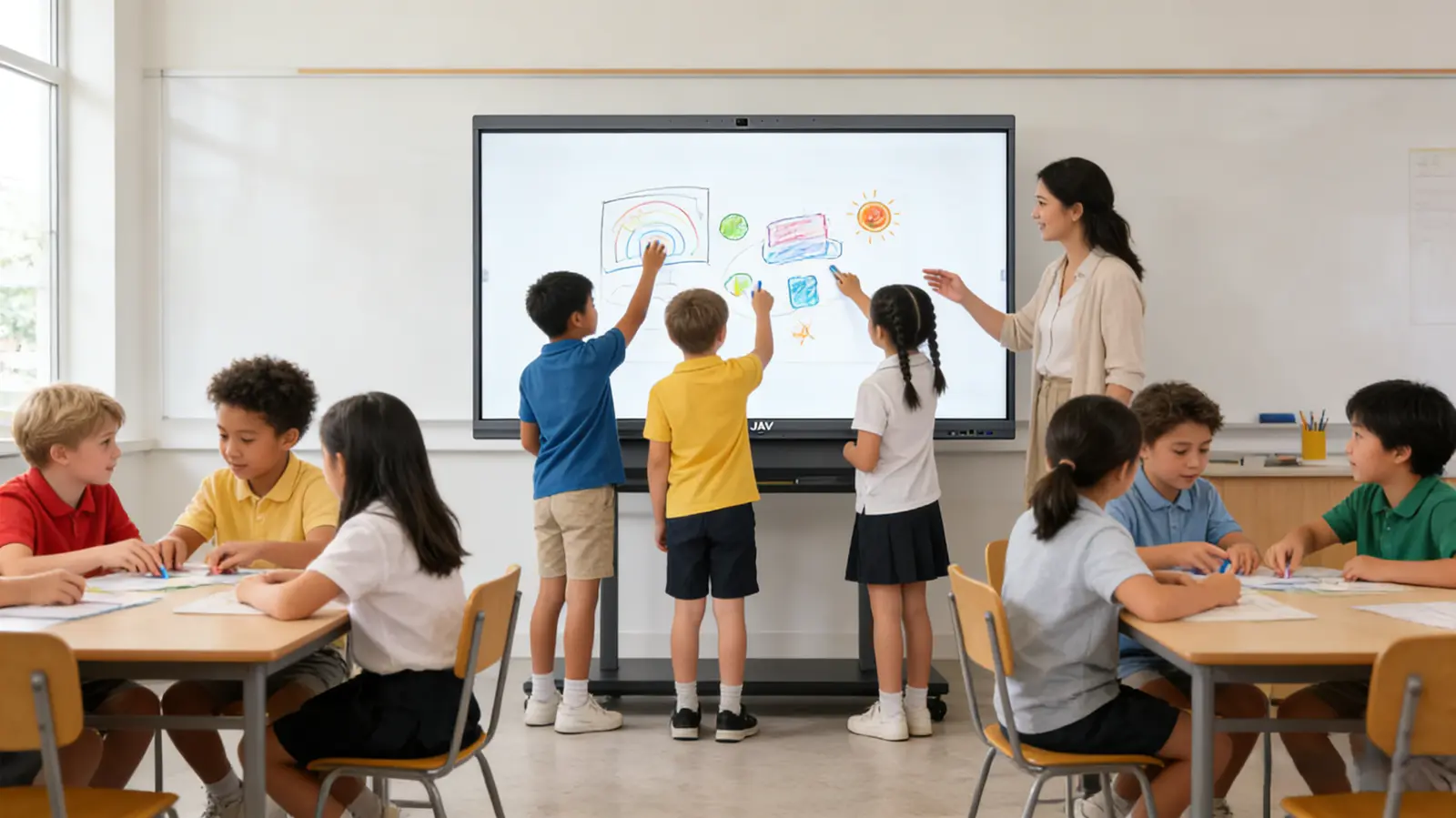
Primary schools are increasingly adopting student-centered learning models that emphasize participation, discussion, and shared problem-solving. A key part of this shift is creating a Collaborative Learning Center anchored by an Interactive Whiteboard, which serves as a central hub for group activity and collective thinking.
Transforming a classroom into a collaborative learning space does not require major renovations. With strategic layouts, group-focused activities, and the right digital tools, existing classrooms can support interaction and teamwork. The interactive whiteboard allows multiple students to contribute simultaneously, making learning visible, engaging, and shared.
What is a Collaborative Learning Center and the Role of an Interactive Whiteboard
Collaborative learning is an approach where students work together in pairs or small groups to explore concepts, discuss ideas, and solve problems. In a Collaborative Learning Center, students develop understanding through dialogue, explanation, and shared reasoning. This approach strengthens communication, social skills, and comprehension, especially in subjects like literacy, mathematics, and inquiry-based science.
An interactive whiteboard—or smart whiteboard—is a touch-enabled display that combines the functions of a whiteboard, computer, and presentation screen. In a collaborative learning center, it becomes a shared digital workspace where students brainstorm, annotate, and present ideas together. Devices like the Tableau blanc interactif JAV Board 10 support multi-touch input and wireless sharing, allowing several students to work on the same canvas simultaneously.
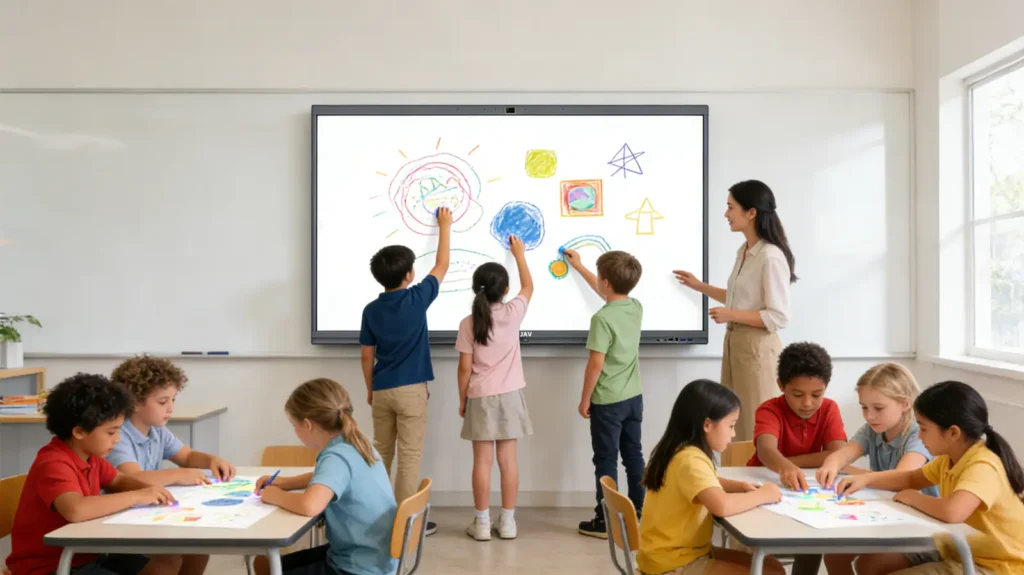
Collaborative Learning Center with an Interactive Whiteboard
The interactive whiteboard transforms traditional classrooms into a collaborative learning center by enabling group-focused activities such as:
- Group concept mapping: Visualizing ideas collectively.
- Shared story construction: Creating narratives together.
- Collaborative problem solving: Building solutions step by step.
- Peer teaching: Students explain concepts directly on the board.
These strategies shift the classroom dynamic from teacher-led instruction to peer-supported learning, fostering engagement and active participation.
Extending Collaborative Learning Beyond the Board
A successful collaborative learning center integrates technology beyond the main display. Students can wirelessly share screens, save and revisit sessions, annotate over media, and import work for group review. This connectivity allows ideas to persist across lessons, making the interactive whiteboard the core of an ongoing collaborative platform.
Classroom layout further supports interaction: clustered desks, flexible seating, clear paths to the board, and shared presentation zones encourage students to approach the board and actively contribute.
Conclusion: Creating a Collaborative Learning Center with an Interactive Whiteboard
Building a collaborative learning center with a versatile interactive whiteboard empowers primary school students to think, create, and learn together. By centering collaboration around a shared digital workspace, schools foster teamwork, communication, and deep understanding—aligning with modern pedagogical goals and preparing students for the collaborative challenges of the 21st century.