In Grade 6 mathematics, students move beyond basic arithmetic to explore geometric concepts such as area and volume. However, traditional teaching aids—including static diagrams in textbooks and marker-based whiteboards—often make it difficult for students to visualize how two-dimensional shapes and three-dimensional solids are constructed. To address this challenge, many schools are adopting the interactive whiteboard, a digital teaching platform that combines a large touch display, built-in whiteboard software, and collaborative classroom features.
Unlike traditional boards, an interactive whiteboard allows teachers and students to manipulate shapes, annotate diagrams, and explore geometric concepts dynamically. As modern teaching tools, interactive displays such as the JAV Board 10 help make abstract geometry concepts more intuitive, engaging, and accessible.
Why Area and Volume Are Challenging Topics in Grade 6 Geometry
Area and volume represent a conceptual leap for Grade 6 students. Learners must understand:
- How 2D shapes relate to formulas
- How 3D solids are constructed from layers or units
- Why formulas for volume and area work, rather than just memorizing them
Without visual and interactive explanations, these topics can become procedural rather than conceptual, limiting students’ mathematical reasoning development.
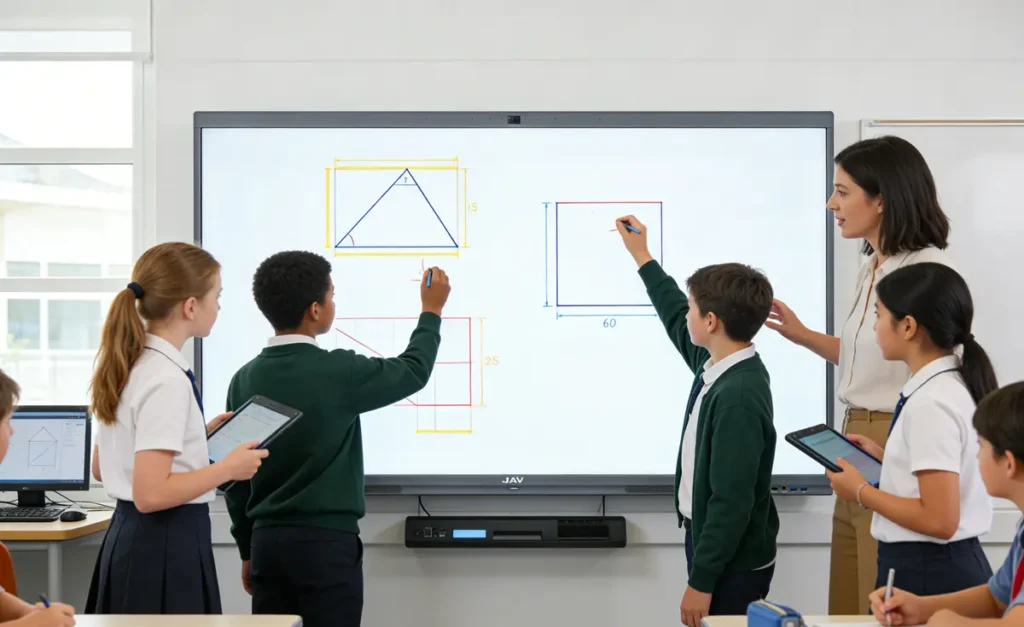
What Is an Interactive Whiteboard as a Geometry Teaching Tool
Un tableau blanc interactif is a large-format digital display that functions as a classroom hub for instruction, annotation, and collaboration. Teachers can draw shapes, display multimedia content, and allow students to interact directly with mathematical models using touch or stylus input.
Compared with traditional teaching aids, interactive whiteboards integrate digital resources, real-time annotation, and multi-user interaction, making them especially effective for geometry instruction where visualization is critical.
Using an Interactive Whiteboard to Visualize Area Formulas
One of the most powerful uses of an tableau blanc interactif in Grade 6 math is demonstrating how area formulas are derived. On the JAV Board 10, teachers can draw triangles, parallelograms, and rectangles and dynamically transform shapes.
For example, a teacher can cut and rearrange a parallelogram into a rectangle to show why the area formula is base × height. Similarly, a triangle can be duplicated and rearranged to form a parallelogram, helping students understand why the triangle area formula is base × height ÷ 2.
This visual derivation moves students beyond memorization and toward conceptual understanding.
Teaching Volume with an Interactive Whiteboard and 3D Visualization
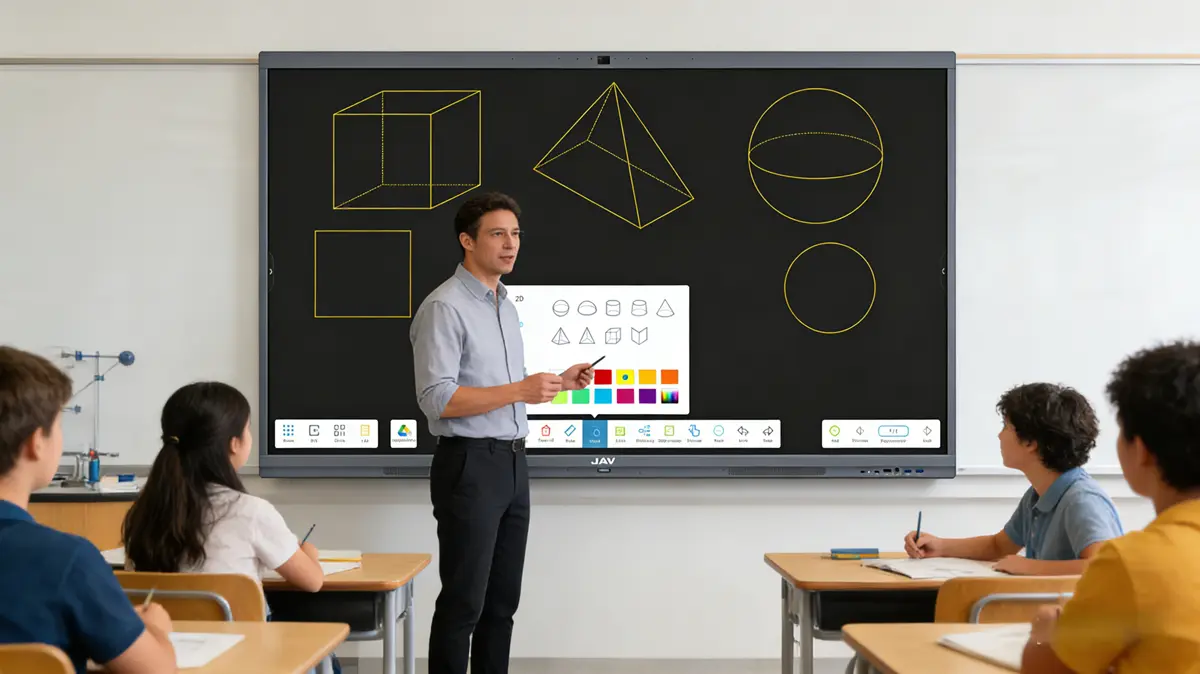
Volume is inherently three-dimensional, making it difficult to teach with flat images. With an interactive whiteboard, teachers can display 3D models, animations, and layered diagrams to illustrate how solids are constructed.
On the JAV Board 10, teachers can embed videos or interactive simulations showing how rectangular prisms are built from unit cubes or layers. Students can rotate models, zoom in on cross-sections, and explore how length, width, and height combine to determine volume.
This approach helps students develop spatial reasoning, a key skill for advanced mathematics and STEM subjects.
Collaborative Problem Solving on an Interactive Whiteboard
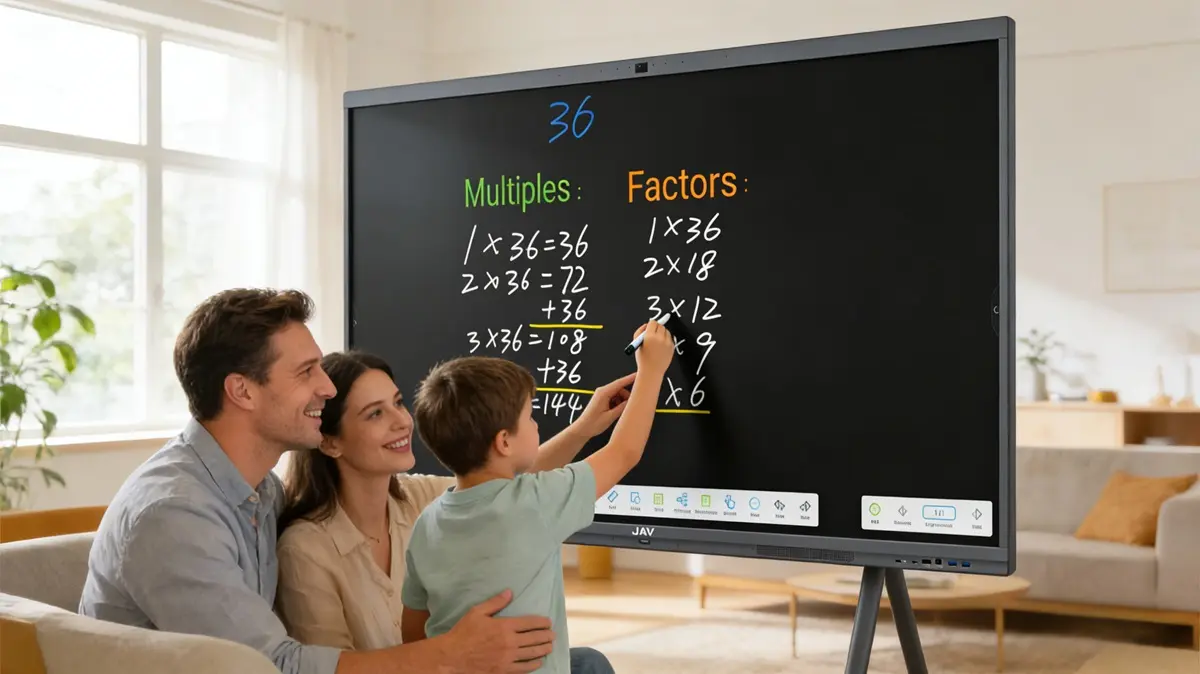
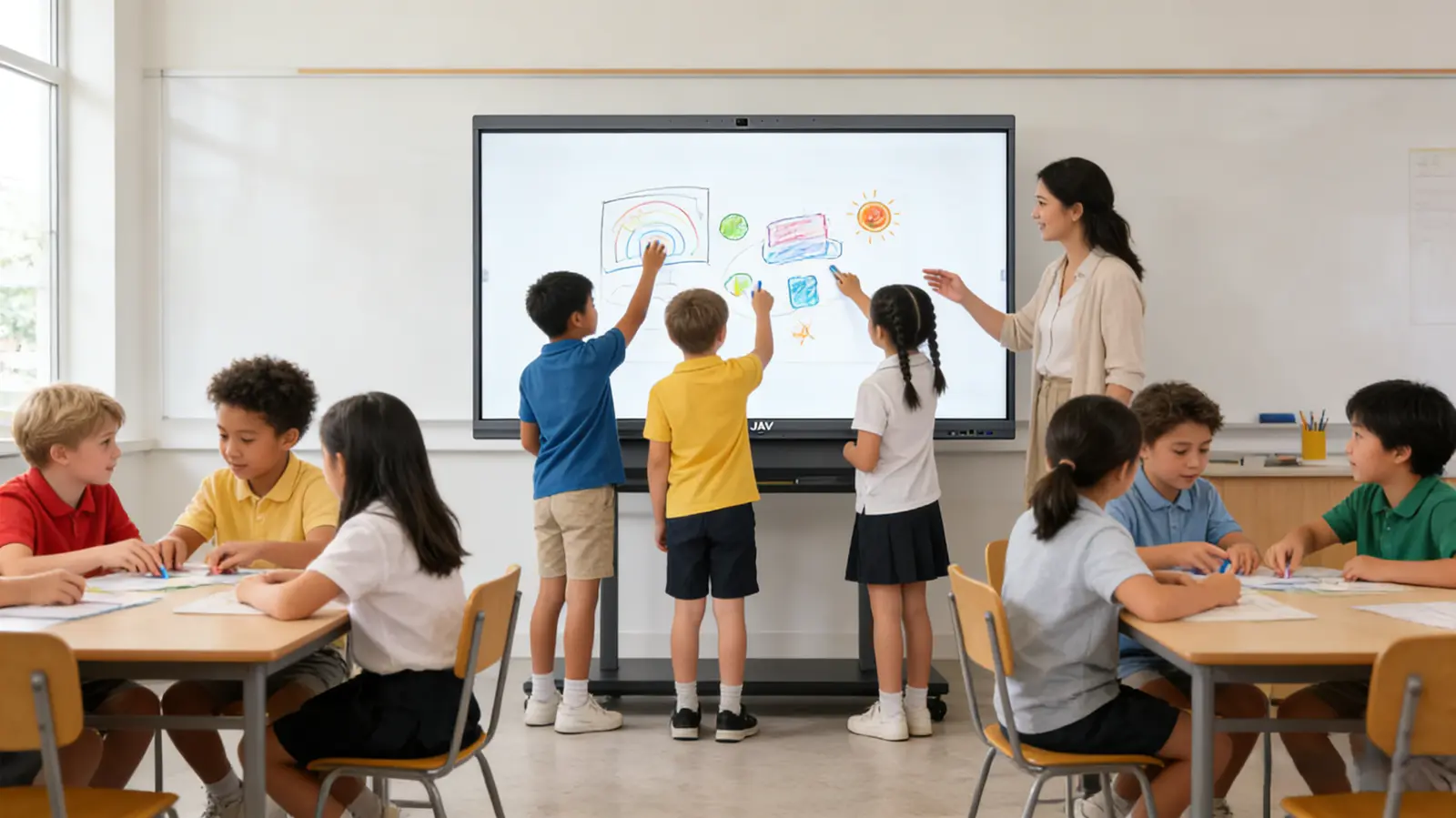
Geometry instruction benefits from collaborative exploration. An interactive whiteboard supports multi-touch interaction, allowing multiple students to solve problems simultaneously.
Students can label dimensions, decompose composite shapes, and calculate area or volume directly on the board. Teachers can annotate student solutions in real time, highlight misconceptions, and guide class discussions.
This collaborative environment encourages mathematical discourse and deeper conceptual understanding, which is difficult to achieve with traditional teaching aids.
Differentiated Geometry Instruction with Interactive Whiteboard Teaching Tools
Classrooms often include students with diverse learning styles and abilities. Interactive whiteboard teaching tools support differentiated instruction by integrating digital worksheets, adaptive learning apps, and formative assessment platforms.
Teachers can present step-by-step tutorials for struggling learners while offering enrichment tasks for advanced students. Real-time student responses can be displayed and analyzed, enabling data-driven instructional adjustments.
This flexibility makes interactive whiteboards a powerful platform for inclusive and personalized geometry instruction.
Building Algebra and STEM Readiness Through Interactive Whiteboard Geometry Lessons
Understanding area and volume lays the groundwork for algebra, coordinate geometry, and physics. With an interactive whiteboard, teachers can connect geometric formulas to algebraic expressions and real-world applications.
For instance, students can explore how changing dimensions affects volume through dynamic sliders or spreadsheets, reinforcing functional relationships and proportional reasoning. These activities help bridge Grade 6 geometry with future STEM learning pathways.
Why Interactive Whiteboards Are Essential Teaching Aids for Modern Classrooms
Interactive whiteboards are increasingly viewed as core classroom infrastructure rather than optional accessories. As comprehensive teaching aids, they integrate visualization, collaboration, assessment, and digital content delivery in a single platform.
For schools and districts evaluating educational technology investments, solutions like the JAV Board 10 offer scalable, future-ready platforms that support geometry instruction and broader digital learning initiatives.
Conclusion
Teaching area and volume effectively requires more than static diagrams and formula memorization. Students need dynamic visualization, hands-on interaction, and collaborative problem-solving experiences.
An interactive whiteboard provides educators with the tools to transform geometry instruction into an engaging, concept-driven learning experience. By integrating visualization, annotation, and digital teaching tools, platforms like the JAV Board 10 help students develop deeper geometric understanding and prepare for advanced mathematics and STEM subjects.