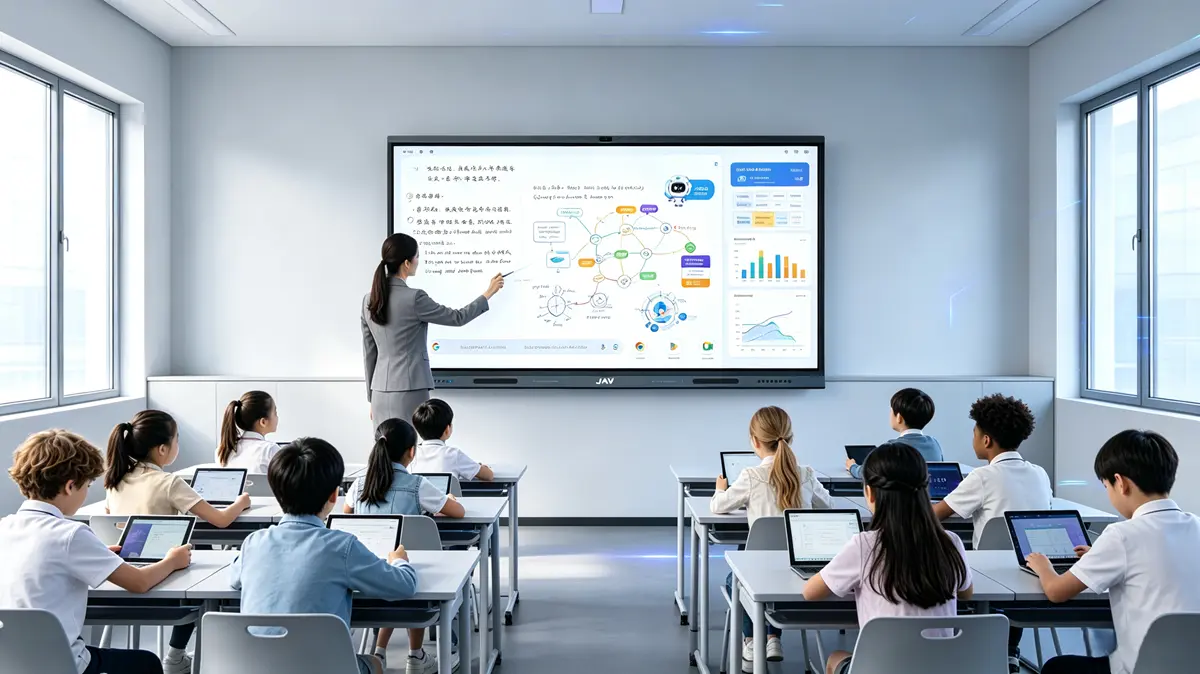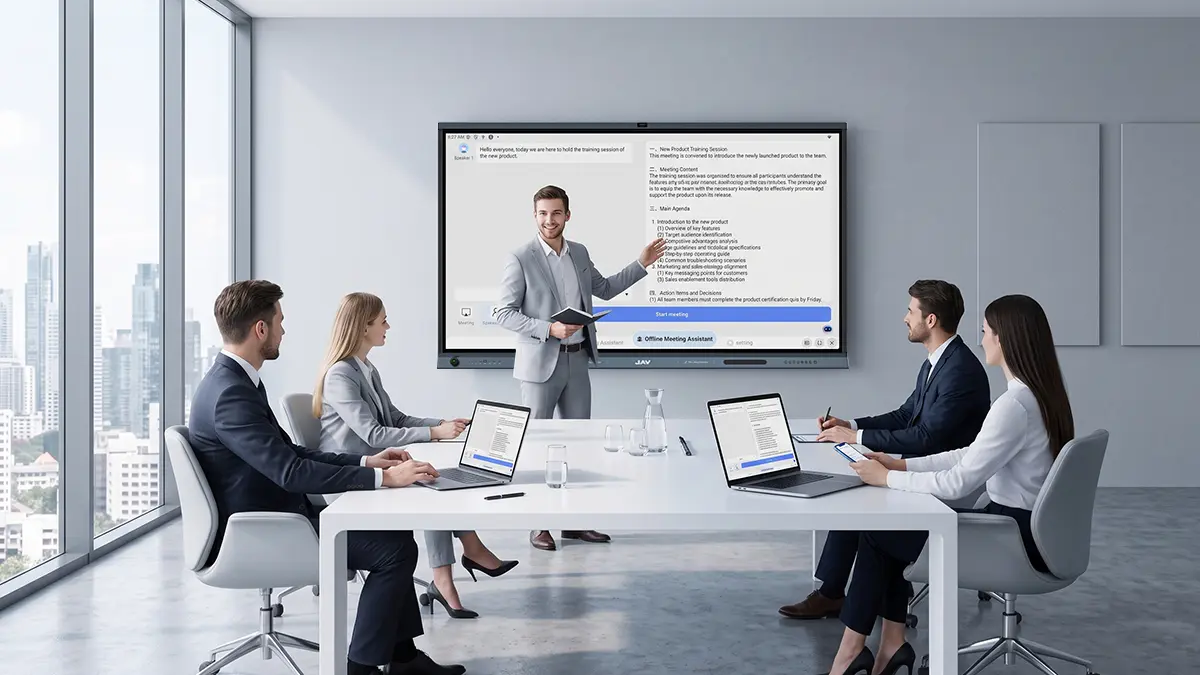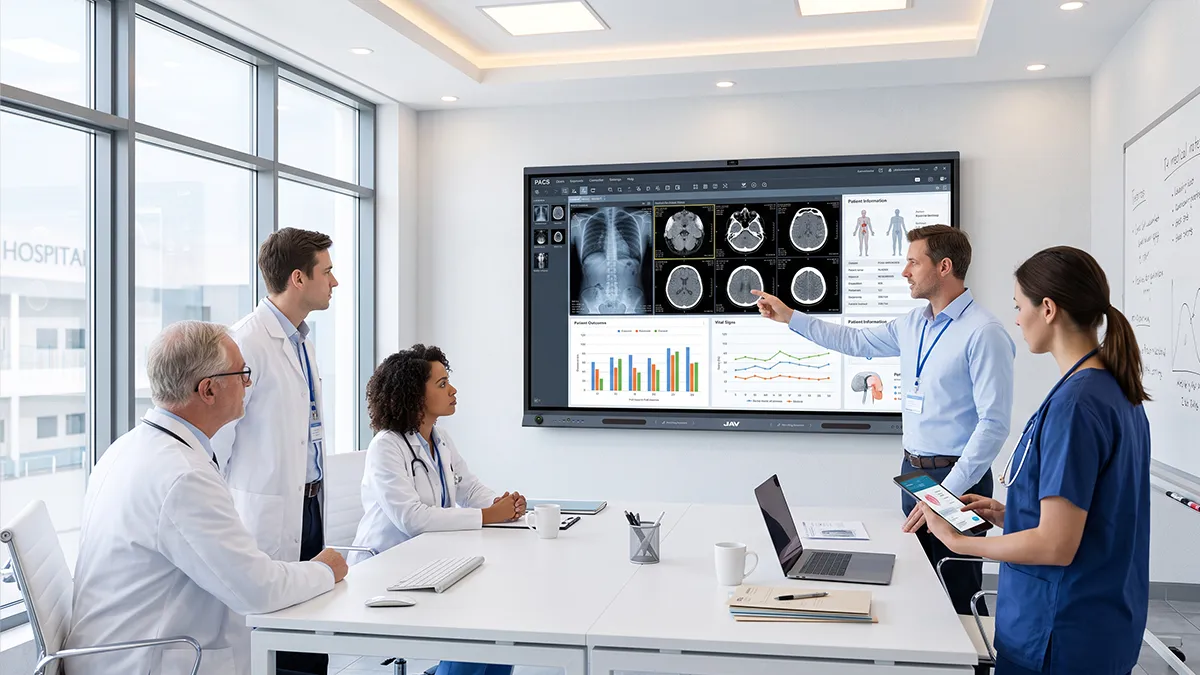
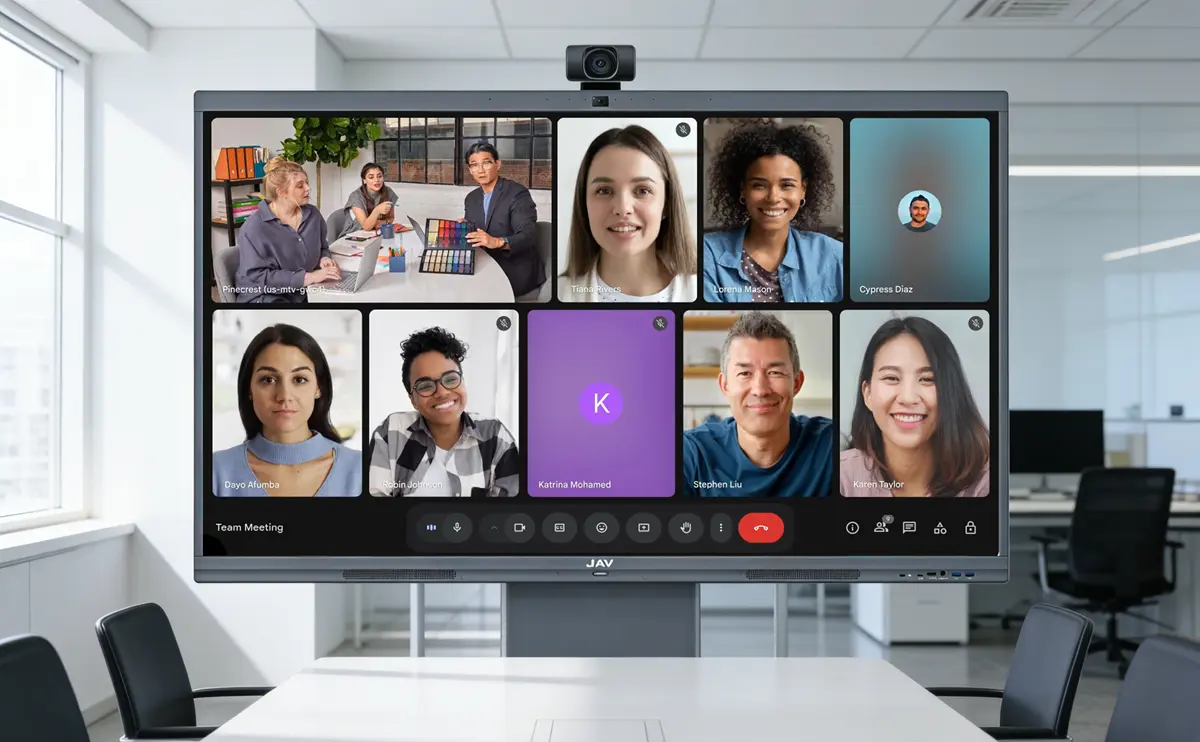
A Video Conferencing System for Conference Room can be built using an Interactive Display that integrates camera, audio, software, and collaboration tools into one device. This approach reduces complexity, improves meeting quality, and enables seamless hybrid collaboration.
In today’s hybrid work environment, businesses are moving away from fragmented setups and toward all-in-one solutions that are easier to deploy, manage, and scale.
The Problem: Why Traditional Conference Room Systems No Longer Work
Most traditional Video Conferencing System for Conference Room setups rely on multiple disconnected devices. While functional, they introduce inefficiencies that impact both productivity and user experience.
Common challenges include:
- Complex installation with multiple hardware components
- Frequent compatibility and connectivity issues
- Inconsistent meeting quality across rooms
- Poor engagement for remote participants
These issues don’t just slow down meetings—they reduce collaboration effectiveness across your organization.
The Solution: Interactive Display–Powered Conferencing
An Interactive Display transforms your Video Conferencing System for Conference Room into a unified, intelligent platform.
Instead of managing separate devices, everything is built into one system—display, camera, audio, and software—working seamlessly together.
What this means for your business:
- Fewer devices to install and maintain
- Consistent meeting experience across rooms
- Faster meeting startup with no technical delays
- Built-in collaboration tools for real-time interaction
👉 The result is a simpler, smarter, and more scalable conference room solution.
Why Use an Interactive Display to Build a Video Conferencing System for Conference Room?
The biggest advantage of using an Interactive Display in a Video Conferencing System for Conference Room is its ability to combine AI, video, and collaboration into one seamless experience.
AI-Enhanced Video Experience
A modern interactive display like the JAV Board 10 offers features like:
- 48MP Ultra-HD camera
Delivers crystal-clear video for professional meetings - Auto-Framing
Automatically adjusts to include all participants in the room - Voice Tracking
Focuses on the active speaker for more natural communication
👉 An advanced interactive display like the JAV Board 10 can provide a more immersive experience where remote participants feel fully engaged—not disconnected.
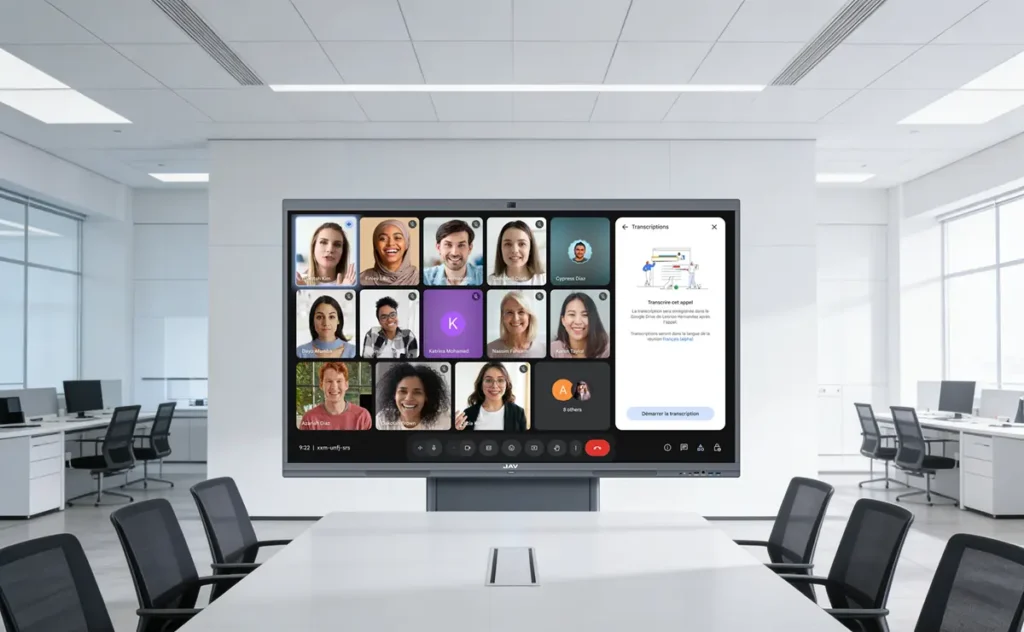
Step-by-Step: Build a Video Conferencing System for Conference Room
Step 1: Choose an Interactive Display with Built-in Intelligence
Selecting the right device is critical because it determines system performance and ease of use. Look for integrated camera, AI tracking, and native app support.
Step 2: Install Conferencing Software Directly
A modern Video Conferencing System for Conference Room should operate independently of personal devices.
With an Interactive Display, you can:
- Run Zoom or Microsoft Teams directly
- Start meetings instantly
- Avoid laptop compatibility issues
Step 3: Eliminate External Devices
Traditional setups require separate cameras and microphones, increasing both cost and failure points.
With an all-in-one solution:
- No external camera installation
- No manual adjustments
- No cable complexity
👉 This significantly simplifies deployment and maintenance.
Step 4: Enable Wireless Collaboration
Collaboration is a key part of any Video Conferencing System for Conference Room.
An Interactive Display allows you to:
- Share screens wirelessly from multiple devices
- Switch presenters instantly
- Collaborate across platforms
Step 5: Turn Meetings into Interactive Sessions
Meetings should not be passive. With built-in interactive tools, teams can:
- Annotate content in real time
- Brainstorm on a digital whiteboard
- Save and share ideas instantly
👉 This transforms meetings into productive working sessions.
Key Benefits of an AI-Powered Video Conferencing System for Conference Room
1. Reduced Hardware Complexity
Fewer devices mean fewer technical issues and lower maintenance effort.
2. Intelligent Automation
AI-powered camera features eliminate manual adjustments and improve efficiency.
3. Better Remote Engagement
Auto-framing and voice tracking create a more inclusive meeting experience.
4. Faster Deployment
Plug-and-play setup reduces installation time and IT workload.
5. Lower Total Cost of Ownership
Eliminating external hardware reduces long-term costs.
Why JAV Board 10 Is Built for Modern Conference Rooms
JAV Board 10 is designed to deliver a complete Video Conferencing System for Conference Room in a single device.
Key capabilities include:
- Built-in 48MP AI camera
- Auto-Framing & Voice Tracking
- Integrated operating system
- Wireless casting and screen sharing
- Interactive whiteboard for collaboration
👉 Instead of assembling multiple components, you deploy a ready-to-use, intelligent conferencing solution.
Future Trends: Where Conference Room Technology Is Heading
The future of the Video Conferencing System for Conference Room is defined by three key trends:
- AI-driven automation
- Device consolidation
- Interactive collaboration
Businesses that adopt Interactive Displays today are not just upgrading their meeting rooms—they are future-proofing their collaboration infrastructure.
Conclusion: Build a Smarter Conference Room Today
An effective Video Conferencing System for Conference Room is no longer just about connecting people—it’s about enabling seamless, intelligent collaboration.
By adopting an Interactive Display, organizations can:
- Simplify their technology stack
- Improve meeting quality
- Enhance team productivity
JAV Board 10 brings all these capabilities into one powerful solution—helping you build a conference room that is efficient, scalable, and ready for the future.