
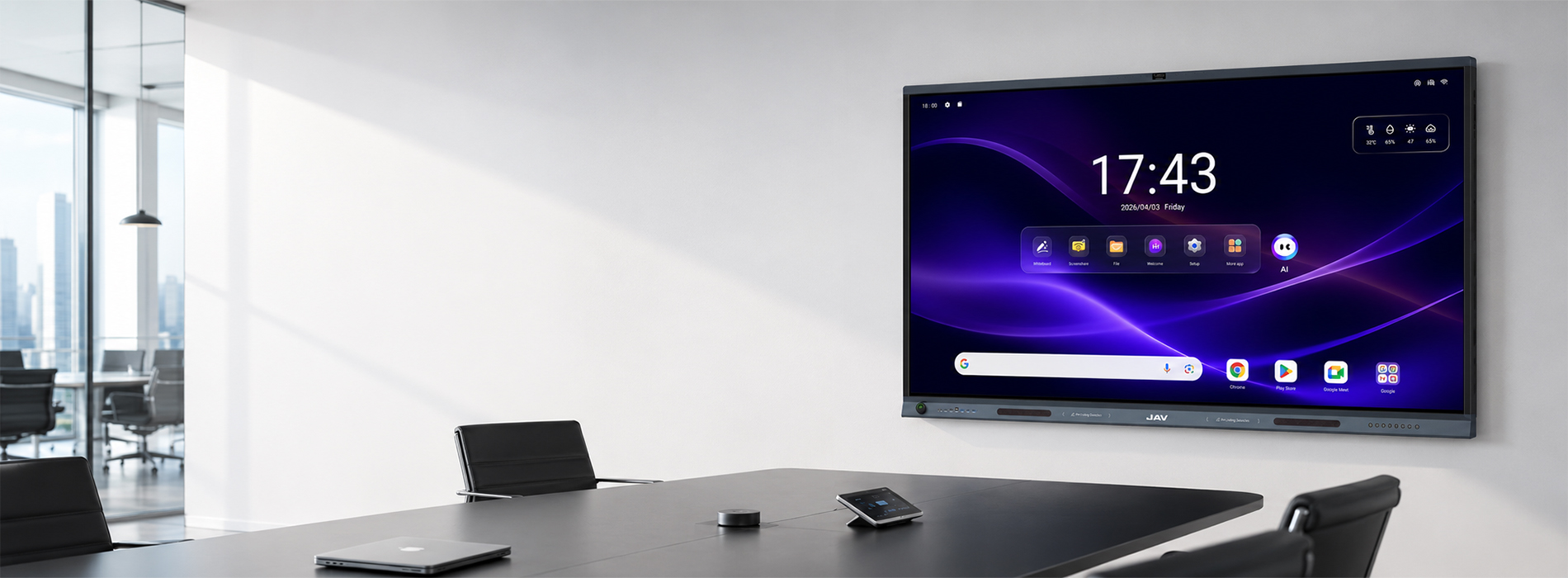
Outstanding Performance
High-definition Details
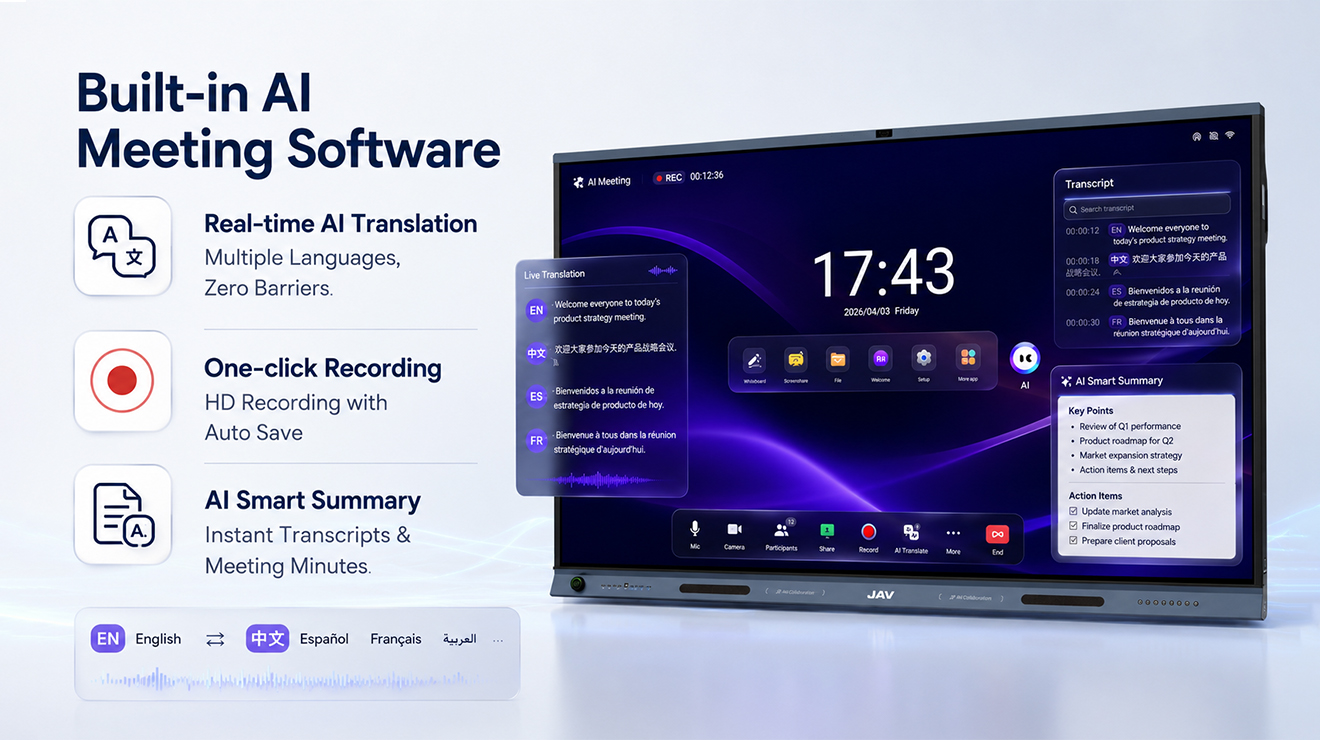
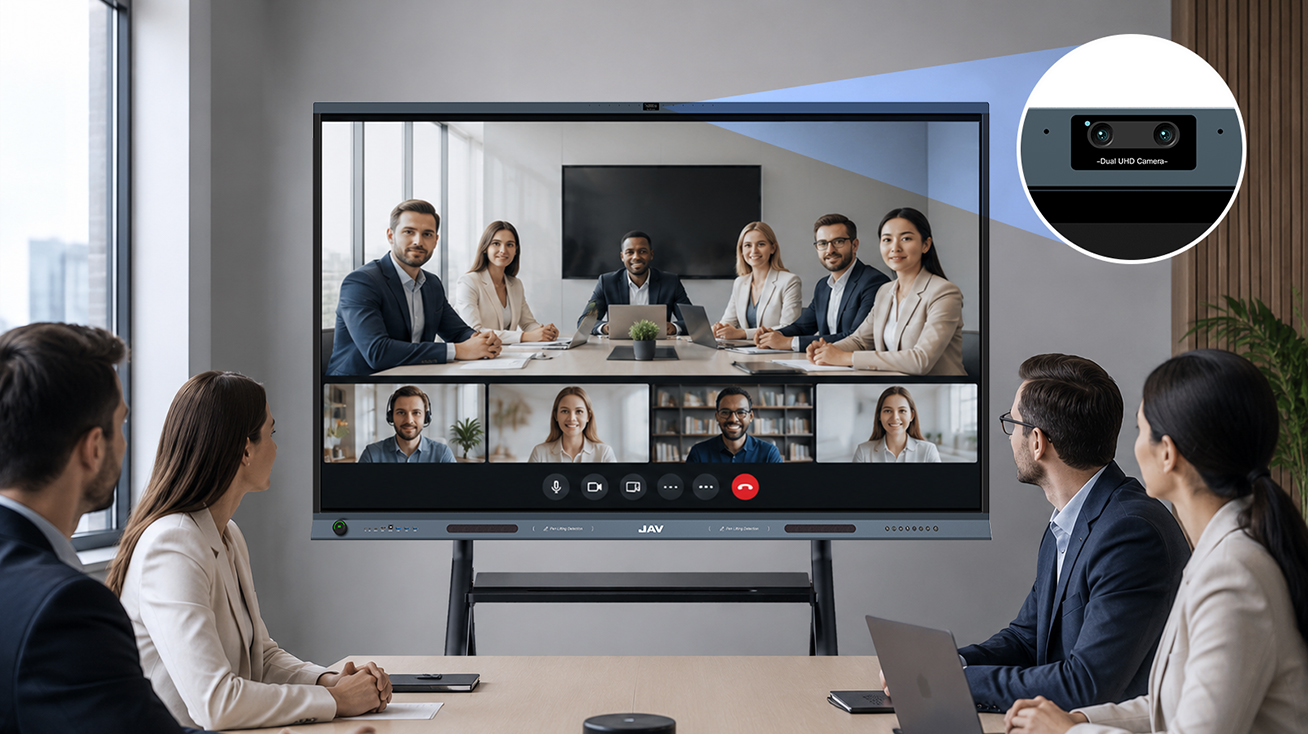
AI-powered Meeting
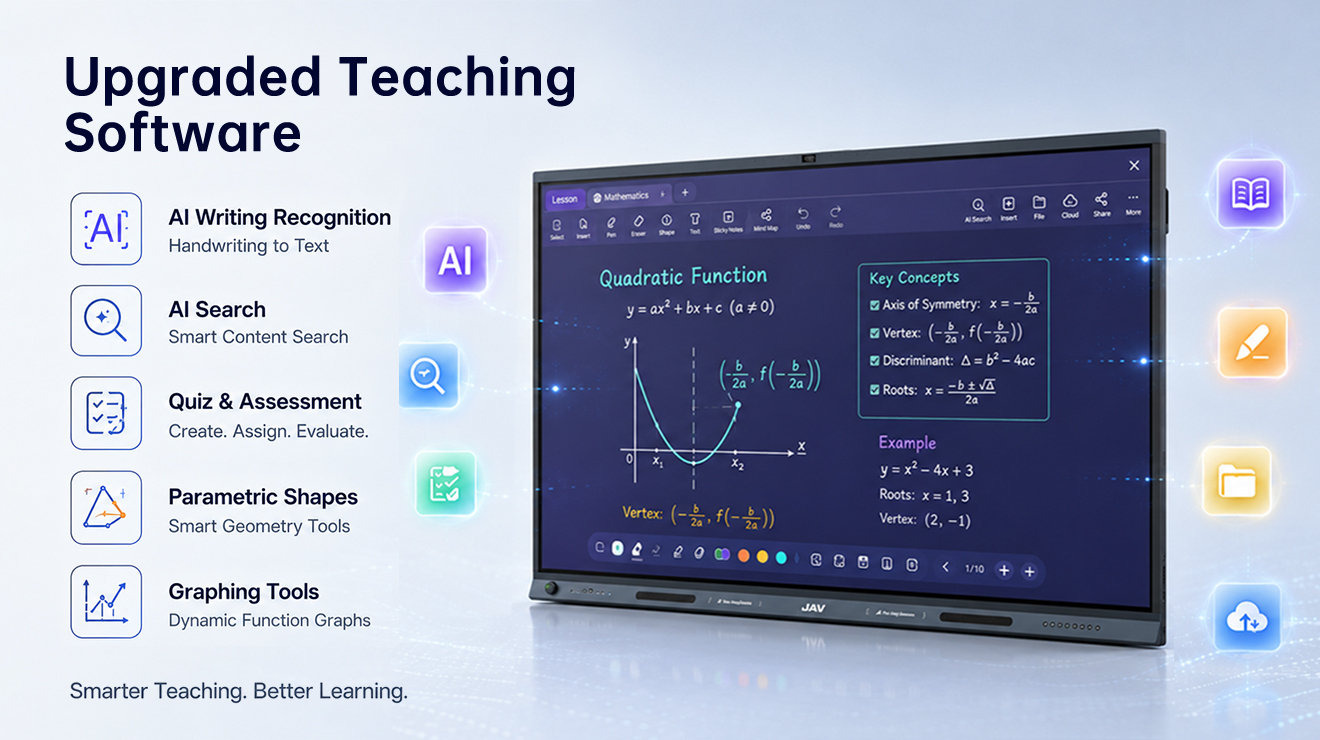
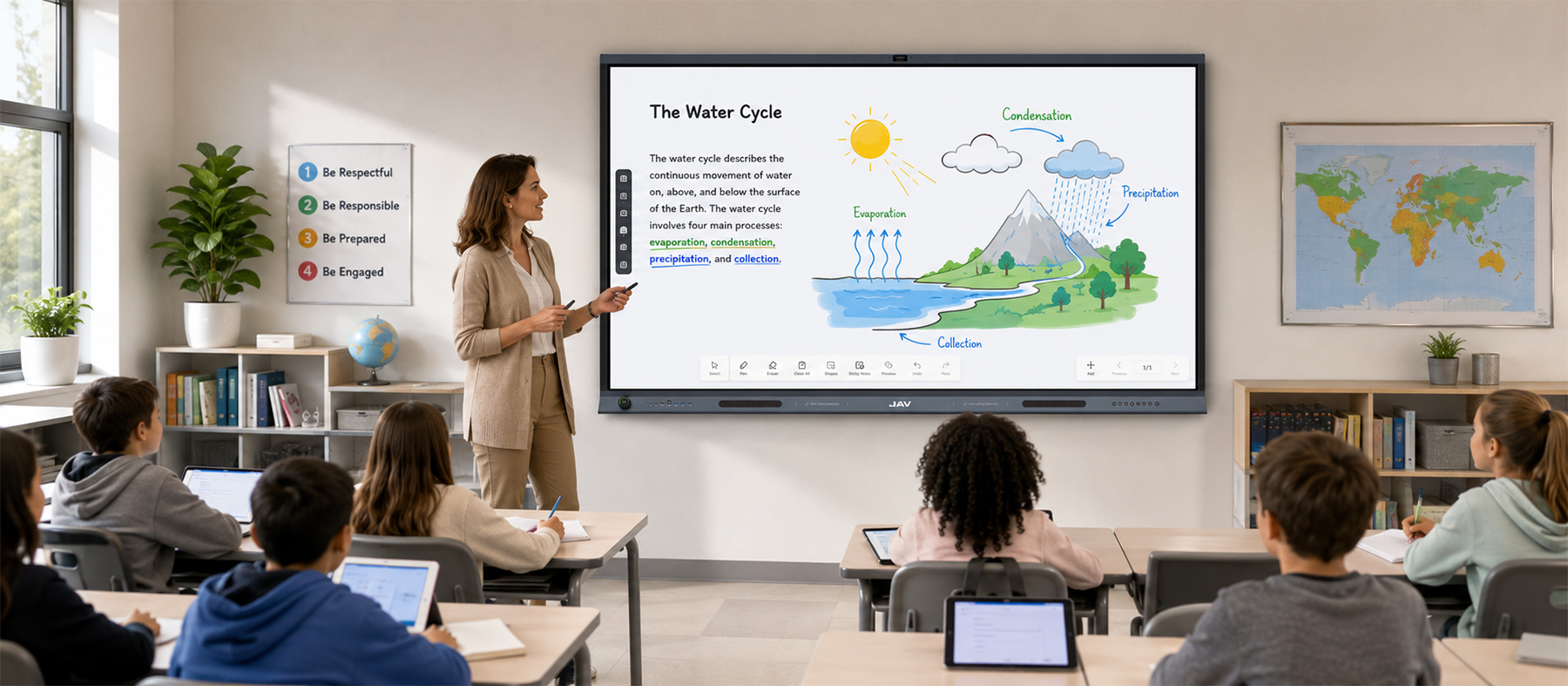
AI-powered Teaching
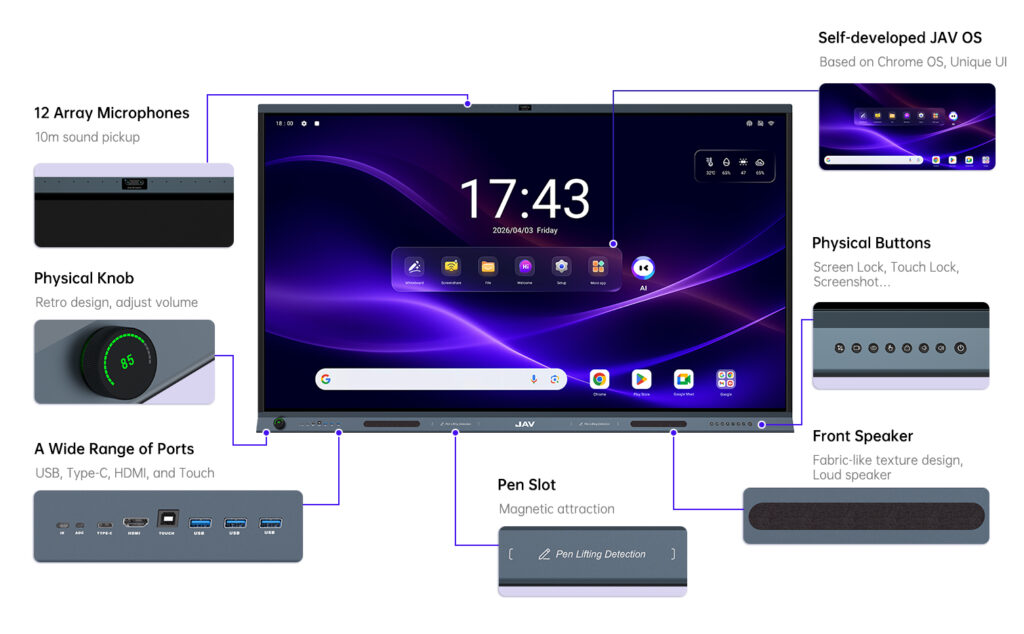
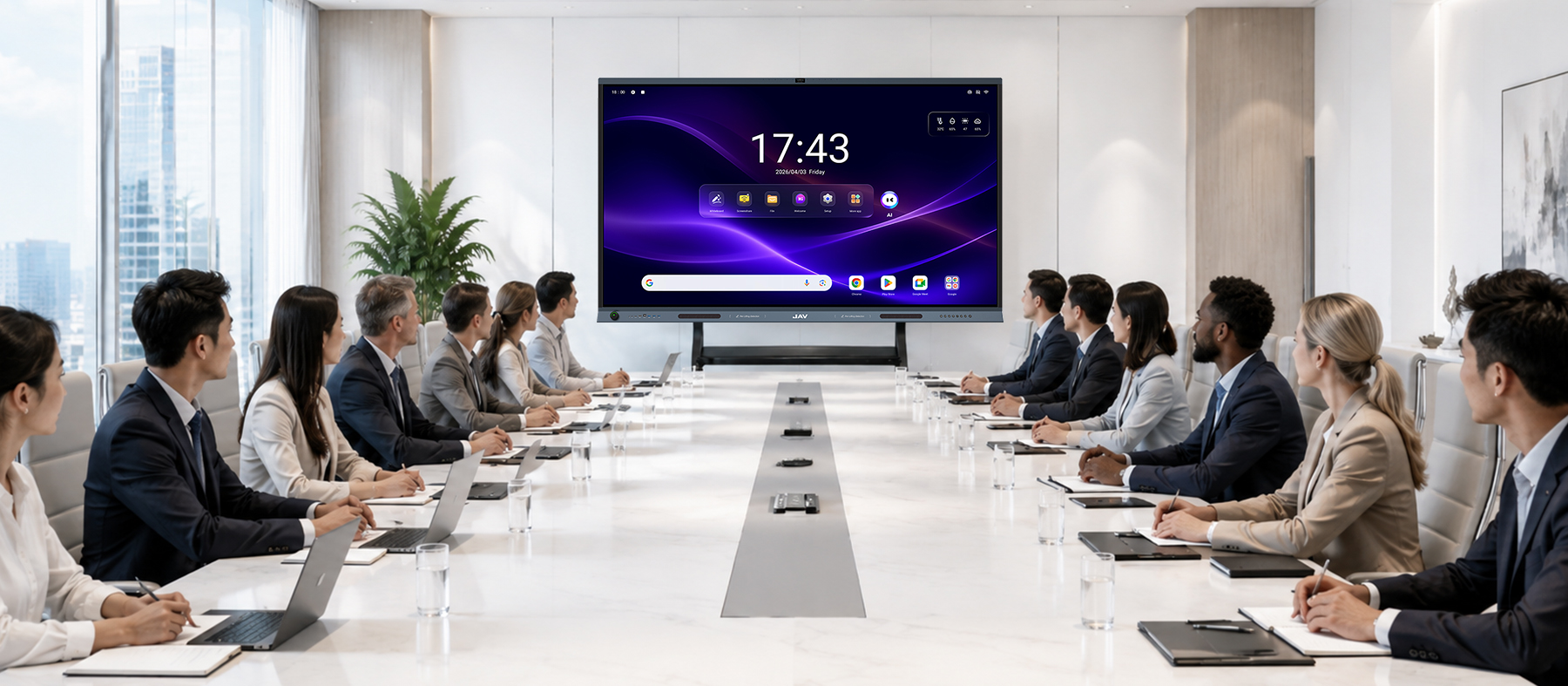



مرحباً بكم في JAV!
Powered by AI, drive efficient meetings and teaching!
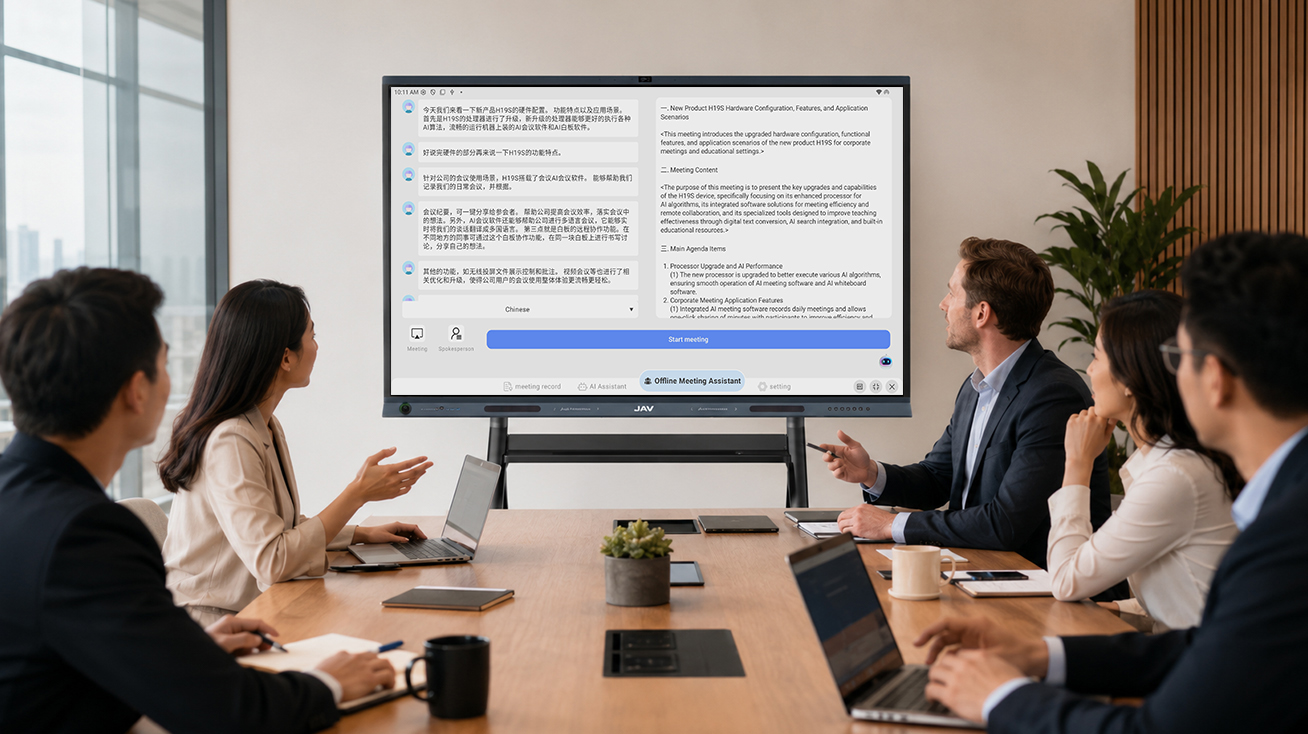
The AI meeting software can recognize every speaker’s voice and record their speeches accordingly. Also, JAV Board 19 can help summarize the content and generate meeting minutes.
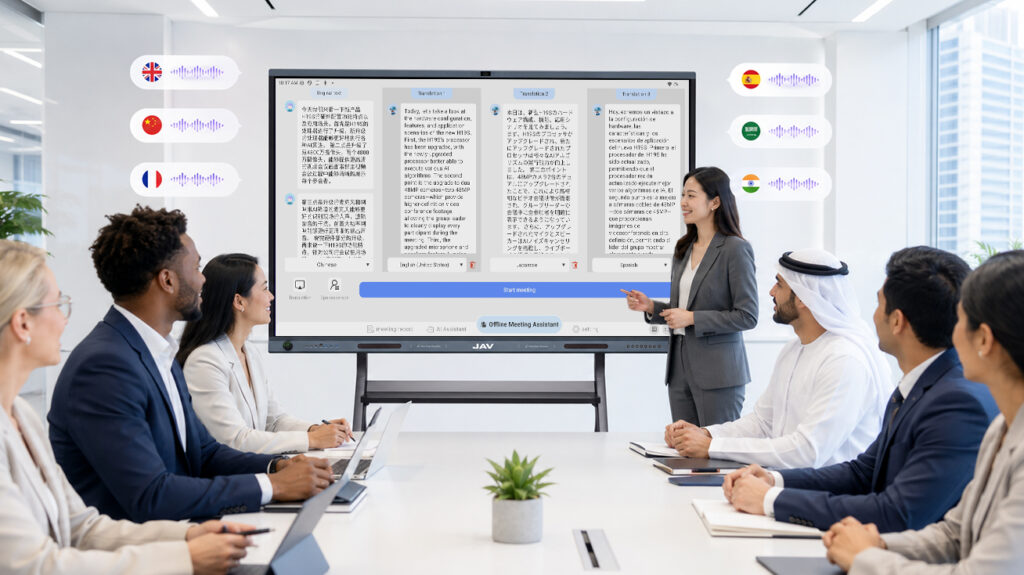
Cooperated with iFLYTEK, JAV has developed our own AI meeting software and embedded it into the JAV Board 19. In a meeting, it can automatically translate your language to other languages you want, up to 78 languages.
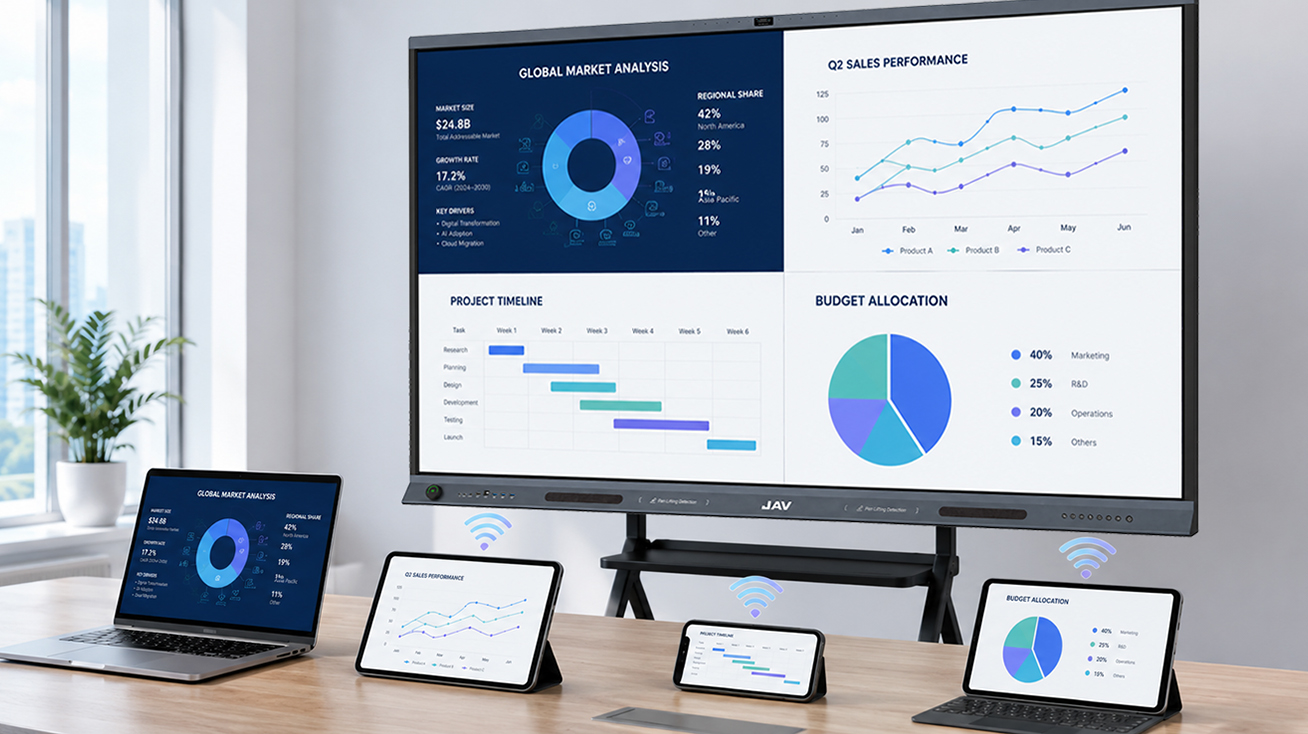
No cables, zero setup, instant screen sharing from your laptop, tablet, and smart phone to the big screen of JAV Board 19. Immediate sharing help work team communicate smoothly.
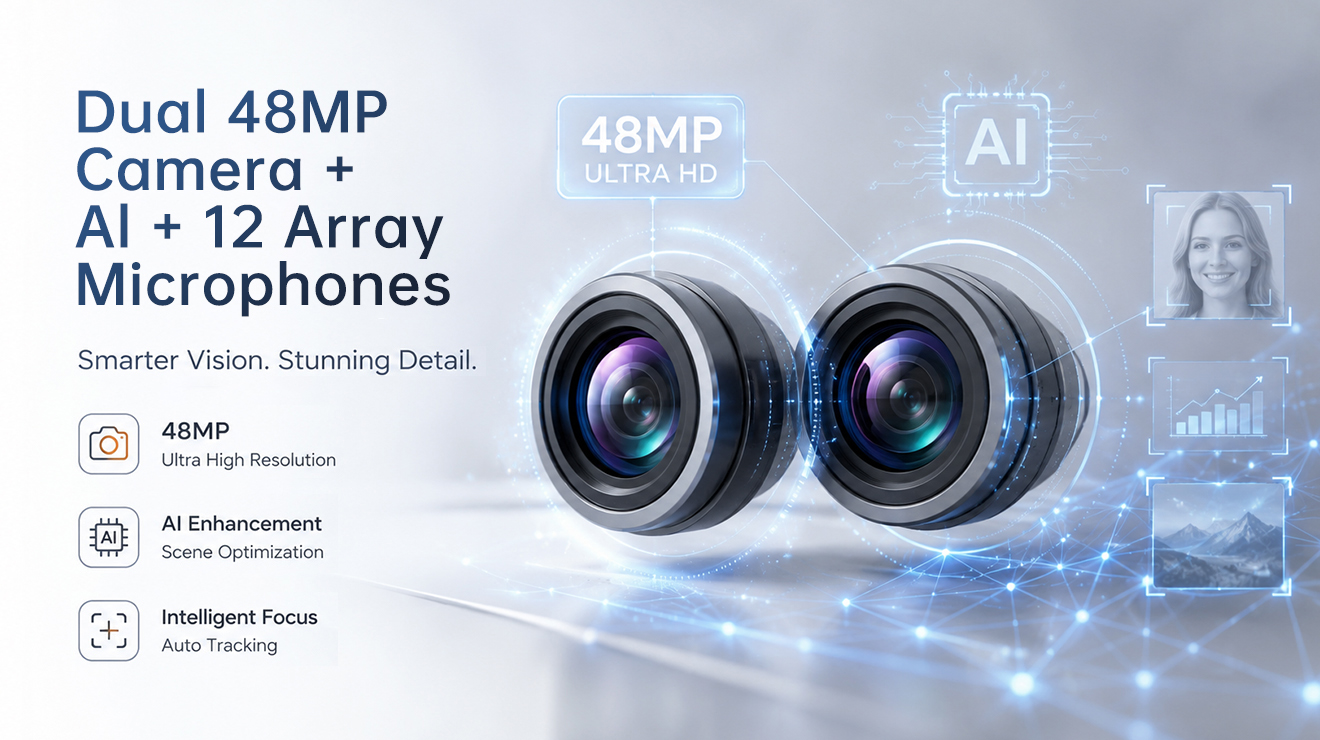
JAV Board 19 features a dual 48MP camera. Includes more people on the screen and display it more clearly during video conference.
Clear and natural display
Clear sound
AI auto framing
AI voice tracking
JAV Board 19 comes with higher touch precision, up to 50 touch points. Multiple team members can write on the screen simultaneously.
The co-whiboard function allows team members to collaborate on the same whiteboard remotely. Collaborate in real-time; discuss and communicate freely without any borders.
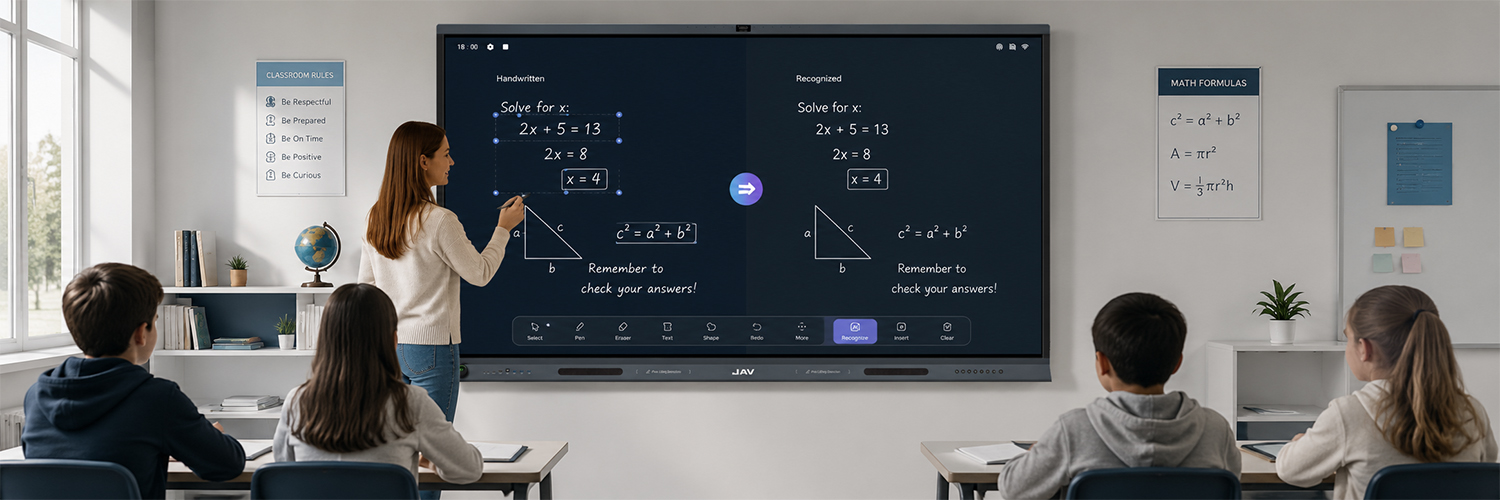
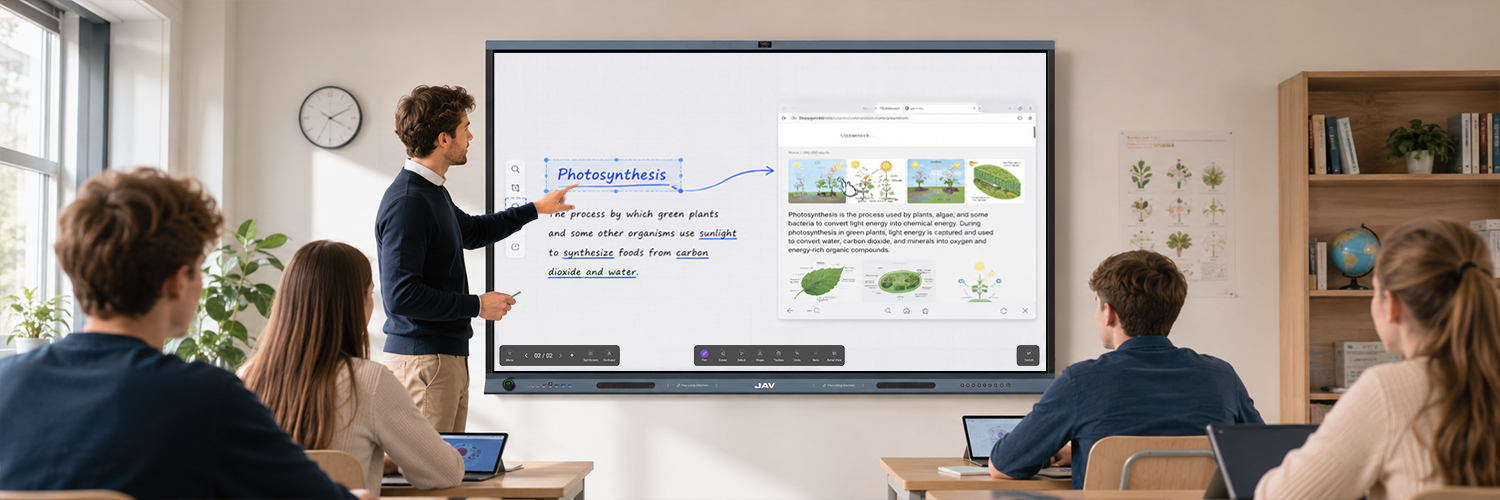
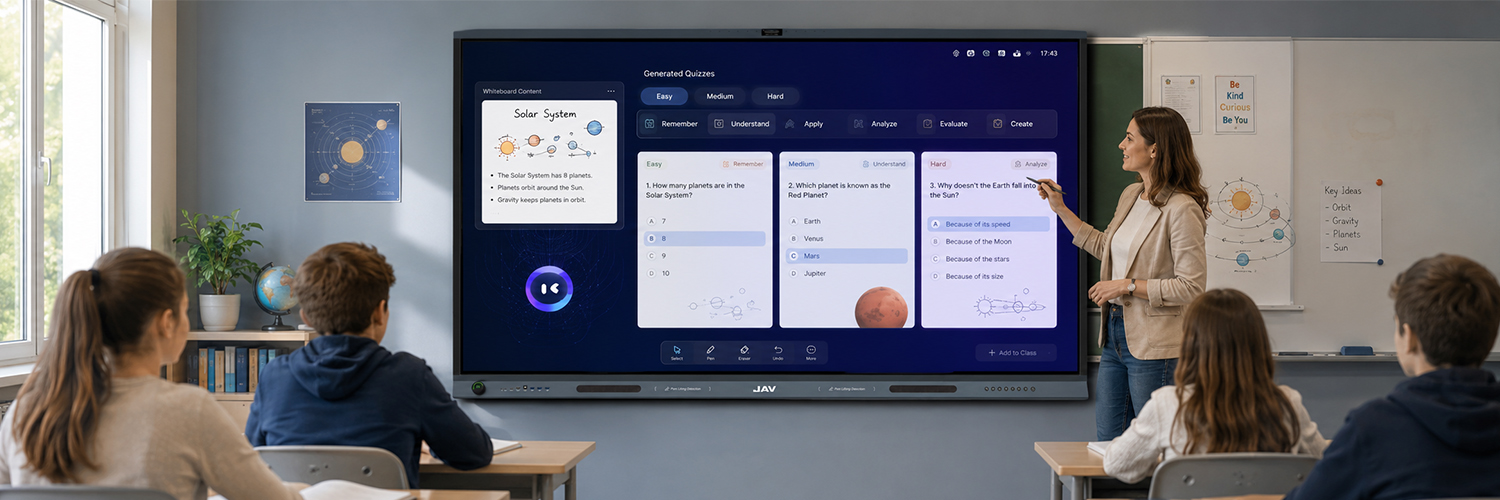
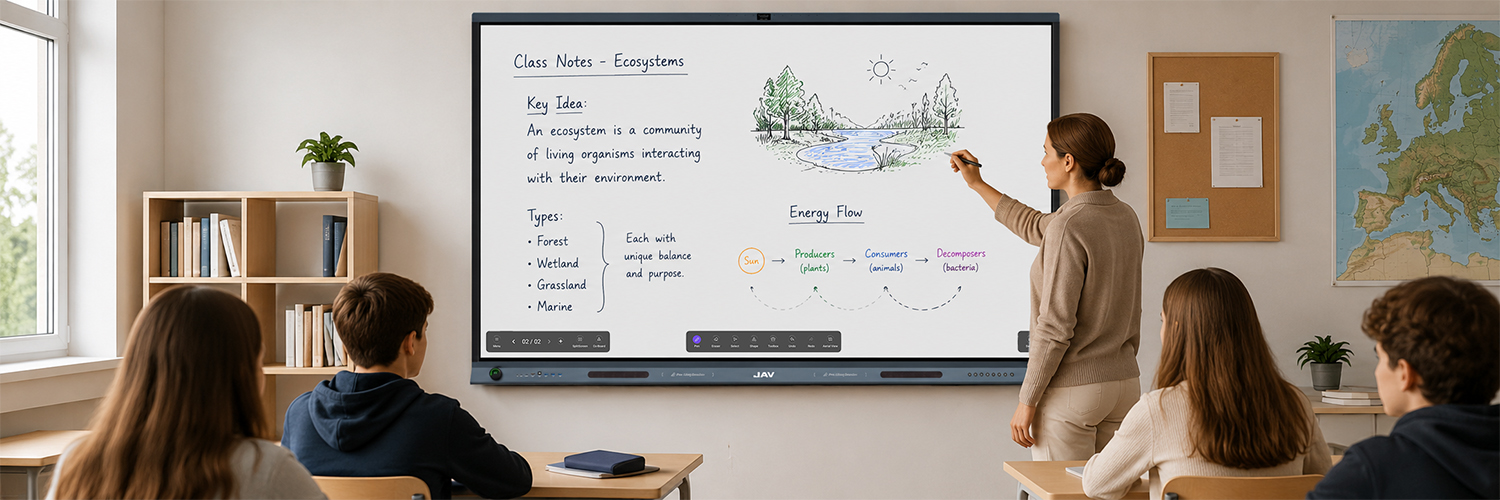
JAV Board 19 has integrated AI Writing Recognition(OCR), AI Search, and AI Quiz Master functions into its whiteboard software. Make itself a great teaching partners for teachers.
After selecting the “text pen”, users’ writings can be automatically converted to digital text as they are writing. Also, we select the content we wrote on the whiteboard and convert it into digital text with a single click.
Select the content on the whiteboard and tap “search” to search it on the browser; the search results can be inserted back into the whiteboard by dragging. This helps teachers explain their presentations to students more vividly.
Select content on the whiteboard, then tap “Quiz Master” to generate quizzes from K1 to K12 and higher education, including various categories: Remember, Understand, Apply, etc. Help teachers engage students in the class.
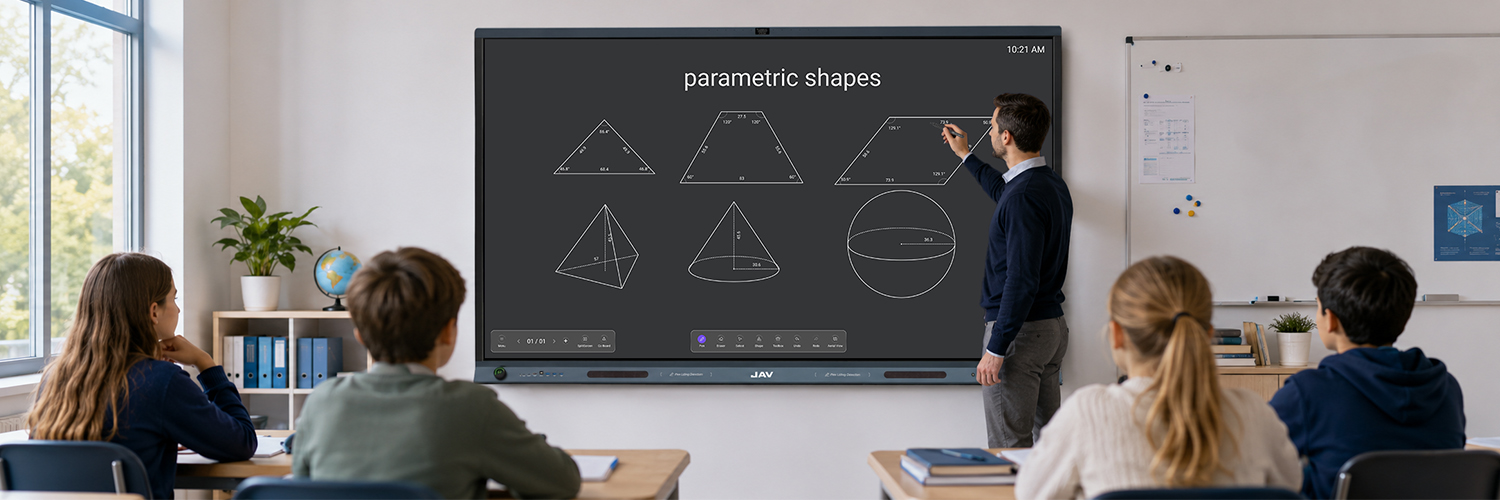
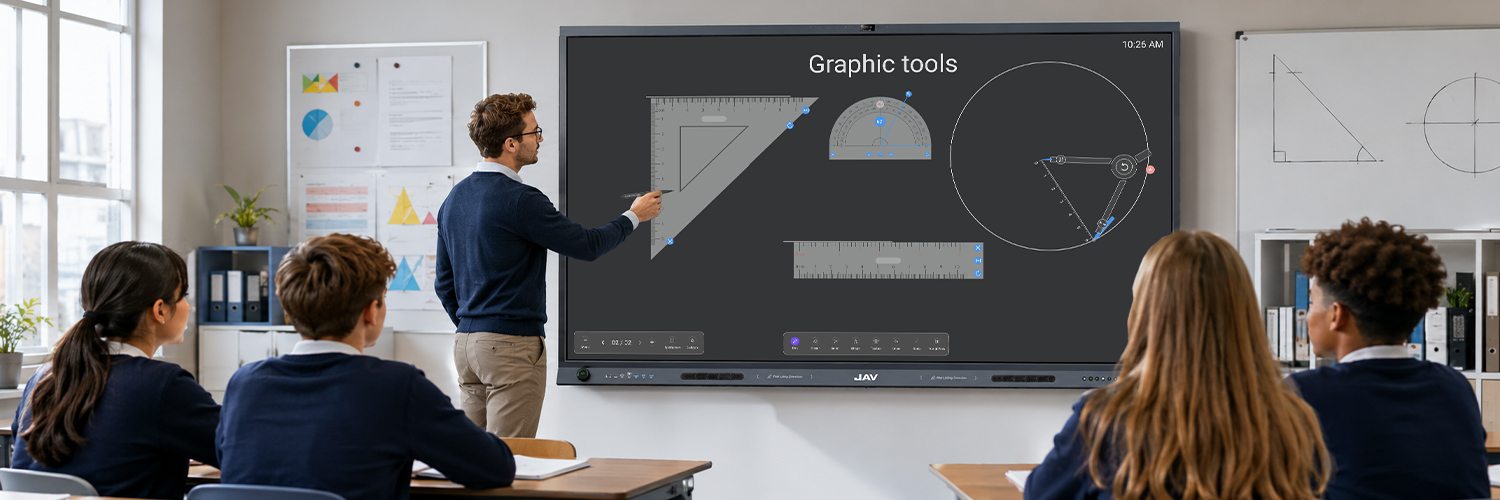
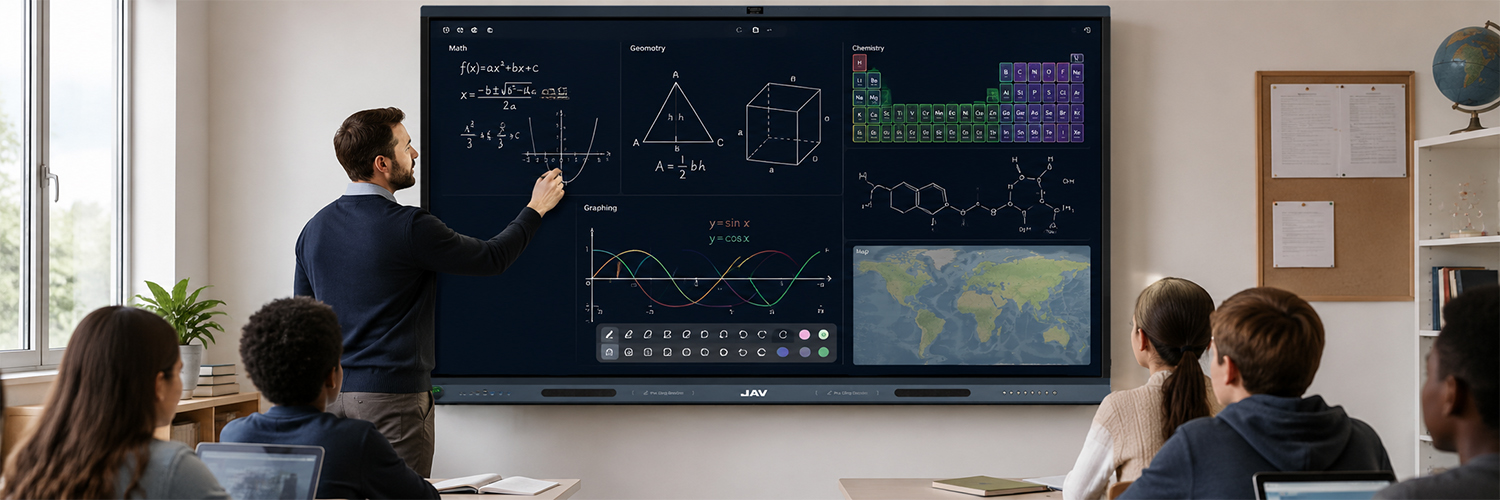
JAV Board 19 comes with plenty of built-in teaching resources, including shapes, graphing tools, and subject tools. Teachers can draw shapes precisely and easily, without any time wasted on hand-drawn shapes and graphs. Teaching becomes easy.
All kinds of built-in shapes like Triangle, Square, Circle, Cube, Cuboid…can be easily drawn by dragging the pen across the screen. All the drawn shapes come with parameters, help teachers teach easily.
Straight ruler, triangle ruler, isosceles right triangle ruler, protractor, and compass. Teachers can use them to draw lines and shapes easily by selecting the corresponding tool
Mathematical formulas, functions, and geometry can all be used by teachers in the class to do quick calculations, draw function graphs, and display dynamic 3D shapes. Others, like Chemistry periodic, molecular, and maps, teachers can also use it to explain lessons.
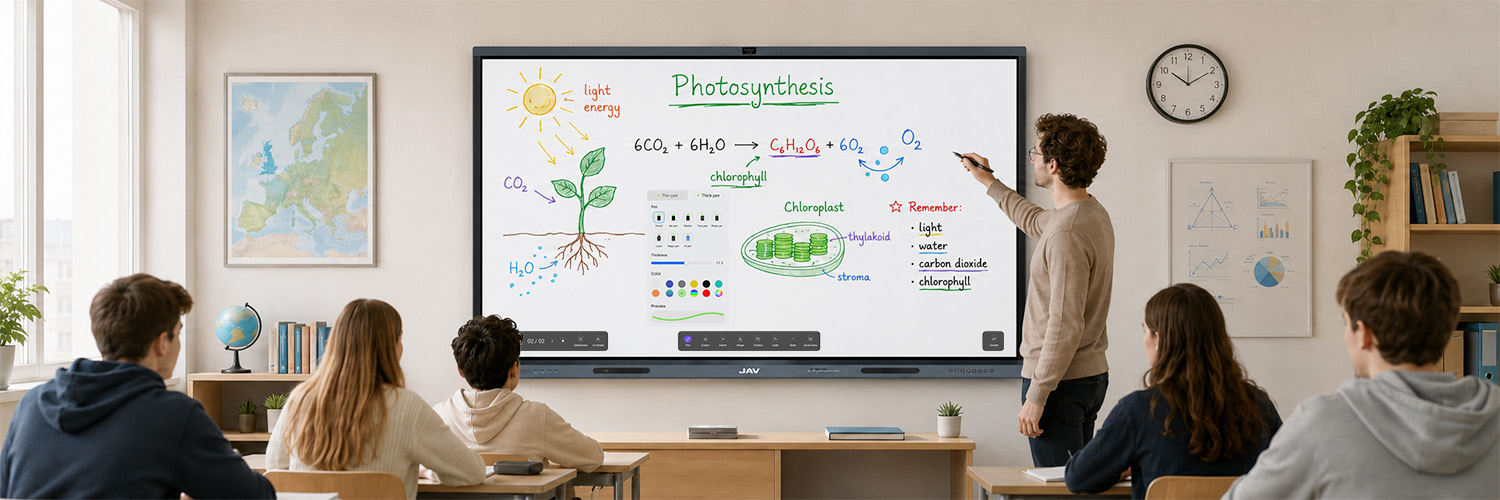
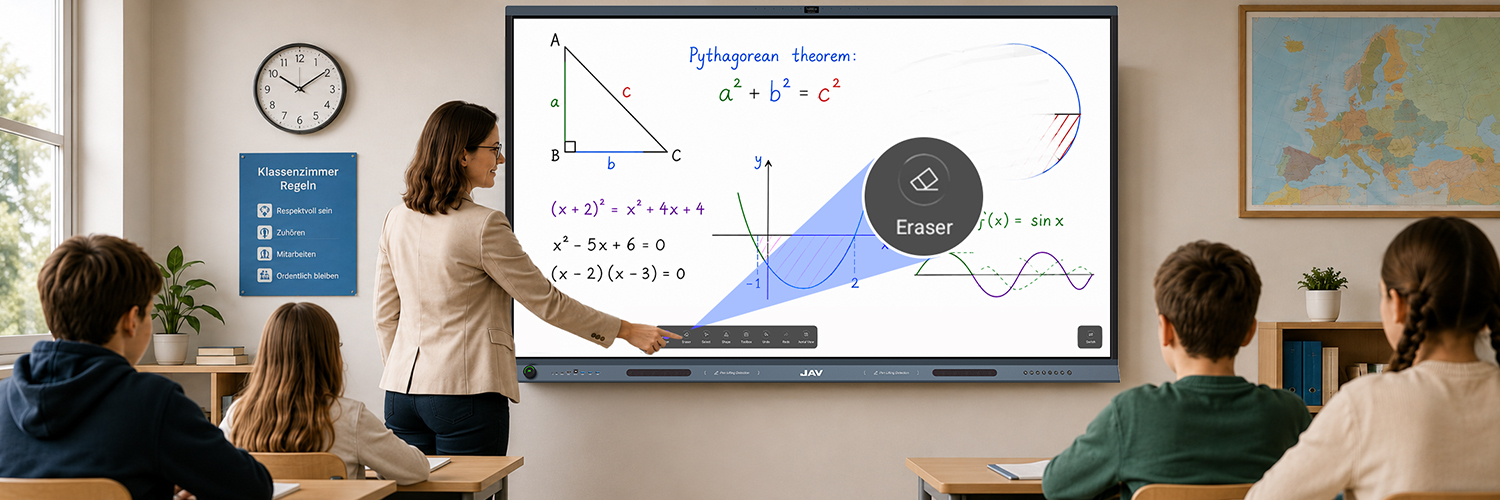
With its versatile whiteboard software, JAV Board 19 gives teachers an efficient writing and erasing experience in the class. No more efforts wasted in erasing. No more health threats from flying chalk dust.
With upgraded touch technology, JAV Board 19 features high touch precision of up to 50 touch points. It offers teachers a paper-feeling writing experience while writing on the screen.
Nine regular colors and two gradient colors for teachers to choose from for their whiteboard writing, making their writing more attractive in the class.
The powerful eraser tool allows teachers to erase the writing with a simple touch or selection. Also, they can use the “swipe to clear” function to clear all writings.
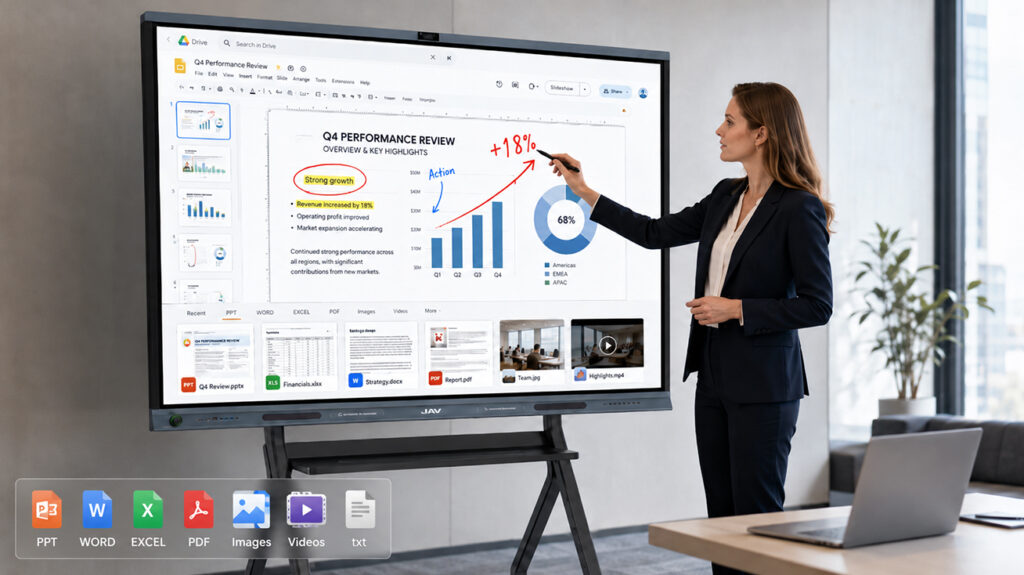
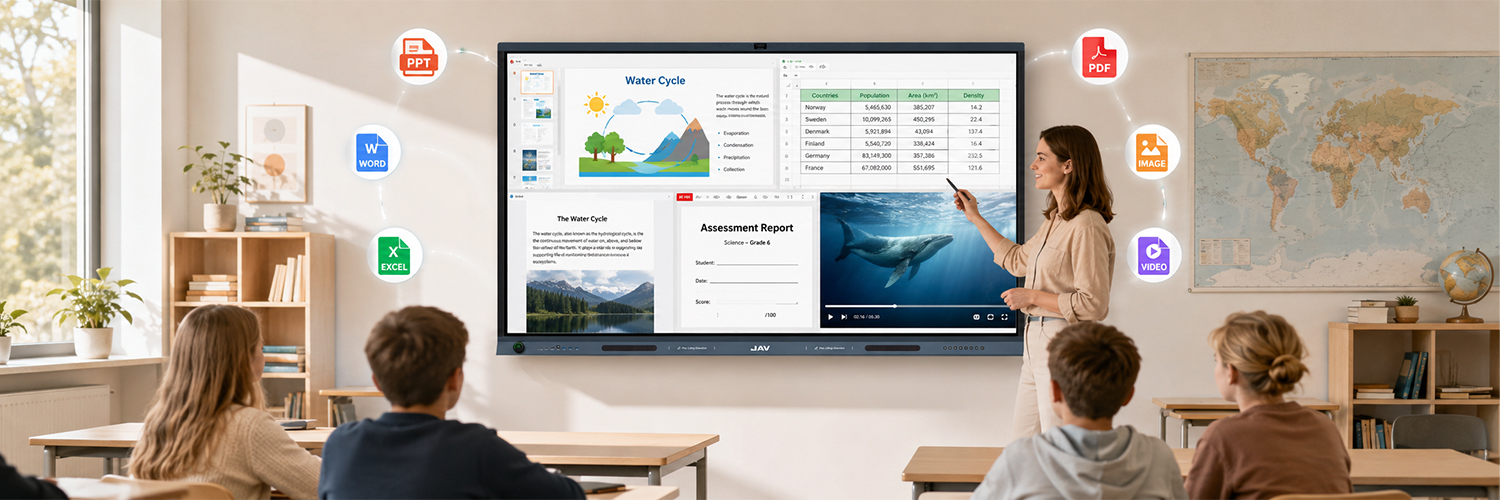
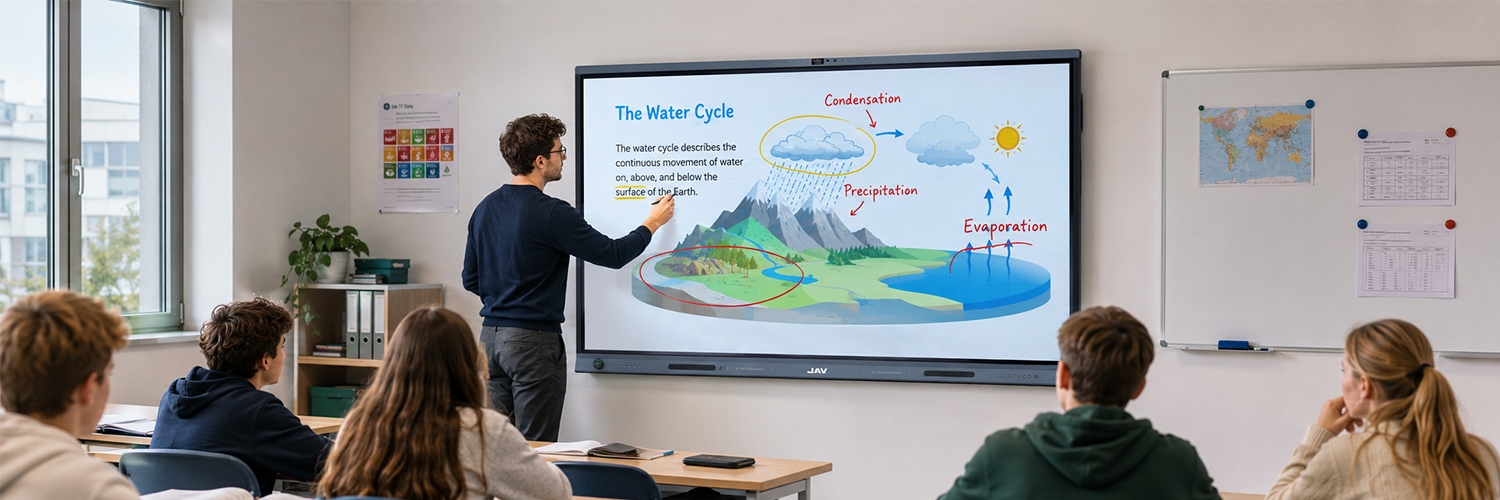
With one single device, JAV Board 19, teachers don’t need an external PC to control their courseware presentation anymore! They directly control and annotate the presentation with a simple touch.
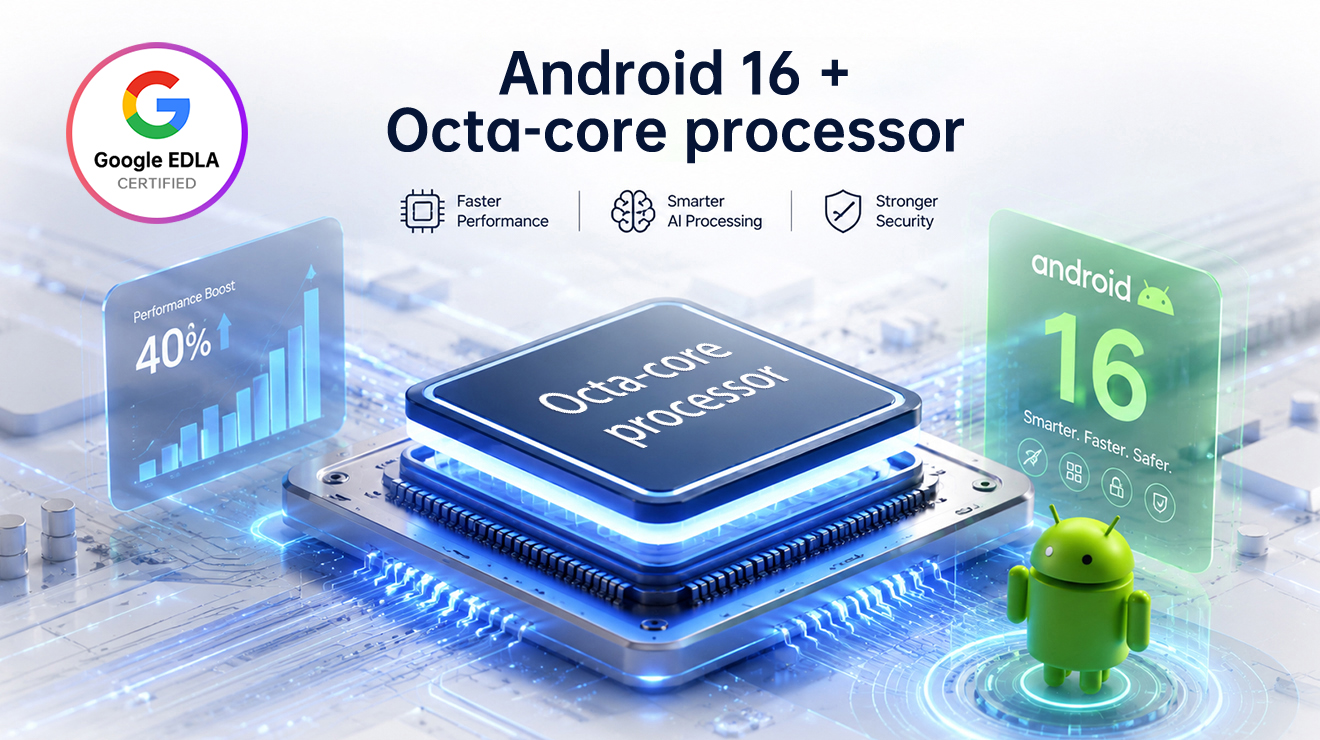
With Google EDLA Certified, JAV Board 19 can run all kinds of office software smoothly, such as Slides, Sheets, and Docs. This allows teachers to present their courseware easily without any other devices, including PPT, WORD, EXCEL, PDF, pictures, videos, etc.
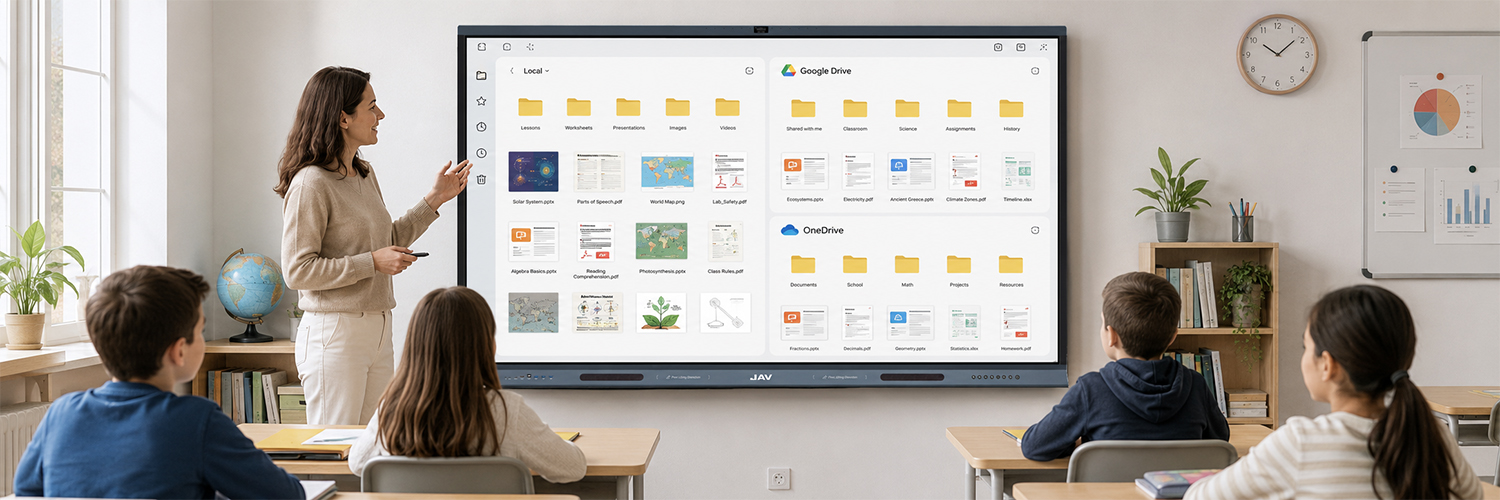
Local Files: With a 128GB local storage, teachers can store their files locally and start a presentation from there.
Cloud Files: The Google Drive and OneDrive are deeply integrated with JAV Board 19’s file management system. Users can log in to their Google Drive and OneDrive accounts directly to reach their cloud files.
Touch-based control. Teachers can control and annotate their presentation simply by touching the screen.
Tell us what you need, and our team will contact you with product, delivery, and pricing information.