Technology tools for the classroom have become an important part of modern teaching. From interactive displays to digital learning platforms, the right tools can help teachers explain complex ideas, engage students, and manage learning materials more efficiently.
However, adding more technology does not automatically create a better learning environment. Schools need to choose tools based on actual teaching needs, classroom activities, ease of use, and long-term value. A useful classroom technology solution should make teaching more effective without creating extra complexity for teachers.
What Should Schools Look for in Classroom Technology?
Before purchasing classroom technology, schools should start with a simple question: What teaching problems are we trying to solve?
A tool may have advanced features, but it has limited value if teachers rarely use them. Schools should consider several practical factors.
1. Ease of Use
Teachers need to focus on teaching, not troubleshooting equipment. Classroom technology should be easy to start, operate, and integrate into daily lessons.
Touch controls, intuitive interfaces, simple file access, and quick switching between teaching resources can make a significant difference in everyday use.
2. Support for Different Teaching Methods
A modern classroom may include presentations, group discussions, digital annotation, demonstrations, videos, and interactive exercises.
Technology should support these different activities rather than forcing teachers to change their teaching approach around the equipment.
3. Compatibility With Existing Tools
Schools often already use cloud storage, learning platforms, computers, and other digital resources. New classroom technology should work with existing systems instead of creating another isolated workflow.
Essential Technology Tools for the Classroom
Different tools solve different problems. Schools do not necessarily need every type of classroom technology, but several categories can provide practical benefits.
Interactive Displays
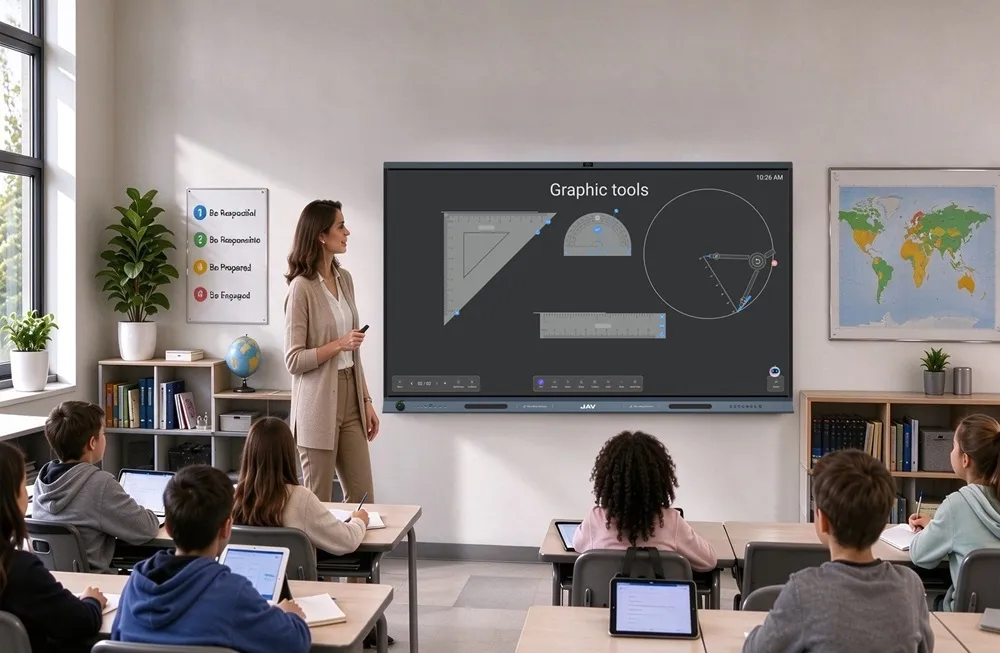
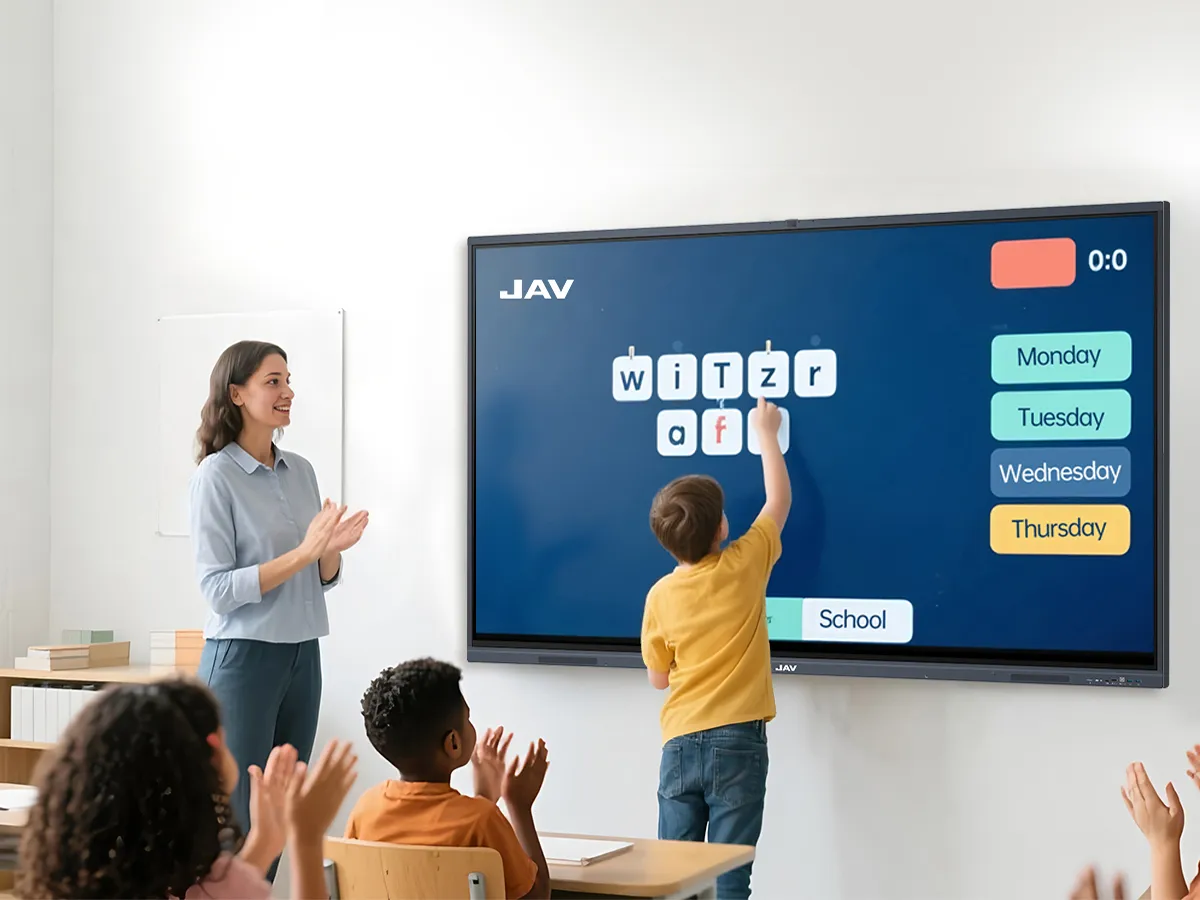
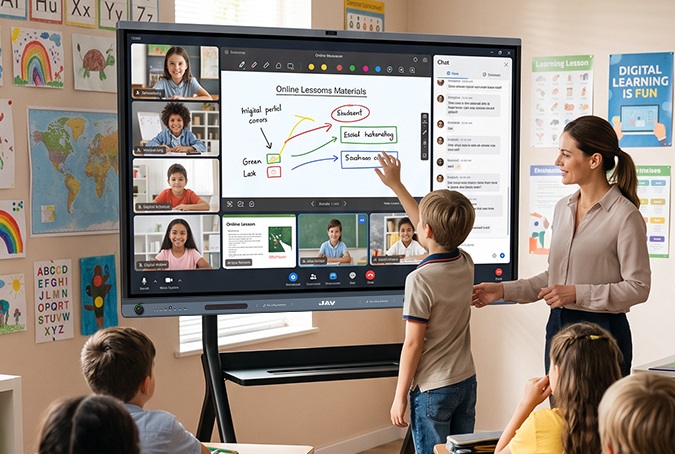
أن شاشة عرض تفاعلية can serve as the central digital workspace in a classroom. Unlike a traditional projector or flat display, it allows teachers and students to interact directly with content.
Teachers can use an interactive display to:
- Annotate presentations
- Write and draw on digital lessons
- Display videos and educational resources
- Work through problems step by step
- Save and review lesson content
For example, JAV Board 19 combines a large interactive display with digital whiteboarding, subject resources, and AI-assisted classroom features.
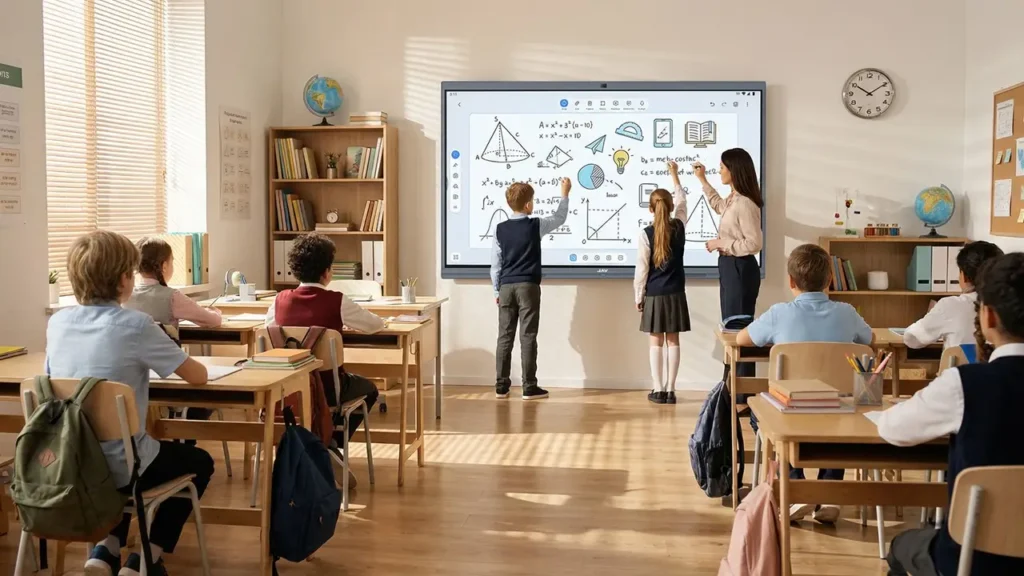
Teachers can use its interactive whiteboard to explain concepts visually, while built-in resources support subjects such as mathematics, physics, chemistry, and biology. For lessons that involve complex concepts, touch interaction can make diagrams, graphs, and models easier to explore together.
Digital Whiteboard and Collaboration Tools
Digital whiteboarding is particularly useful when teaching involves discussion, brainstorming, or problem solving.
Instead of writing only on a physical board, teachers can save digital notes, reorganize content, and continue a lesson from previously created material.
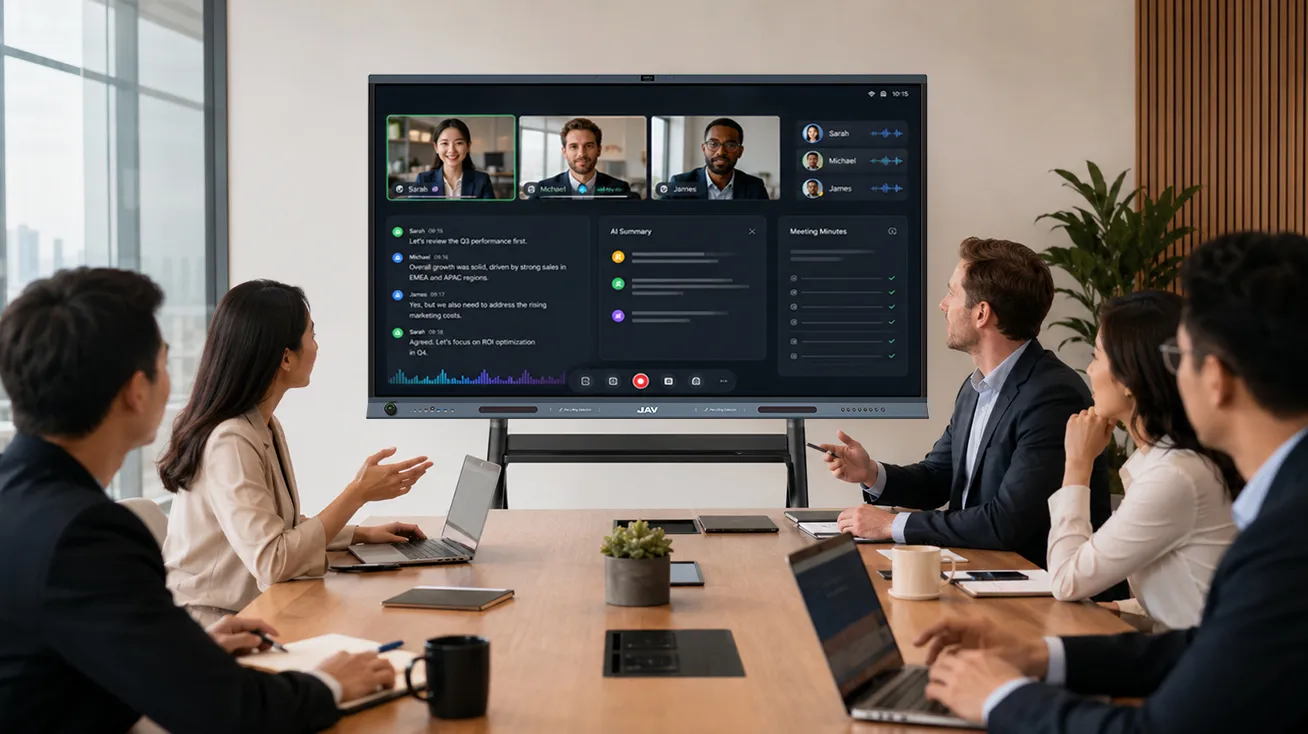
For schools with multiple JAV Board 19 devices, whiteboard collaboration can also connect classrooms or learning spaces. Teachers and students can work on the same digital canvas from different locations through an internet connection, making the technology useful beyond a single classroom.
Document Cameras and Visual Learning Tools
Document cameras remain useful for lessons that involve physical objects, handwritten work, books, or experiments.
Teachers can display a worksheet, model a calculation, examine a science experiment, or demonstrate a physical process on the classroom screen. This is especially valuable when students need to see a process rather than simply read an answer.
Learning and Content Management Platforms
Classroom hardware works best when it connects with the school’s wider digital ecosystem.
Learning management systems, cloud storage, and educational applications can help teachers organize lesson materials, assignments, and resources. Schools should therefore check compatibility and file access before purchasing new classroom devices.
How to Choose the Right Classroom Technology
The most effective classroom technology is not necessarily the device with the longest feature list. Schools should evaluate how well each tool supports real classroom activities.
Before making a purchase, consider:
Teaching needs: What subjects and teaching methods will the technology support?
Teacher adoption: Can teachers learn the system quickly and use it without technical assistance?
Student interaction: Does the technology encourage students to participate, discuss, create, or solve problems?
Integration: Can it work with the school’s existing software and digital resources?
Long-term value: Can the technology support future teaching needs as well as current ones?
A modern classroom should not become more complicated simply because it contains more technology. The goal is to create a learning environment where digital tools support teachers and give students more ways to explore, participate, and understand.
With the right combination of technology tools for the classroom, schools can move beyond simply displaying digital content and create more interactive, flexible, and collaborative learning experiences. JAV Board 19 is designed to support this approach by bringing interactive whiteboarding, digital subject resources, AI-assisted tools, and touch-based learning into one classroom display.