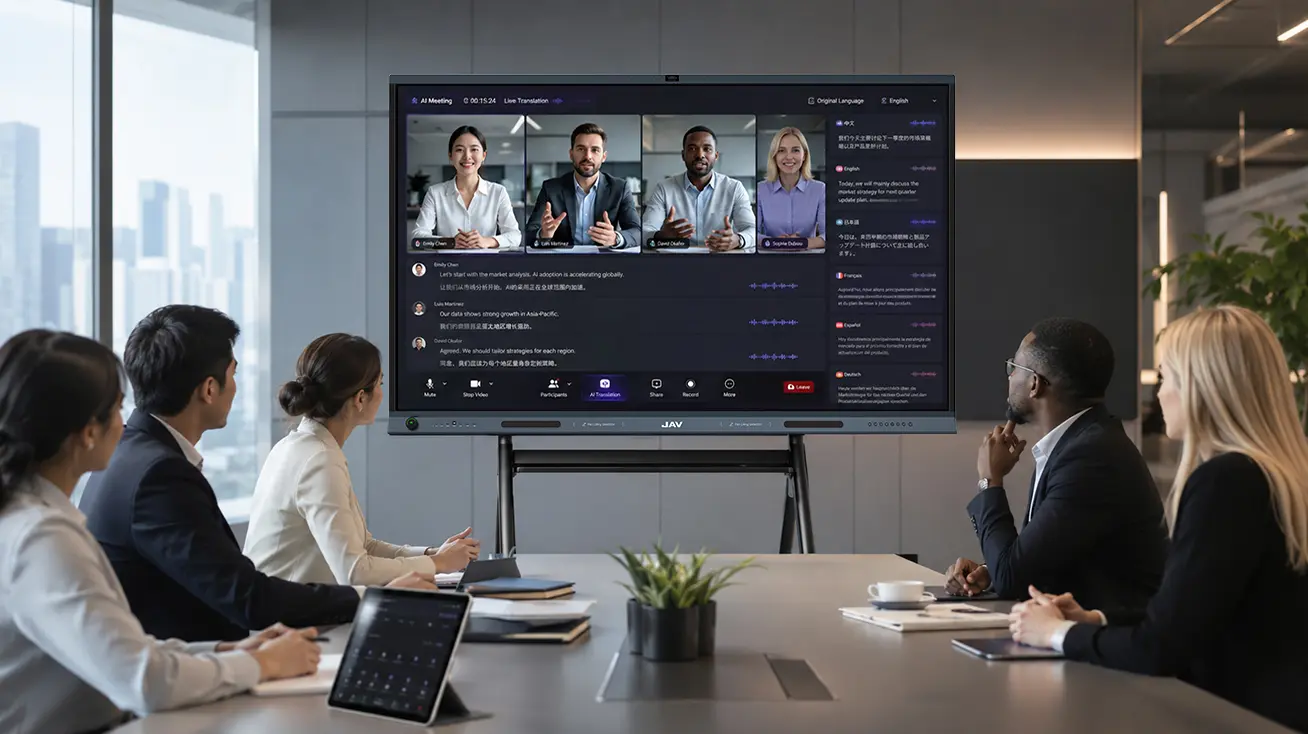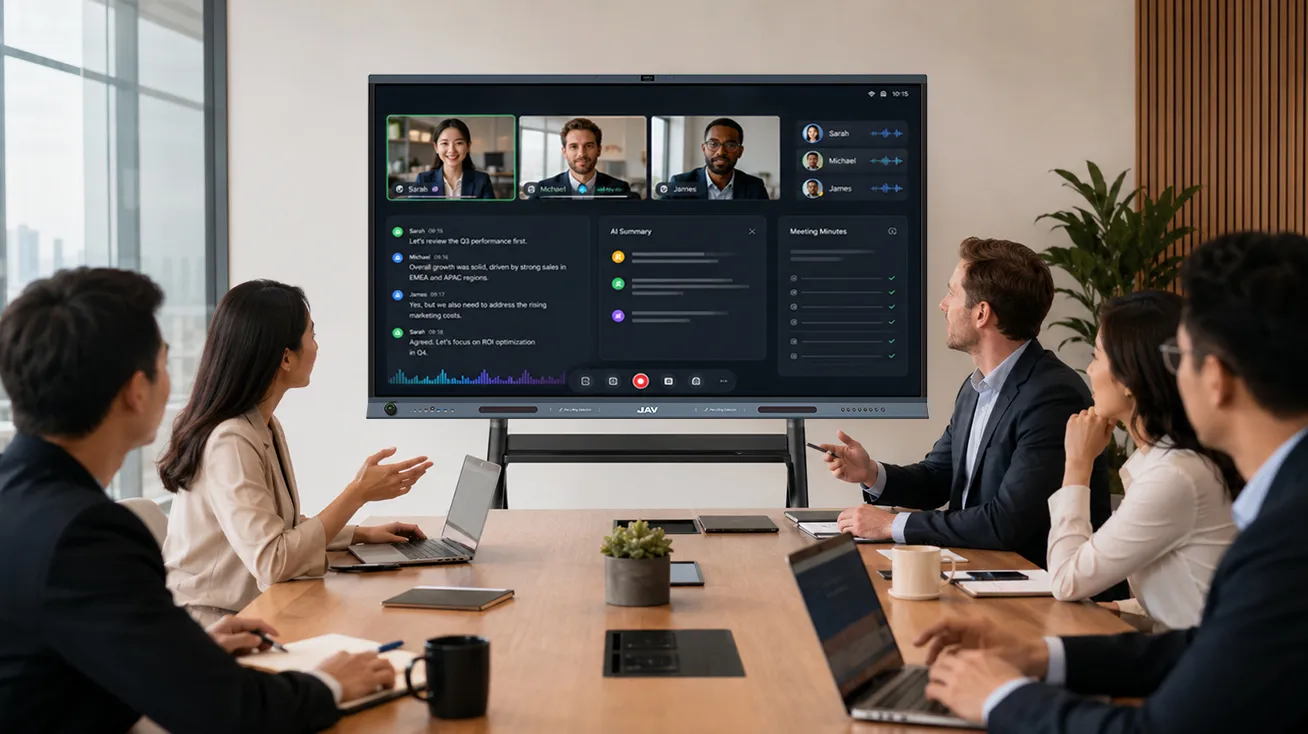
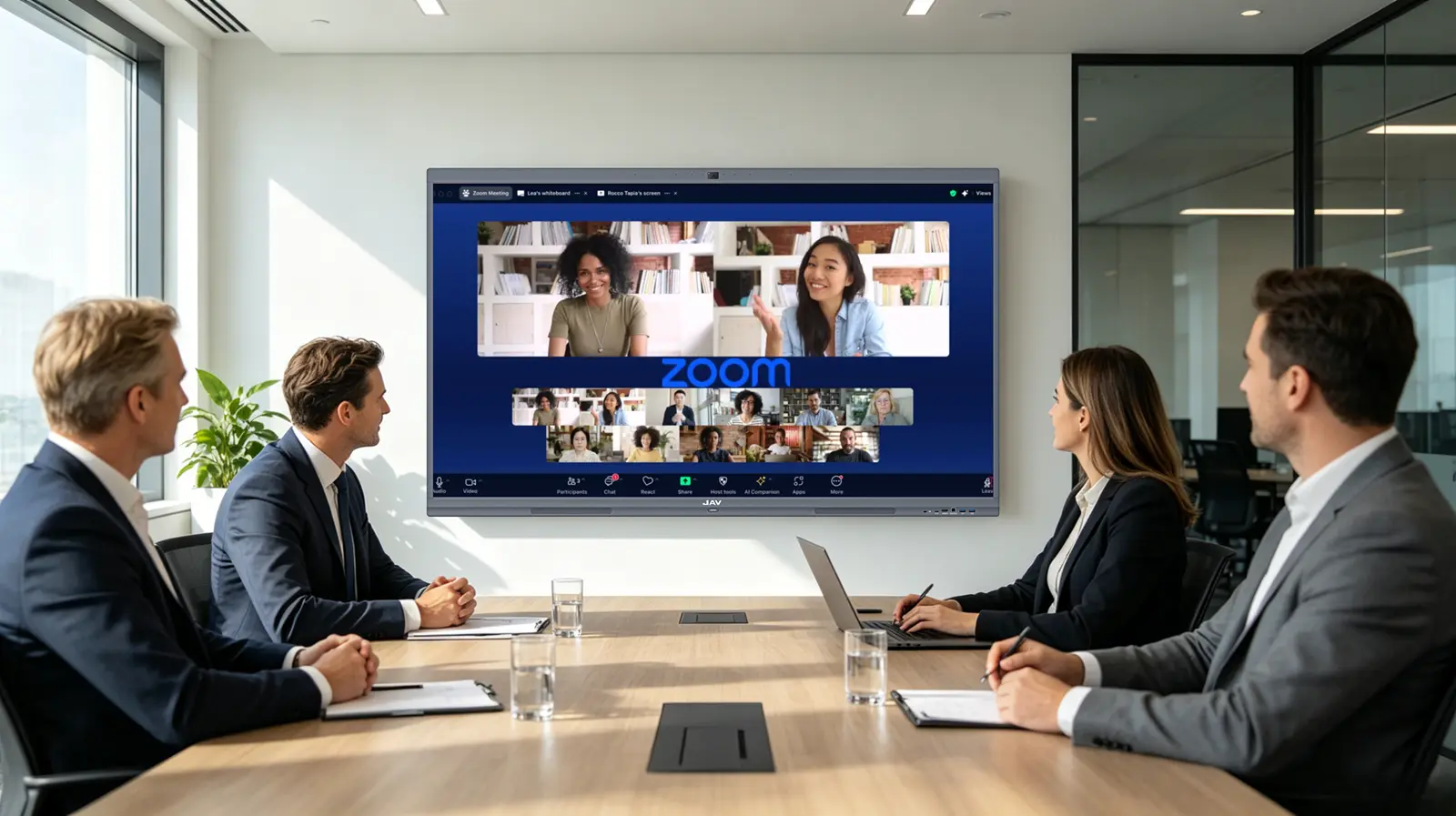
Modern businesses rely heavily on video conferencing hardware to support communication, collaboration, and decision-making. Yet, many companies still use traditional meeting room setups that limit productivity and reduce engagement. As hybrid work becomes more common, it is clear that standard TVs and basic conferencing equipment are no longer enough. Businesses need smarter solutions that combine communication and collaboration into a single platform — and interactive displays like JAV Board deliver exactly that.
Limitations of Traditional Video Conferencing Hardware
Traditional video conferencing hardware often focuses solely on video calls. A typical setup may include a display, camera, microphone, and speakers, but lacks real-time collaboration tools. This leads to common challenges:
- Limited interaction between participants
- Complicated file sharing
- Slow brainstorming and decision-making
- Reduced engagement from remote attendees
These inefficiencies often make meetings longer and less productive. Companies upgrading to interactive displays benefit from tools that actively improve workflow, instead of simply providing a screen to watch.
Interactive Displays Enhance Collaboration and Efficiency
Interactive displays enhance video conferencing hardware by combining presentation, annotation, and screen-sharing capabilities in one device. With JAV Board, teams can:
- Write directly on presentations and shared files
- Annotate documents in real time during meetings
- Collaborate seamlessly with remote participants
- Brainstorm using the built-in whiteboard
These features ensure that meetings are not just passive presentations, but dynamic collaborative sessions. By centralizing conferencing, presentation, and collaboration, businesses reduce hardware complexity and setup time, creating a smoother workflow and fewer technical interruptions.
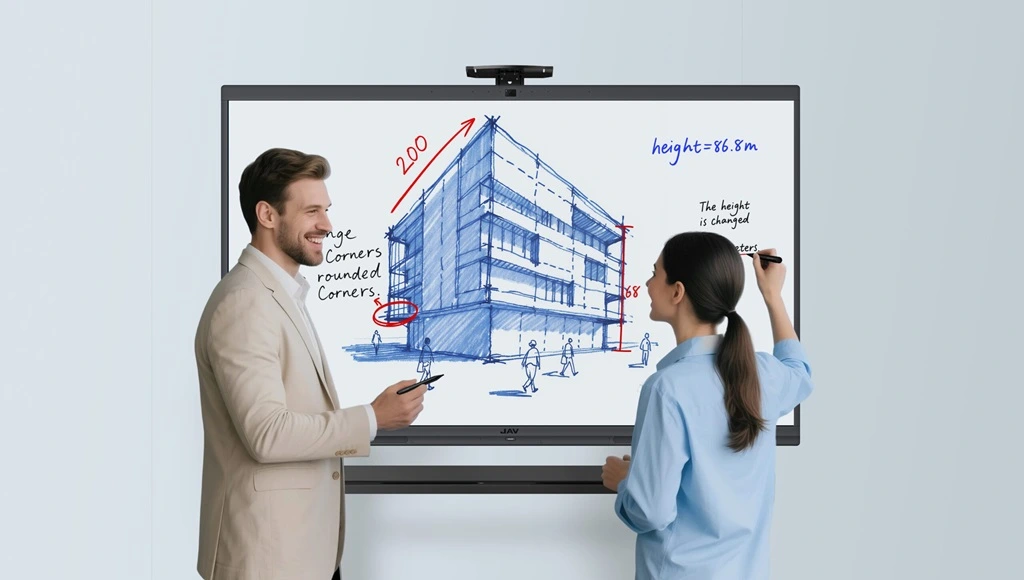
Real-Time Annotation Drives Practical Benefits
One of the most valuable features of interactive displays in modern video conferencing hardware is real-time annotation. During meetings, teams often need to highlight key data, suggest revisions, or illustrate concepts visually. Traditional setups require additional devices or software for this purpose.
With JAV Board, participants can annotate directly on files, presentations, or shared content. This delivers tangible benefits:
- Faster decision-making by visually clarifying ideas
- Increased engagement from remote team members
- Reduced need for follow-up emails or separate document edits
These practical advantages ensure meetings are not just efficient but also actionable.
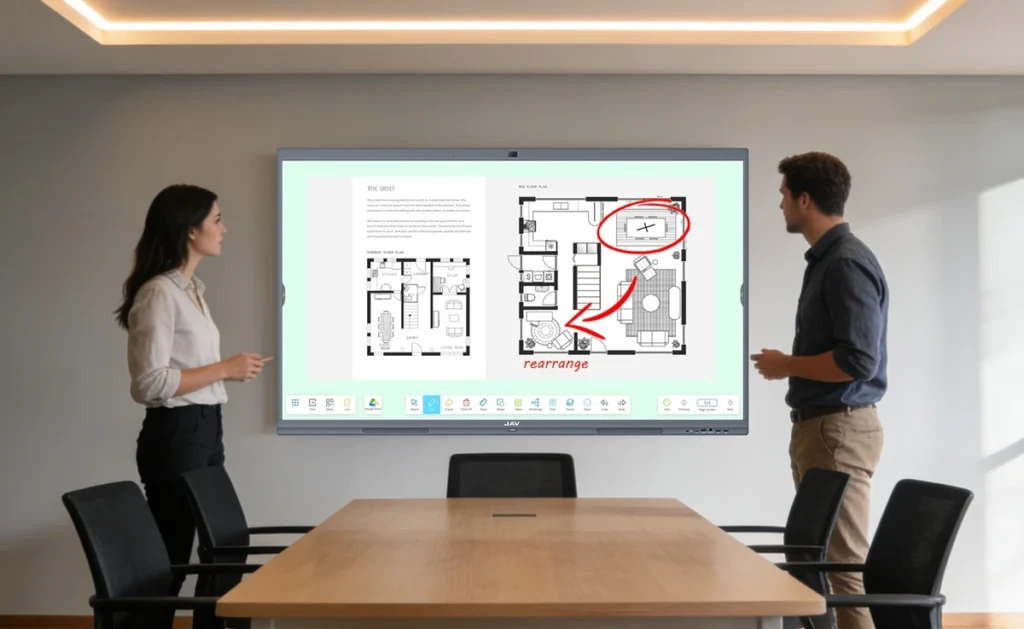
Wireless Screen Sharing for Flexible Collaboration
Cable management is a persistent problem in many meeting rooms. Traditional video conferencing hardware relies on HDMI cables and adapters, which slows down meetings.
JAV Board solves this with wireless screen sharing. Teams can project laptops, tablets, or smartphones onto the interactive display instantly. Key benefits include:
- Reduced meeting setup time
- Support for BYOD (Bring Your Own Device) environments
- Smoother hybrid collaboration with remote participants
- Less clutter and simplified room management
By enabling quick and flexible content sharing, meetings start faster and maintain momentum throughout.
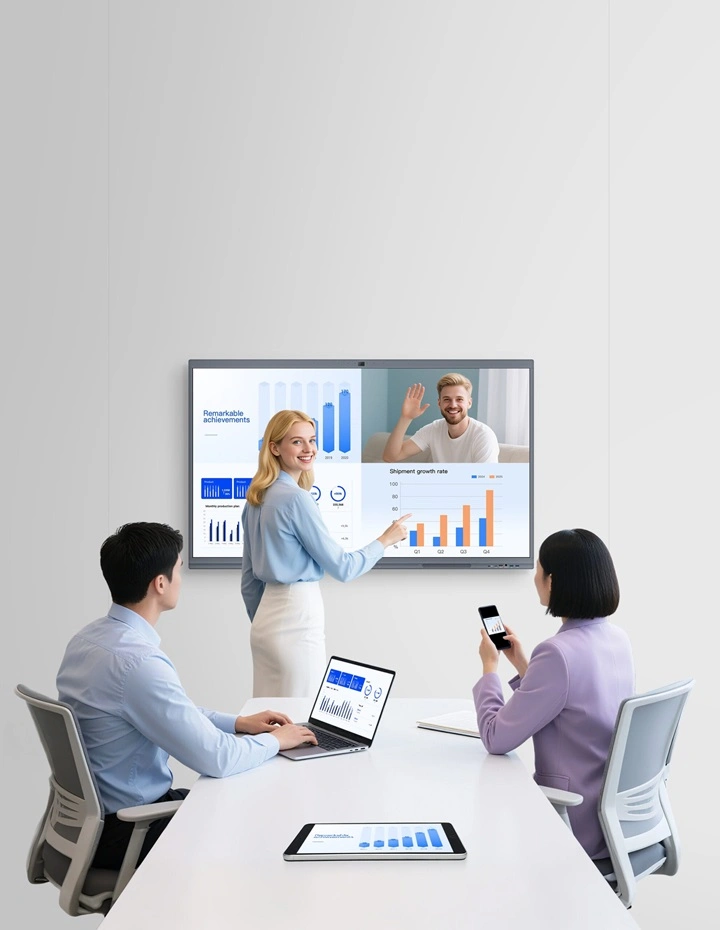
Built-In Whiteboard for Productive Brainstorming
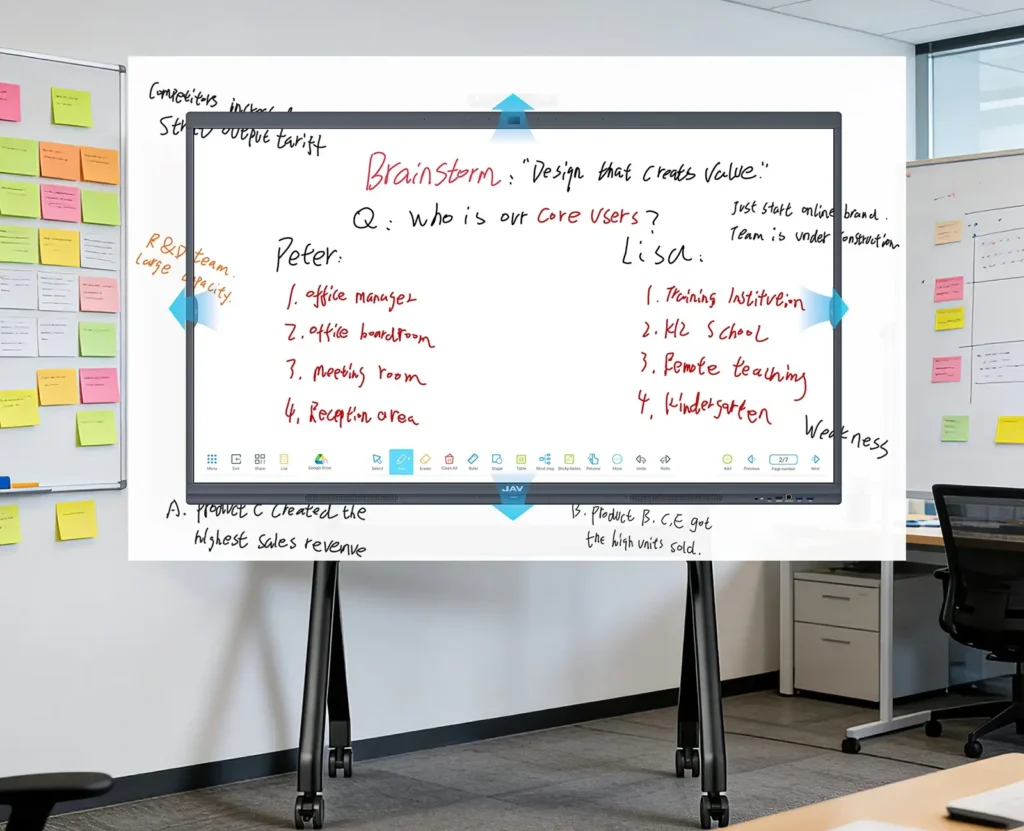
Modern meetings require more than slides — they need collaborative tools to drive creative problem-solving. JAV Board’s built-in whiteboard provides an infinite canvas, multi-touch writing, and smart annotation. Teams can map workflows, visualize ideas, and integrate notes seamlessly into meeting documentation.
Remote participants can follow discussions clearly, ensuring alignment across locations. This functionality elevates video conferencing hardware from a passive display to an active collaboration hub, delivering direct value to businesses.
Conclusion
Upgrading traditional video conferencing hardware to interactive displays like JAV Board provides measurable improvements in collaboration, engagement, and meeting efficiency. Real-time annotation, wireless screen sharing, and integrated whiteboard capabilities reduce setup complexity, accelerate decision-making, and support hybrid work environments.
For companies seeking practical solutions to modern meeting challenges, interactive displays transform ordinary video calls into productive, collaborative sessions that drive results.