In today’s hybrid and fast-paced work environment, visual collaboration tools have become essential for teams to brainstorm ideas, manage projects, and communicate effectively. However, many organizations still rely on fragmented setups—laptops, small screens, and disconnected apps—that limit the full potential of these tools.
This is where an interactive display transforms the experience. By acting as a centralized hub, it brings all your visual collaboration tools together into one seamless, highly engaging digital workspace.
Why Visual Collaboration Tools Need a Better Workspace
Popular visual collaboration tools such as Miro, Mural, Figma, and Microsoft Whiteboard are designed to make teamwork more visual and intuitive.
But in real-world use, teams often face limitations:
- Small laptop screens restrict visibility
- Mouse-based interaction slows down ideation
- Remote and in-room collaboration feels disconnected
- Switching between tools disrupts workflow
👉 The result: even the best visual collaboration tools fail to deliver their full value.
Turning an Interactive Display into a Collaboration Hub for Your Visual Collaboration Tools
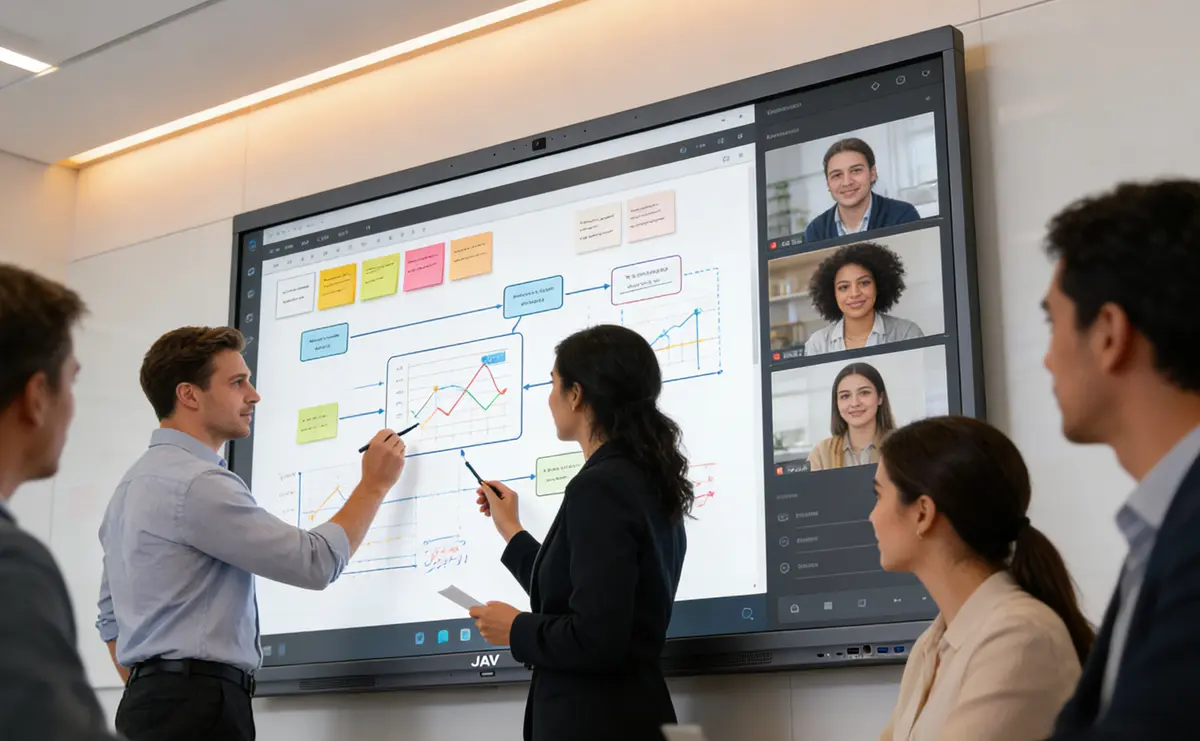
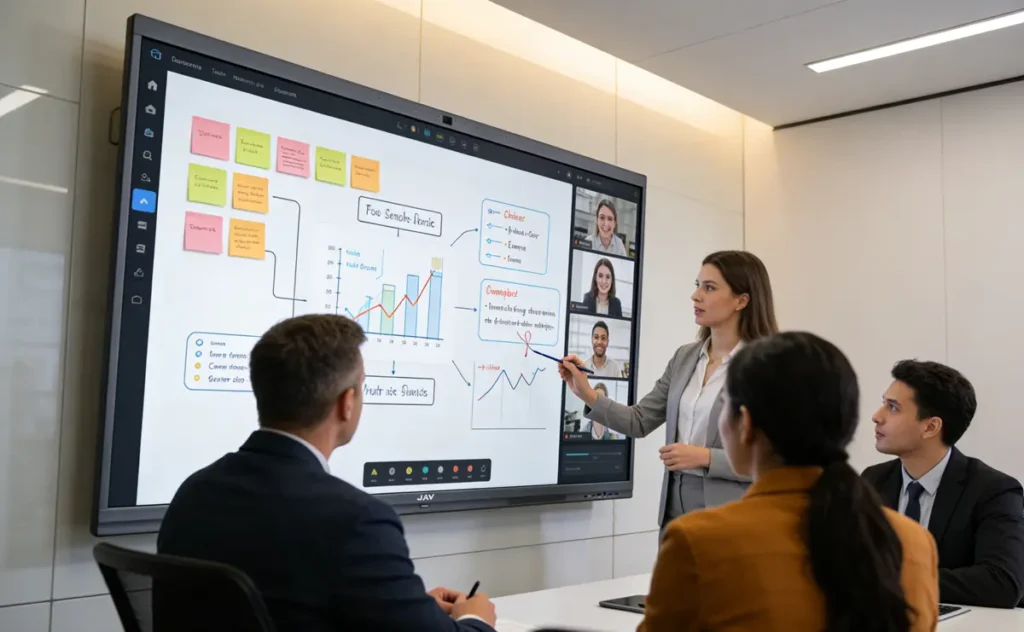
An interactive display acts as a centralized platform where all your visual collaboration tools come together. Instead of individuals working in silos, teams can interact with content in real time on a large, touch-enabled screen.
Key capabilities include:
- Multi-user touch interaction
- Drahtlose Bildschirmfreigabe
- Real-time annotation and editing
- Seamless switching between apps
This setup creates a true digital workspace—not just a collection of tools.
Recommended Visual Collaboration Tools (and How They Improve on an Interactive Display)
1. Miro – Visual Brainstorming at Scale


Miro is one of the most widely used visual collaboration tools for brainstorming, workshops, and agile workflows.
How interactive displays enhance Miro:
- Teams can stand and collaborate together, just like a physical whiteboard
- Use touch gestures to zoom, drag, and organize ideas.
- Multiple participants can interact simultaneously on the same canvas
👉 This turns brainstorming into a fully immersive, workshop-style experience
2. Figma – Real-Time Design Collaboration


Figma is a leading platform for UI/UX design and real-time collaboration.
With an interactive display:
- Designers can present work on a large 4K canvas
- Teams can annotate designs directly on screen
- Faster feedback cycles during client or internal reviews
👉 Perfect for design teams, creative agencies, and product development meetings
3. Microsoft Whiteboard – Seamless Integration for Teams


Microsoft Whiteboard integrates deeply with the Microsoft ecosystem, making it a practical choice for many organizations.
Enhanced experience on an interactive display:
- Write and draw naturally with stylus or fingers
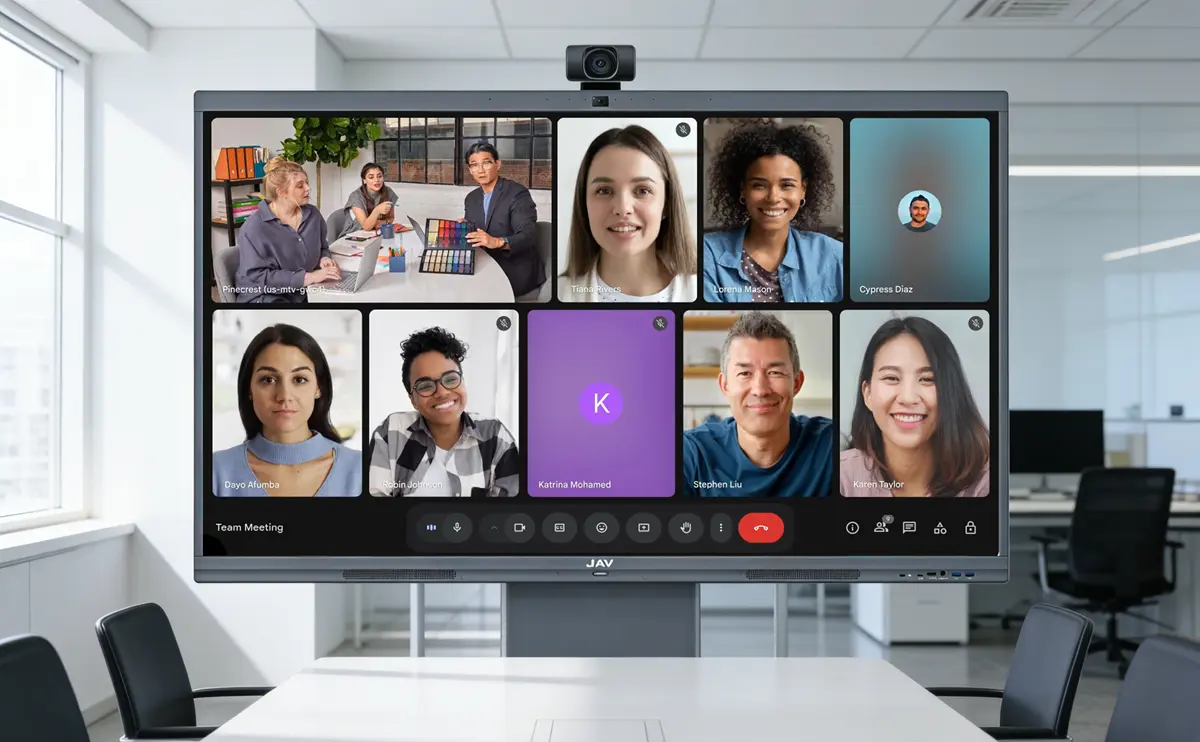
- Sync instantly with remote participants via Microsoft Teams
- Use it as a digital replacement for traditional meeting room whiteboards
👉 Ideal for corporate meetings, training sessions, and daily stand-ups
4. Mural – Structured Collaboration for Teams


Mural is designed for structured workshops, planning sessions, and innovation processes.
On an interactive display:
- Facilitators can guide sessions more effectively
- Participants engage more actively with content
- Complex workflows become easier to visualize
👉 Best suited for strategy planning, agile workflows, and consulting teams
Why Interactive Displays Unlock the Full Potential of Visual Collaboration Tools
When you combine visual collaboration tools with an interactive display, you unlock several key advantages:
1. From Individual Work to Team Engagement
Instead of one person controlling the screen, everyone can participate.
2. From Passive Viewing to Active Collaboration
Touch interaction transforms meetings into hands-on sessions.
3. From Fragmented Tools to a Unified Workspace
All tools run on one platform—no more switching between devices.
Recommended Setup: JAV Board 10 as Your Collaboration Hub for Your Visual Collaboration Tools
To fully leverage visual collaboration tools, you need hardware that supports flexibility, performance, and ease of use.
The JAV Board 10 interactive display is designed specifically for this purpose.
Why JAV Board 10 stands out:
- Built-in Android system to run apps like Miro, Figma, and Whiteboard
- Ultra-responsive multi-touch for smooth collaboration
- Wireless casting for quick device connection
- Large 4K display for clear visualization of complex content
👉 Whether you’re running a brainstorming session, a design review, or a strategy meeting, JAV-Tafel 10 transforms your workspace into a true collaboration hub
Final Thoughts on Visual Collaboration Tools
Visual collaboration tools are powerful—but only when used in the right environment.
By integrating these tools with an interactive display, businesses can:
- Improve team engagement
- Accelerate decision-making
- Create a more intuitive and connected digital workspace
If your goal is to build a modern, efficient workplace, the combination of visual collaboration tools + interactive display is no longer optional—it’s essential.