Effective meetings depend on more than a stable internet connection. The right video conferencing hardware plays a major role in how clearly teams communicate, how quickly meetings start, and how easily participants share ideas.
For many businesses, traditional meeting rooms still rely on separate devices such as laptops, webcams, microphones, speakers, cables, and external displays. While this setup can work, it often creates unnecessary complexity. As hybrid work becomes more common, companies are looking for simpler and more reliable ways to support video calls, wireless sharing, and real-time collaboration.
This is why all-in-one video conferencing hardware, especially interactive displays, is becoming a practical choice for modern meeting rooms.
What Is Traditional Video Conferencing Hardware?
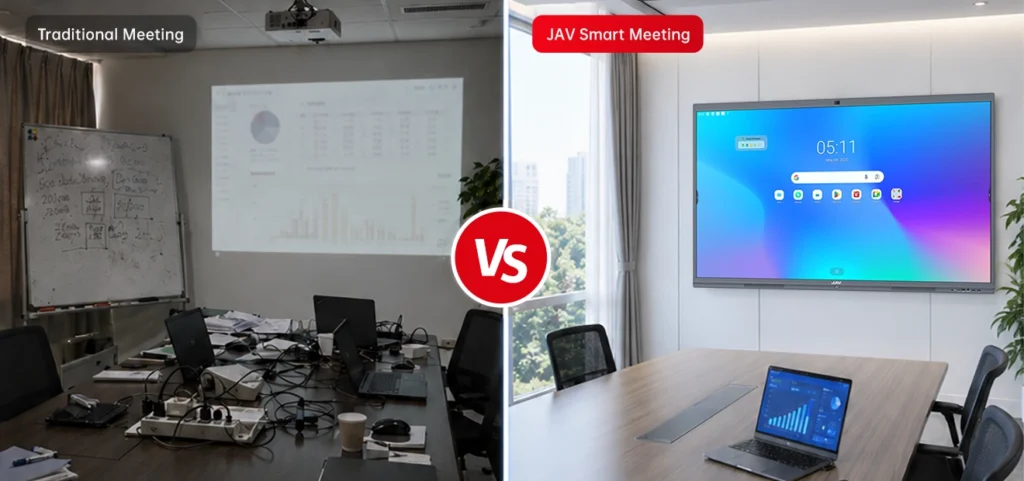
Traditional video conferencing hardware usually includes several separate devices working together. A typical setup may include a laptop, external camera, microphone, speaker, TV or projector, HDMI cables, USB hubs, and conferencing software.
This type of setup gives businesses flexibility, but it also creates more technical steps before and during a meeting. Each device needs to be connected, configured, and maintained. If one part fails, the entire meeting experience can be affected.
For small teams, this may only cause minor delays. But for frequent meetings, client presentations, training rooms, and executive conference rooms, these delays can quickly reduce productivity.
Common Challenges of Multi-Device Video Conferencing Setups
1. Complex Setup and Cable Management
Traditional meeting rooms often require users to connect laptops, cameras, microphones, displays, and speakers before the meeting can begin. Different cables, adapters, and device settings can make the setup process slow and frustrating.
This is especially inconvenient when multiple teams use the same meeting room throughout the day.
2. Inconsistent Audio and Video Quality
When cameras, microphones, and speakers come from different devices, performance may not always be consistent. Remote participants may experience unclear sound, poor camera angles, echo, or audio-video delays.
These issues can make hybrid meetings less effective and reduce engagement from remote attendees.
3. Fragmented Content Sharing
In many traditional setups, sharing content requires switching cables, changing input sources, or transferring files between devices. This interrupts the flow of the meeting and makes collaboration less natural.
For brainstorming, design reviews, training sessions, or project discussions, teams need a smoother way to present and interact with content.
4. Higher Maintenance and More Failure Points
More devices mean more possible problems. Cameras may not connect, microphones may not be recognized, cables may be missing, and software settings may need adjustment.
For IT teams, maintaining multiple devices in several meeting rooms can increase workload and long-term cost.
What Is All-in-One Video Conferencing Hardware?
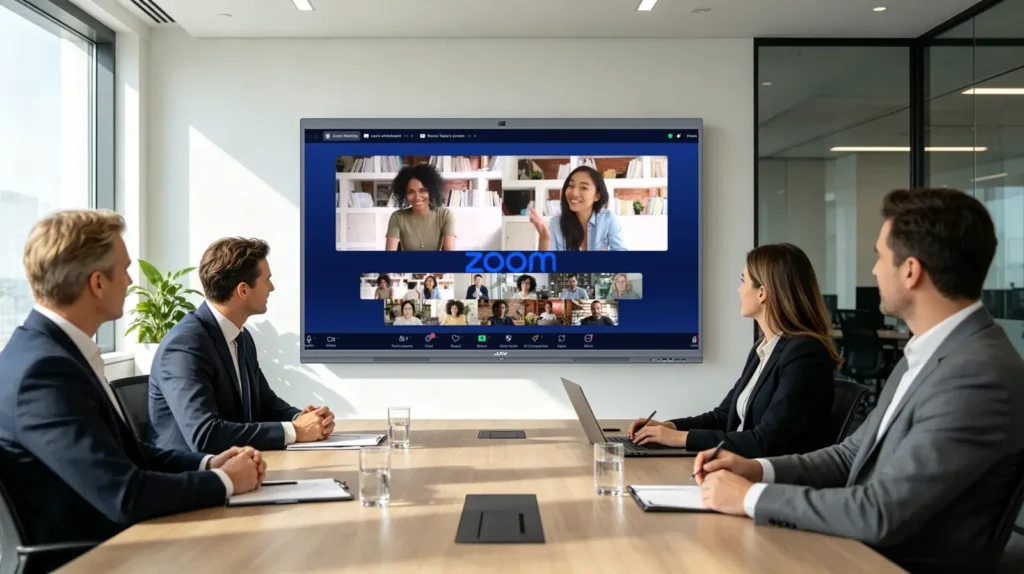
All-in-one video conferencing hardware combines the key tools needed for modern meetings into one integrated device. Instead of relying on separate displays, cameras, microphones, speakers, and collaboration tools, an all-in-one interactive display brings these functions together.
A modern interactive display for video conferencing usually includes:
- Large display screen
- Built-in camera
- Integrated microphones
- Speakers
- Touch control
- Digital whiteboard
- Partage d'écran sans fil
- Compatibility with video conferencing apps
This type of setup is designed to reduce technical complexity and make meetings easier to start, manage, and participate in.
All-in-One vs Traditional Video Conferencing Hardware
| Feature | Traditional Multi-Device Setup | All-in-One Interactive Display |
|---|---|---|
| Setup process | Requires multiple devices and cables | Integrated into one device |
| Meeting startup | Slower and more technical | Faster and easier |
| Audio and video | Depends on separate hardware | More consistent integrated experience |
| Content sharing | Often requires cables or input switching | Supports wireless screen sharing |
| Collaboration | Limited without extra tools | Built-in touch, annotation, and whiteboard |
| Maintenance | More devices to manage | Fewer failure points |
| Meeting room appearance | Can look cluttered | Cleaner and more professional |
| Long-term efficiency | Higher maintenance effort | Better for frequent use |
Benefits of All-in-One Interactive Displays for Meeting Rooms
Faster Meeting Startup
With an all-in-one interactive display, teams do not need to spend time connecting multiple devices before every meeting. The display, camera, microphones, speakers, and collaboration tools are already integrated.
This helps meetings begin faster and reduces technical interruptions.
Better Hybrid Meeting Experience
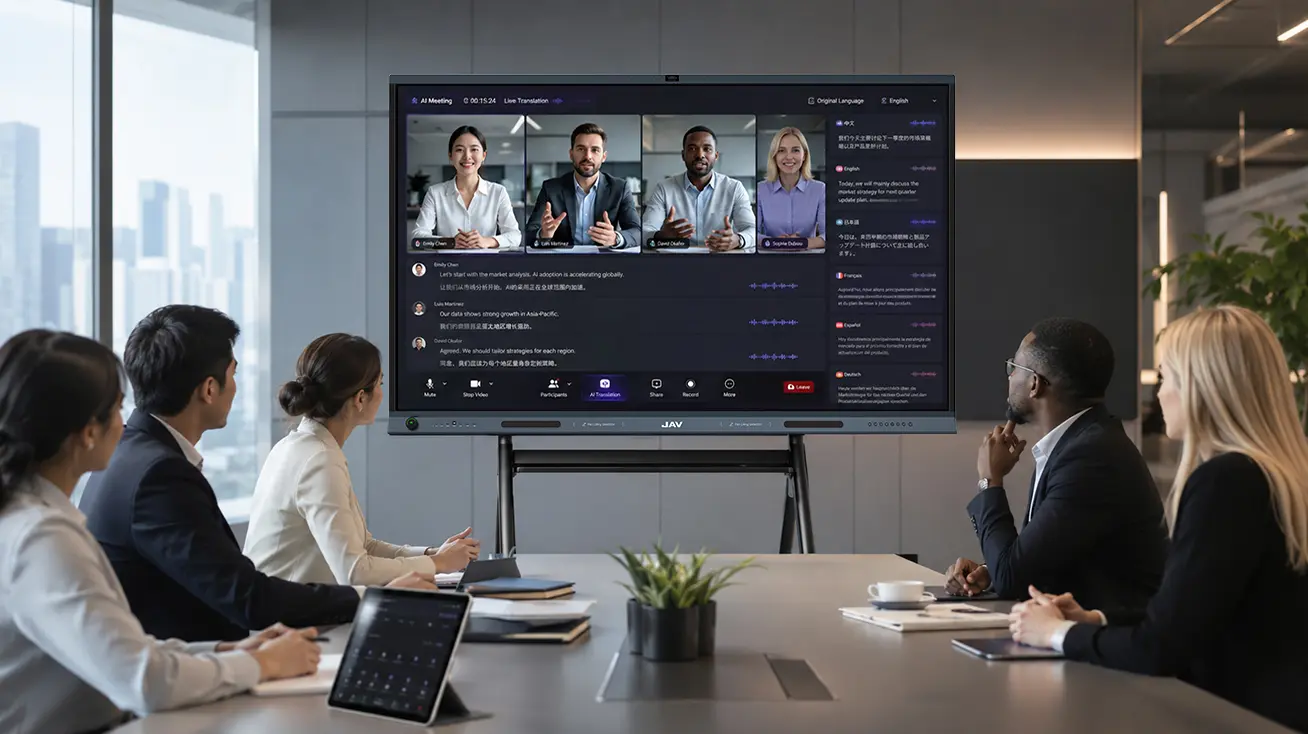
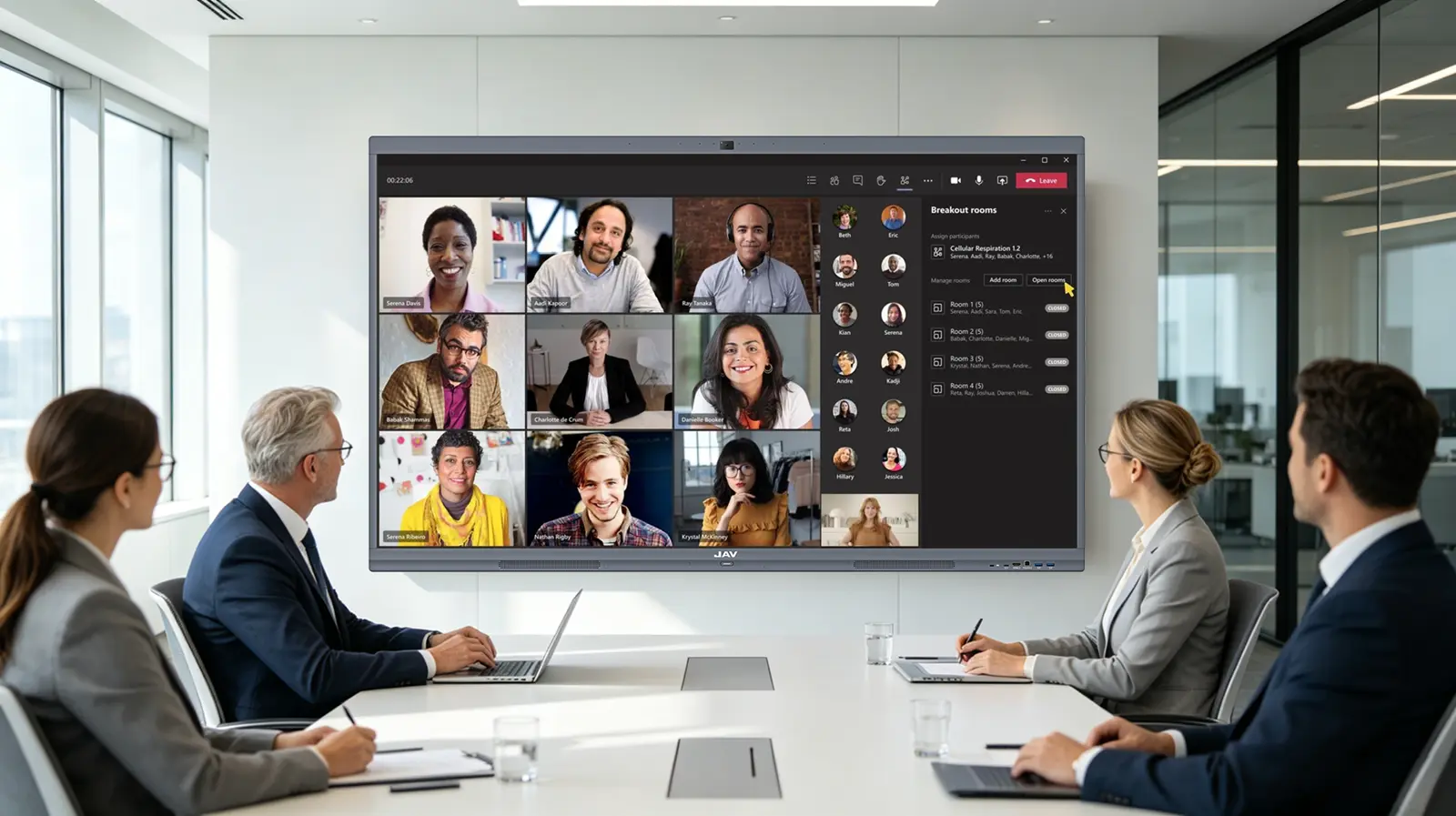
Hybrid meetings require both in-room and remote participants to communicate clearly. All-in-one video conferencing hardware helps create a more consistent meeting experience by combining visual display, audio pickup, and video communication in one system.
Remote attendees can follow presentations, hear discussions, and view shared content more clearly.
Easier Content Sharing
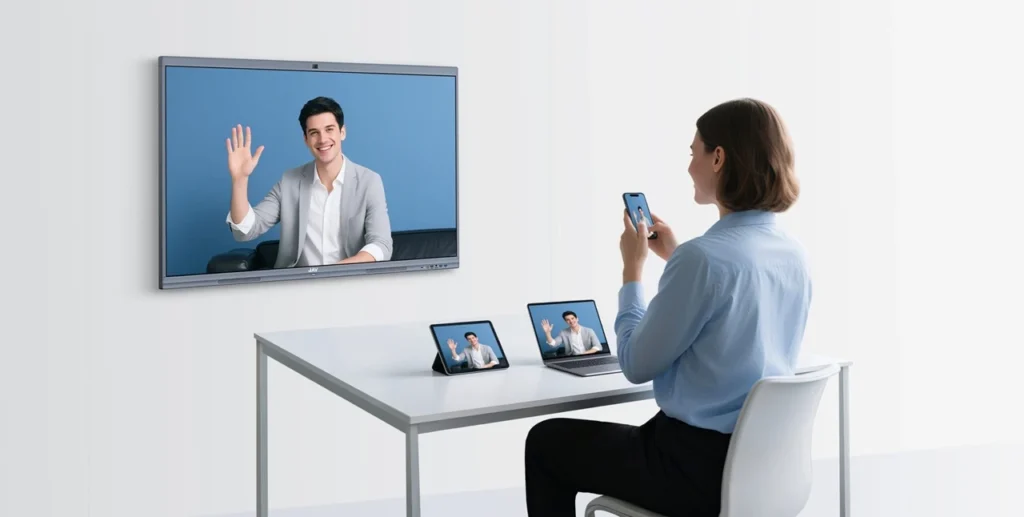
Wireless screen sharing allows participants to present from laptops, tablets, or smartphones without connecting cables. This is useful for client presentations, internal reviews, project updates, and team discussions.
Instead of switching devices or adjusting input sources, users can share content more smoothly.
Real-Time Collaboration
Unlike a standard TV or projector, an interactive display allows users to write, draw, annotate, and brainstorm directly on the screen. This is especially valuable for teams that discuss ideas visually.
During meetings, participants can mark up documents, highlight key points, create diagrams, or organize ideas on a digital whiteboard.
Lower Maintenance Burden
Because fewer separate devices are required, all-in-one hardware can reduce the number of technical issues in the meeting room. This helps IT teams spend less time troubleshooting cameras, microphones, cables, and connection problems.
For businesses with multiple meeting rooms, this can create better long-term efficiency.
How to Choose the Right Video Conferencing Hardware
When choosing video conferencing hardware, businesses should consider how the meeting room is used every day.
For small meeting rooms, a compact interactive display with clear audio and easy screen sharing may be enough. For medium and large conference rooms, businesses should consider a larger display, better microphone pickup, and a camera that can clearly capture participants.
Important factors include:
- Room size and number of participants
- Display size and resolution
- Camera clarity and field of view
- Microphone pickup range
- Speaker quality
- Partage d'écran sans fil
- Touch and annotation functions
- Compatibility with Zoom, Microsoft Teams, Google Meet, and other platforms
- Ease of use for non-technical users
- Maintenance and long-term value
The best video conferencing hardware should not only support online meetings. It should also improve how teams share information, discuss ideas, and make decisions.
How JAV Board Supports Better Video Conferencing and Collaboration
For companies looking to upgrade from a traditional multi-device setup, Conseil JAV provides an all-in-one interactive display built for modern meeting rooms.
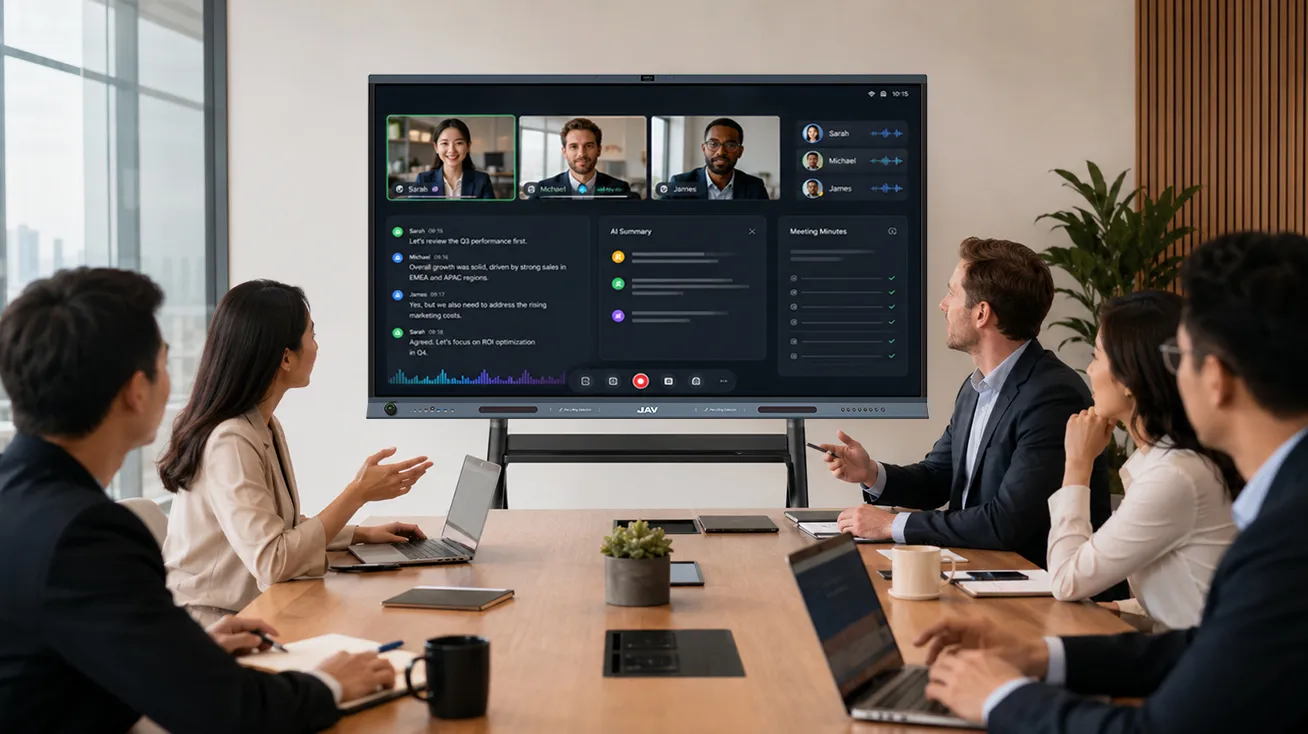
It combines a large 4K display, built-in camera, microphone array, speakers, touch writing, wireless screen sharing, and digital whiteboard functions into one device. This helps teams reduce cable clutter, shorten setup time, and create a more efficient meeting experience.
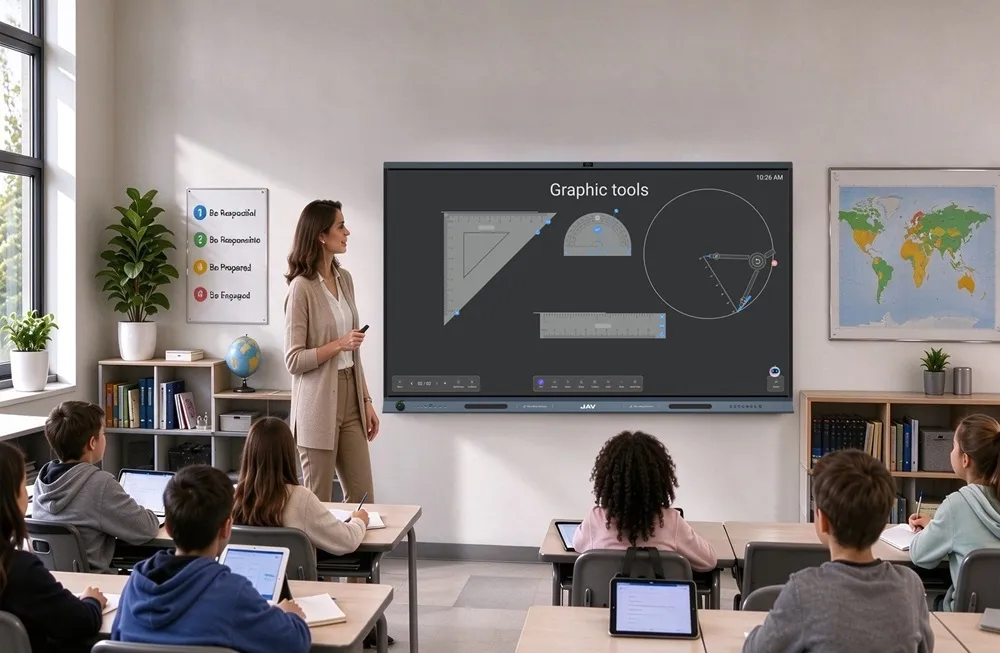
JAV Board is especially useful for hybrid meetings, training rooms, client presentations, and team collaboration. In-room participants can write or annotate directly on the screen, while remote attendees can follow shared content more clearly.
Instead of using separate hardware for video calls, content sharing, and collaboration, businesses can use JAV Board as a central meeting room device. This makes it easier to manage meetings and creates a cleaner, more connected conference room environment.
For a more detailed room size guide, learn how to choose the right JAV Board size for your meeting room based on screen size, viewing distance, and number of users.
FAQ About Video Conferencing Hardware
What hardware is needed for video conferencing?
A basic video conferencing setup usually needs a display, camera, microphone, speaker, computer, and conferencing software. An all-in-one interactive display combines many of these functions into one device.
Is an all-in-one video conferencing display better than a webcam setup?
For frequent meetings and shared meeting rooms, an all-in-one display is often more efficient. It reduces setup time, cable management, and device compatibility issues.
Can an interactive display be used for video conferencing?
Yes. Many interactive displays support video conferencing apps, wireless screen sharing, touch annotation, and digital whiteboarding. This makes them useful for both communication and collaboration.
What is the best video conferencing hardware for meeting rooms?
The best choice depends on room size, number of users, meeting frequency, audio-video requirements, and collaboration needs. For modern hybrid meeting rooms, an all-in-one interactive display can be a strong option.
How does JAV Board improve hybrid meetings?
JAV Board supports video conferencing, wireless sharing, touch annotation, and digital whiteboarding in one device. This helps in-room and remote participants communicate and collaborate more effectively.
Conclusion
Traditional multi-device video conferencing setups can still work, but they often create complexity, setup delays, cable clutter, and maintenance challenges. As hybrid work and visual collaboration become more important, businesses need meeting room technology that is easier to use and more reliable.
All-in-one video conferencing hardware simplifies the meeting experience by integrating display, camera, microphones, speakers, screen sharing, and collaboration tools into one device.
For businesses looking to build cleaner, smarter, and more efficient meeting rooms, JAV Board offers a practical way to upgrade video conferencing and team collaboration.