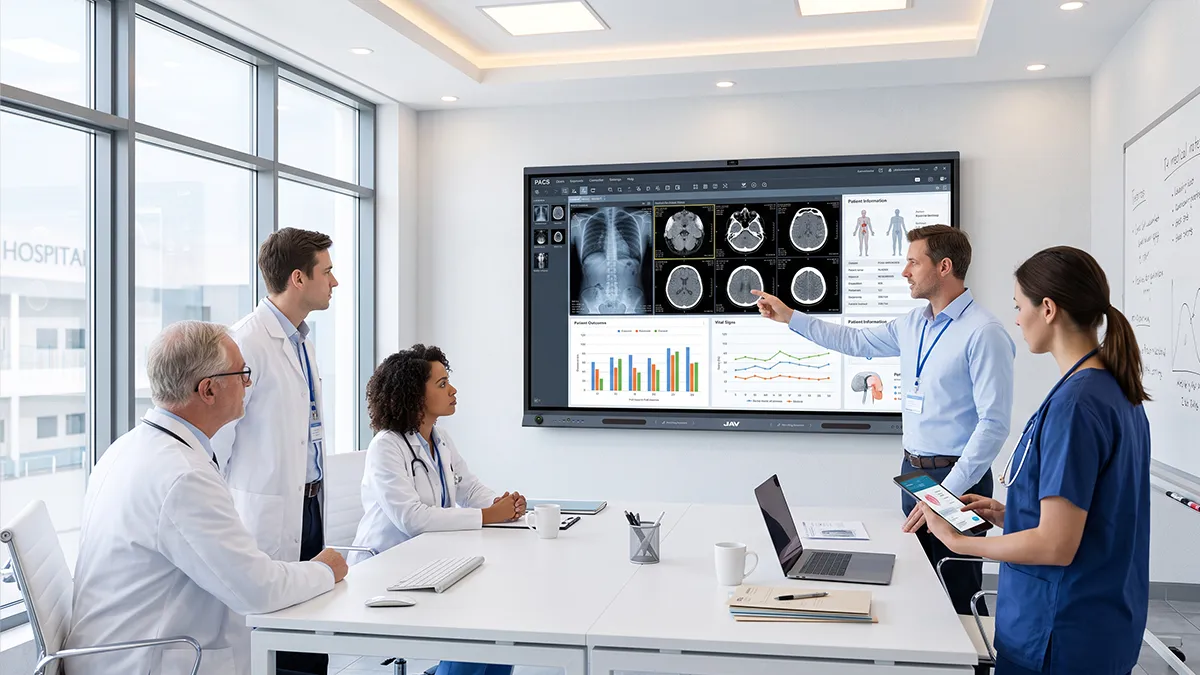
Keeping students actively involved is a common challenge in modern classrooms. Traditional lectures, printed worksheets, and static slides can support teaching, but they often limit how much students participate during lessons.
Un interactive whiteboard for education gives teachers a more flexible way to create active, visual, and collaborative learning experiences. With touch interaction, digital annotation, multimedia content, wireless sharing, and AI-supported tools, it can become the center of classroom participation—not just a screen for presentations.
Below are 10 practical classroom activities teachers can use with an interactive whiteboard to encourage students to see, touch, discuss, create, and respond during lessons.
Why Interactive Whiteboards Improve Student Participation
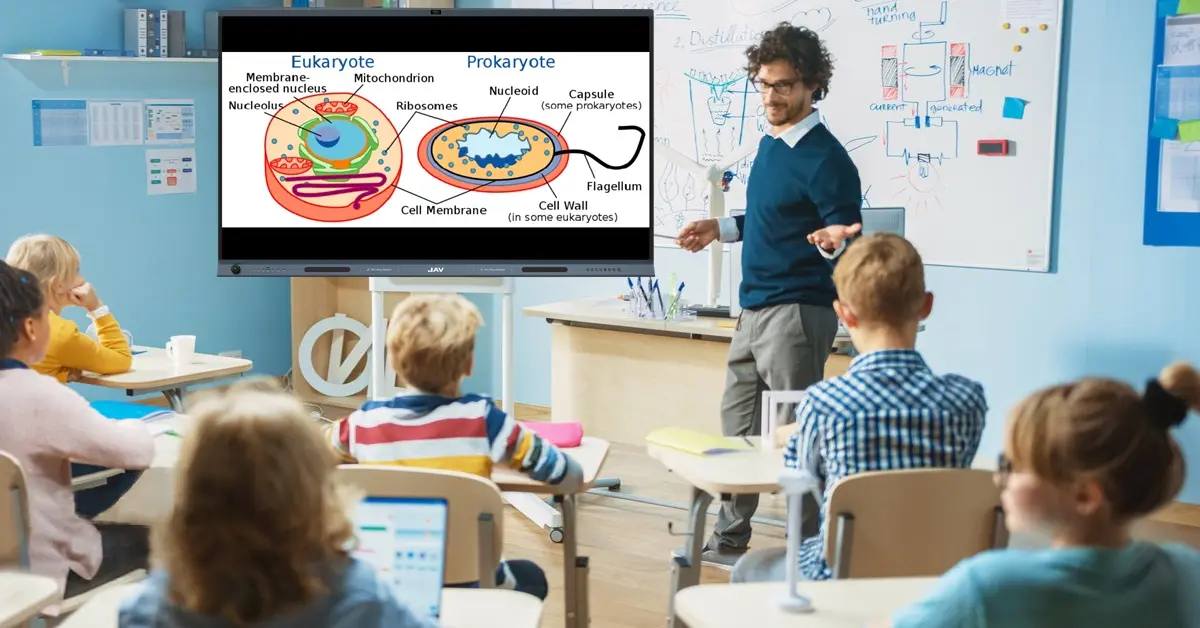
Student participation improves when learners interact directly with lesson content. A modern tableau blanc interactif pour la salle de classe use helps teachers turn passive listening into active learning by allowing students to solve problems, move objects, annotate visuals, present ideas, and collaborate in real time.
Compared with a traditional board or projector, a classroom interactive whiteboard brings writing, images, videos, quizzes, and group activities into one shared digital workspace. This gives students more opportunities to participate and helps teachers make lessons easier to follow.
10 Interactive Whiteboard Activities for Modern Classrooms
1. Start Lessons with Interactive Quizzes and Polls
A quick quiz or poll is a simple way to begin a lesson and check what students already know. Teachers can display questions on the interactive whiteboard and invite students to answer directly on the screen or through connected devices.
This activity helps teachers identify knowledge gaps immediately. Instead of waiting until the end of the lesson to discover confusion, teachers can adjust instruction in real time based on student responses.
Interactive quizzes are especially useful for warm-up activities, vocabulary reviews, math checks, science concept questions, and end-of-class recaps.
2. Use Drag-and-Drop Tasks to Make Concepts Hands-On
Drag-and-drop activities help students interact physically with learning materials. Instead of only watching the teacher explain, students can move words, images, numbers, or objects into the correct places.
For example, students can match vocabulary with images, arrange historical events in order, classify animals by habitat, or complete a science diagram by dragging labels into position.
This type of activity is useful because it turns abstract knowledge into a hands-on learning task. Students become active participants, and teachers can quickly see whether they understand the concept.
3. Turn Brainstorming into a Shared Visual Activity
Brainstorming works better when students can see how their ideas connect. With a digital whiteboard for teaching, students can write keywords, draw simple sketches, add notes, and group related ideas together.
Teachers can organize student contributions into a mind map, concept chart, or discussion framework. This helps the class move from scattered ideas to a clear structure.
For example, in a writing class, students can brainstorm story ideas. In a science class, they can list possible causes of an environmental problem. In a business or project-based lesson, they can organize solutions visually.
4. Encourage Student-Led Presentations
An interactive whiteboard for education can shift the classroom focus from teacher-led instruction to student-led learning.
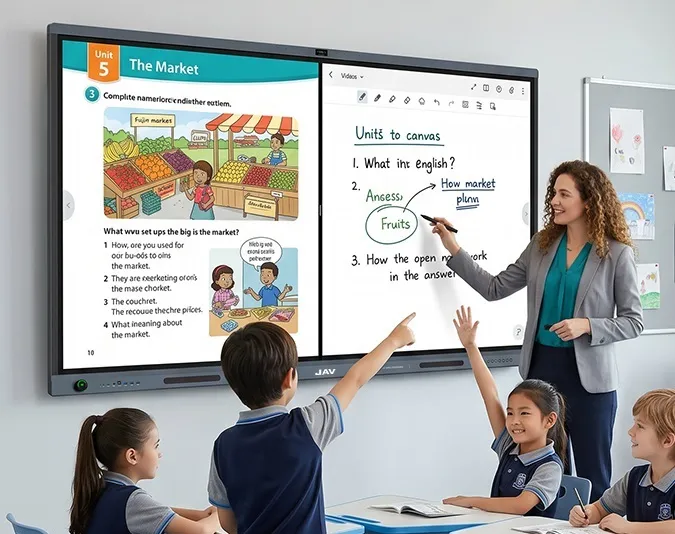
Students can present research, explain solutions, annotate images, demonstrate projects, or share group findings directly on the board. During the presentation, classmates can ask questions, add comments, or highlight important points.
This makes presentations more interactive and helps students develop communication, confidence, and critical thinking skills.
5. Solve Problems Collaboratively
Interactive problem solving is especially useful in mathematics, science, engineering, and other problem-based subjects.
Teachers can display a question and invite students to solve it step by step on the board. Students can write equations, draw diagrams, highlight key information, and explain their reasoning.
The benefit is that the class can compare multiple approaches on the same screen. Instead of focusing only on the final answer, students learn how different problem-solving methods work.
6. Use Images to Spark Classroom Discussion
Images can make classroom discussion more engaging. Teachers can display photographs, maps, charts, artwork, scientific diagrams, or historical images and ask students to observe details.
Students can annotate the image directly by circling key areas, labeling features, marking patterns, or writing short comments.
For example, in geography, students can identify landforms on a map. In art class, they can analyze composition and color. In biology, they can label parts of an organism. This turns visual observation into an interactive discussion.
7. Run Group Matching and Classification Activities
Matching and classification activities help students organize information and understand relationships between concepts.
Teachers can create categories on the board and ask students to place items into the correct groups. For example, students might classify scientific terms, historical events, grammar structures, vocabulary words, or mathematical shapes.
Because the whole class can see the activity, students can discuss whether each item belongs in the right place. This encourages reasoning, explanation, and peer learning.
8. Create Digital Annotation Challenges
Digital annotation challenges ask students to identify, mark, and explain important information.
Teachers can display a passage, diagram, chart, map, or image and ask students to highlight key details. Students may underline important sentences, circle data points, label diagram parts, or identify mistakes.
This activity helps students interact closely with learning materials. It is useful for reading comprehension, science diagrams, data interpretation, language learning, and test review.
9. End Lessons with a Real-Time Review and Recap
A real-time recap helps students review what they learned before leaving the classroom.
At the end of a lesson, teachers can ask students to add keywords, answer review questions, correct mistakes, or summarize the main ideas on the board. The completed screen becomes a visual summary of the lesson.
This activity helps reinforce knowledge and gives teachers immediate feedback on whether students understood the key concepts.
10. Support Classroom Discussion with AI Tools
Newer smart board for classroom solutions can also bring AI-supported tools into teaching workflows.
For example, the JAV H19S Smart Board combines interactive teaching features with AI-supported capabilities such as speech recognition, AI-powered summaries, and real-time translation. In classroom discussions, these tools can help teachers capture spoken content, summarize key points, and support multilingual communication.
This is especially useful for discussion-based lessons, international classrooms, language learning, and hybrid education environments where clear communication matters.
How JAV H19S Supports Interactive Classroom Activities
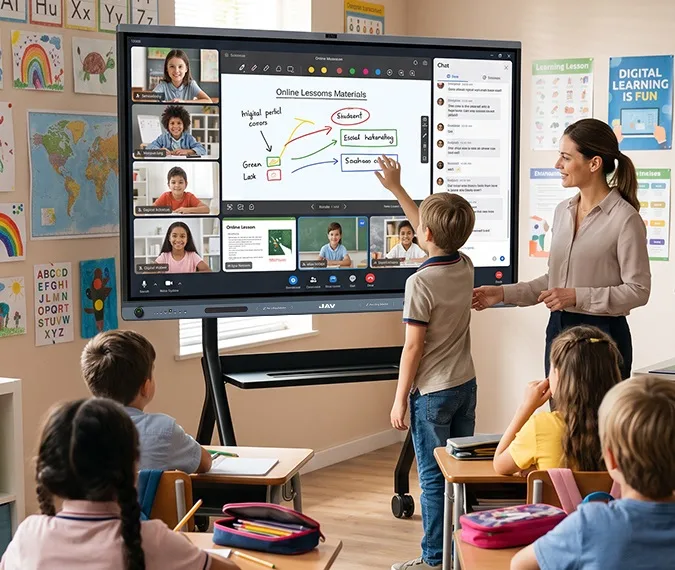
Le JAV H19S Smart Board is designed to support more active and participatory classroom experiences. As an interactive display for education, it combines large-format touch interaction, digital whiteboarding, wireless screen sharing, multimedia presentation, and AI-powered communication tools.
Teachers can use it to run quizzes, annotate lesson materials, organize brainstorming sessions, support student presentations, and guide collaborative problem solving. Students can interact directly with content, share ideas visually, and participate more actively in class.
By combining classroom collaboration tools with modern connectivity and AI features, JAV H19S helps teachers create lessons that are more visual, flexible, and engaging.
Conclusion
The value of an interactive whiteboard for education is not simply that it replaces a traditional board or projector. Its greater value comes from changing how students participate in the learning process.
With activities such as quizzes, brainstorming, student presentations, collaborative problem solving, image-based discussion, digital annotation, and AI-supported classroom communication, teachers can create more active and engaging lessons.
For schools looking to build modern, participatory classrooms, the right interactive whiteboard can become an important part of everyday teaching. The JAV H19S Smart Board supports this approach by combining interactive display technology, classroom collaboration features, and AI-powered tools to help teachers make learning more engaging, inclusive, and effective.
Foire aux questions
What is an interactive whiteboard for education?
An interactive whiteboard for education is a touchscreen teaching tool that allows teachers and students to write, annotate, present multimedia content, and interact with digital lesson materials in real time.
How does an interactive whiteboard improve student participation?
It encourages students to participate by allowing them to solve problems, move objects, annotate content, present ideas, and collaborate directly on the screen.
What activities can teachers do with an interactive whiteboard?
Teachers can use interactive quizzes, drag-and-drop activities, brainstorming, student presentations, collaborative problem solving, image discussions, annotation tasks, and real-time lesson reviews.
Is an interactive whiteboard useful for hybrid or multilingual classrooms?
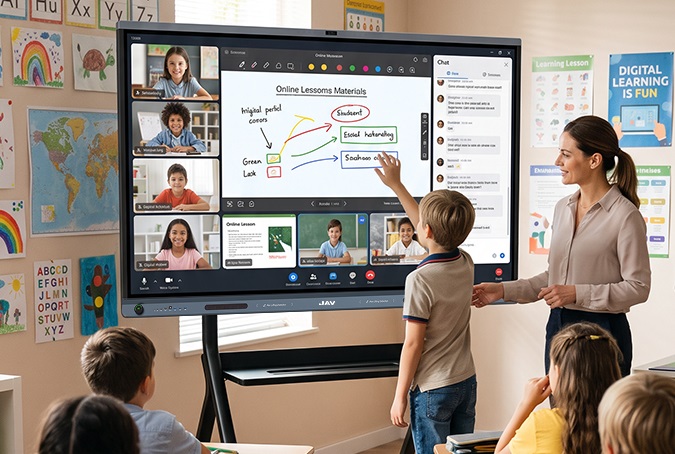
Yes. A smart board with wireless sharing, video collaboration, speech recognition, and real-time translation can support hybrid learning and help multilingual classrooms communicate more effectively.