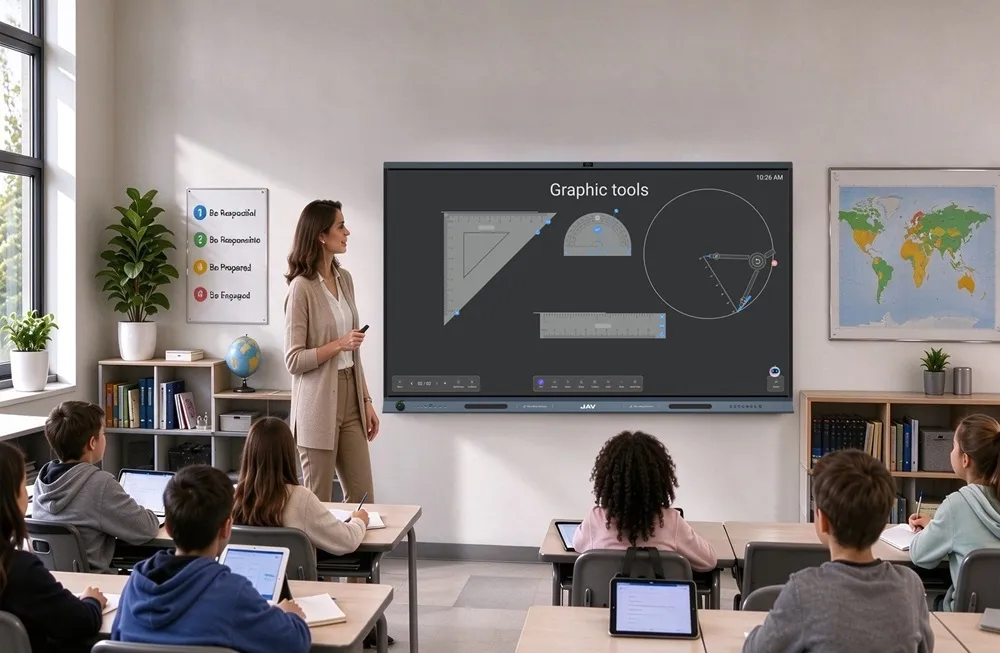
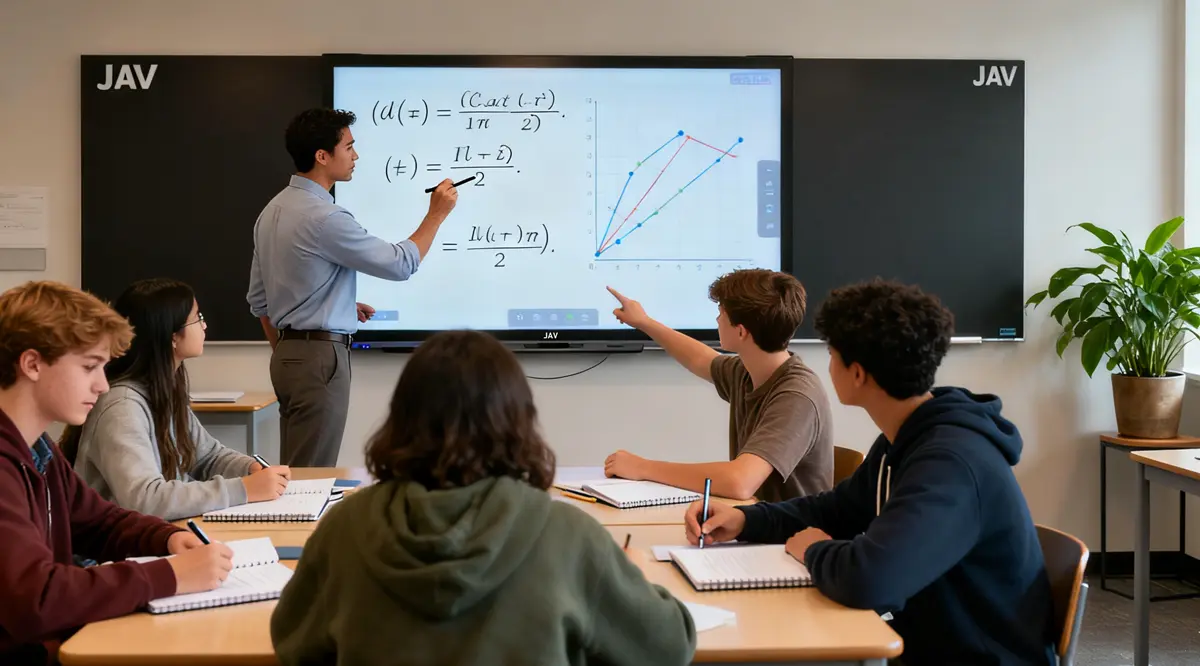
Les tableaux interactifs en classe deviennent un levier important de la participation des élèves, essentielle pour former des apprenants confiants, curieux et engagés. Lorsque les élèves participent activement aux discussions, aux activités et aux travaux collaboratifs, ils développent une compréhension plus approfondie ainsi que de meilleures compétences en communication et en résolution de problèmes. Pourtant, de nombreux enseignants peinent encore à maintenir une participation constante en classe. En combinant des stratégies pédagogiques efficaces avec des outils d'enseignement modernes tels que les tableaux interactifs, il est possible d'y parvenir. Tableau intelligent JAV Board 10, Les éducateurs peuvent ainsi créer des expériences d'apprentissage plus dynamiques, équitables et centrées sur l'élève.
Vous trouverez ci-dessous des stratégies pratiques, fondées sur la recherche, pour accroître la participation en classe, ainsi que des exemples de la manière dont des technologies comme le tableau blanc interactif JAV Board 10 peuvent les soutenir.
1. Rendez les leçons interactives grâce à un tableau blanc interactif en classe.
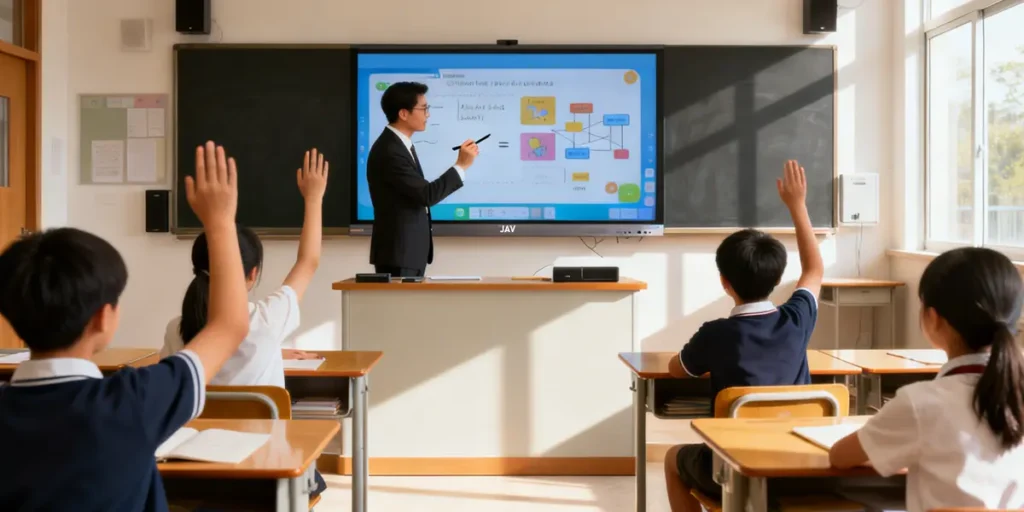
Les élèves sont plus enclins à participer lorsque les cours sont perçus comme actifs plutôt que passifs.
Les stratégies comprennent :
- Annoter des lectures avec les étudiants
- Inviter les élèves à résoudre des problèmes en première ligne
- Intégrer des démonstrations pratiques
Les tableaux blancs interactifs peuvent transformer ces pratiques. Les enseignants peuvent afficher du contenu multimédia, mettre en évidence les concepts clés et permettre aux élèves d'interagir directement avec les supports de cours. Ces interactions contribuent à ce que les élèves se sentent plus impliqués et investis dans leur apprentissage.
2. Posez de meilleures questions
Les questions ouvertes encouragent le raisonnement, l'explication et la créativité.
Le fait de saisir ou d'écrire ces questions numériquement aide les élèves à suivre visuellement la discussion.
L'utilisation d'un écran interactif pour afficher des invites en temps réel offre aux élèves un point de repère visuel, réduit la confusion et leur permet de contribuer plus facilement et de manière réfléchie.
3. Encourager les activités de groupe collaboratives à l'aide d'un tableau interactif en classe
Le travail de groupe favorise l'apprentissage et les échanges entre pairs.
Des tâches courtes, le partage d'idées et les présentations de groupe aident les étudiants à devenir des participants plus actifs.
Les tableaux blancs numériques et les écrans interactifs permettent aux groupes de rassembler leurs idées en un seul endroit. Les élèves peuvent ainsi réfléchir ensemble, puis présenter rapidement leurs conclusions à la classe.
4. Intégrer des éléments visuels et multimédias à l'aide d'un tableau blanc interactif en classe
L'apprentissage visuel est essentiel à la motivation des élèves. Les vidéos, les schémas, les simulations et les images les aident à poser des questions, à analyser des idées et à établir des liens.
Les écrans interactifs simplifient le passage d'un type de média à l'autre, permettant aux enseignants de maintenir le déroulement des cours et l'attention des élèves.
5. Utilisez des sondages rapides et des retours d'information en temps réel
Tous les élèves ne sont pas à l'aise pour lever la main. Les sondages, les questionnaires numériques et les réactions anonymes permettent à chacun de s'exprimer.
De nombreux écrans interactifs et applications connectées prennent en charge le retour d'information en temps réel, aidant ainsi les enseignants à évaluer la compréhension et à adapter immédiatement leur enseignement.
6. Soutenir les différents styles d'apprentissage
La participation peut prendre de nombreuses formes : contributions verbales, croquis, réflexions écrites ou démonstrations.
Les outils technologiques comme les tablettes et les tableaux interactifs en classe aident les élèves à exprimer leurs idées dans un format adapté à leur style d'apprentissage, améliorant ainsi le niveau global d'engagement.
7. Favoriser une culture de classe positive
Les élèves contribuent davantage lorsqu'ils se sentent en sécurité, respectés et encouragés.
Les routines qui favorisent la participation comprennent :
- Réfléchir-échanger-partager
- brainstorming à faible enjeu
- Questions d'échauffement
- Discussions en petits groupes avant le partage en classe entière
Ce type de culture de classe aide les élèves à prendre des risques et à progresser grâce aux retours d'information.
8. Encourager les présentations menées par les élèves
Les activités animées par les étudiants permettent de développer la confiance en soi et les compétences en communication.
Qu’il s’agisse de partager des recherches, de démontrer une compétence ou d’animer une discussion, les étudiants s’investissent davantage lorsqu’ils enseignent à leurs pairs.
Les écrans interactifs fluidifient les présentations en permettant aux étudiants de projeter des diapositives, d'annoter les points clés ou de projeter leur écran sans fil.
9. Soutenir les apprenants à distance et hybrides
Dans les environnements hybrides, les apprenants à distance ont besoin d'éléments visuels et audio clairs pour rester concentrés.
Un tableau blanc interactif pour la salle de classe, doté d'outils de partage d'écran, de visioconférence et de présentation, permet aux élèves à distance de participer aussi activement que ceux présents en classe.
Comment un tableau interactif en classe améliore la participation des élèves
Le tableau interactif JAV Smart Board amplifie les stratégies ci-dessus en offrant une plateforme pédagogique interactive tout-en-un, conçue spécifiquement pour les salles de classe modernes. Ses principales fonctionnalités sont les suivantes :

Interaction tactile :
Les élèves peuvent écrire, dessiner, annoter et résoudre des problèmes directement sur l'écran interactif, ce qui encourage la participation active.
Partage d'écran sans fil :
Les enseignants et les élèves peuvent diffuser du contenu depuis des ordinateurs portables, des tablettes ou des téléphones sans fil – idéal pour les présentations, les activités de groupe et les configurations d'apprentissage hybrides.
Clarté de l'affichage 4K :
Les visuels haute résolution permettent aux élèves de rester concentrés et d'améliorer leur compréhension des diagrammes, des vidéos et des contenus multimédias.
Collaboration multi-utilisateurs :
Plusieurs étudiants peuvent interagir simultanément, ce qui rend le brainstorming et la résolution de problèmes en groupe plus dynamiques.
Outils pédagogiques intégrés :
Le tableau blanc numérique, l'affichage en écran partagé, les minuteurs et l'intégration multimédia contribuent à simplifier les cours et à maintenir l'engagement des élèves.
Intégration transparente pour l'apprentissage hybride :
La prise en charge des vidéoconférences et le partage d'écran à distance garantissent que tous les étudiants, sur place ou en ligne, peuvent participer pleinement.
En combinant des stratégies pédagogiques efficaces avec les capacités du tableau interactif JAV Board 10, les enseignants peuvent créer une salle de classe plus interactive, stimulante et inclusive où chaque élève se sent habilité à contribuer.
Prêt à rendre votre salle de classe plus interactive et stimulante ?
Explorer Solutions pour tableaux interactifs JAV et obtenez votre tableau interactif aujourd'hui et apporter un nouveau niveau d'engagement à chaque leçon.