In modern workplaces, effective communication depends heavily on reliable technology. As hybrid work becomes more common, companies are investing in a dependable video conference system for office environments to keep teams connected. However, many meeting rooms still rely on multiple separate devices—external cameras, microphones, speakers, and displays—which can make meetings harder to manage.
An increasingly popular alternative is using an interactive display as the central hub for meetings. By combining collaboration features with video conferencing capabilities, an interactive display can function as a powerful meeting tool that simplifies both in-person and remote collaboration.
What Defines a Reliable Video Conference System for Office
A well-designed video conference system for office spaces needs several essential components working together. Without these elements, meetings can quickly become inefficient or frustrating.
Most professional conference setups include:
- A large display for presentations and remote participants
- A high-quality camera for clear video communication
- Microphones that capture voices across the meeting room
- Speakers that ensure remote participants can be heard clearly
- Compatibility with major video meeting platforms
Traditionally, companies assembled these components from multiple devices. While functional, this approach often increases setup complexity and requires additional hardware management.
Why Interactive Displays Make an Ideal Video Conference System for Office
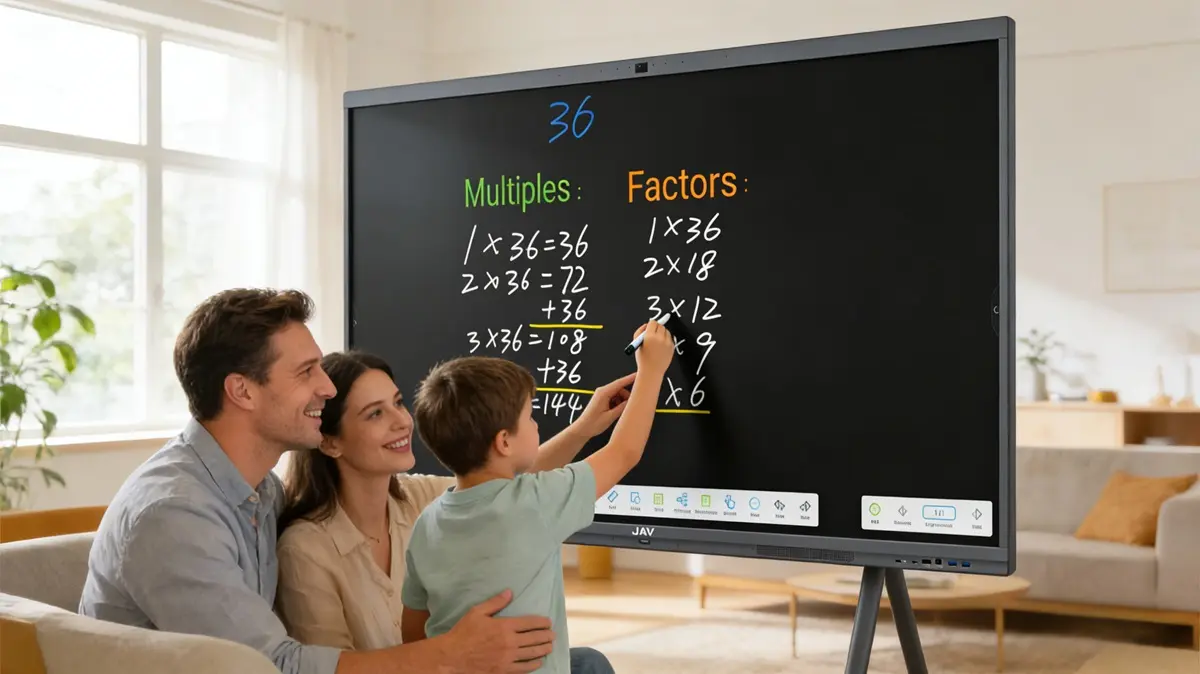
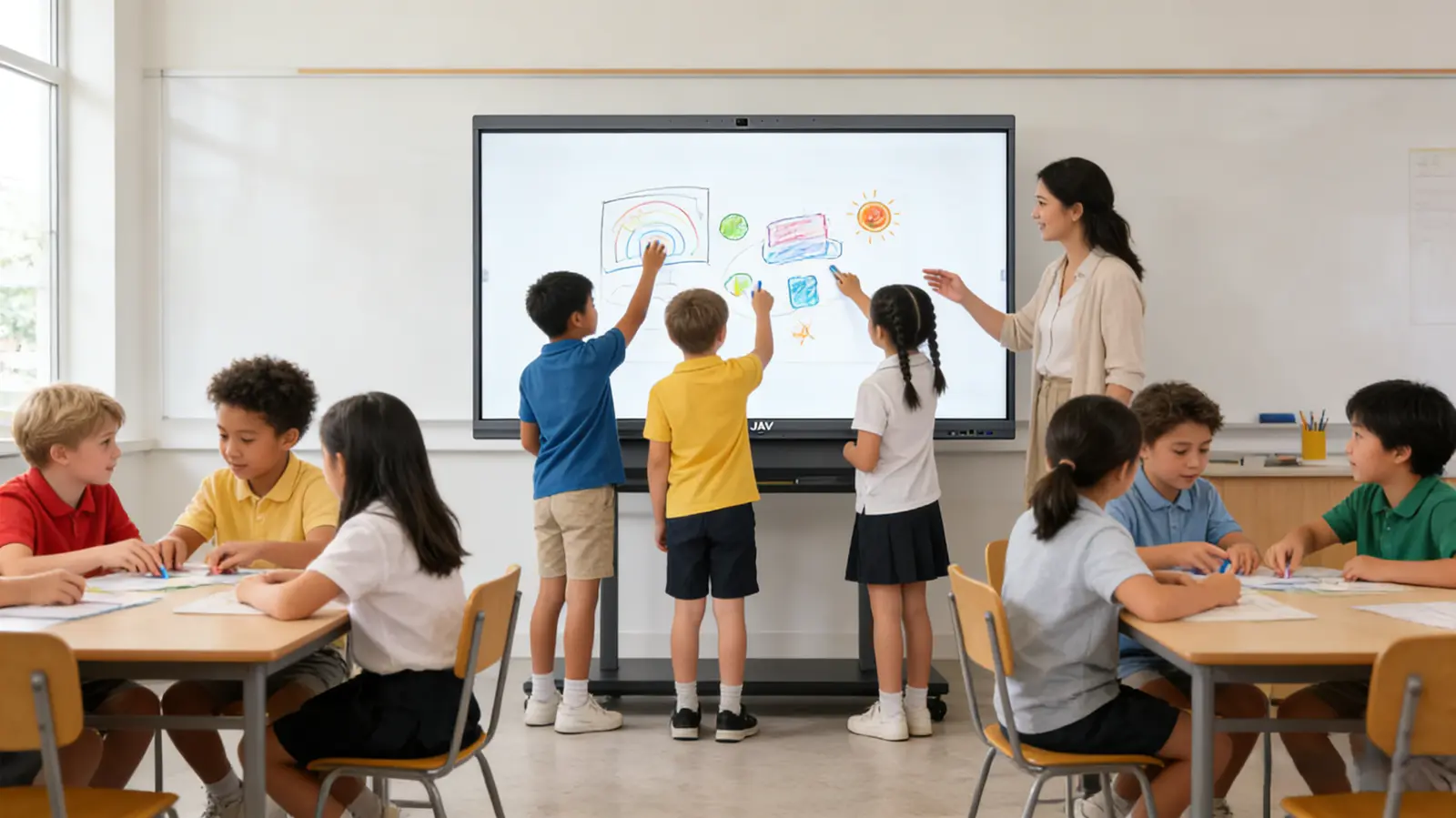
An interactive display brings these meeting functions together while also improving collaboration inside the office. Instead of using a screen only for viewing content, teams can interact with information directly on the display.
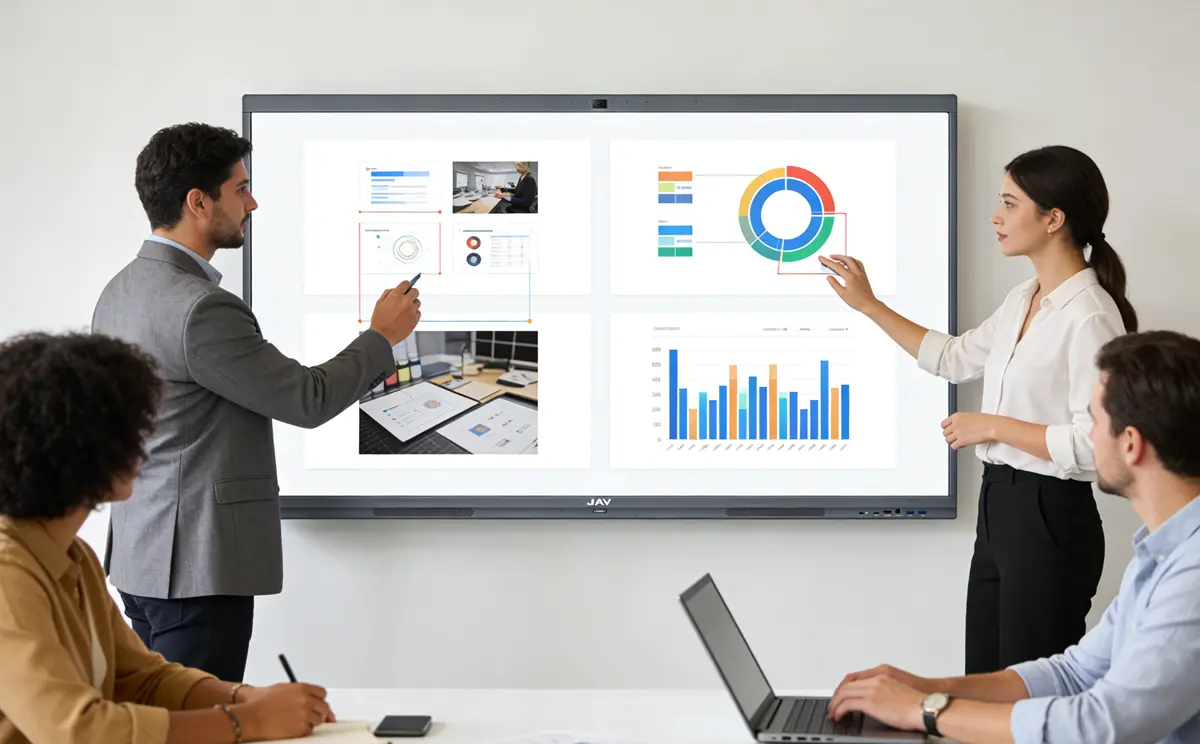
As a meeting tool, an interactive display allows participants to:
- Annotate presentations during discussions
- Use digital whiteboards for brainstorming
- Share screens from laptops or mobile devices
- Collaborate visually during meetings
These features help transform meetings from passive presentations into interactive working sessions, which is particularly valuable for teams that rely on design reviews, project planning, or collaborative problem solving.
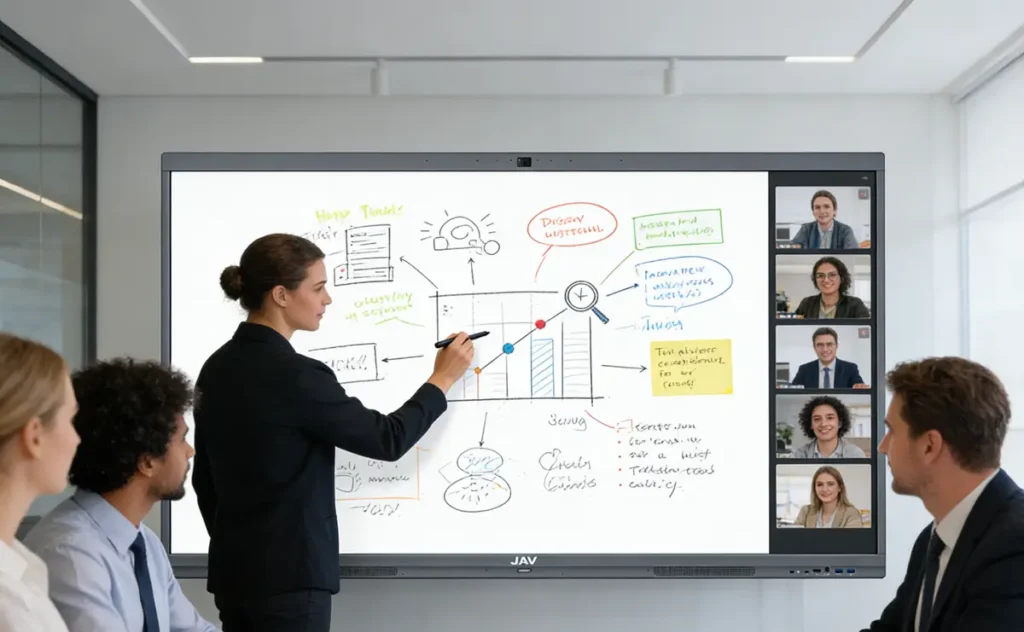
How an Interactive Display Can Replace Multiple Meeting Tools
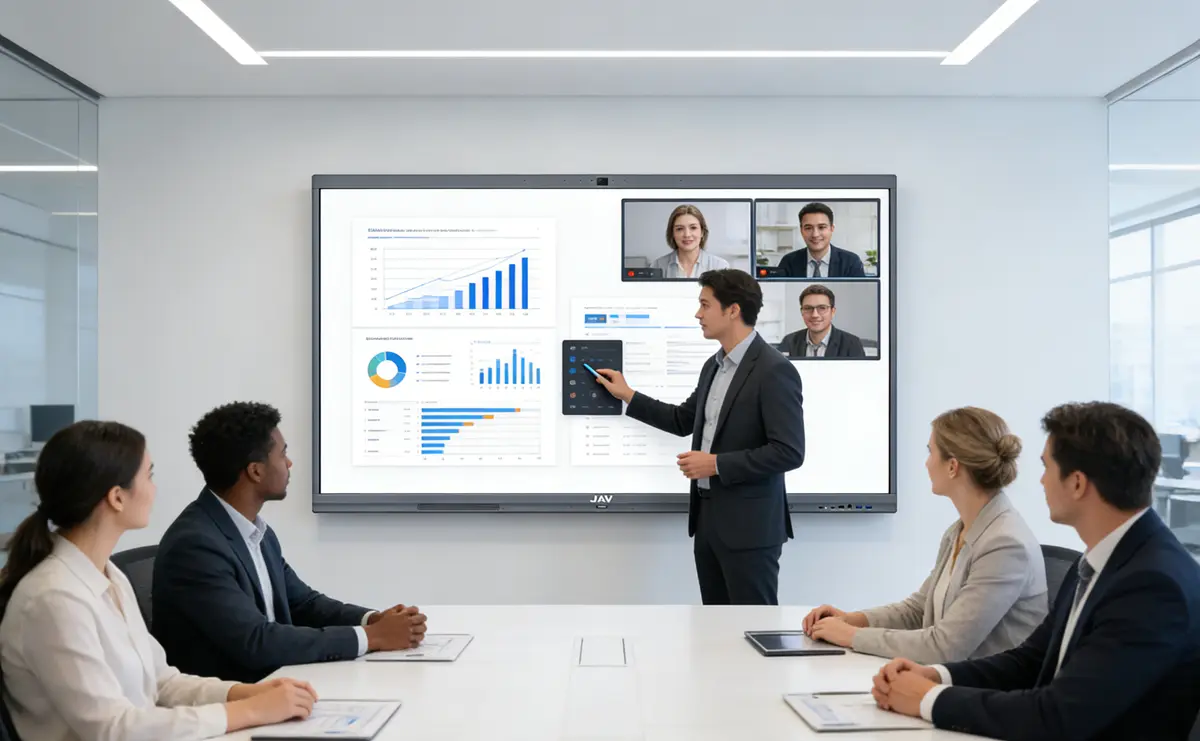
When an interactive display integrates conferencing hardware directly into the device, it can effectively function as a complete video conference system for office environments.
For example, many modern interactive displays now include built-in cameras, microphone arrays, and speakers. This allows the display to handle video, audio, and collaboration in one place rather than relying on several external devices.
A practical example of this type of integrated interactive display is the JAVボード10. Instead of acting only as a display, the JAV Board 10 is designed to support the core elements required for video meetings.
The JAV Board 10 Interactive Display includes a 48MP front camera with automatic speaker tracking, which helps remote participants stay focused on the active speaker. For audio, an 8-array microphone system with a pickup range of up to 10 meters captures voices across the room, while dual 16W speakers ensure that remote participants can be heard clearly.
The display itself also plays an important role in meeting quality. With a 4K resolution panel available in multiple sizes, the screen allows both presentations and remote participants to remain clear and visible throughout the conference room.
From a software perspective, the system runs on Android 14 with Google EDLA certification, enabling organizations to install meeting applications such as Google Meet or Microsoft Teams directly on the device. This means meetings can be launched without relying on an external computer.
By combining these capabilities into a single device, an interactive display like the JAV Board 10 can consolidate several traditional meeting tools into one integrated meeting environment.
The Future of the Video Conference System for Office
As workplaces continue evolving toward hybrid collaboration, meeting rooms must support both in-person interaction and remote participation. Instead of relying on complex setups with multiple devices, many organizations are moving toward integrated systems that simplify meeting technology.
Using an interactive display as a video conference system for office environments allows businesses to streamline their meeting spaces while improving collaboration. When properly implemented, this approach can turn a single device into a central meeting tool that supports communication, content sharing, and real-time teamwork in modern offices.