JAV Board 10
An all-in-one tool to do whiteboard presentation, document presentation, video conferencing…

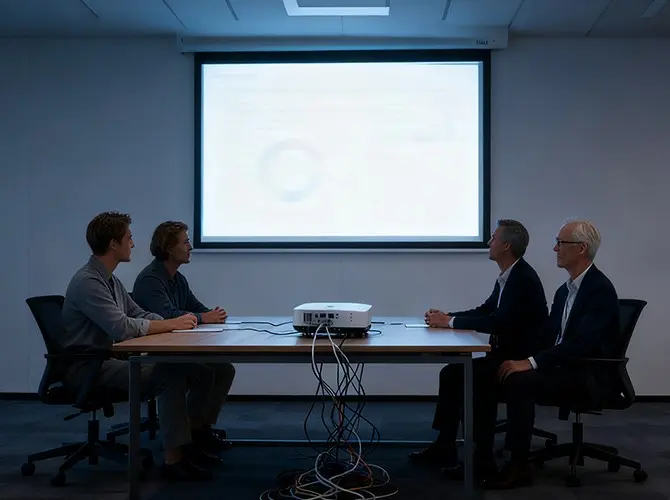
Traditional messy and dim meeting.

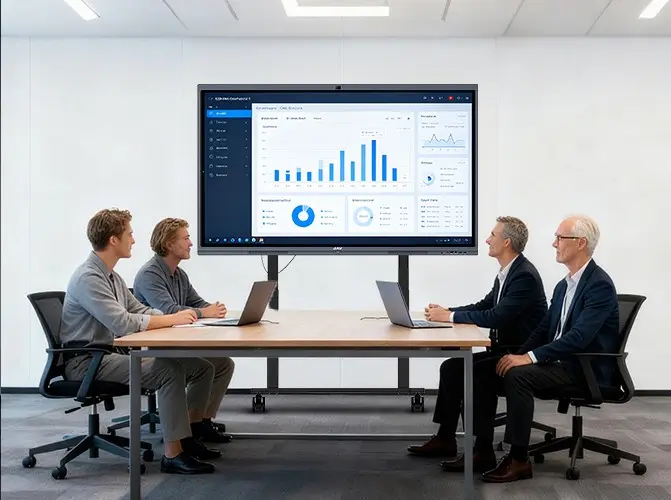
Modern neat and bright meeting.
What is JAV Board 10?
The JAV Board 10 is an interactive flat panel display, functions like a giant iPad with a large screen. It can meet various needs in meetings, including whiteboard writing, document presentation, annotation, video playback, live audio, remote video conferencing, etc.

It’s an all-in-one tool like a giant ipad for productive work.

It’s an all-in-one tool like a giant ipad for multiple presenters to work on the file presentation at the same time.

It’s an all-in-one tool like a giant ipad for easy writing, modifying, and saving with the cloud-based whiteboard.

It’s an all-in-one tool like a giant ipad for everyone to be included and engaged in the video meeting.
Whiteboard Presentation
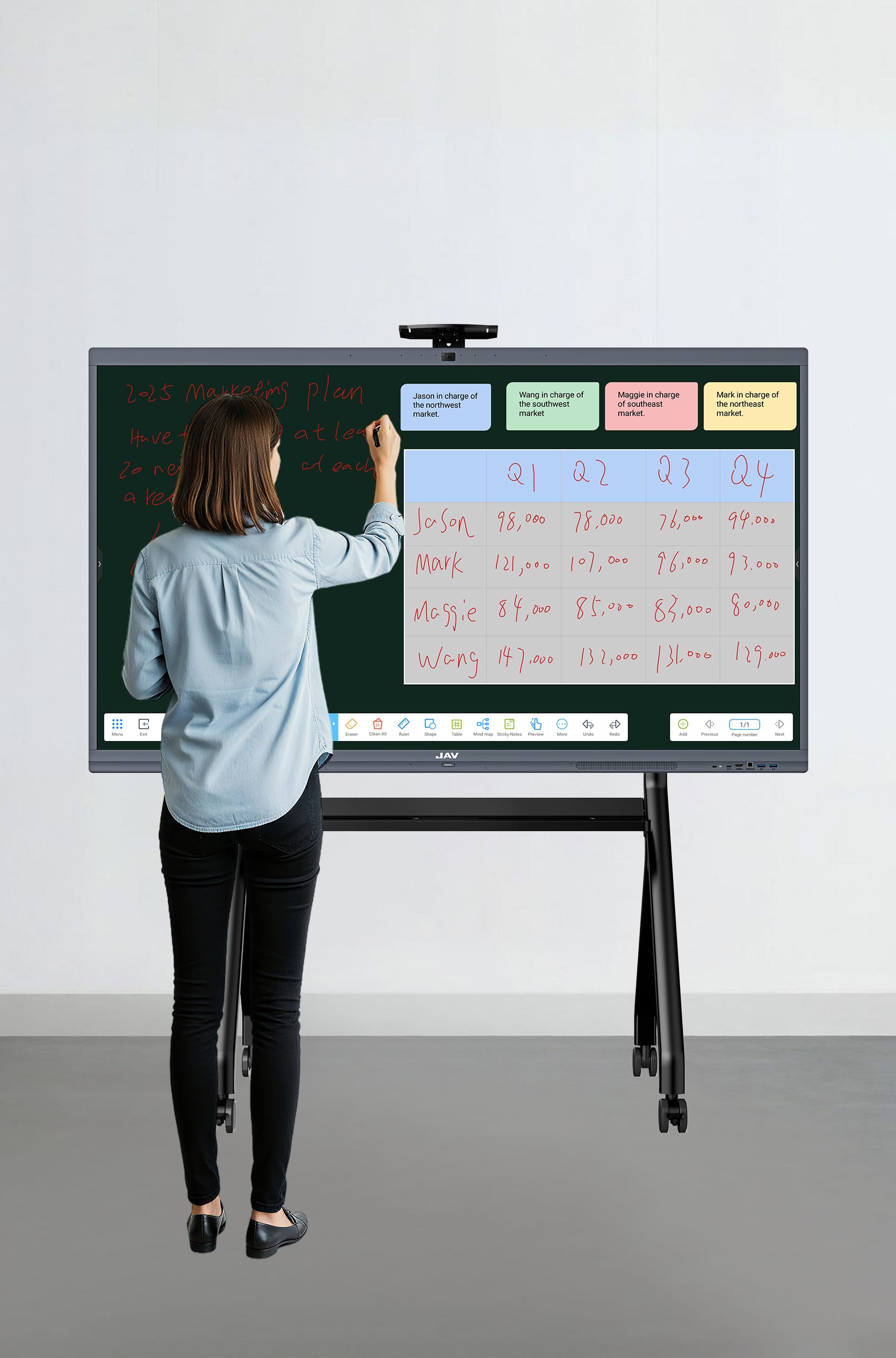
Our whiteboard software “Note ” is a cloud-based digital whiteboard, giving every user an easy, enjoyable, and efficient whiteboard presentation experience.


Writing tools
- Adjustable writing pen type
- Adjustable writing pen thickness
- Adjustable writing pen color

Writing canvas
- Canvas background type is adjustable
- Infinite canvas on a single page, and the bottom navigation can be used to navigate to any place in the infinite canvas
- When a single page is fully occupied, we can also choose to add a new page through the bottom toolbar.

Erasing
- Can be erased directly with the back of our hand
- It can also be selectively erased with the bottom erasing tool

Saving and sharing our presentation
- We can save the written content directly to a local folder or to a cloud disk through the menu bar beside.
- We can click “Share” in the lower left corner to generate a QR code. Scan the QR code to save and share the written content.

Other auxiliary tools
- Intelligent recognition of handwriting and hand-drawing
- Auxiliary tools such as rulers, graphics, tables, etc. Click and use.
Screen Sharing
Share the screen of our mobile device to JAV Board 10 in seconds, no cables, no delay.

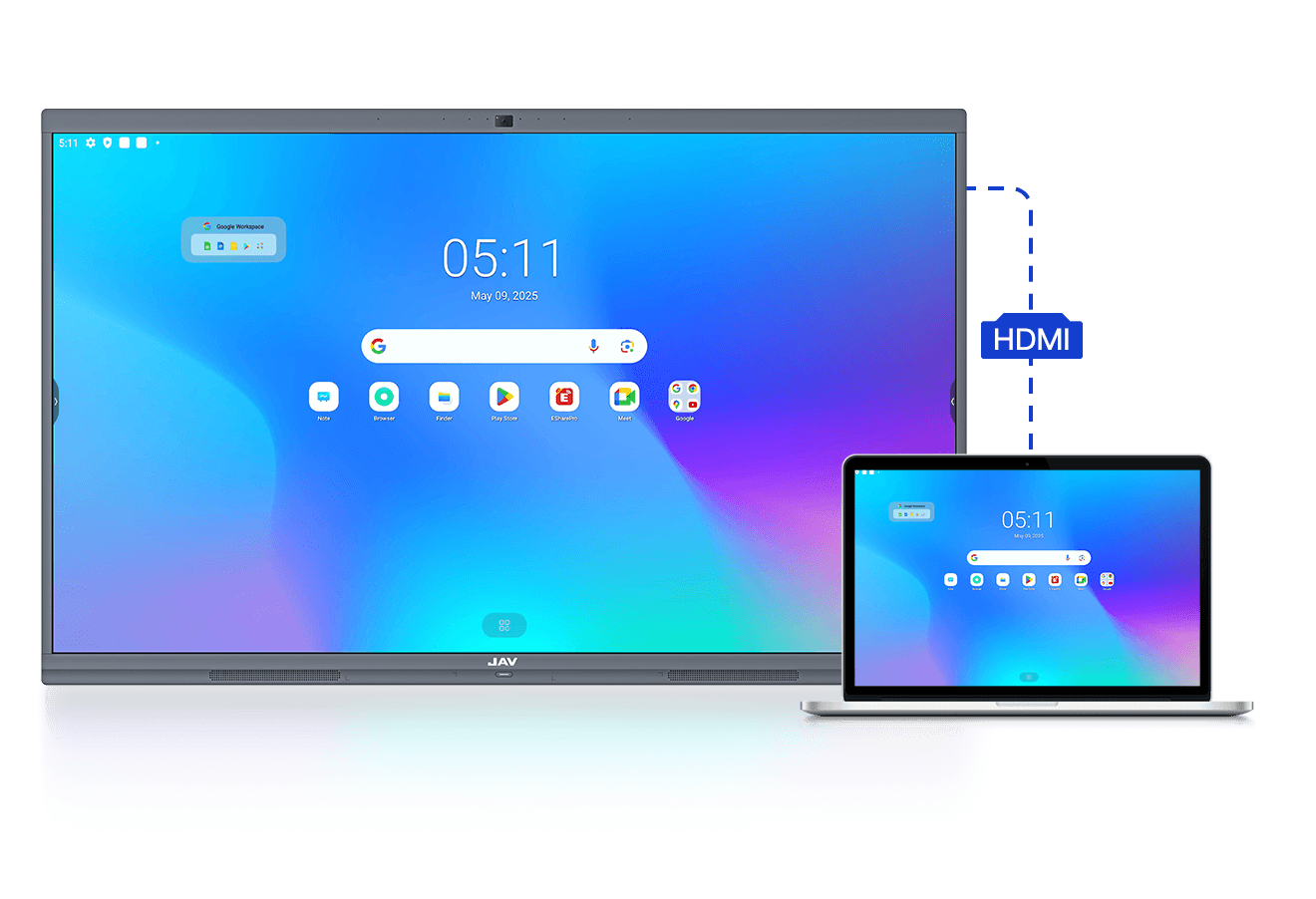
Wired screen sharing

HDMI
Use HDMI IN port to share your laptop screen to the JAV Board 10.
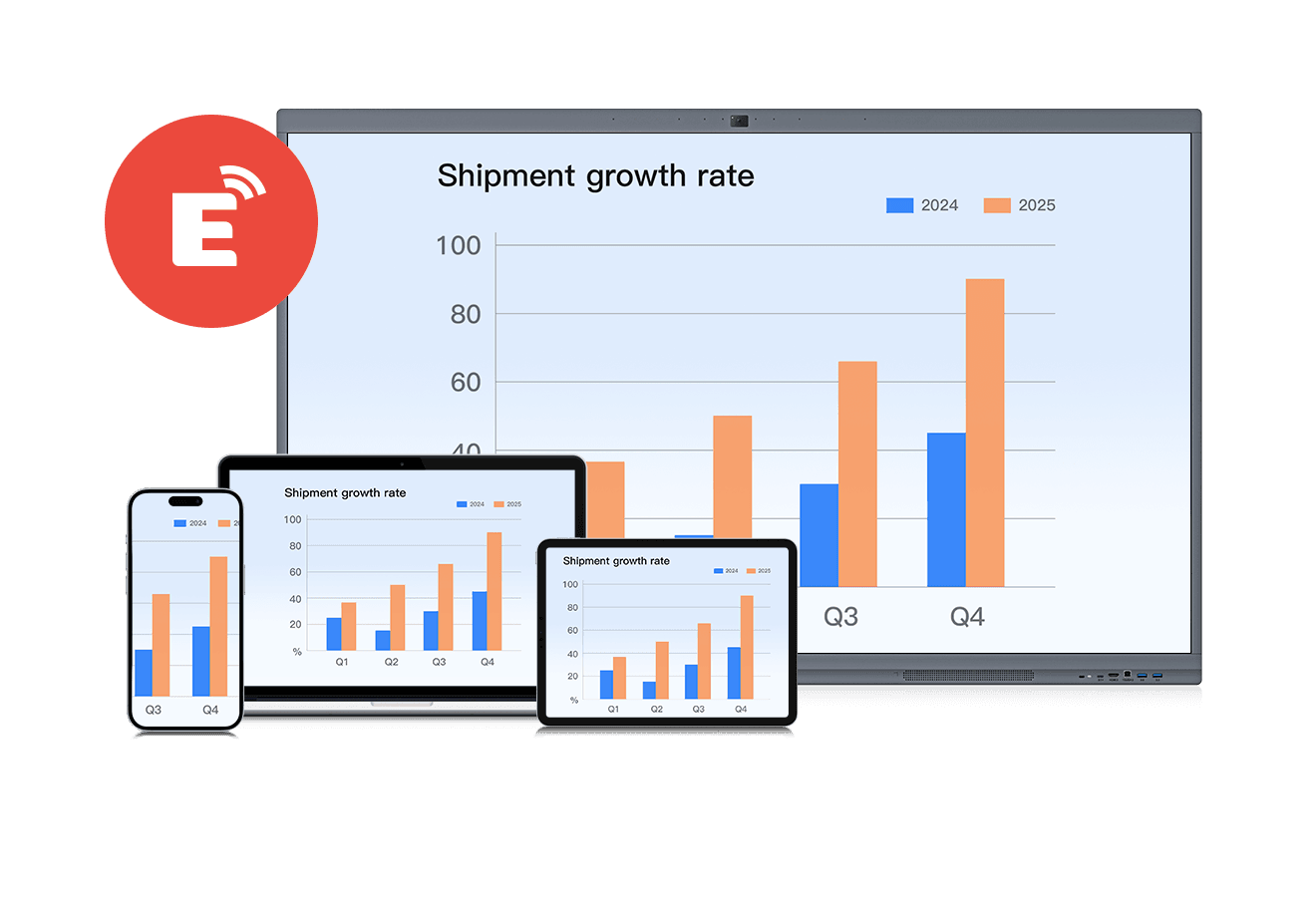
Wireless screen sharing

Screen sharing app "E-share "
• Just connect our device(laptop/ipad/cell phone) and JAV Board 10 to the same network
• Download the same screen sharing app on our device
• Open the app on our device and enter the projection code to start the screen mirroring.
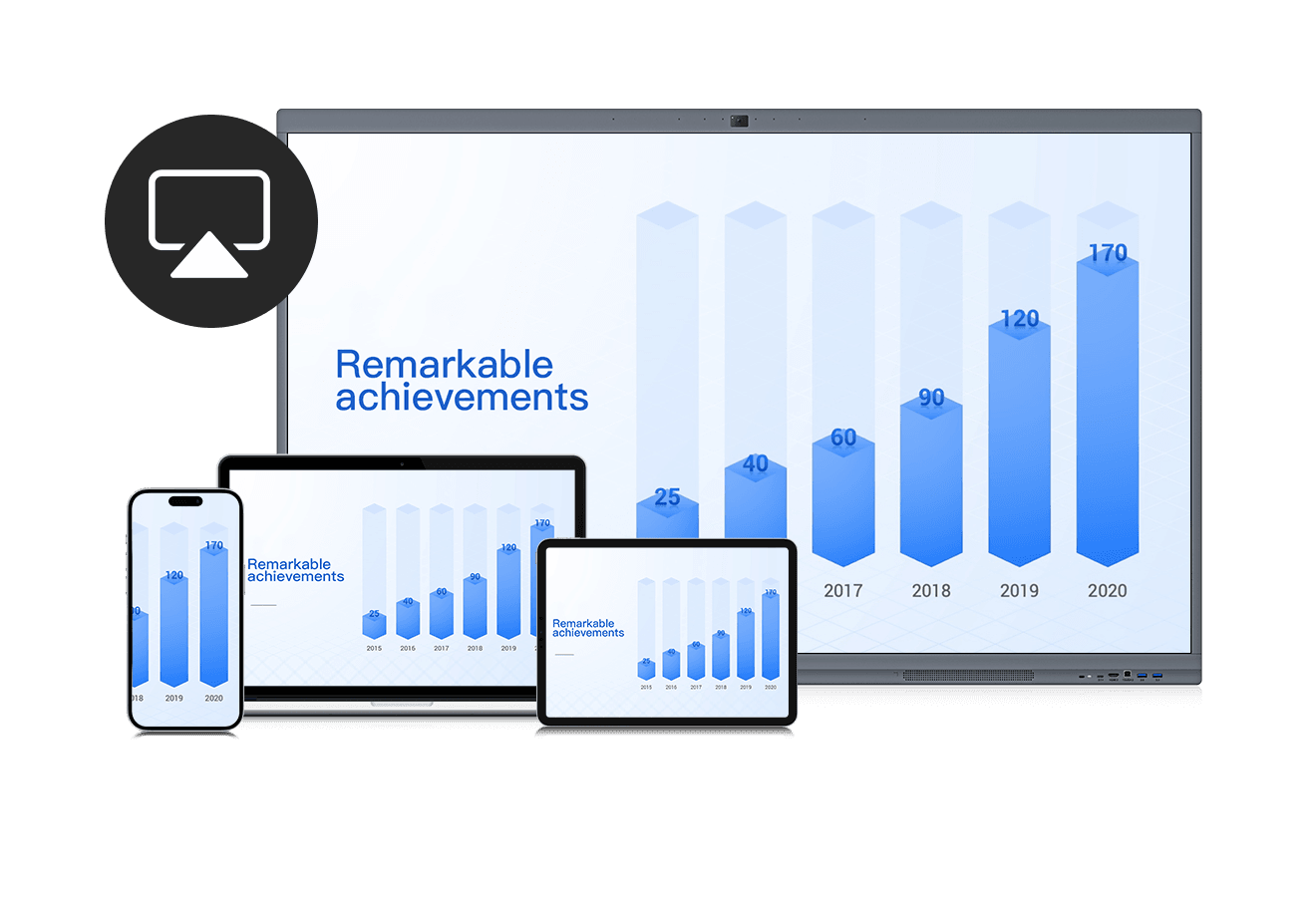
Airplay/Miracast/DLNA
Use AirPlay/Miracast to mirror our screen from an Apple/Android device to the JAV Board 10.
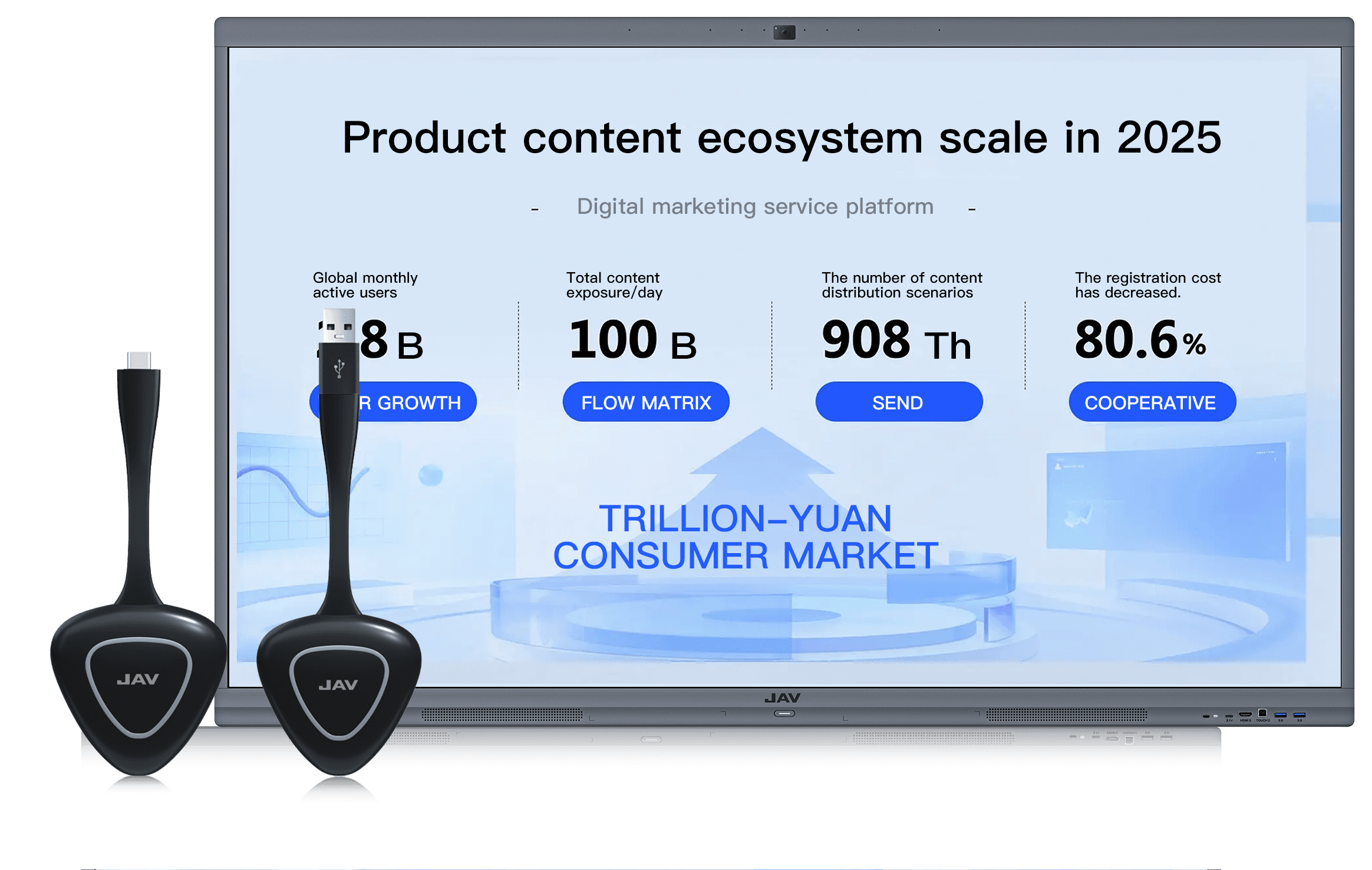
JAV Tap: Plug-and-Play with two steps
• Insert JAV Tap to JAV Board 10 for pairing
• Reinsert it to your laptop after the pairing is successful to start screen sharing. No network required
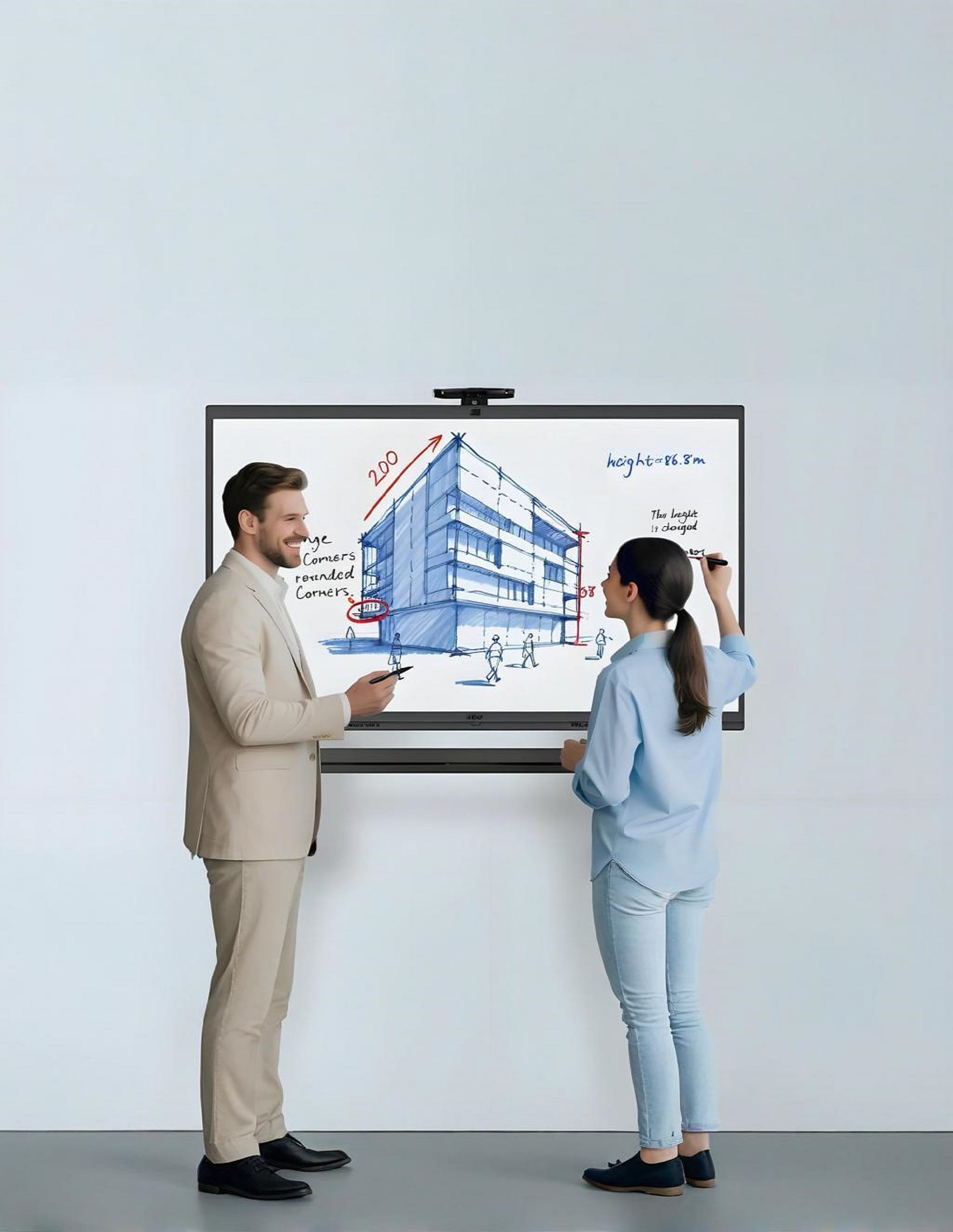
Document Presentation
Start document presentation in the way you want, from your devices, U disk, cloud drive, and local storage. Control the presentation directly on the screen with screen touching.

Multiple ways for document presentation

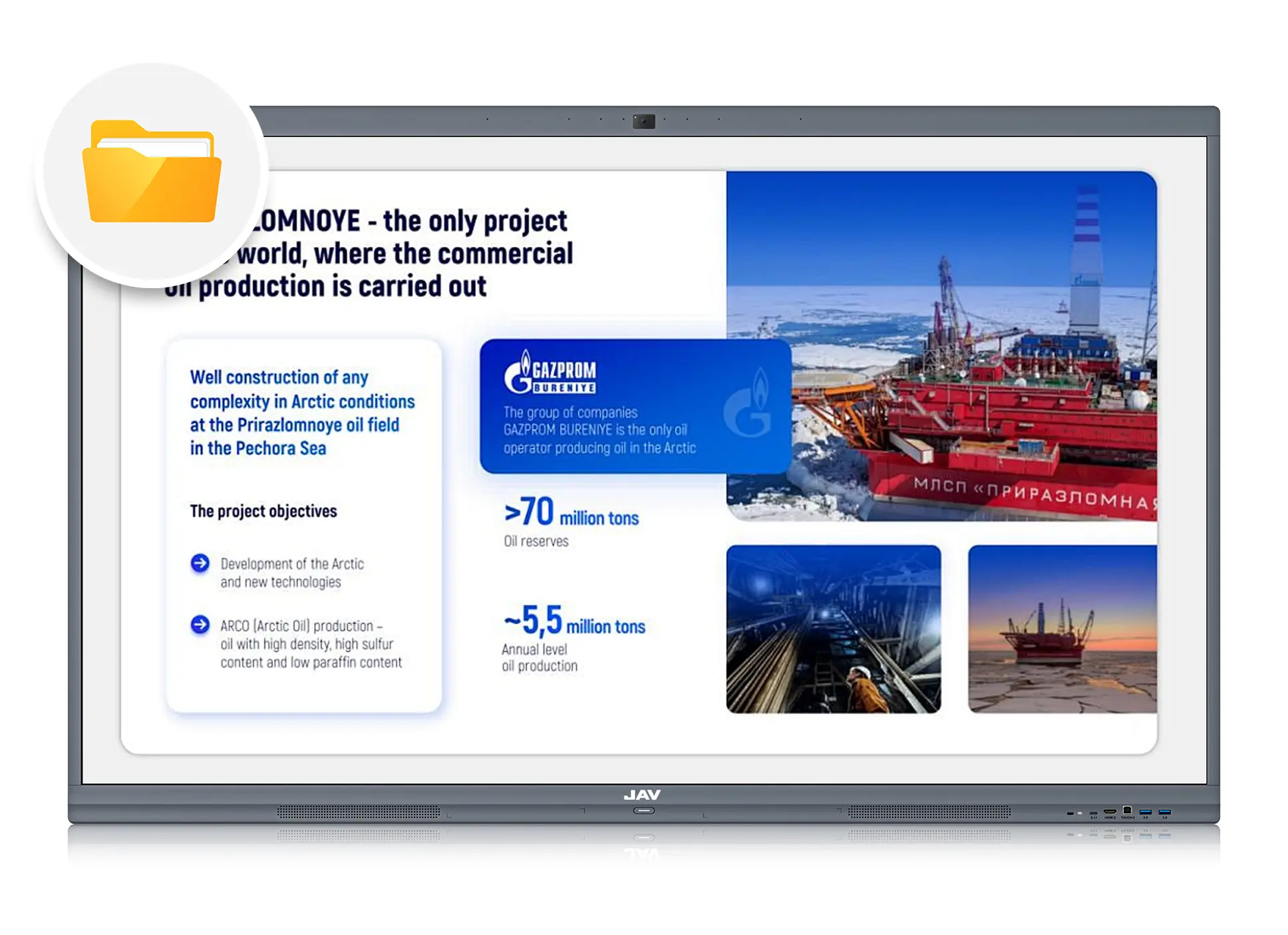
Document presentation from local file folder
In some important occasions, we can store the files to be presented in the JAV Board 10 in advance, and directly select them from the local folders during the meeting. No need to worry about any data security or network troubles.
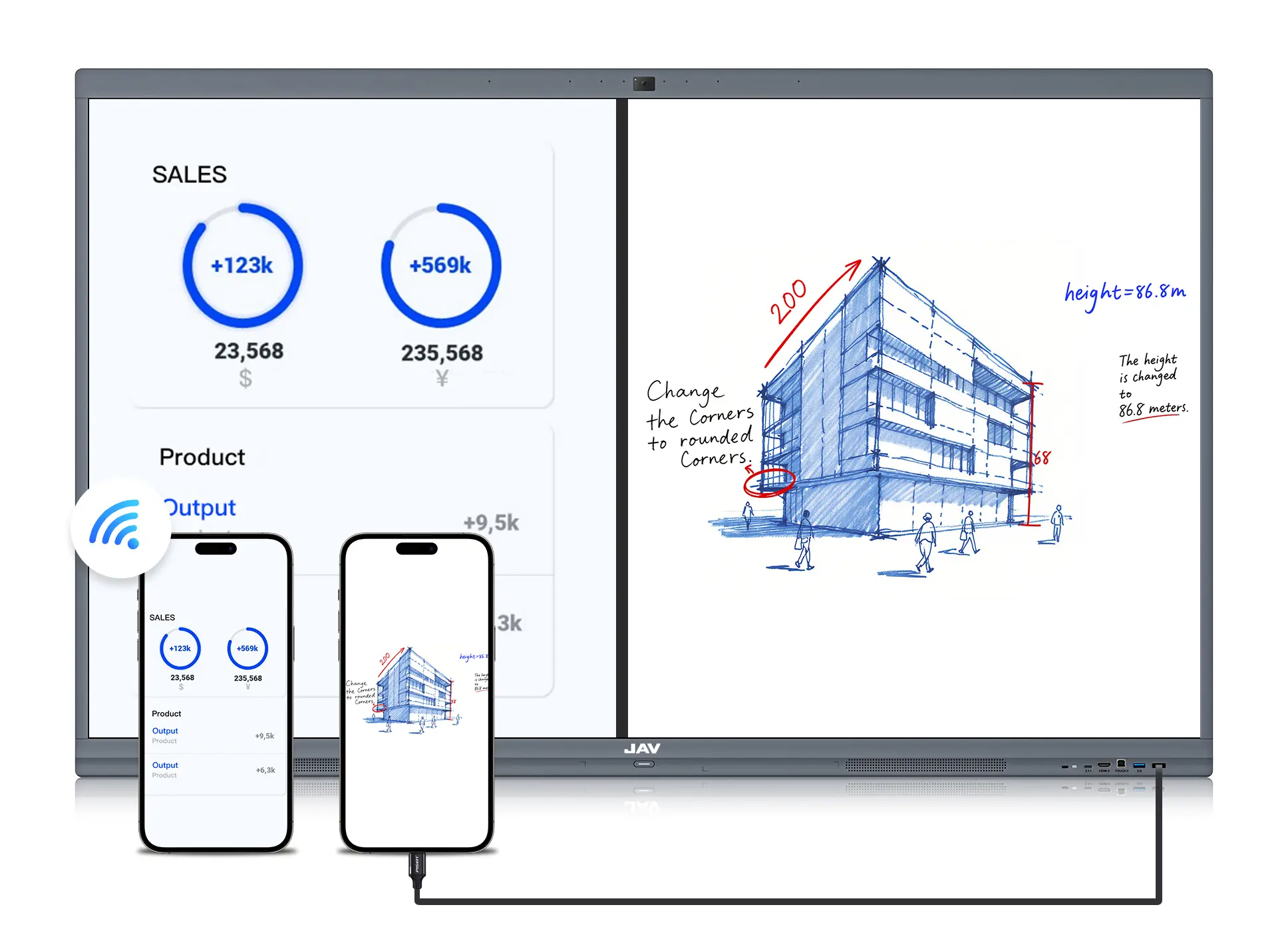
Document presentation from mobile devices
USB/Type-C: Use the USB or Type-C to connect our iPad or mobile phone to JAV Board 10, then we can directly read the files from the mobile device on JAV Board 10.
Screen sharing: We can also present files through the screen sharing function introduced earlier.
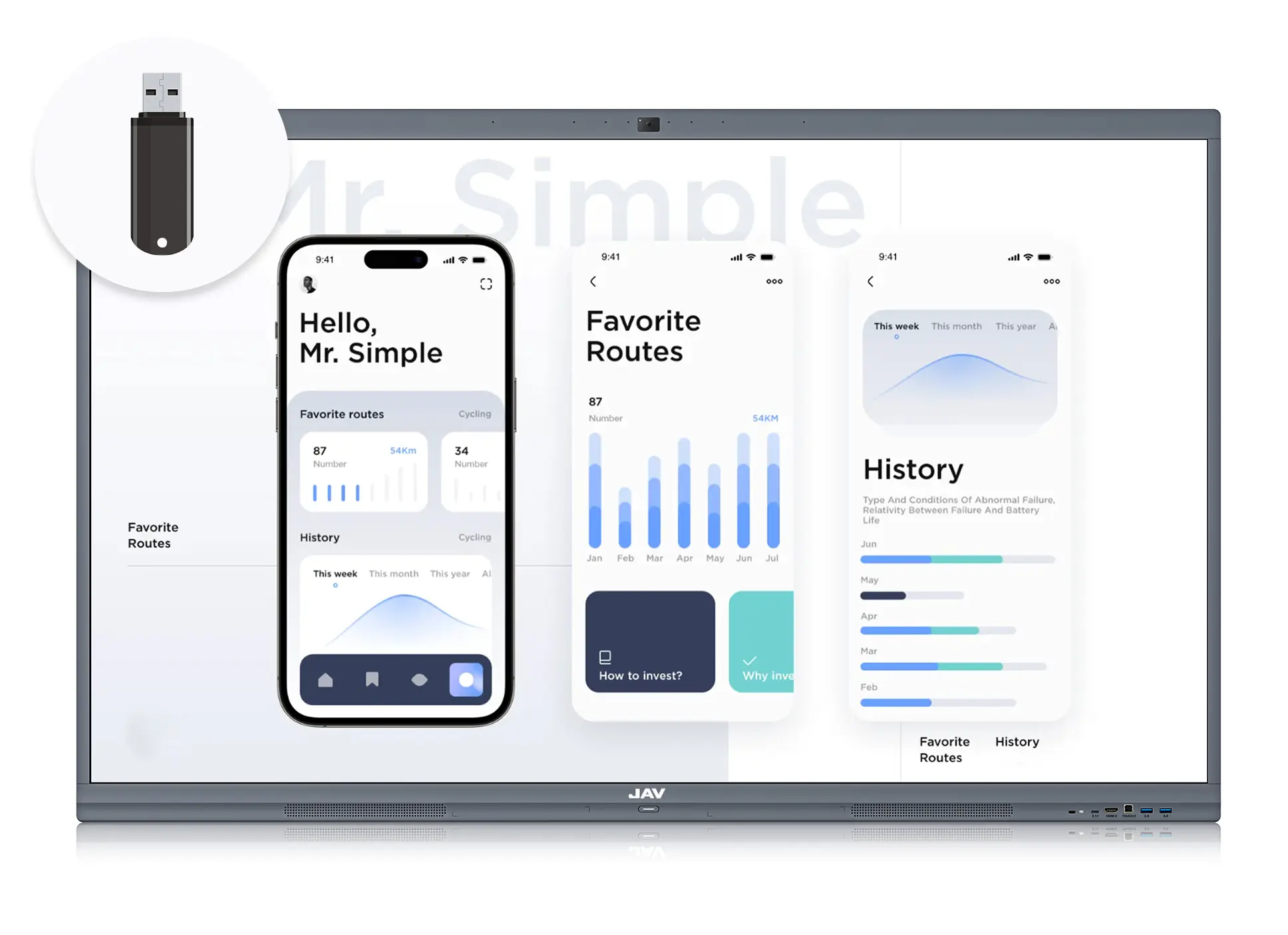
Document presentation from U disk
Insert the U disk into the front USB or Type-C port, then we can select the file from U disk to present.
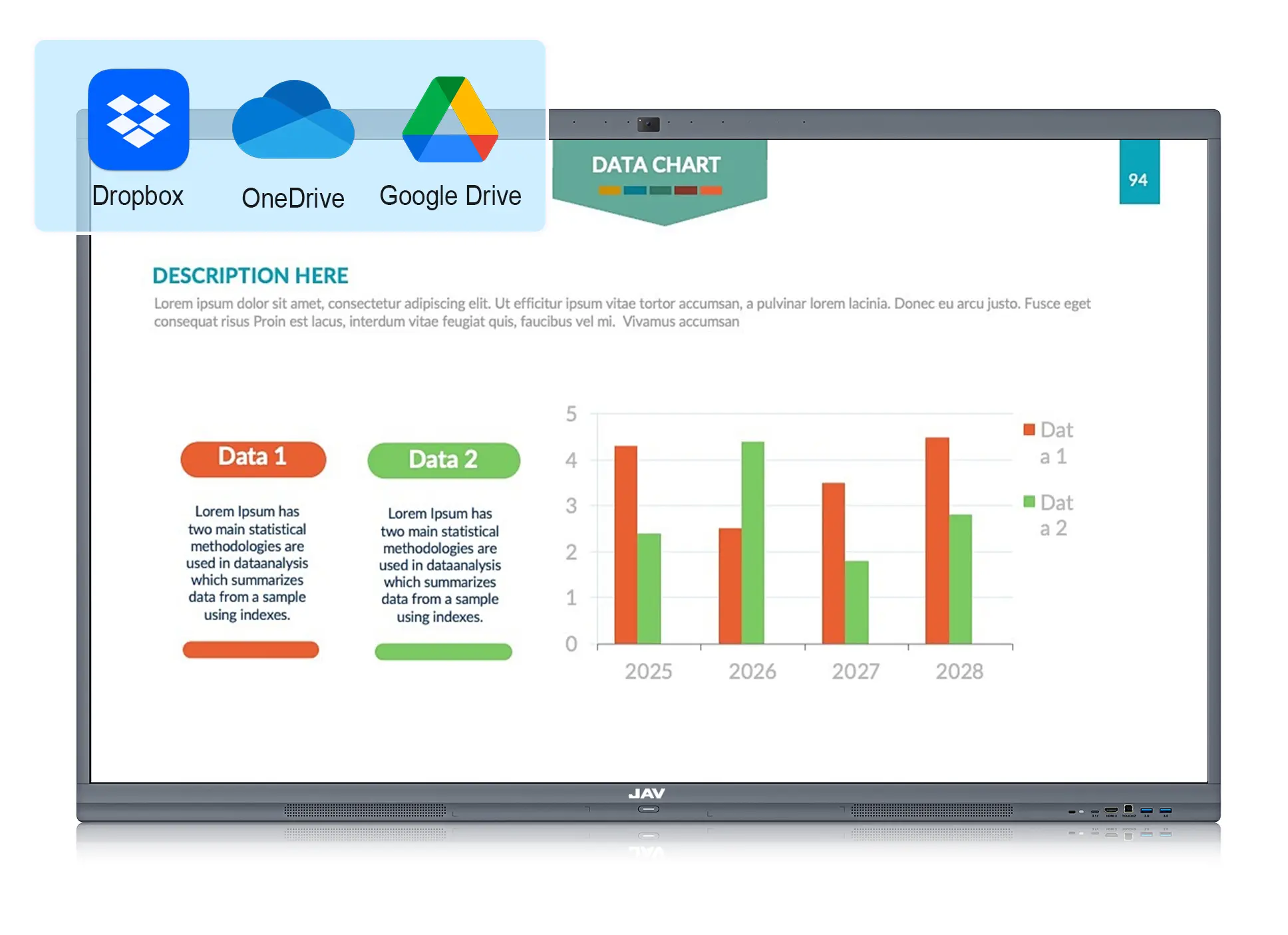
Document presentation from cloud drive
We can log in to our cloud drive account such as Google Drive, Onedrive, and iCloud, then select files from the cloud storage to present.
Instant annotation
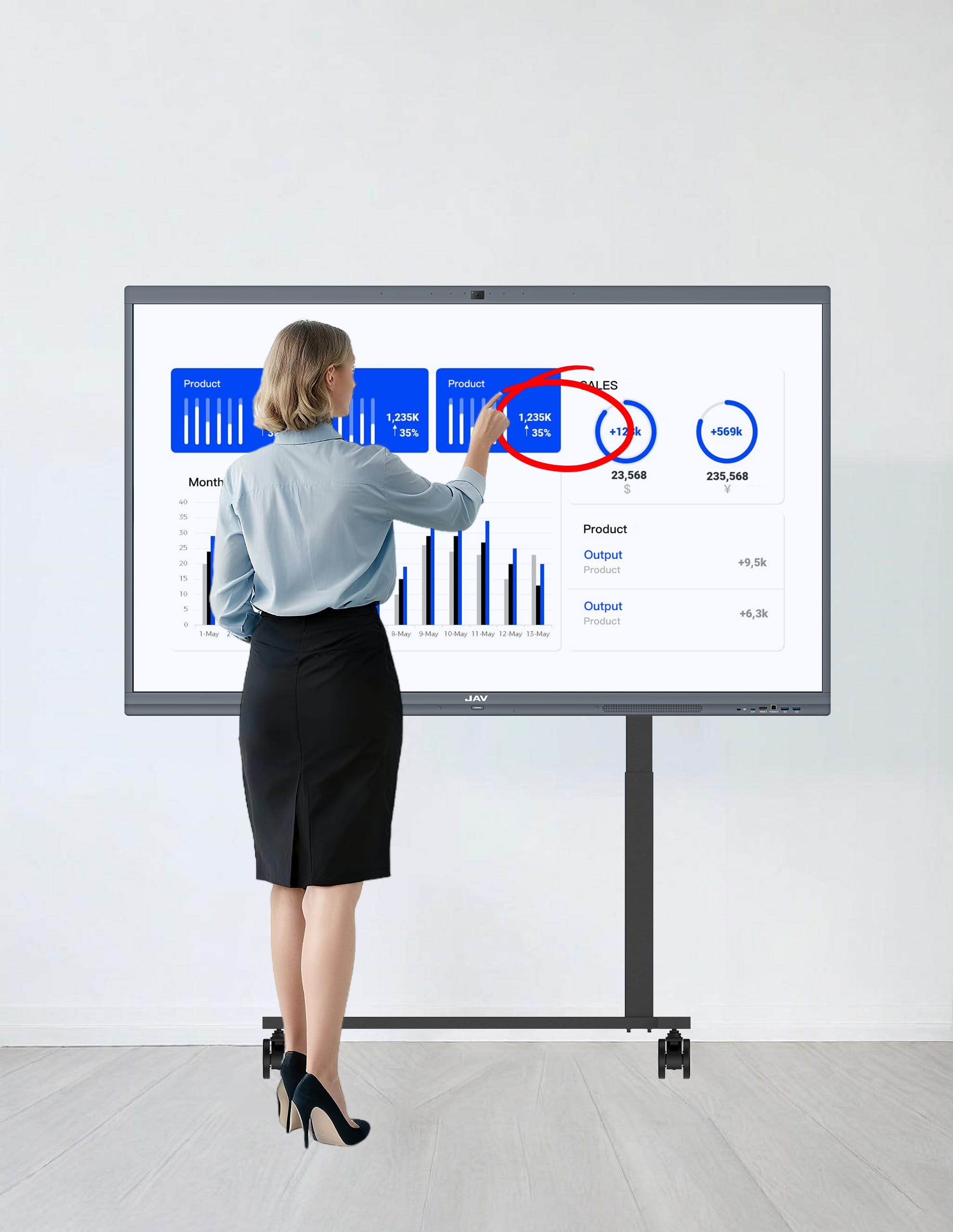
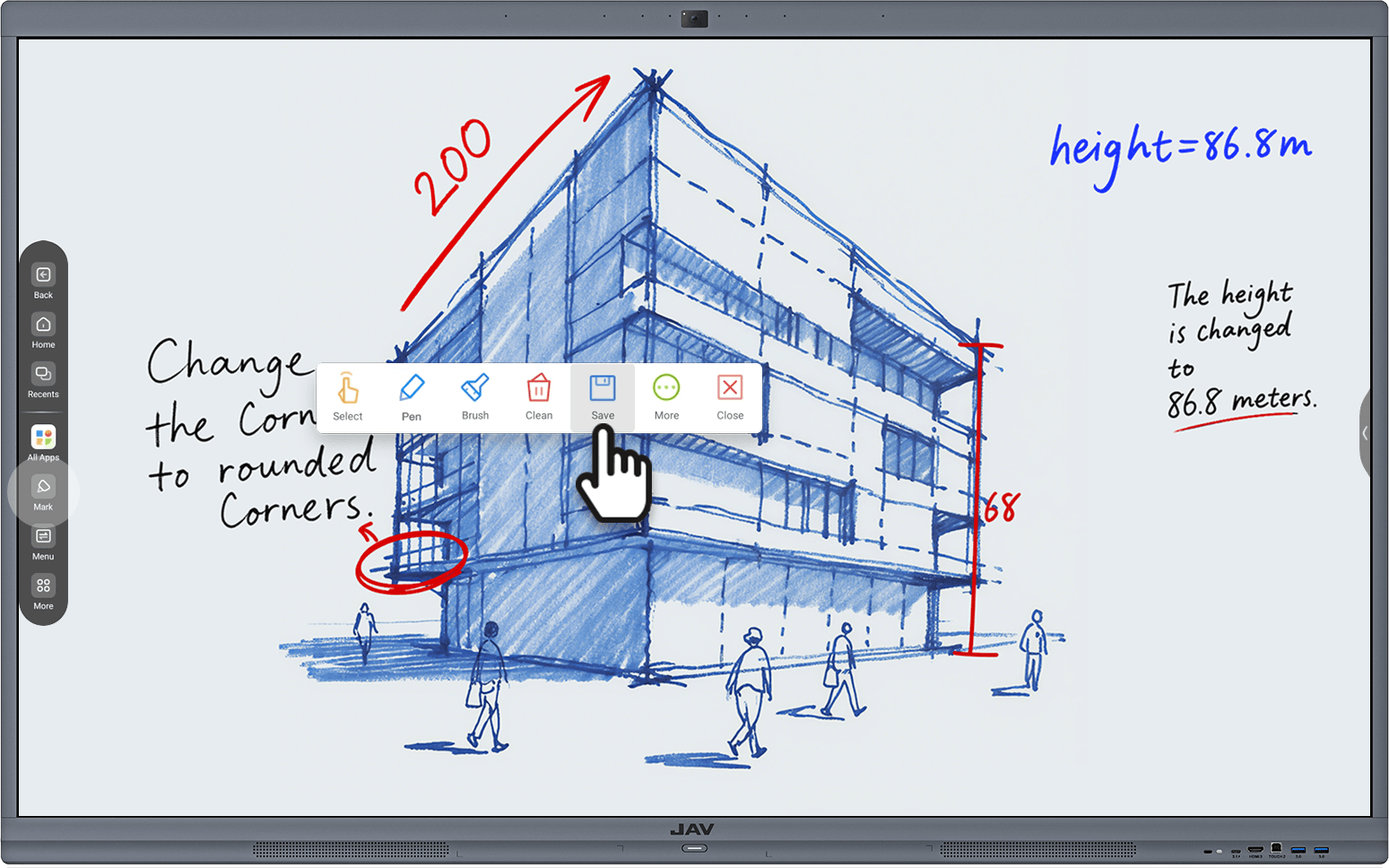
In the process of presentation, we often need to emphasize some key points. Then we can wake up the annotation tools from the side toolbar to do the annotation. The annotation tool can be used in any interface.

Annotate on text files
When we are presenting text files such as PPT, WORD, EXCEL, etc., we can directly wake up the annotation tool to mark the key points.
Annotate on video files
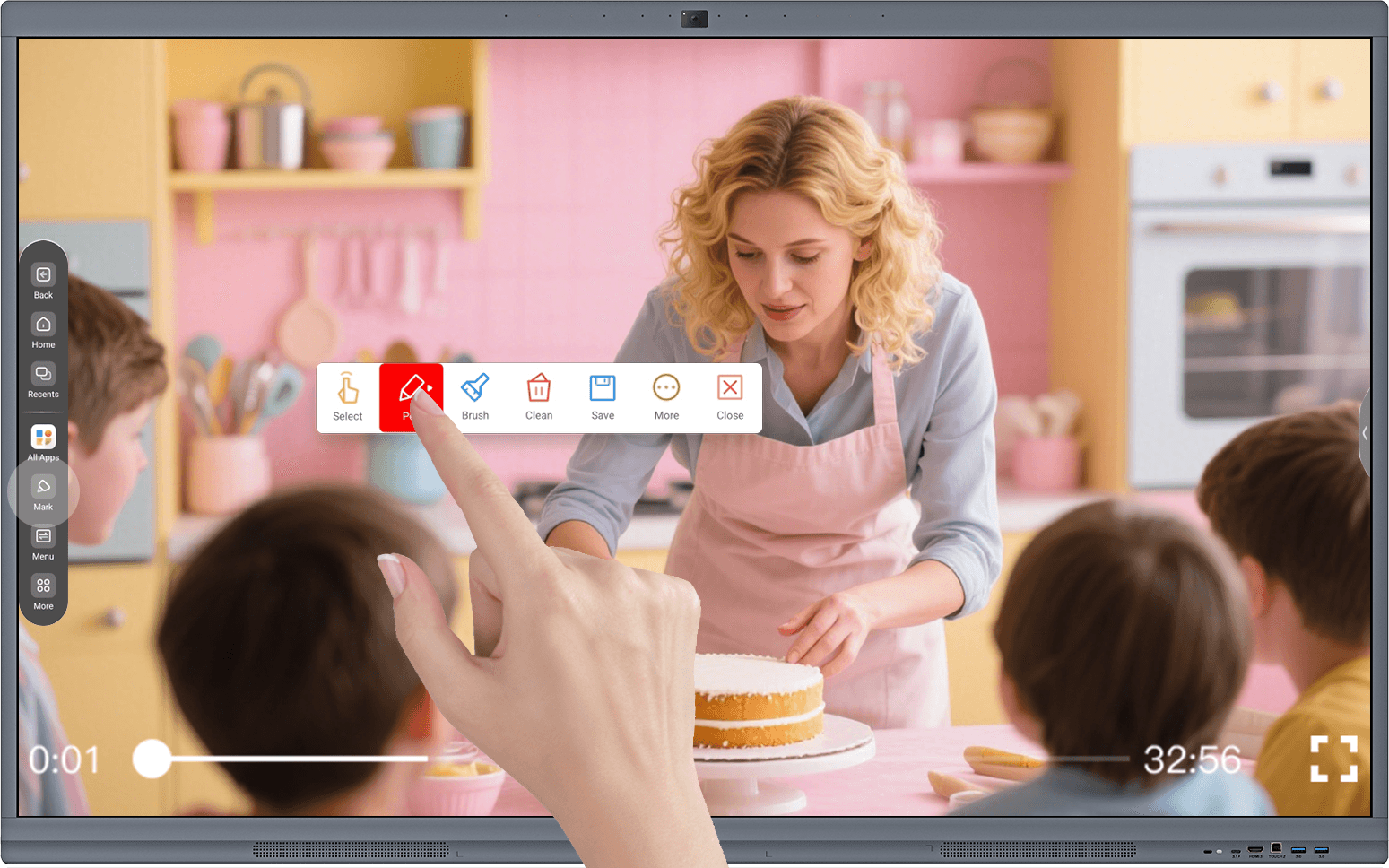
When we are presenting pictures or videos, we can also directly wake up the annotation tool to mark the key points.
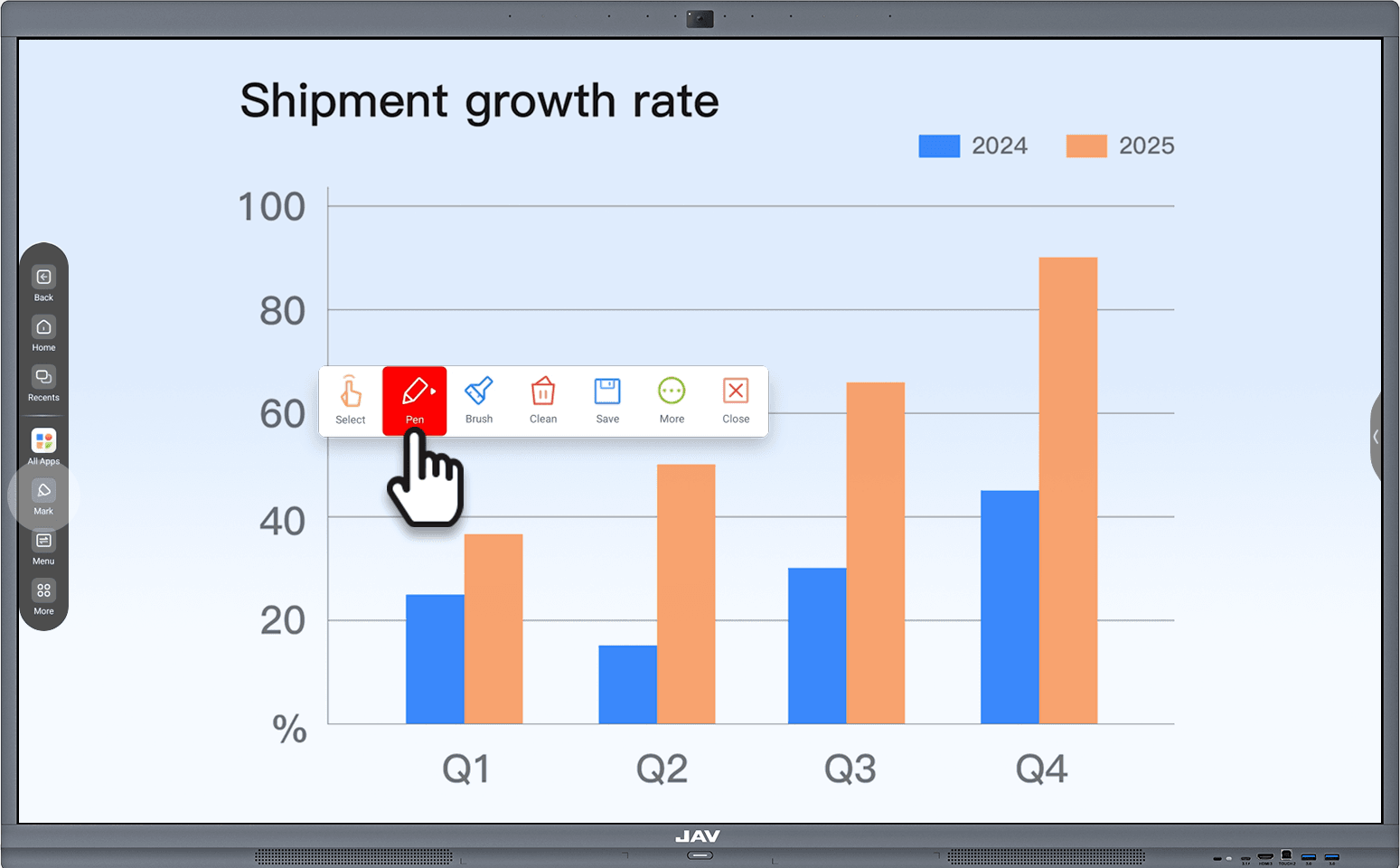
One-click saving
Saving the annotation. Simply click "Save" on the annotation toolbar to save the annotation content to local storage.
Video Conferencing
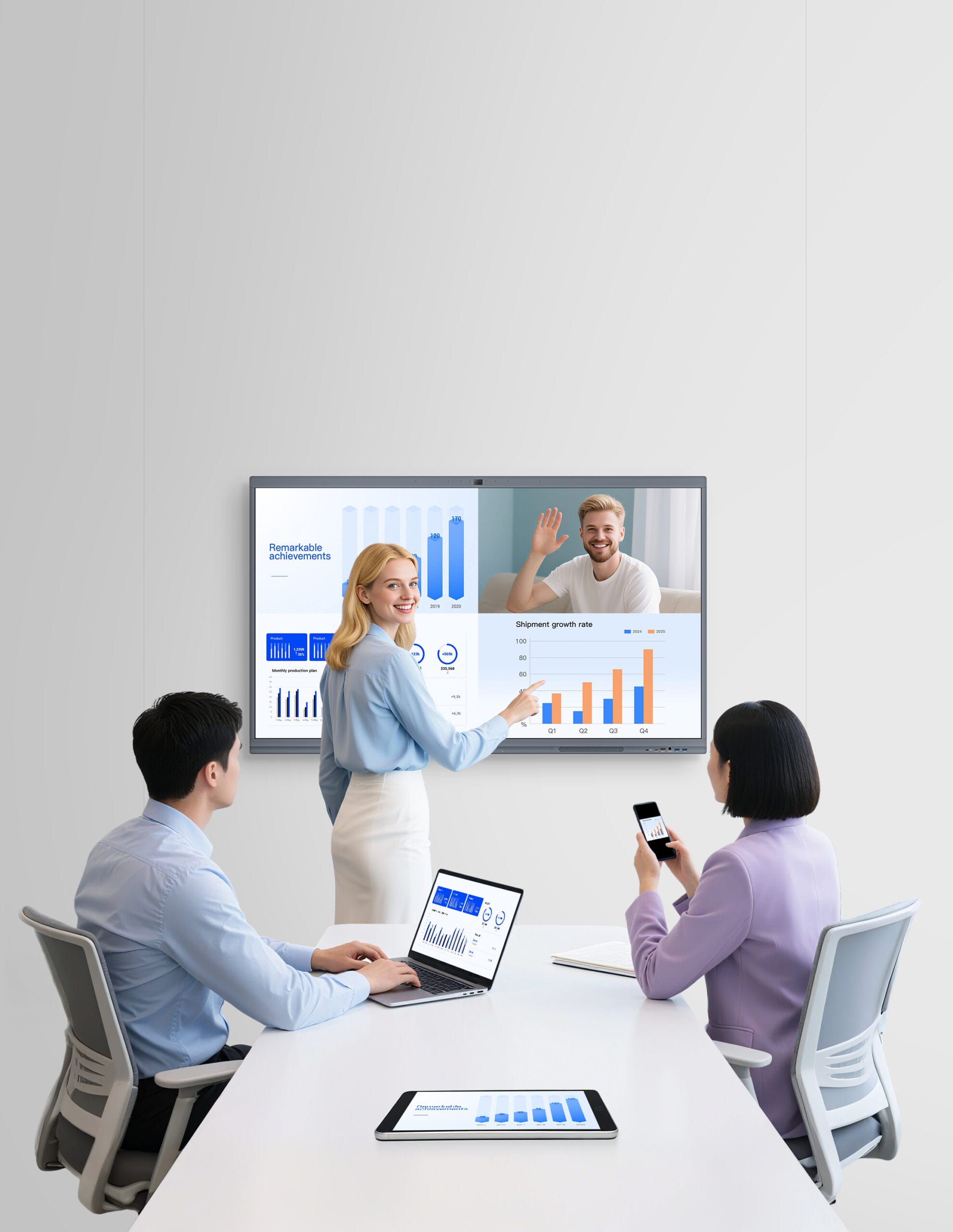
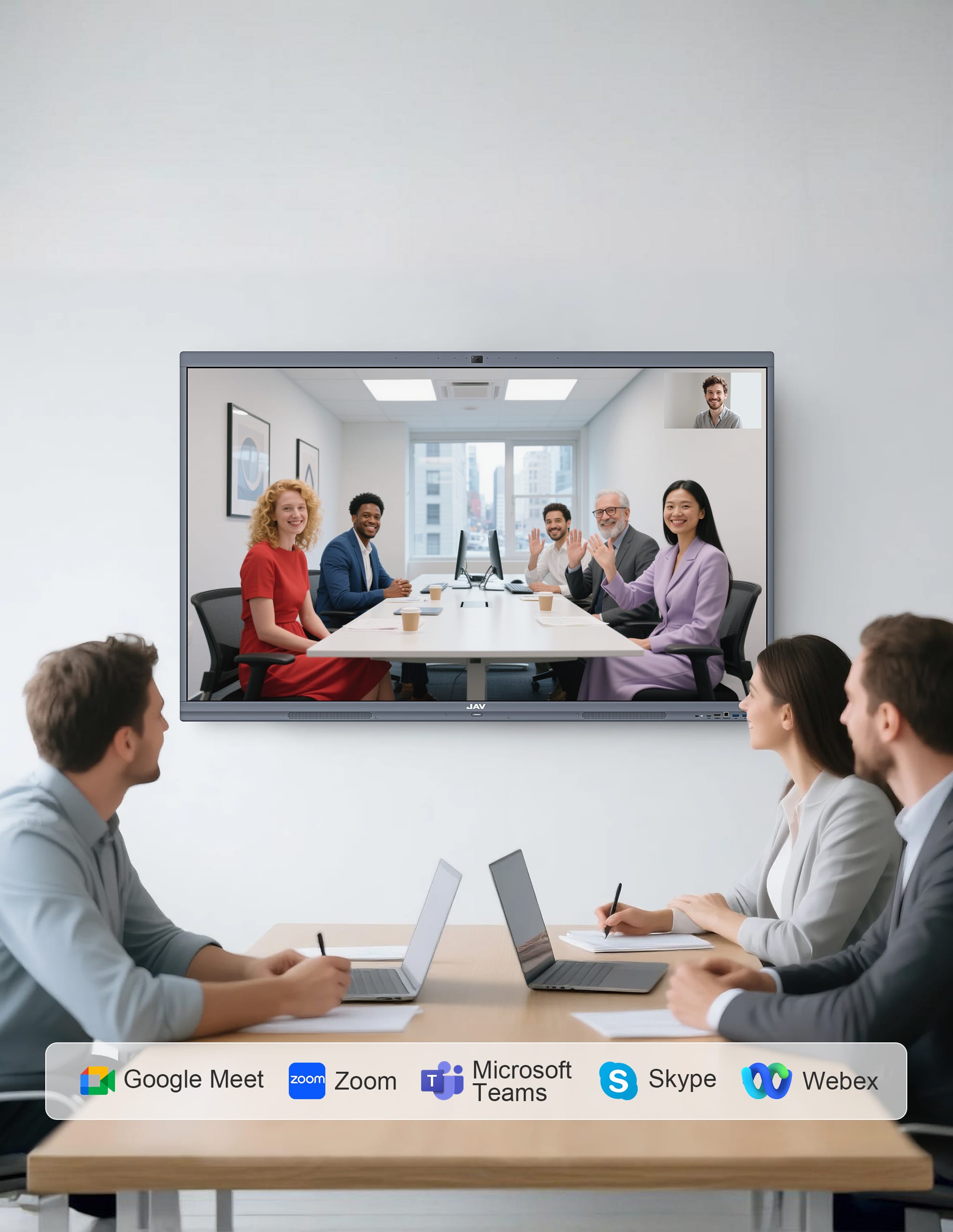
Run a group video conference with your favorite meeting Apps, like Google Meet, Zoom, Microsoft Teams, Skype, Webex, etc. Include up to 30 participants on the big 4K screen.

Local video conferencing
We can initiate a video conference directly through the video conferencing software on the JAV Board 10

Video conferencing from mobile devices- BYOM
When we are initiating a video conference through our mobile devices (laptops, tablets, mobile phones), we can use the BYOM function of the screen sharing APP “E-SHARE ” to call the camera, microphone, and speaker of the JAV Board 10.

Visual effects during video conferencing
48MP wide-angle camera, capture every participant in the meeting room, capture every detail clearly.

4K Big Screen, include up to 30 people on the screen, keeping everyone engaged.

Spokesperson Positioning, puts the speaker under the spotlight, easy to find who is speaking.

Audio effects during video conferencing
AI noise cancellation, AI microphone auto filters out distracting noise, making the meeting go on smoothly.

2*16W loudspeakers, every on-site participant can hear clearly, always keep up with the pace。

8 array microphones, collect the spokesperson’s voice clearly and accurately over a 10m range.

Other functions
4K display, anti-glare design, can still be clearly seen under strong lighting conditions.

Wide voltage design, suitable for global power types.

Both WIFI and Ethernet are available.

Magnetic stylus, easy to store and use.

Product Application Scenarios
As a powerful all-in-one device, our JAV Board can be used at workplace, classroom, and home.
55" | 65" | 75" | 86" | |
Dimension(L*H)/mm | 1258*744 | 1485*888 | 1707*1013 | 1953*1152 |
Thickness/mm | 88 | 88 | 88 | 88 |
Net weight/kg | 22 | 37 | 51 | 66 |
Recommended room size/m² | 5~10 | 10~20 | 15~30 | 20~40 |
Recommended distance/m | 2.0 | 2.5 | 3.0 | 4.0 |
Recommended number of users | ≤5 | ≤10 | ≤20 | ≤30 |
Scenario(example) | huddle room | small meeting room | medium meeting room | large meeting room |