In today’s creative industry, effective collaboration is essential for delivering successful branding, advertising, and design projects. Creative agencies rely on various design collaboration tools to gather feedback, align stakeholders, and accelerate project approvals. However, many teams still struggle with fragmented communication, scattered revision requests, and lengthy review cycles.
While traditional design collaboration software helps manage projects remotely, in-person and hybrid client review sessions often remain inefficient. This is where interactive displays are emerging as powerful visual collaboration tools that enhance creative discussions and streamline design workflows.
Why Do Traditional Design Collaboration Tools Create Workflow Bottlenecks?
Most agencies use a combination of email, project management platforms, PDFs, messaging apps, and design review software to manage creative projects. While these tools are useful, client feedback often becomes scattered across multiple channels.
Common challenges include:
- Feedback spread across emails, PDFs, chat applications, and meeting notes
- Conflicting comments from multiple stakeholders
- Difficulty tracking approved versus requested revisions
- Repeated meetings to clarify design changes
- Longer approval cycles and increased project costs
As projects become more complex, these workflow bottlenecks can slow down creative execution and reduce client satisfaction.
The problem is not necessarily a lack of tools—it’s a lack of shared visual collaboration during critical decision-making moments.
What Makes a Great Design Collaboration Tool?
The most effective creative collaboration tools do more than collect comments. They help teams visualize ideas, communicate clearly, and make decisions faster.
An ideal design collaboration tool should provide:
- Real-time collaboration
- Visual feedback and annotation capabilities
- Clear documentation of decisions
- Easy sharing across teams and stakeholders
- Support for brainstorming and creative workshops
When these capabilities are combined into a single platform, agencies can reduce confusion and improve project efficiency.
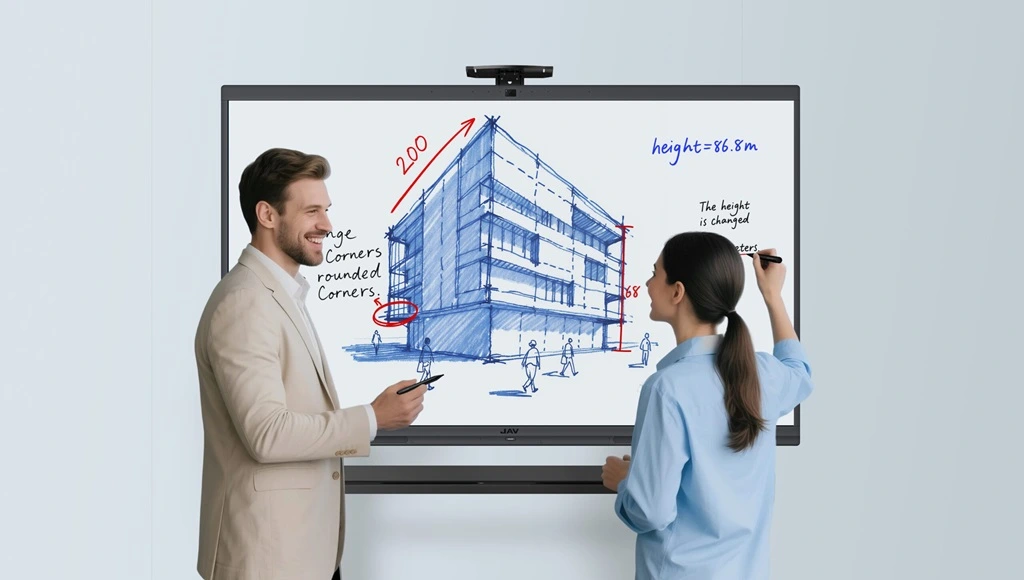
How Do Interactive Displays Improve Creative Collaboration?
An interactive display transforms client review meetings from passive presentations into active collaboration sessions.
Rather than simply presenting designs on a laptop or projector, agencies can display creative assets on a large interactive screen where everyone can participate in the discussion.
Real-Time Annotation Creates Clearer Feedback
Designers can wirelessly present branding concepts, campaign visuals, website mockups, or user interface designs directly on the screen.
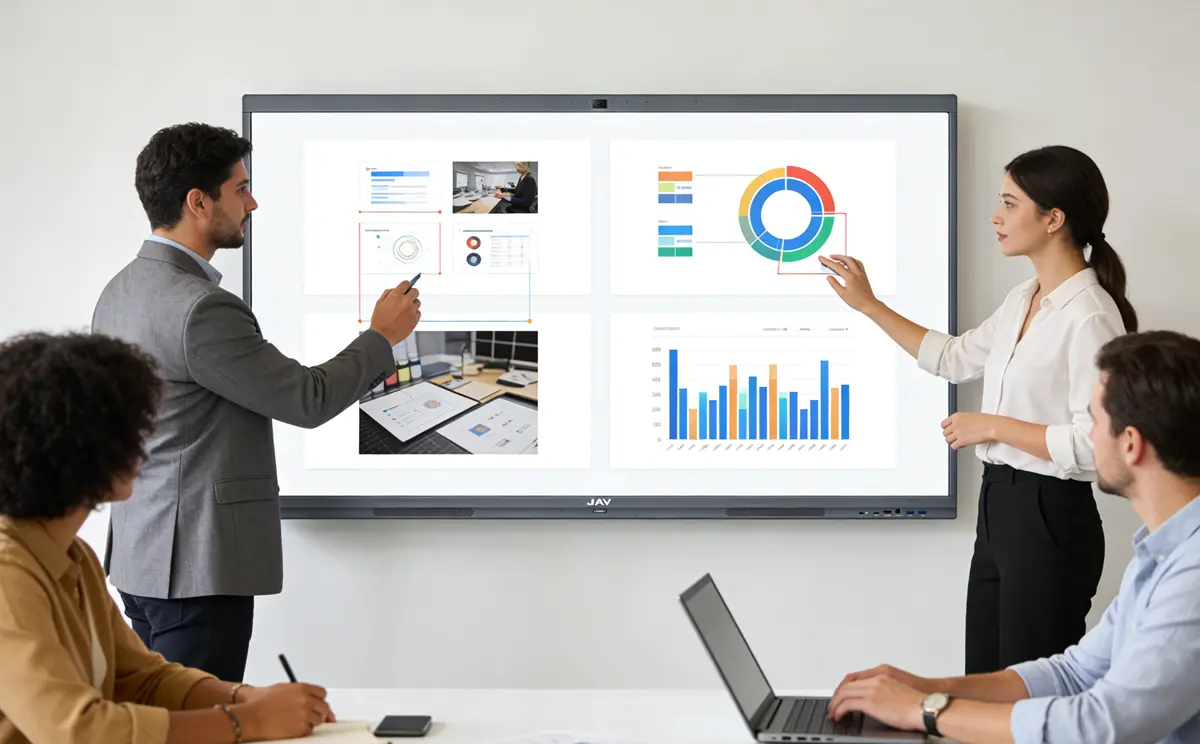
Clients can then use touch or stylus input to:
- Highlight design elements
- Circle preferred options
- Mark areas for revision
- Add comments directly on the visual
Why This Matters
Interactive annotation creates a shared visual context for everyone in the room.
Result:
- Clearer communication
- Fewer misunderstandings
- Reduced revision requests
- Faster design approvals
Centralized Feedback Creates a Single Source of Truth
One of the biggest challenges in agency workflows is managing feedback from multiple stakeholders.
With an interactive display, annotations and comments can be saved, exported, and shared immediately after the meeting.
Why This Matters
Instead of collecting feedback from multiple sources, agencies maintain a single documented version of client decisions.
Result:
- Better alignment between account managers and designers
- Improved project documentation
- Reduced scope creep
- Faster post-meeting execution
Visual Collaboration Accelerates Decision-Making
Creative teams often need to compare multiple concepts before reaching a decision.
Interactive displays allow agencies to:
- Compare design versions side-by-side
- Present multiple campaign concepts
- Brainstorm visual ideas in real time
- Sketch solutions during discussions
Why This Matters
Faster collaboration leads to faster decisions.
Result:
- Shorter revision cycles
- Quicker approvals
- Improved project delivery speed
Real Agency Use Case: Branding Review Session
Imagine a branding agency presenting a new visual identity system to a client.
Traditionally, feedback might be provided through follow-up emails, PDF comments, or separate meetings. This process often leads to confusion and repeated revisions.
With an interactive display, the agency projects logo concepts, typography systems, and brand applications onto a large collaborative screen.
During the session:
- The client circles preferred logo variations
- Stakeholders highlight color preferences
- Designers annotate requested changes
- Project managers document decisions instantly
At the end of the meeting, all annotations are saved and distributed to the project team.
The result is a clear, documented revision plan that aligns everyone around the same objectives.
Why Creative Agencies Are Adding Interactive Displays to Their Collaboration Workflows
Beyond improving design reviews, interactive displays support a wide range of agency activities:
- Creative brainstorming workshops
- Campaign planning sessions
- Client presentations
- Brand strategy meetings
- Internal design reviews
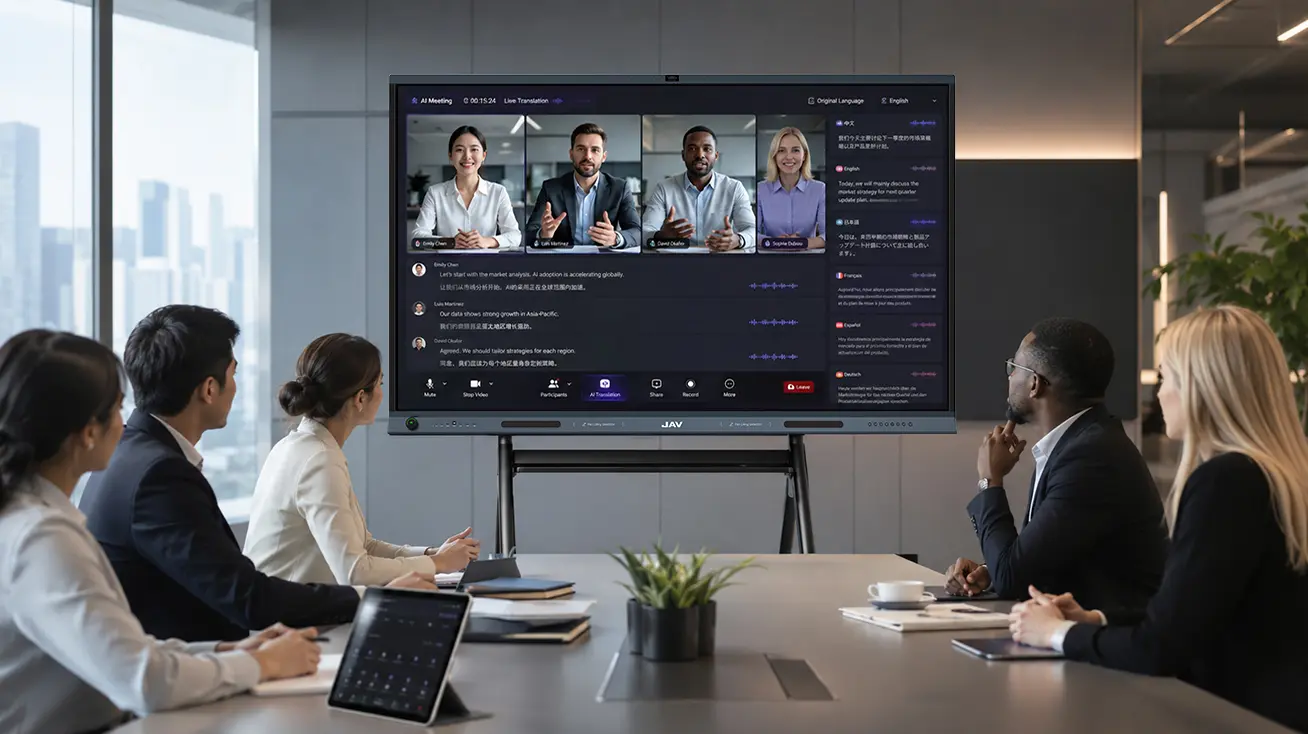
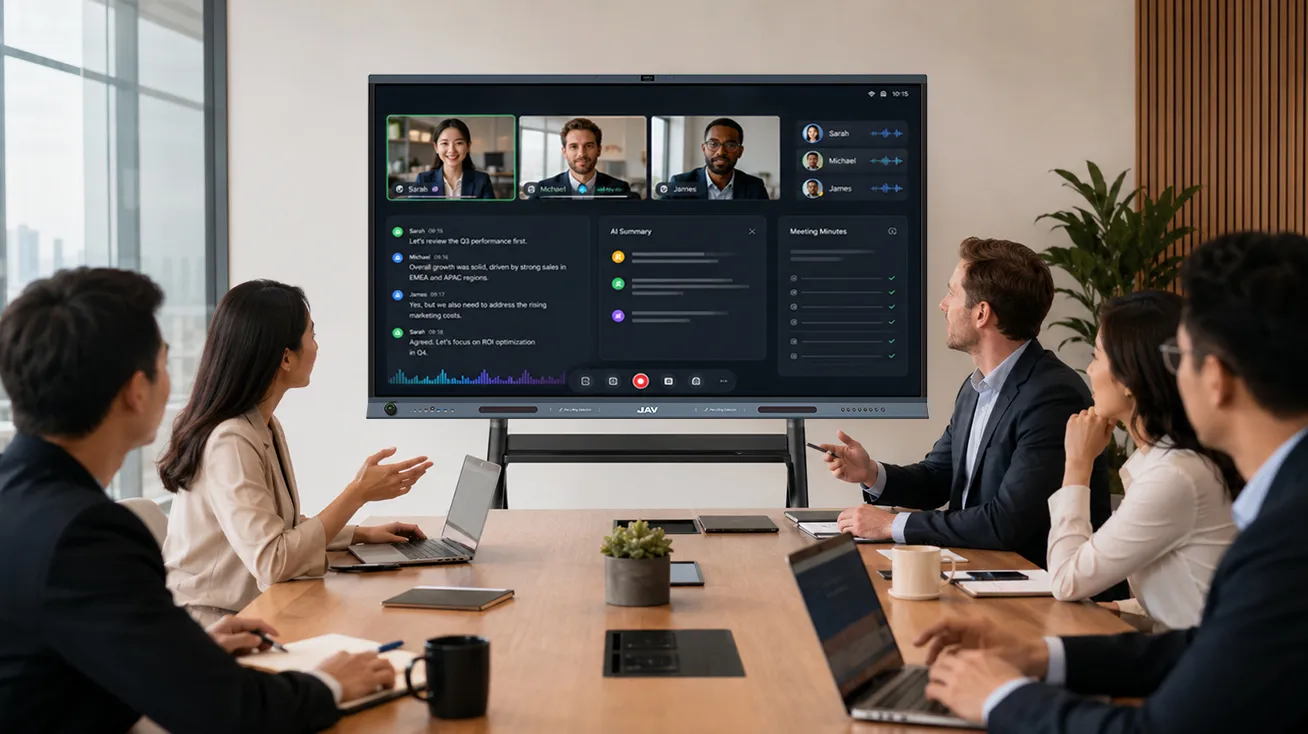
- Hybrid collaboration with remote stakeholders
For agencies seeking more effective agency collaboration tools, interactive displays provide a bridge between digital workflows and face-to-face creative discussions.
How JAV Board 10 Supports Design Collaboration
ال شاشة العرض التفاعلية JAV Board 10 is designed to help agencies improve creative collaboration and client communication.
Key features include:
- Wireless screen sharing from laptops, tablets, and smartphones
- Multi-touch and stylus annotation
- Cloud saving and file export
- Large 4K display for detailed design reviews
- Digital whiteboard tools for brainstorming and planning
- Collaboration features for in-person and hybrid meetings
These capabilities make the JAV Board 10 more than a presentation screen—it becomes a practical design collaboration tool that helps agencies capture feedback, align stakeholders, and move projects forward more efficiently.
الأسئلة الشائعة
What are design collaboration tools?
Design collaboration tools are technologies that help designers, clients, and stakeholders share feedback, review creative work, and collaborate throughout the design process.
How do interactive displays support creative collaboration?
Interactive displays allow teams to present, annotate, brainstorm, and document feedback in real time, creating a more collaborative and efficient review process.
Can interactive displays reduce design revision cycles?
Yes. By providing clear visual feedback and centralized documentation, interactive displays help reduce misunderstandings and accelerate approvals.
Are interactive displays useful for branding agencies?
Absolutely. Branding agencies can use interactive displays for client presentations, design reviews, workshops, brainstorming sessions, and campaign planning.
خاتمة
Creative agencies depend on effective design collaboration tools to deliver projects efficiently and maintain strong client relationships. While traditional collaboration software remains important, interactive displays add a powerful visual layer that improves communication, documentation, and decision-making.
By enabling real-time annotation, centralized feedback management, and collaborative design discussions, solutions such as the JAV Board 10 interactive display help agencies reduce revision cycles, improve client engagement, and create more efficient creative workflows.