Miscommunication in complex projects is one of the most common challenges faced by modern design teams. For many design firms, miscommunication in the workplace can quickly lead to misunderstandings in design intent, causing delays, rework, and unexpected costs. When multiple stakeholders—including designers, clients, engineers, and contractors—interpret information differently, even small communication gaps can affect the entire project timeline.
As projects become more collaborative and geographically distributed, traditional communication tools such as emails, static drawings, and video calls often fail to provide the visual clarity needed for design discussions. This is why many organizations are turning to the interactive display as a more effective collaboration tool. By enabling teams to review, annotate, and discuss visual content together, an interactive display helps reduce miscommunication in the workplace and keeps project decisions aligned.
The Cost of Miscommunication in the Workplace for Design Firms
In design-driven industries such as architecture, engineering, and interior design, clear communication is critical. However, miscommunication in the workplace frequently occurs when different stakeholders interpret the same information in different ways.
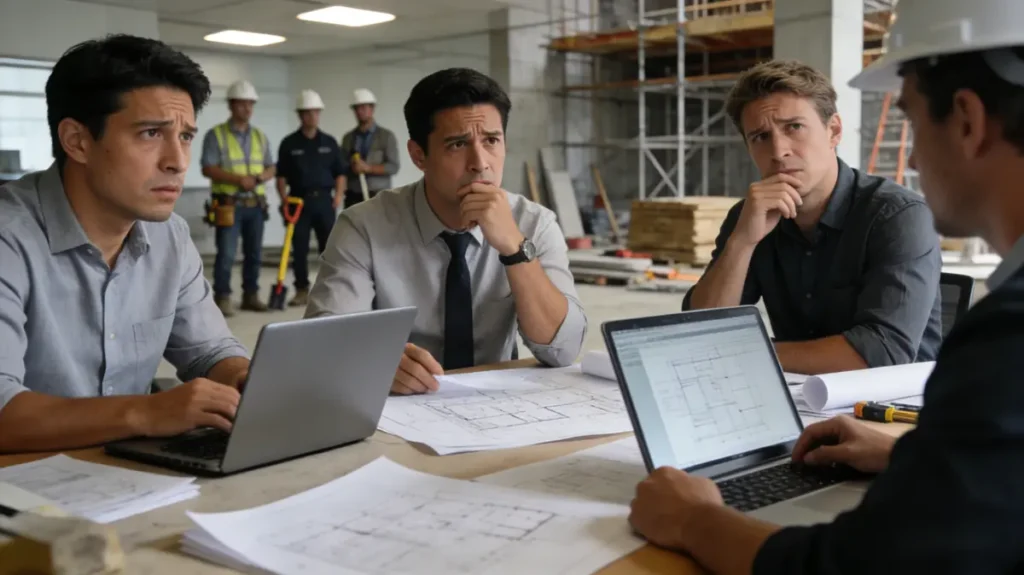
A typical scenario might involve a designer sending a floor plan to a client for review. During a meeting, the client provides verbal feedback, which is later interpreted differently by contractors or project managers. When work begins, the team may realize that the design changes were misunderstood.
By that point, the consequences can be significant. Materials may already be ordered, labor scheduled, and project timelines committed. Industry estimates suggest that miscommunication in the workplace can account for 5–15% of total project costs, especially in architecture and construction projects.
For a design firm, these misunderstandings not only increase costs but can also slow decision-making and create unnecessary revision cycles.
How an Interactive Display Reduces Miscommunication in the Workplace
One of the most effective ways to prevent miscommunication in the workplace is to create a shared visual environment where teams can review and discuss design information together. This is where an interactive display becomes valuable.
Was ist ein interaktives Display?
An interactive display is a large touch-enabled digital screen that combines the functions of a presentation screen, whiteboard, and collaboration platform. Users can open documents, display design files, annotate directly on the screen, and interact with content using touch or a stylus.
Unlike traditional screens or projectors, an interactive display allows multiple participants to work with visual content in real time, making discussions more interactive and easier to understand.
Visual Collaboration That Improves Project Alignment
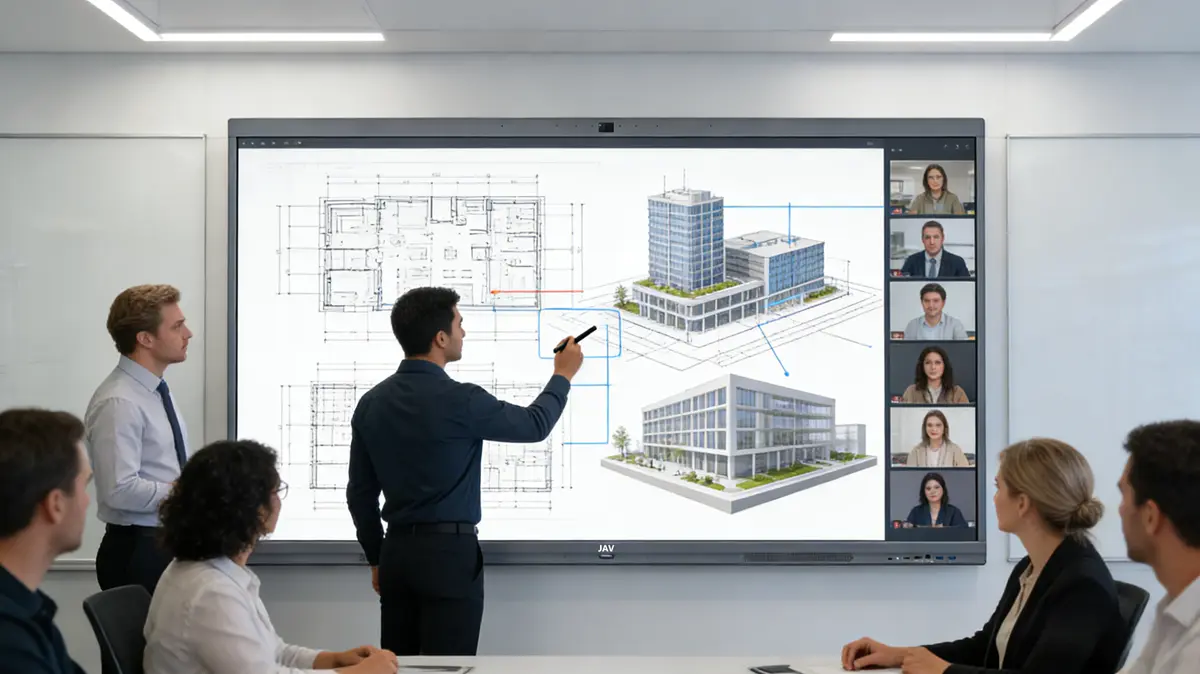
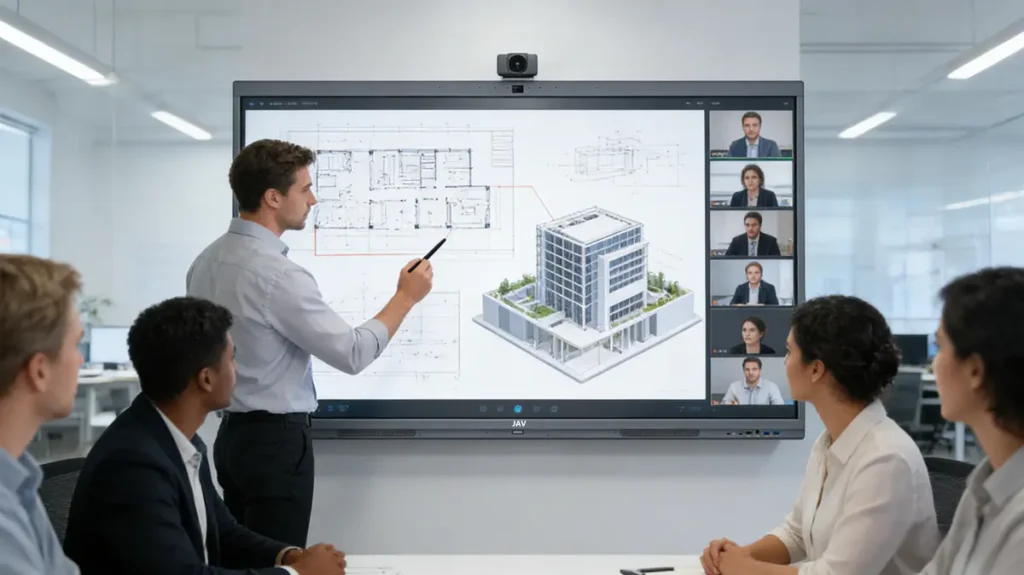
In a design review meeting, an interactive display allows teams to annotate drawings, highlight structural details, and compare multiple design options side by side. This shared visual workspace ensures that everyone sees the same information at the same time.
Instead of relying on verbal explanations or written notes, feedback can be captured directly on the design itself. This reduces the risk of misunderstanding and helps teams resolve questions immediately.
Supporting Hybrid Collaboration for Modern Design Firms
Design projects today often involve remote architects, on-site engineers, and international clients. An interactive display supports wireless screen sharing and collaborative viewing so that both in-room and remote participants can review the same visual content.
For example, solutions like the JAV Board 10 interaktives Display are designed specifically for collaborative environments. With a large 4K touchscreen, responsive pen input, and built-in collaboration tools, it allows teams to open design documents, annotate plans, and share ideas instantly. For a design firm, tools like the JAV Board 10 help transform meetings into productive design sessions where decisions are made with greater clarity.
Abschluss
For modern design firms, miscommunication in the workplace remains a major source of project delays and unnecessary costs. When teams rely only on traditional communication methods, important design details can easily be misunderstood.
By adopting an interactive display, design teams gain a shared visual workspace where ideas, revisions, and feedback can be discussed clearly. From early design reviews to final project planning, this collaborative environment helps prevent miscommunication in the workplace and ensures that all stakeholders stay aligned.
As design collaboration continues to evolve, the interactive display is becoming an essential tool for improving communication, accelerating decisions, and delivering projects with greater confidence.