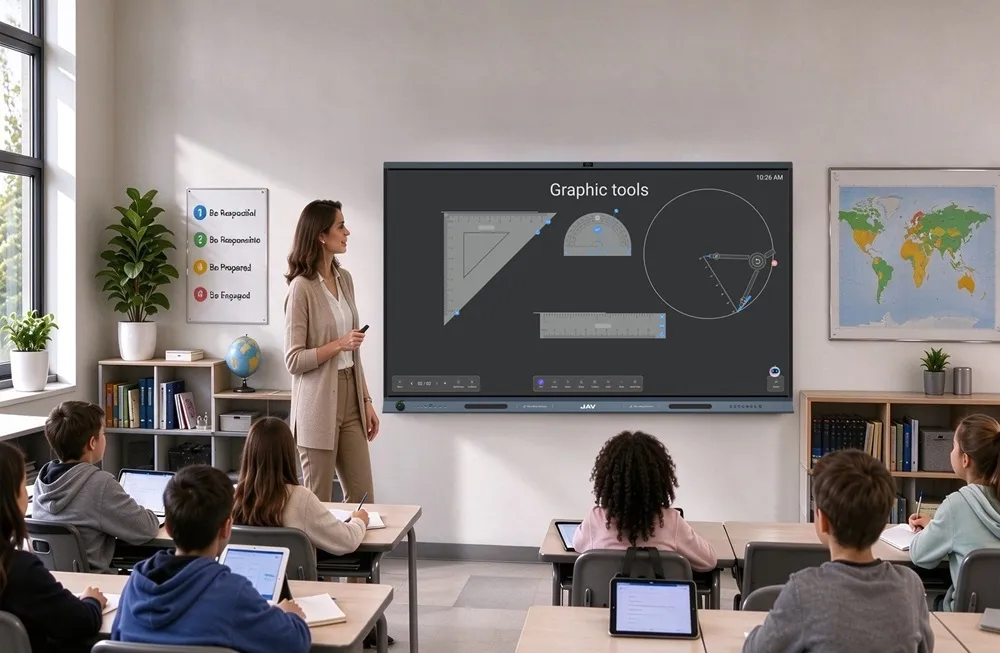
Interactive whiteboards for education have become an important part of modern classrooms. By combining digital content, touch interaction, multimedia, and collaboration tools, they can make lessons more engaging and flexible.
However, choosing the right interactive whiteboard is not simply about picking the largest screen or the device with the most features. Schools need to consider how the display will be used, what teachers and students need, and how well the device will fit into the existing classroom environment.
Here are 10 key features schools should consider when choosing an interactive whiteboard.
1. Screen Size and Viewing Distance
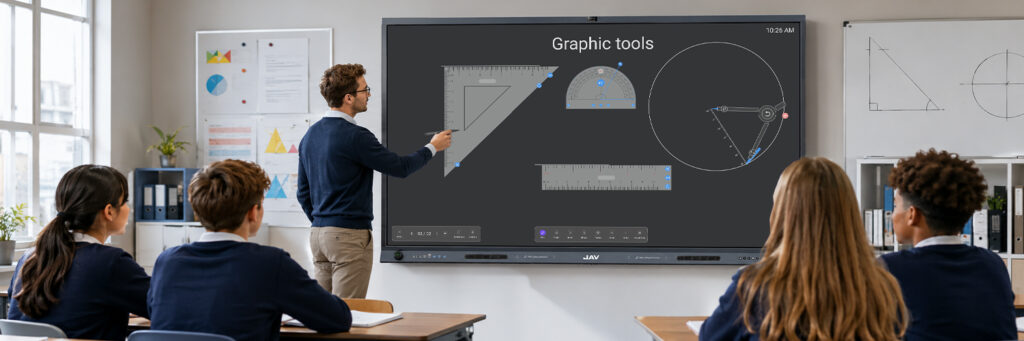
The right screen size depends on the classroom layout and viewing distance. A larger display can be useful in spacious classrooms or lecture rooms, while smaller models may be sufficient for compact teaching spaces.
The goal is to ensure that text, diagrams, and other visual content can be clearly seen from the back of the room.
2. 4K Display Quality
A 4K UHD display provides sharper images and clearer text than lower-resolution screens. This can be particularly useful when teachers display detailed diagrams, maps, videos, presentations, or scientific models.
A high-quality display can also make long classroom sessions more comfortable for students and teachers.
3. Touch Accuracy and Multi-Touch
Touch interaction is one of the main advantages of an interactive whiteboard. Look for accurate touch recognition, smooth writing, and support for multiple simultaneous touch points.
Multi-touch allows several students or teachers to interact with the screen at the same time, making collaborative activities more practical.
4. Writing and Annotation Experience
A good interactive whiteboard should provide a natural writing experience with low latency and accurate handwriting recognition.
Annotation tools are also important because teachers can write directly over presentations, websites, images, and other digital content without interrupting the lesson.
5. Operating System and App Compatibility
Schools should check whether the interactive whiteboard supports the software and applications teachers already use.
Compatibility with Android applications, Windows PCs, web-based tools, and commonly used education platforms can reduce setup problems and make the transition to digital teaching easier.
6. Wireless Screen Sharing
Wireless screen sharing allows teachers and students to display content from laptops, tablets, or smartphones without constantly connecting cables.
For classrooms using multiple devices, this feature can make presentations and collaborative activities faster and more convenient.
7. Built-In Camera and Microphone
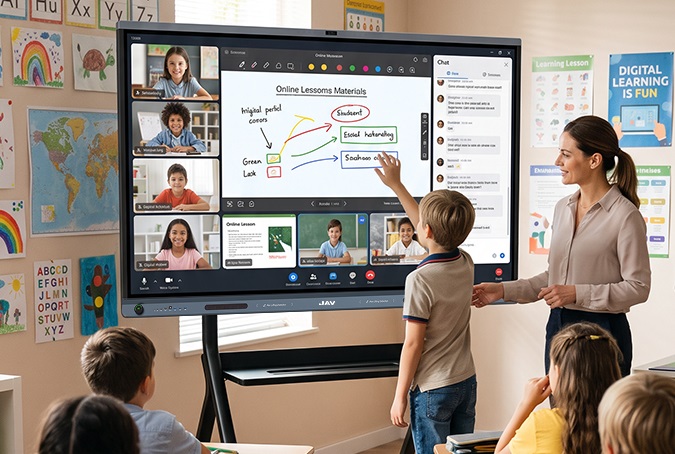
For hybrid and remote learning, built-in cameras and microphones can be valuable additions. A high-resolution camera and microphone array can help capture teachers and students more clearly during online classes or video conferences.
These features can also support communication between classrooms and remote participants.
8. Connectivity and Ports
Schools should consider the available connection options, including HDMI, USB, USB-C, Ethernet, and wireless connectivity.
A wide range of ports makes it easier to connect computers, document cameras, storage devices, and other classroom equipment.
9. Collaboration and Smart Features
Modern interactive whiteboards can do more than replace traditional whiteboards. Features such as digital whiteboarding, split-screen functionality, screen sharing, and collaborative tools can support more interactive teaching methods.
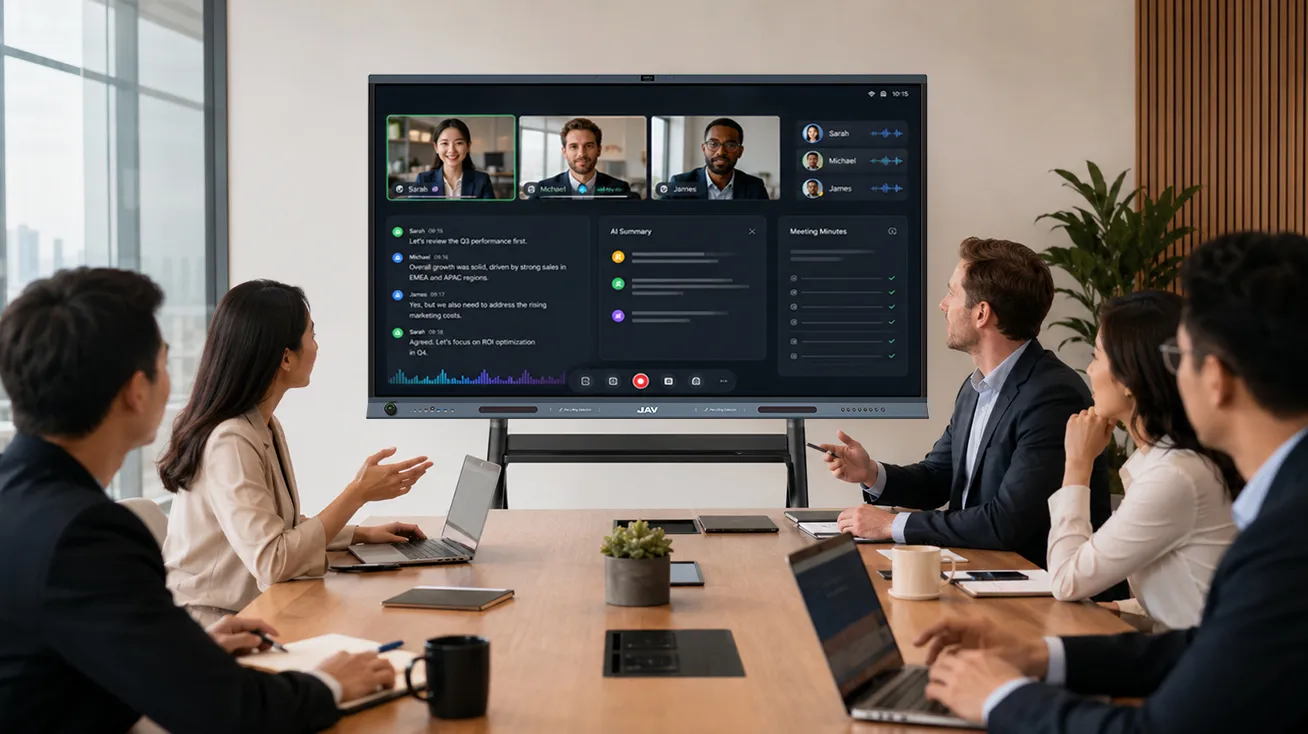
Some newer models also incorporate AI-powered features, such as real-time transcription, translation, and meeting or lesson summaries.
10. Reliability, Support, and Total Cost
Finally, schools should evaluate long-term value rather than focusing only on the initial purchase price.
Consider product durability, warranty coverage, software updates, technical support, installation requirements, and ongoing maintenance. A reliable interactive whiteboard can provide greater value over its entire service life.
Putting These Features Together: JAV H19S as an Example
The best interactive whiteboard for education should bring multiple classroom needs together rather than focusing on a single specification. After considering display quality, touch performance, software compatibility, wireless sharing, audio and video capabilities, and smart features, schools can use these criteria to evaluate real products such as the JAV H19S Interactive Whiteboard.
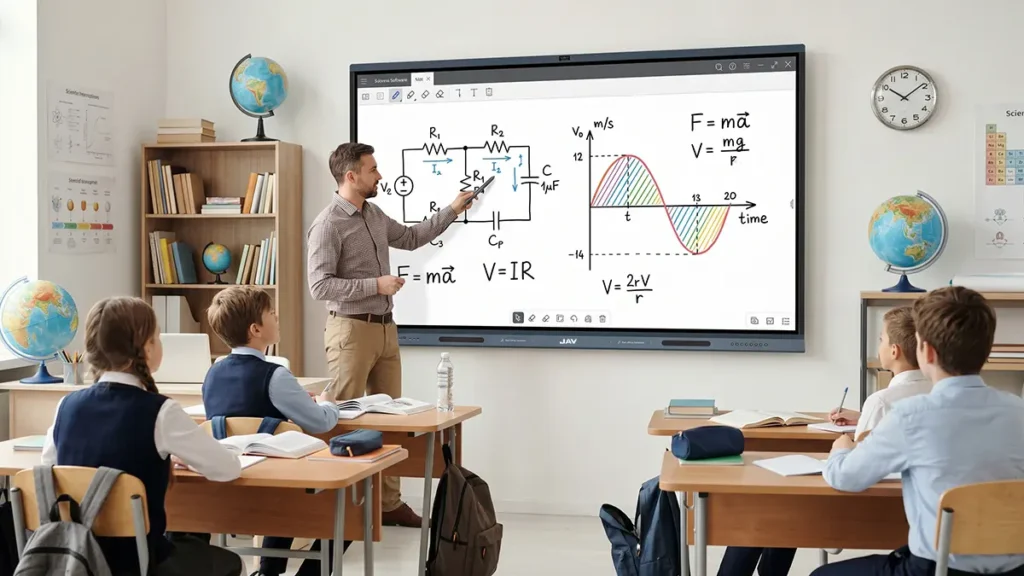
The JAV H19S is available in 65-inch, 75-inch, 86-inch, and 98-inch sizes, giving schools flexibility when matching the display to different classroom layouts and viewing distances. Its 4K UHD display provides clear text, images, diagrams, and videos for everyday teaching.
For interactive lessons, the H19S combines multi-touch interaction with a smart whiteboard, allowing teachers and students to write, annotate, and interact with digital content directly on the screen. Its Android 16 operating system and EDLA support also provide access to a broad range of applications and digital resources.
Connectivity and collaboration are another important consideration. With Wi-Fi 6 and wireless screen sharing, teachers can present content from compatible devices without relying entirely on wired connections. This makes it easier to integrate laptops and other digital devices into classroom activities.
For hybrid learning and video-based communication, the H19S features dual 48MP cameras and a 12-microphone array, providing high-quality video capture and voice pickup. These capabilities can support remote lessons, online classes, and communication between classrooms.
The H19S also adds AI-powered capabilities to the interactive classroom. AI Meeting Minutes can recognize speech and summarize key information, while AI real-time translation can help support multilingual communication and learning environments.
Taken together, these features make the JAV H19S an example of how schools can evaluate an interactive whiteboard beyond basic screen size or resolution. Instead of choosing a display based on one specification, schools can look at how the complete solution supports teaching, interaction, collaboration, and smarter classroom experiences.