Presentations are no longer just about showing slides. In modern meeting rooms, classrooms, training spaces, and hybrid work environments, presenters need to explain ideas clearly, answer questions quickly, share different types of content, and keep audiences engaged. This is why dynamic presentation tools are becoming more important.
Instead of relying only on static slides, teams need presentation tools that support interaction, real-time annotation, wireless sharing, multimedia content, and collaboration.
Among these tools, interactive displays stand out because they combine a large visual screen, touch control, digital whiteboarding, screen sharing, and app-based workflows in one platform. This helps presenters turn one-way presentations into more engaging and collaborative experiences.
What Are Dynamic Presentation Tools?
Dynamic presentation tools are digital tools that help presenters create more interactive, flexible, and engaging presentations. Unlike traditional tools that mainly display static slides, they allow presenters and audiences to interact with content in real time.
These tools often support touch annotation, multimedia playback, wireless screen sharing, live collaboration, digital whiteboarding, and remote participation.
In business and education settings, dynamic presentation tools help presenters go beyond simply delivering information. They make it easier to explain complex ideas, highlight key points, invite audience input, and adjust content during the discussion.
Why Traditional Presentation Tools Fall Short
Traditional tools such as projectors, standard whiteboards, and static slide decks have been used for years. They are familiar, but they often fail to meet modern presentation needs.
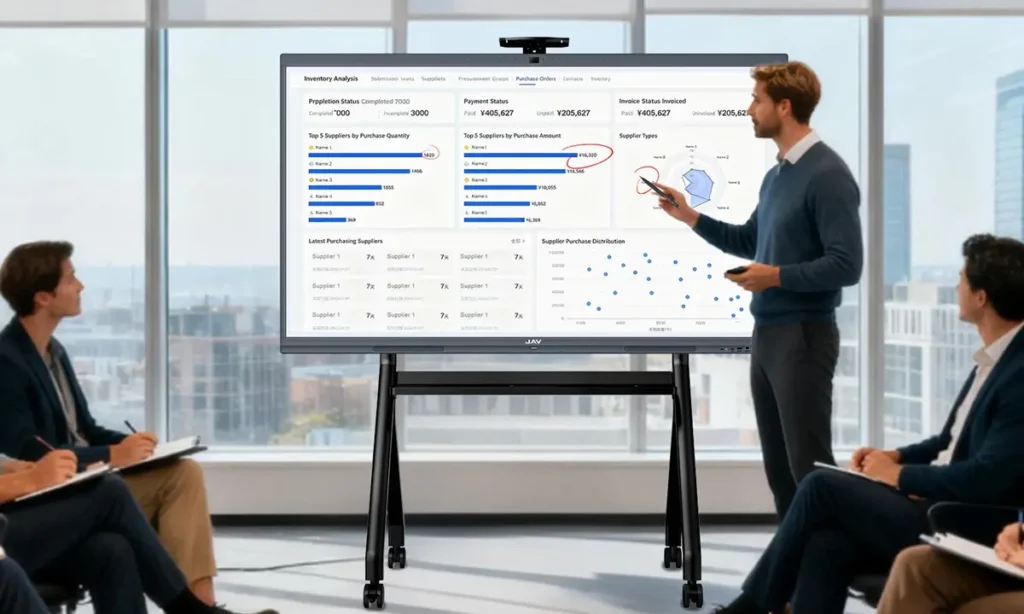
A projector can display slides, but it usually lacks touch interaction and real-time annotation. A traditional whiteboard allows writing, but it cannot easily display videos, dashboards, documents, or remote shared content. Static slides can organize information, but they often limit audience participation.
Common limitations include:
- Limited interaction between presenter and audience
- Time wasted switching between devices or content sources
- Difficulty adding real-time notes or changes
- Weak support for multimedia content
- Poor flexibility during discussions
- Less engagement in hybrid or collaborative settings
These limitations make traditional tools less effective for teams that need fast communication, visual explanation, and active participation.
Why Interactive Displays Work as Dynamic Presentation Tools
An interactive display works well as one of the most effective dynamic presentation tools because it brings multiple presentation functions into one device.
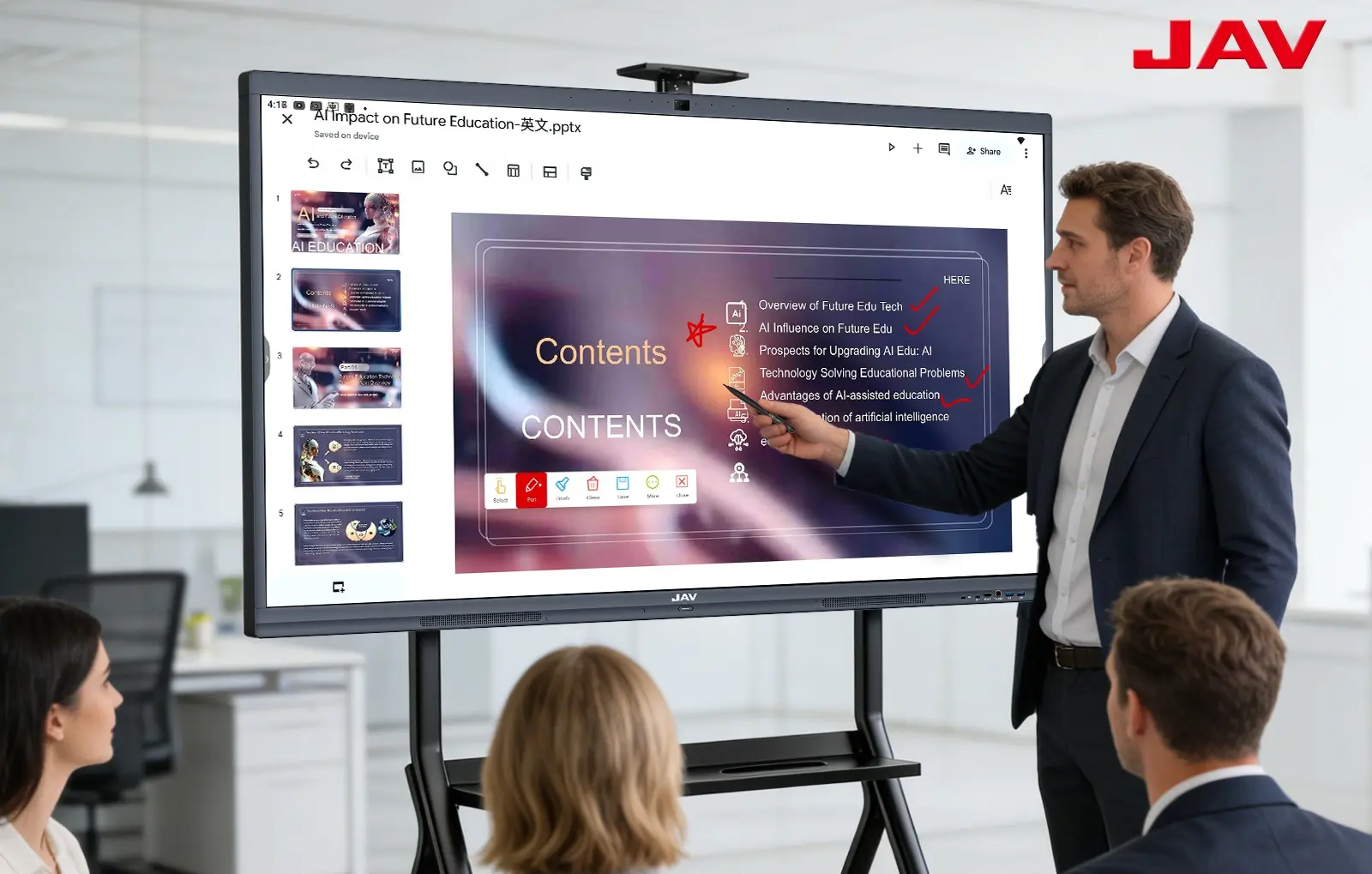
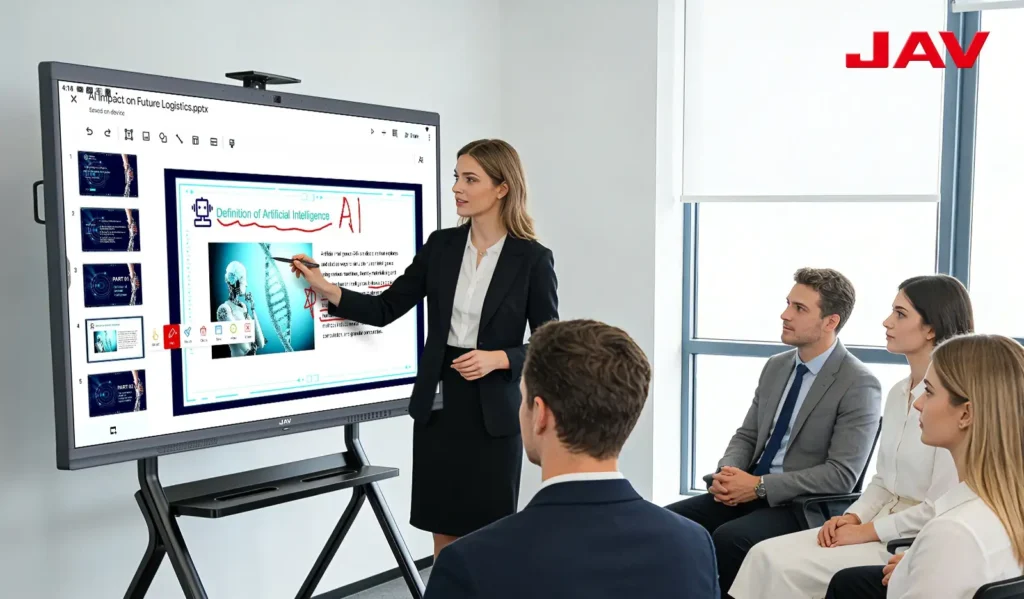
With touch interaction, presenters can write, draw, highlight, and navigate content directly on the screen. This makes the presentation feel more natural and responsive. Instead of only pointing to a slide, the presenter can circle a data point, mark an important sentence, or sketch an idea instantly.
Wireless screen sharing also makes presentations smoother. Participants can share content from laptops, tablets, or smartphones without changing cables or interrupting the meeting flow. This is useful in team discussions, client presentations, classroom teaching, and training sessions.
Interactive displays also support multimedia content, including videos, images, apps, websites, dashboards, and documents. This gives presenters more flexibility to explain ideas in different formats.
Most importantly, an interactive display turns a presentation into a shared workspace. Audiences can participate, add ideas, annotate content, and collaborate in real time.
Common Use Cases for Dynamic Presentation Tools
Dynamic presentation tools are valuable across a wide range of environments.
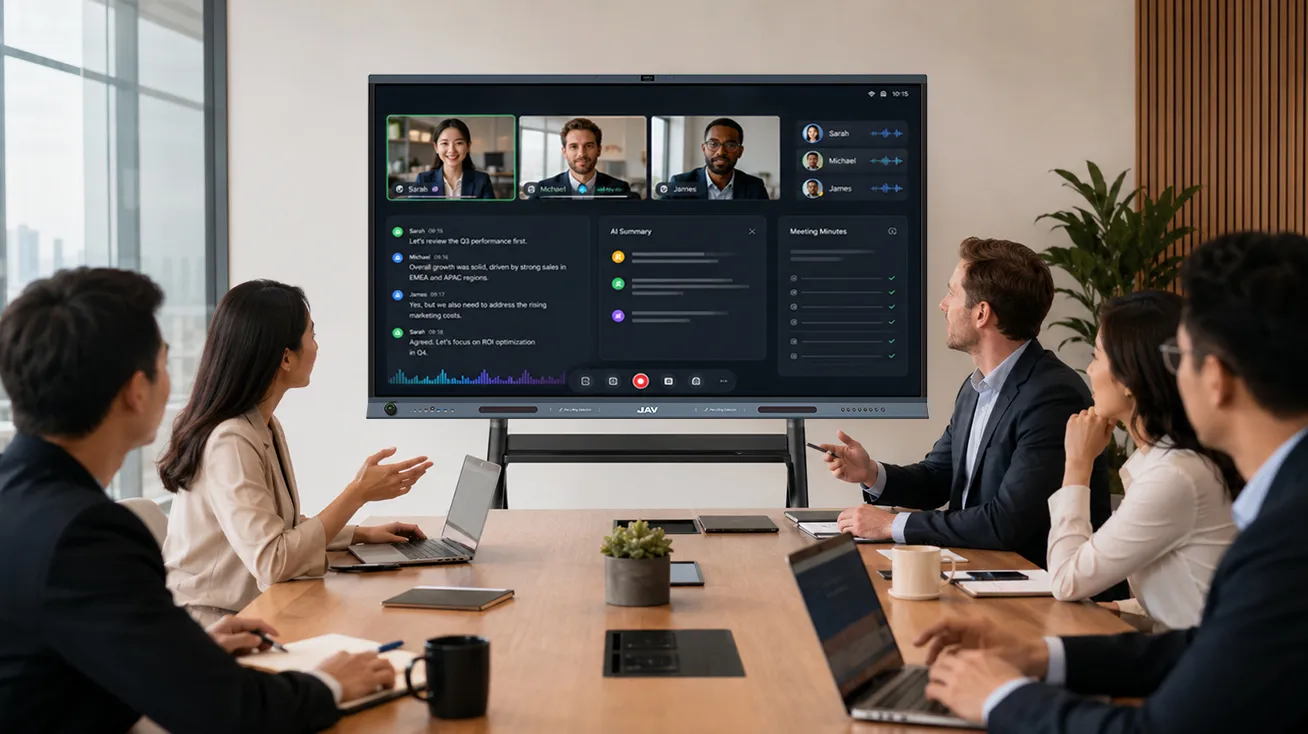
During business meetings, teams can review dashboards, annotate reports, compare ideas, and make decisions more efficiently.
Client presentations become more interactive when presenters highlight product details, answer questions visually, and adjust content based on feedback.
For training sessions, instructors can combine slides, videos, diagrams, and live notes to create a more engaging learning experience.
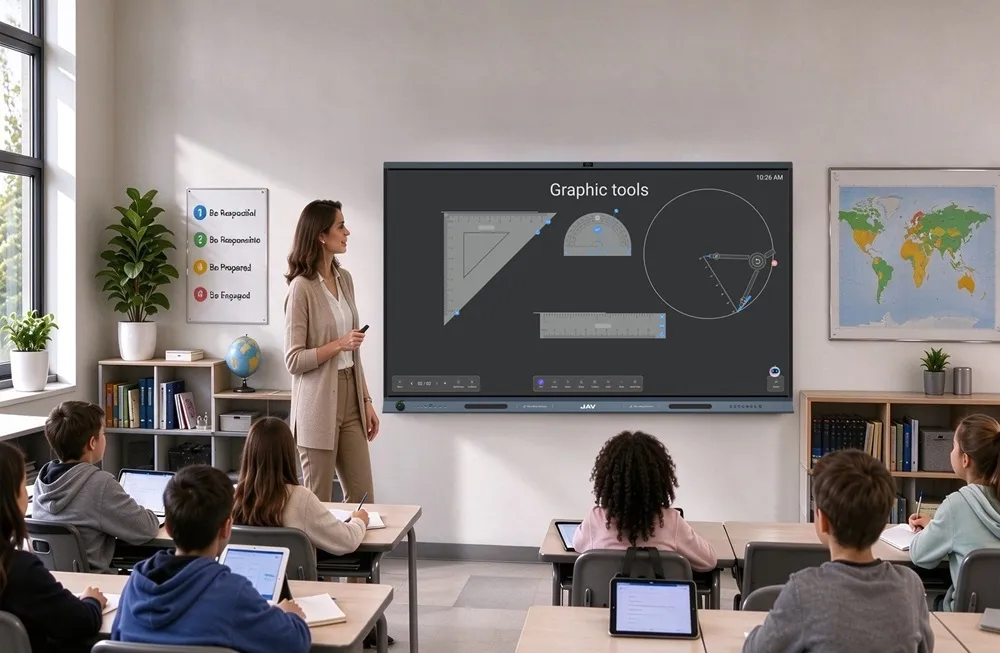
Teachers can use these tools in the classroom to present lessons, annotate materials, play educational videos, and encourage student participation.
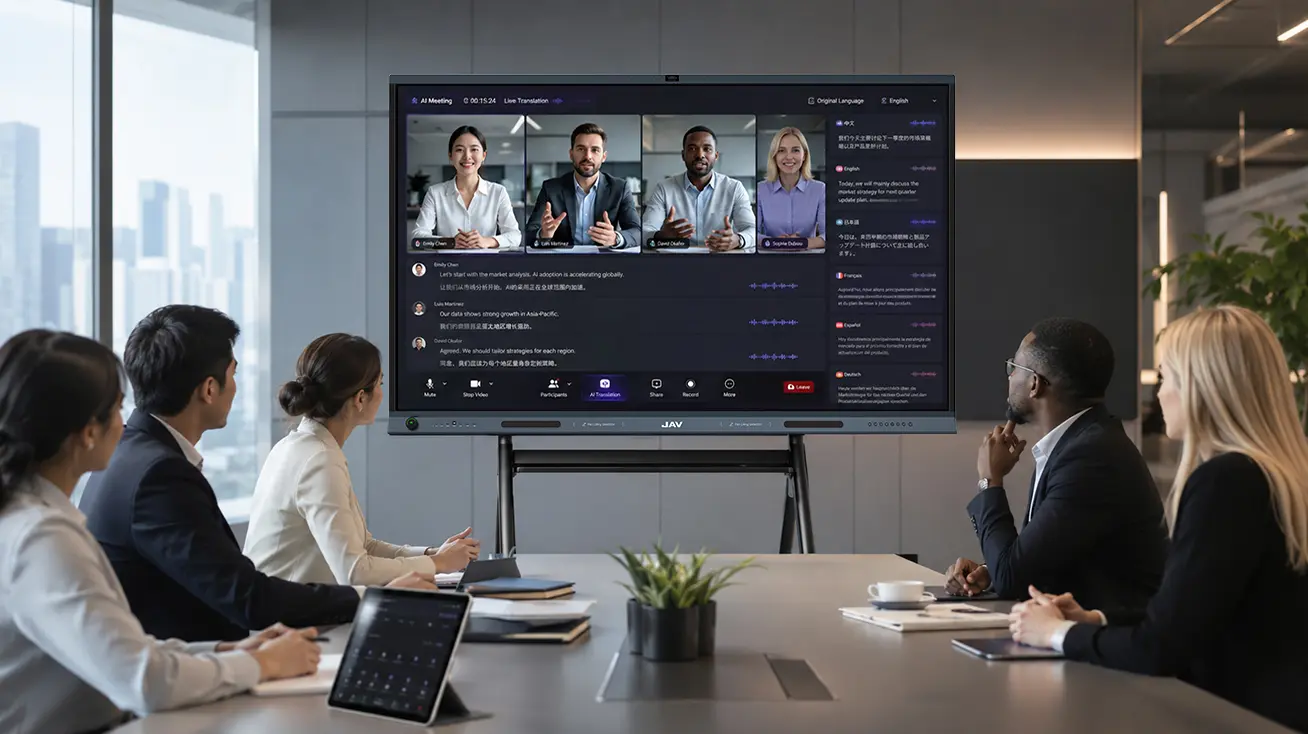
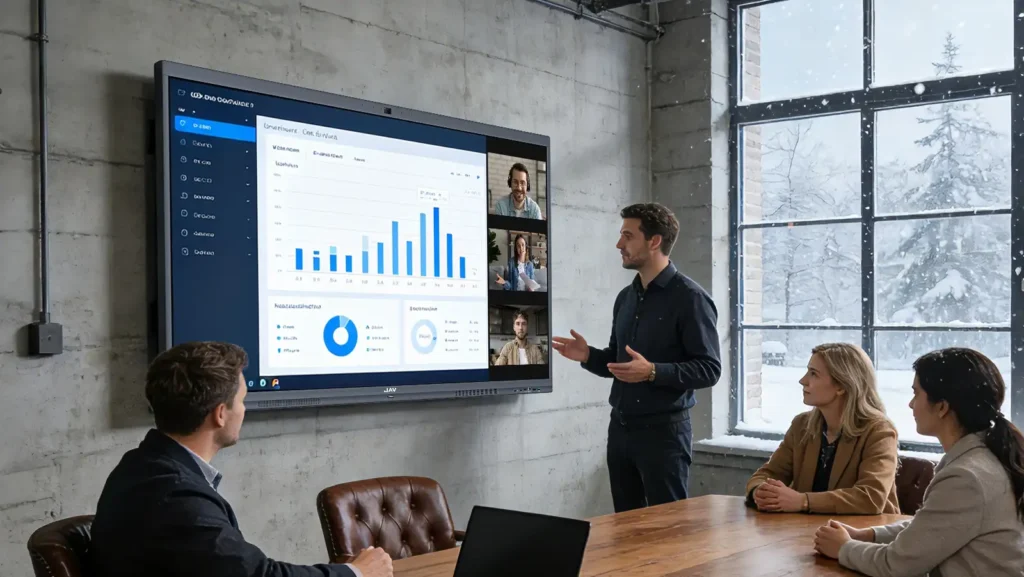
Screen sharing and real-time visual explanations help remote and in-room participants stay aligned during hybrid meetings.
Design reviews and workshops benefit from interactive collaboration, allowing teams to mark up visuals, sketch concepts, organize ideas, and turn discussion into action.
These examples demonstrate that dynamic presentation tools do more than present information—they also enhance collaboration, communication, and decision-making.
What to Look for in Dynamic Presentation Tools
When choosing dynamic presentation tools, organizations should consider how well the tool supports real presentation needs, not just basic display functions.
A strong presentation tool should offer clear visual quality, smooth touch interaction, easy content sharing, and simple operation. If a tool is difficult to use, it can slow down the presentation instead of improving it.
Important features to consider include:
- High-resolution display for clear text, images, and charts
- Touch control for real-time writing and annotation
- Wireless screen sharing from multiple devices
- Multimedia support for videos, documents, apps, and websites
- Digital whiteboard for brainstorming and discussion
- Compatibility with common work and learning platforms
- Support for hybrid meetings or remote participation
- Easy setup with minimal device switching
The best dynamic presentation tools should help presenters communicate clearly while keeping audiences involved.
How JAV Board 10 Supports Dynamic Presentations
For teams looking for an all-in-one interactive display for presentations, JAV-Tafel 10 is designed to support modern presentation workflows in both business and education environments.
When presenters need to explain content clearly, the 4K interactive display makes slides, charts, videos, and documents easier to see. When they need to highlight key points, touch annotation allows them to write, circle, or mark information directly on the screen.
For meetings with multiple participants, wireless screen sharing helps users present content from different devices without interrupting the discussion. This is useful when teams need to compare ideas, share files, or contribute during a live session.
JAV Board 10 also supports digital whiteboarding, allowing presenters and participants to brainstorm, organize ideas, and turn discussions into visual notes. Instead of using separate tools for slides, whiteboarding, annotation, and sharing, teams can manage the whole presentation process from one interactive display.
This makes JAV Board 10 a practical choice for companies, schools, training centers, and teams that want presentations to be more visual, collaborative, and efficient.
FAQ About Dynamic Presentation Tools
What are dynamic presentation tools?
Dynamic presentation tools are digital tools that help presenters create interactive and flexible presentations. They often support touch annotation, multimedia content, screen sharing, digital whiteboarding, and real-time collaboration.
Why are interactive displays useful for presentations?
Interactive displays allow presenters to display content, annotate in real time, share screens wirelessly, and involve audiences directly. This makes presentations more engaging than static slides alone.
Can an interactive display replace a projector?
Yes. In many meeting rooms and classrooms, an interactive display can replace a projector. It provides a clear display while adding touch control, annotation, wireless sharing, and collaboration features.
How do dynamic presentation tools improve audience engagement?
They make presentations more interactive. Audiences can follow visual explanations, see real-time notes, contribute ideas, and engage with content instead of only watching slides.
What should businesses consider when choosing presentation tools?
Businesses should consider display quality, ease of use, wireless sharing, touch accuracy, collaboration features, software compatibility, and support for hybrid meetings or training sessions.
Abschluss
Modern presentations require more than static slides and one-way communication. Teams need dynamic presentation tools that support interaction, visual clarity, real-time input, and flexible content sharing.
Interactive displays meet these needs by combining presentation, annotation, wireless sharing, whiteboarding, and collaboration in one device. They help presenters explain ideas more clearly and keep audiences more engaged.
With an interactive display like JAV Board 10, businesses and educators can create more effective presentation environments where ideas are not just shown, but discussed, developed, and shared with confidence.