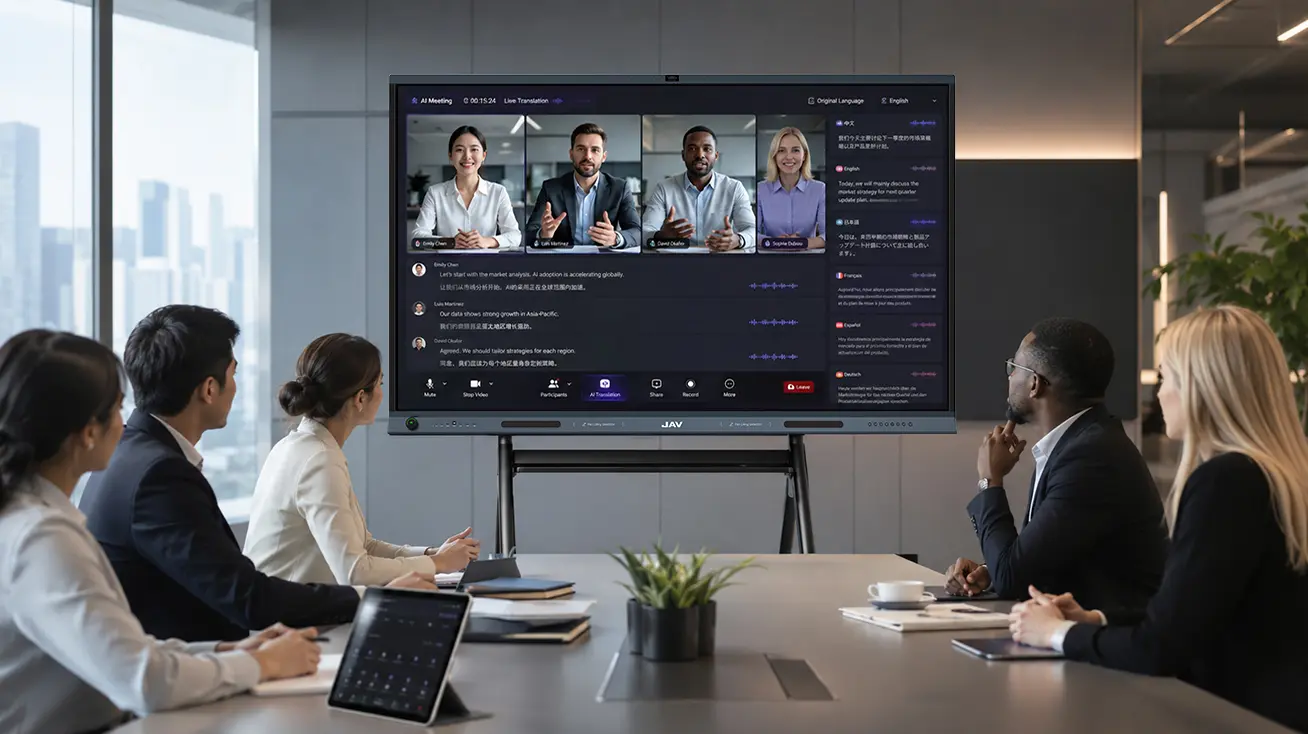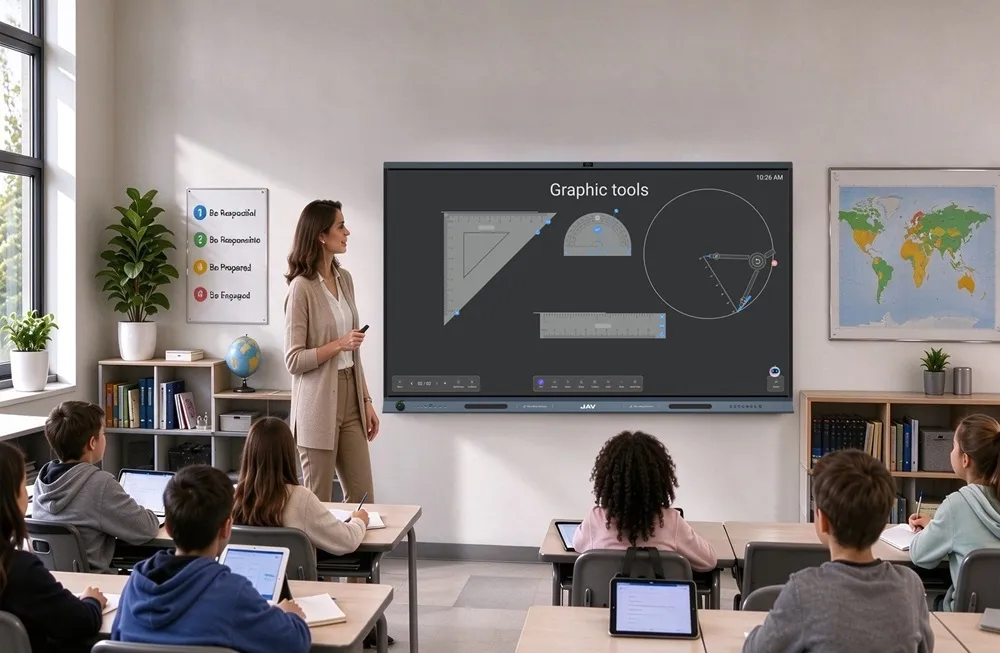
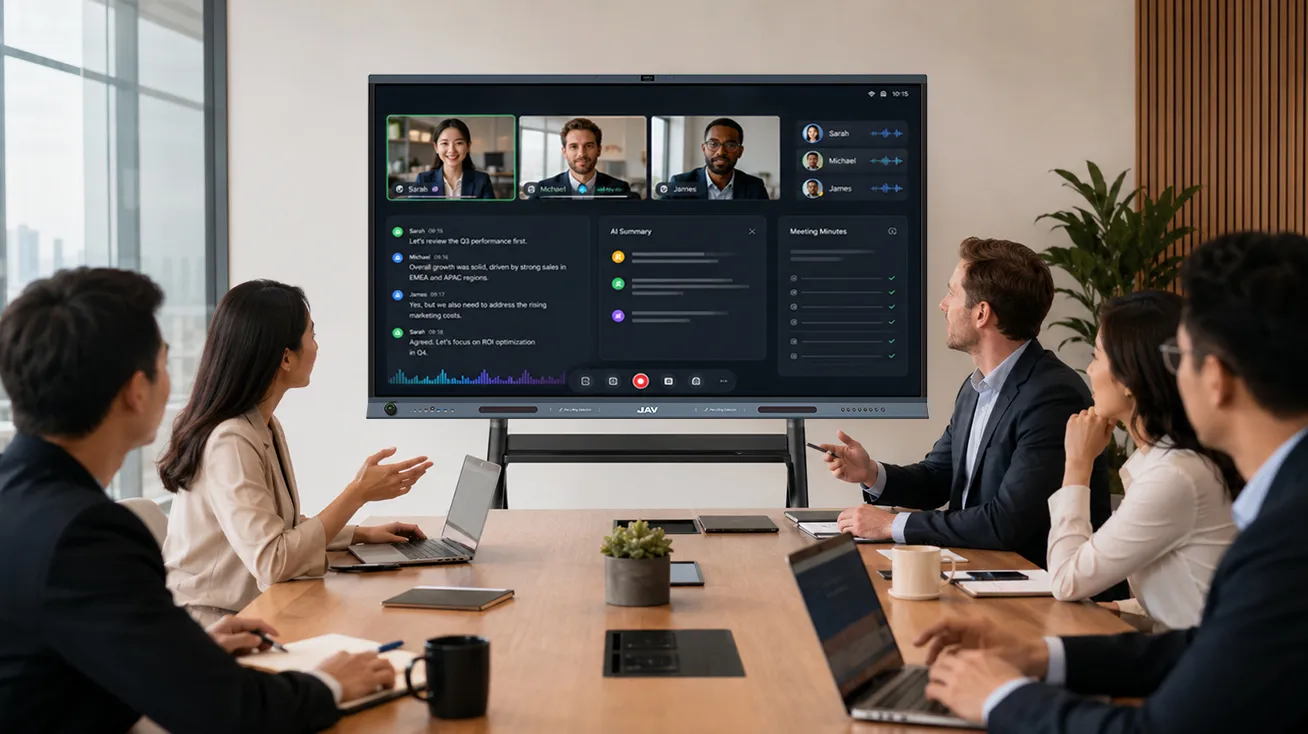
Video conferencing hardware has become essential for businesses working across offices, countries, and time zones. Cameras, microphones, and displays help teams communicate remotely, but clear audio and video are only part of an effective meeting. Participants also need to review documents, exchange ideas, and make decisions together. An interactive display brings these activities into one meeting environment, turning video conferencing from a viewing experience into a more collaborative process.
Beyond Cameras, Microphones, and Standard Displays
A traditional video conferencing setup typically combines a camera, a microphone, speakers, and a standard monitor. This arrangement works well for presentations and remote discussions. However, when participants need to annotate a document or develop ideas together, they often have to switch between separate applications, devices, or input methods.
An interactive display adds direct touch control to the meeting room. Participants can write on the screen, highlight important information, move content, and make changes without returning to a laptop. This reduces interruptions and keeps the discussion focused on the task at hand.
The difference is not simply the number of hardware components. It is how naturally people can interact with the information being discussed.
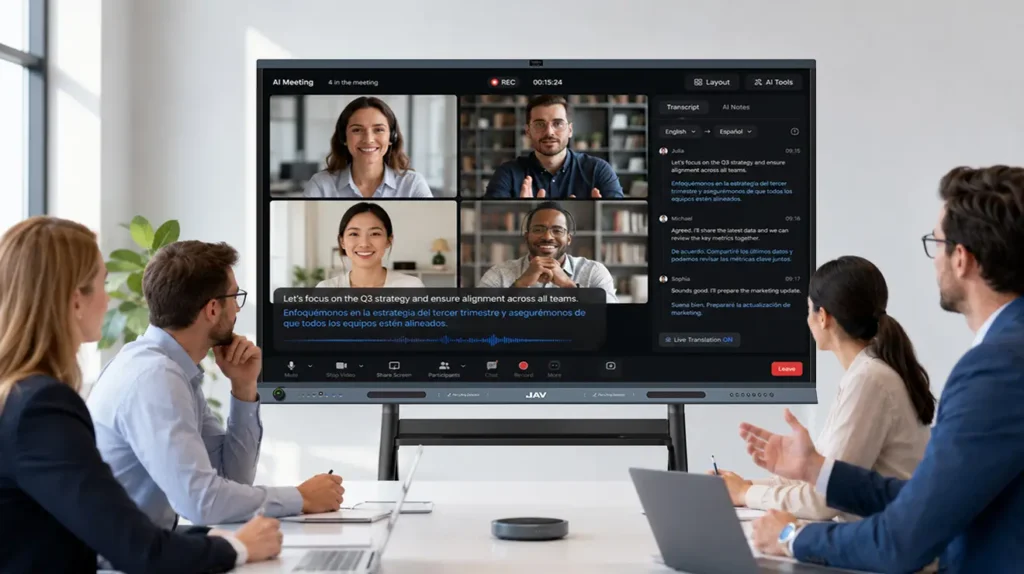
Combining Video Conferencing with Real-Time Annotation
Business meetings often involve more than verbal communication. Teams may need to review project schedules, compare design drafts, discuss financial reports, or clarify technical requirements. Explaining every detail verbally can be time-consuming, especially when participants are working remotely.
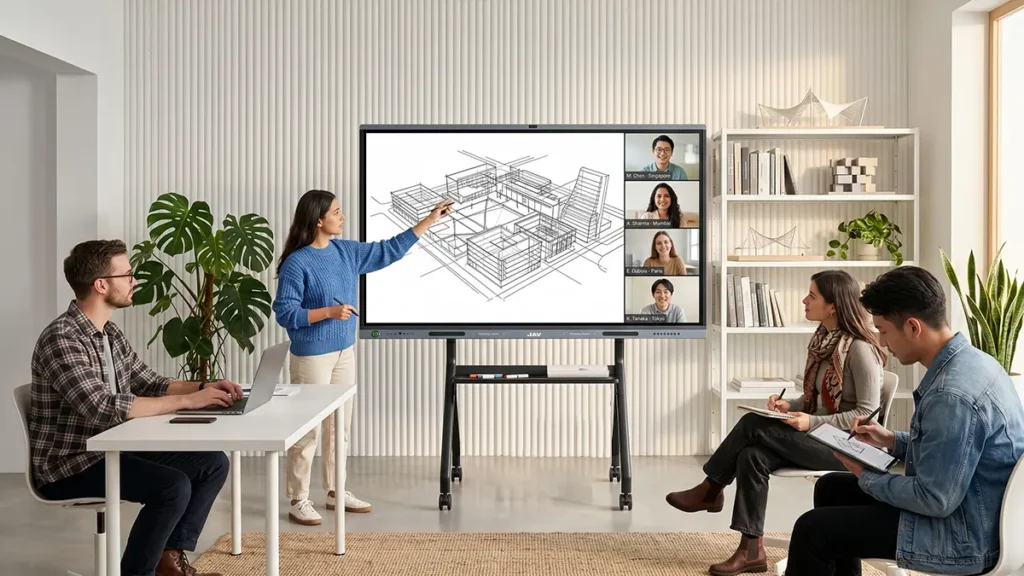
With an interactive display, presenters can annotate documents directly on the screen. They can circle a critical figure, mark a proposed change, or add notes while discussing the issue with colleagues. Remote participants can follow the explanation through the shared screen, making complex information easier to understand.
For example, a product development team reviewing a new design can highlight specific elements and discuss revisions during a video call. Instead of sending multiple screenshots after the meeting, the team can make the discussion more visual and focused from the beginning.
Turning Shared Ideas into Action with a Digital Whiteboard
Video conferencing connects people, but a digital whiteboard helps them build ideas together. During planning sessions, project reviews, and problem-solving meetings, participants can map workflows, organize tasks, and record decisions on a shared canvas.
A standard interactive display like the JAV Board 19 supports this process by combining touch-enabled whiteboarding with content sharing and meeting tools. Team members can write, draw, and organize information directly on the screen instead of relying on a separate physical whiteboard. Its split-screen capability also allows teams to view reference materials alongside their working canvas, helping them compare information without repeatedly switching views.
This approach is particularly useful when a meeting moves from discussing a problem to developing a solution. Ideas can be captured as they emerge, revised during the conversation, and kept visible while the team agrees on next steps.
Simplifying Content Sharing Across Devices
Switching between laptops, presentation files, and meeting applications can interrupt the flow of a discussion. Interactive displays help centralize these activities by providing a shared workspace for presenting and manipulating content.
For businesses using JAV Board 19, wireless screen sharing allows participants to present content from compatible devices, while the large 4K screen makes detailed documents and visual materials easier to review. Teams can move between presentations, annotations, and whiteboard discussions within the same meeting workflow.
This is valuable for hybrid meetings, where in-room participants and remote colleagues need a consistent view of the information under discussion.
Choosing Video Conferencing Hardware for More Interactive Meetings
Traditional video conferencing hardware remains important for capturing voices, transmitting images, and connecting participants. An interactive display complements these functions by adding direct collaboration to the meeting room.
When evaluating video conferencing hardware, businesses should consider more than camera resolution and microphone performance. Touch responsiveness, whiteboard functionality, content-sharing options, and compatibility with existing conferencing platforms also affect the overall meeting experience.
By bringing these capabilities together, the JAV Board 19 interactive display helps businesses create a more connected meeting workflow. The goal is not simply to make meetings more digital, but to help teams communicate clearly, work with shared information, and turn discussions into actionable decisions.