Modern classrooms are evolving rapidly, and schools are increasingly adopting digital technologies to improve teaching and learning. Among these innovations, the Interactive Display for Education has become one of the most important tools for creating engaging, collaborative, and technology-enabled classrooms.
But what exactly is an Interactive Display for Education, and why are so many schools replacing traditional whiteboards and projectors with this technology?
In this complete beginner’s guide, we’ll explore what an Interactive Display is, how it works, its key features and benefits, and how schools can choose the right solution for their classrooms.
What Is an Interactive Display for Education?
Ein Interactive Display for Education is a large touchscreen device designed specifically for teaching and learning environments. It combines the functions of a digital whiteboard, computer, presentation system, and collaboration platform into a single device.
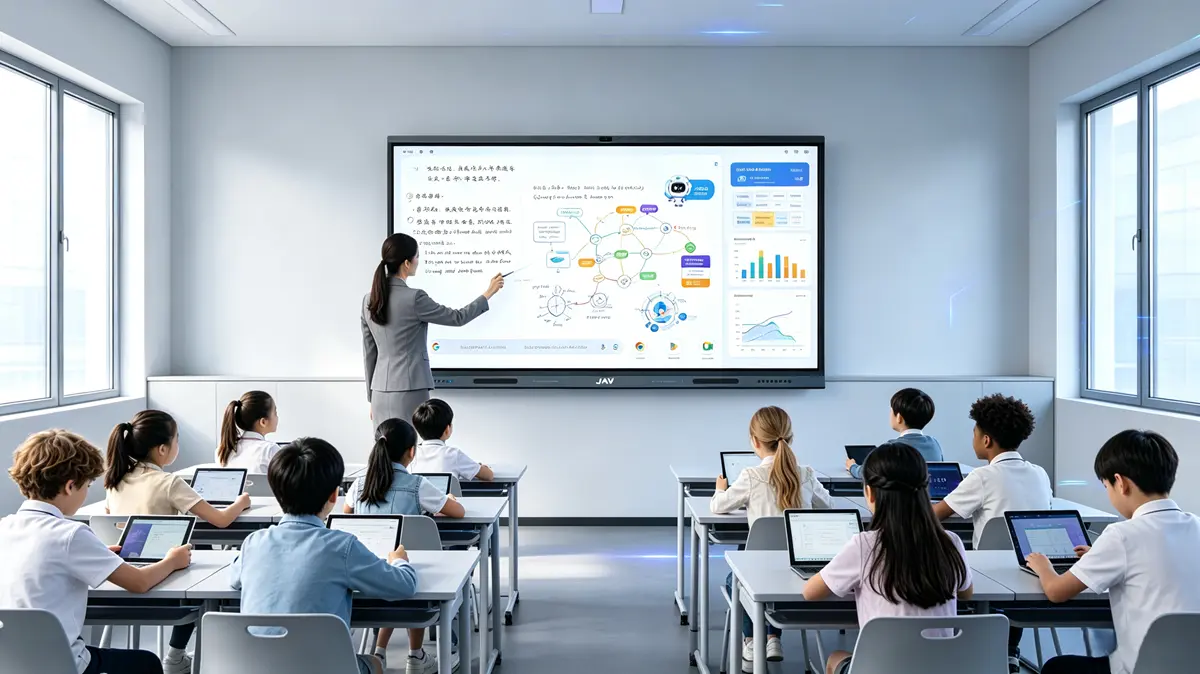
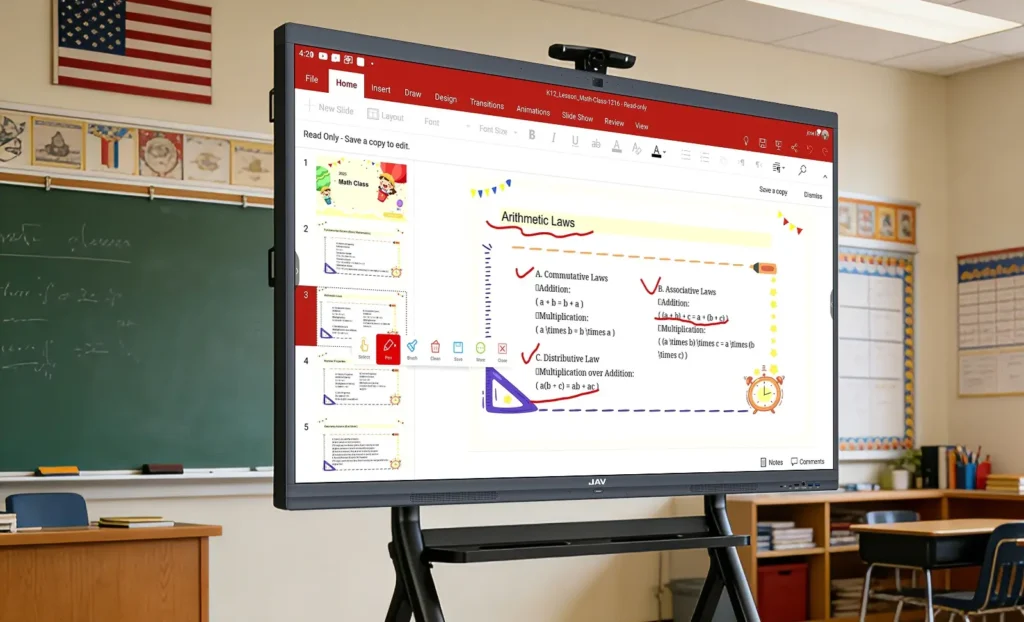
Unlike traditional whiteboards or projectors, an interactive display allows teachers and students to interact directly with content using touch, a stylus, or connected devices. Teachers can write, annotate, present multimedia content, launch educational apps, and share screens—all from one display.
As digital learning becomes increasingly important, interactive classroom displays are helping schools create more flexible, engaging, and collaborative learning experiences.
Why Are Schools Replacing Traditional Whiteboards and Projectors?
Traditional teaching tools have supported classrooms for decades, but they also come with several limitations.
Projectors often require dimmed lighting to maintain visibility. Whiteboards provide limited writing space and cannot save lesson content. Teachers frequently switch between multiple devices, which can interrupt lesson flow and reduce teaching efficiency.
By contrast, an educational interactive display combines multiple classroom tools into one platform, helping teachers spend less time managing technology and more time focusing on instruction.
This shift is supported by growing research on interactive learning. According to studies published by educational technology organizations, students tend to participate more actively and retain information better when lessons include visual and interactive elements rather than passive lectures alone.
What Features Make an Interactive Display for Education So Effective?
A high-quality interactive whiteboard for education typically includes several core features:
Multi-Touch Technology
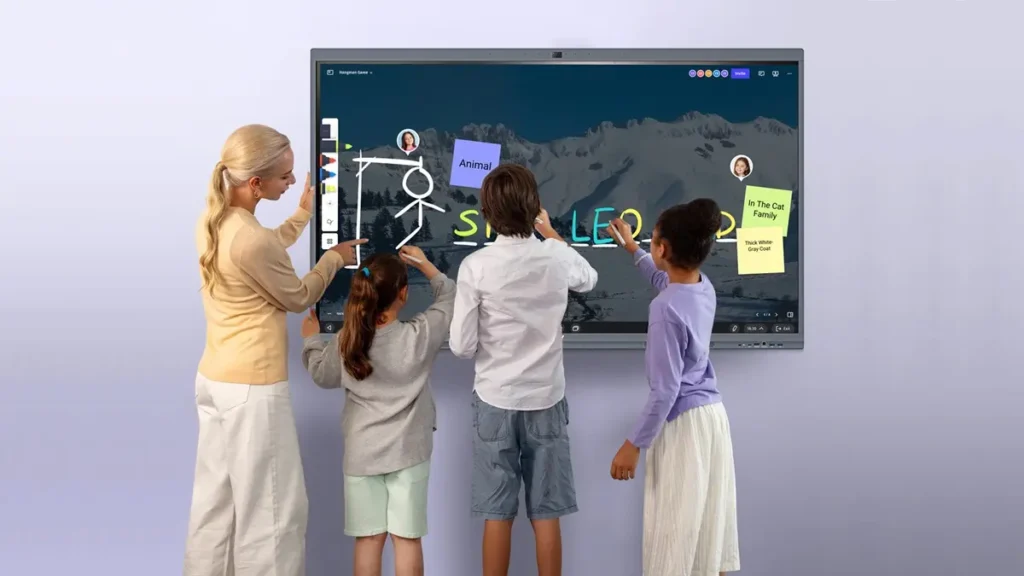
Multiple students can write, draw, and interact on the screen simultaneously.
How it helps:
When several students can participate at the same time, classroom activities become more collaborative.
Result:
Greater student involvement leads to stronger teamwork, communication skills, and classroom engagement.
4K UHD Visual Clarity
Modern interactive displays offer ultra-high-definition resolution for sharper images and text.
How it helps:
Students can clearly view content from anywhere in the classroom.
Result:
Improved visibility reduces eye strain and helps students stay focused throughout lessons.
Drahtlose Bildschirmfreigabe
Teachers and students can wirelessly cast content from laptops, tablets, or smartphones.
How it helps:
Content can be shared instantly without switching cables or devices.
Result:
Smoother lessons with fewer technical interruptions.
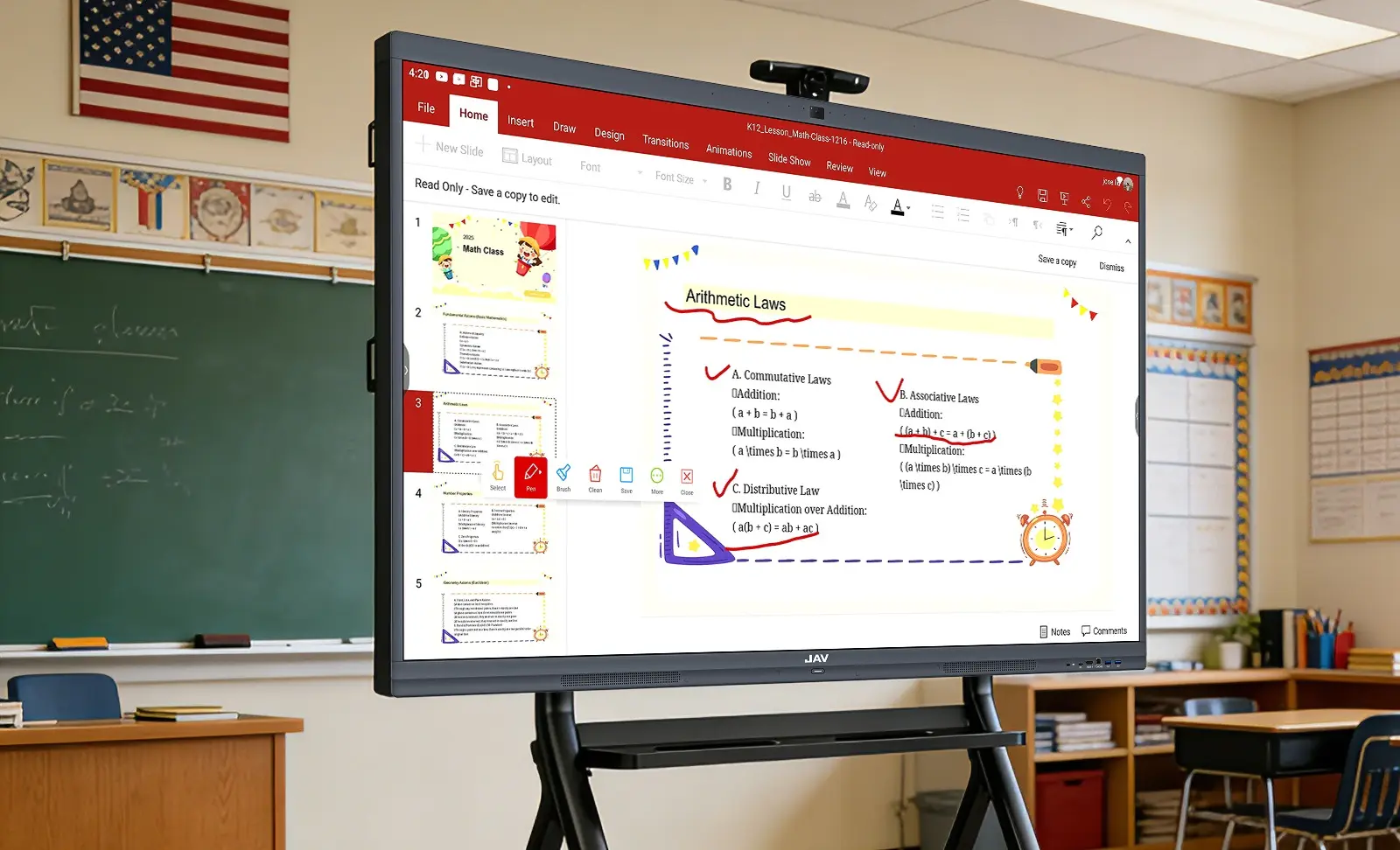
Annotation Tools
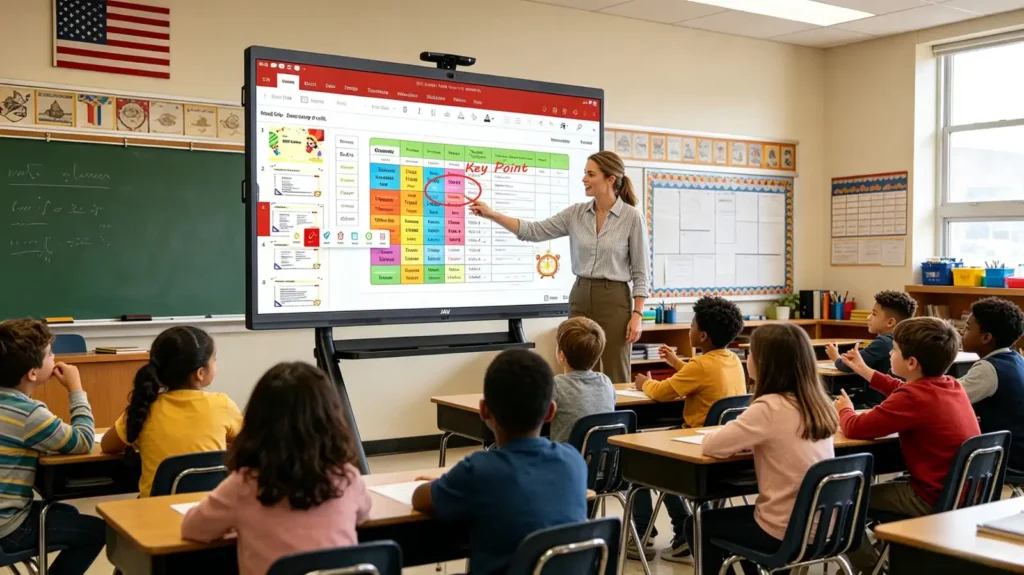
Teachers can write directly over presentations, websites, PDFs, videos, and images.
How it helps:
Important concepts can be highlighted in real time.
Result:
Students gain a clearer understanding of key learning points.
How Does an Interactive Display Improve Student Engagement?
One of the biggest advantages of an interactive learning technology platform is its ability to transform students from passive viewers into active participants.
Instead of simply watching a lesson, students can:
- Solve problems directly on the screen
- Participate in quizzes and polls
- Manipulate diagrams and visual content
- Collaborate on group activities
- Present their own work to classmates
Research consistently shows that active participation improves knowledge retention and learning outcomes. When students engage physically and mentally with content, they are more likely to remain focused and absorb information effectively.
How Are Interactive Displays Used in Different Educational Settings?
K-12 Classrooms
Teachers use interactive classroom displays for:
- Interactive quizzes
- Digital storytelling
- Collaborative activities
- Vocabulary exercises
- Classroom games
STEM Education
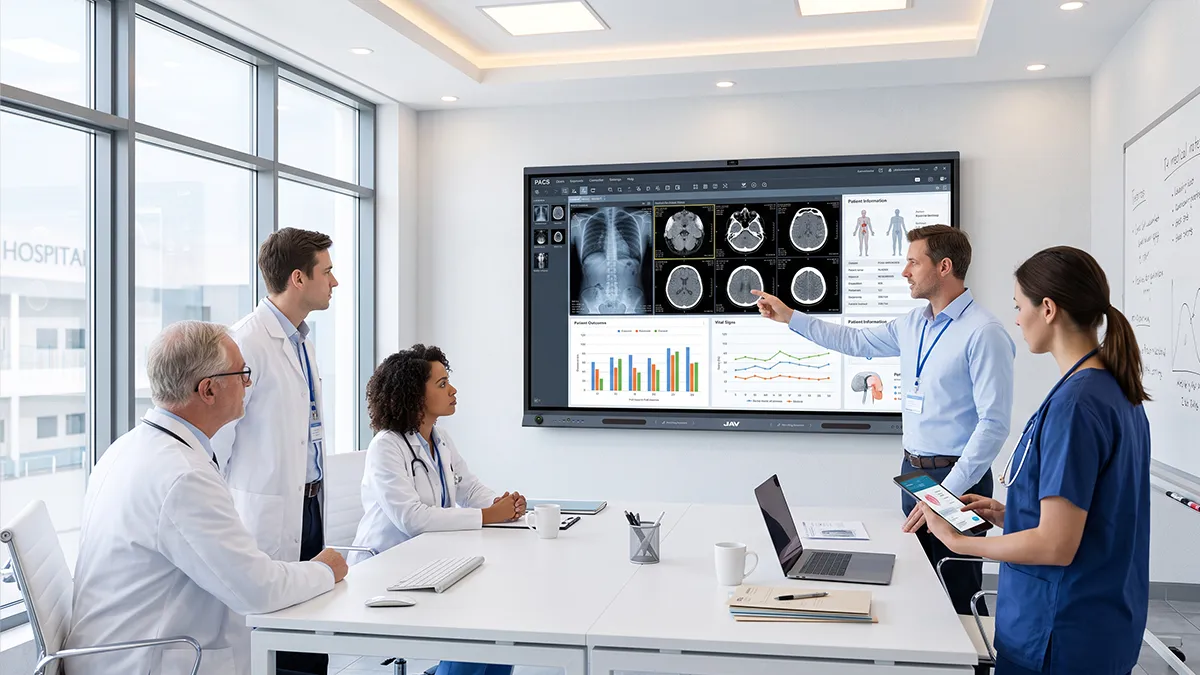
Interactive displays are particularly valuable for science, technology, engineering, and mathematics instruction.
Teachers can present:
- Scientific simulations
- Mathematical diagrams
- Geometry demonstrations
- Data visualizations
- Problem-solving exercises
Higher Education
Universities use interactive displays for:
- Lecture presentations
- Real-time annotation
- Gruppendiskussionen
- Research collaboration
- Hybrid learning environments
Hybrid and Remote Learning
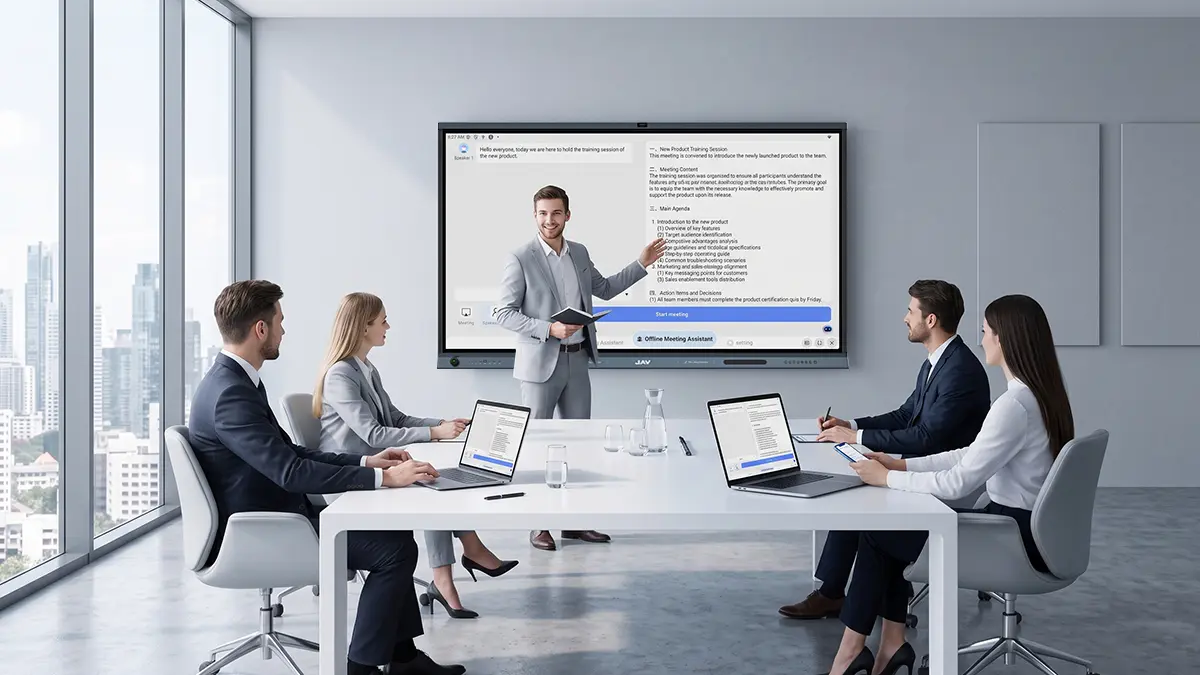
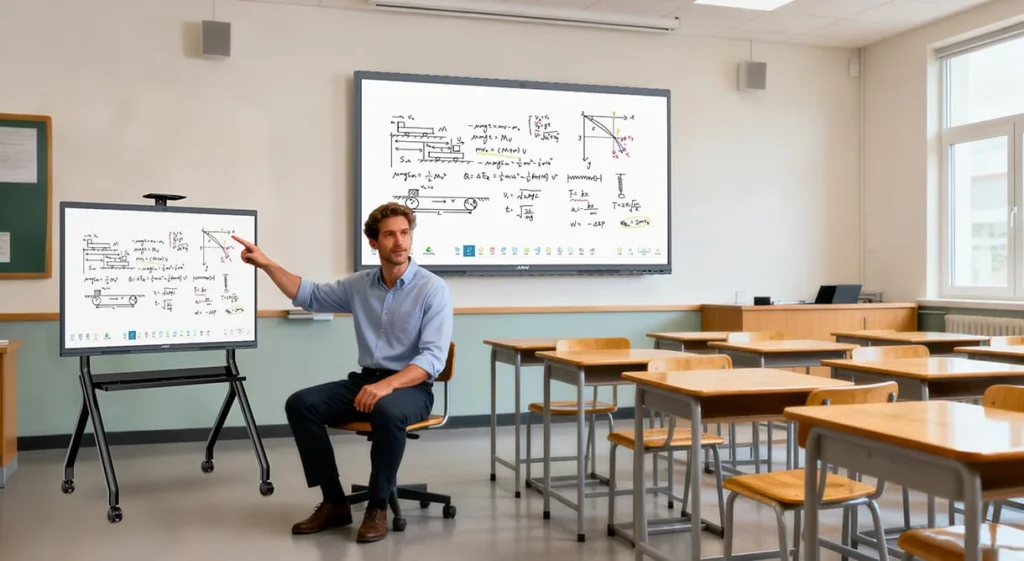
Interactive displays integrate seamlessly with video conferencing platforms, helping remote and in-person students participate equally.
What Should Schools Look for When Choosing an Interactive Display?
Not all interactive displays provide the same classroom experience.
Schools should evaluate:
Screen Size
Choose a size that matches classroom dimensions and student viewing distance.
Touch Accuracy
Responsive touch technology ensures smooth writing and interaction.
Software Ecosystem
The display should support commonly used educational applications and learning platforms.
Ease of Use
Teachers should be able to operate the display with minimal training.
Reliability and Support
Long-term software updates and technical support are essential for maximizing investment value.
Which Interactive Display Is Suitable for Modern Classrooms?
While many smart boards for education offer similar core functions, the overall teaching experience depends on factors such as touch responsiveness, software usability, wireless collaboration, and long-term reliability.
One example is the JAV Board 10 interaktives Display, which is designed specifically for educational environments.
The JAV Board 10 combines:
- Multi-touch collaboration
- 4K UHD display
- Drahtlose Bildschirmfreigabe
- Digital whiteboard tools
- Annotation capabilities
- Hybrid learning support
These features help schools modernize classrooms without introducing unnecessary complexity.
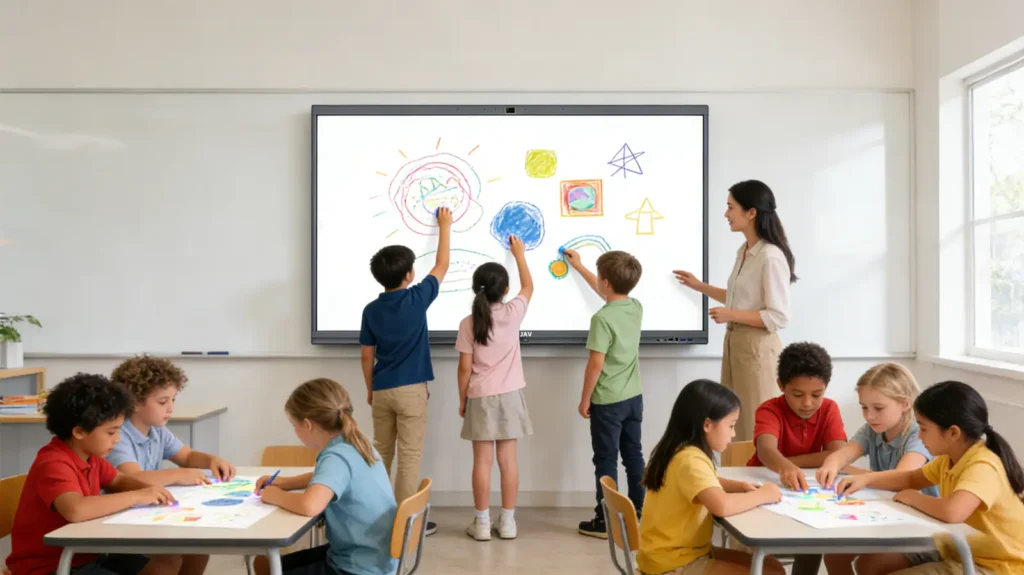
Interactive Display for Education vs Traditional Teaching Tools
| Feature | Interactive Display for Education | Traditional Whiteboard | Projector |
|---|---|---|---|
| Touch Interaction | Yes | Limited | No |
| Save Lesson Content | Yes | No | No |
| Drahtlose Bildschirmfreigabe | Yes | No | Limited |
| Multimedia Support | Yes | No | Yes |
| Bright Classroom Visibility | Excellent | Excellent | Often Limited |
| Collaboration Features | Fortschrittlich | Basic | Basic |
As schools continue to digitize learning environments, interactive displays increasingly offer advantages that traditional teaching tools cannot match.
The Future of Interactive Learning Technology
The future of education is becoming increasingly digital, collaborative, and data-driven.
Emerging technologies such as:
- Artificial Intelligence (AI)
- Cloud-based collaboration
- Learning analytics
- Real-time language translation
- Remote classroom integration
are expanding the capabilities of interactive displays.
As these innovations continue to develop, the Interactive Display for Education is expected to become a central hub for teaching, communication, and collaboration in modern classrooms.
Häufig gestellte Fragen (FAQ)
What is an Interactive Display for Education?
An Interactive Display for Education is a touchscreen classroom device that combines a digital whiteboard, computer, presentation system, and collaboration tools into a single platform.
How is an Interactive Display different from a projector?
Unlike projectors, interactive displays provide direct touch interaction, higher brightness, better image quality, and do not require dim lighting conditions.
Are Interactive Displays worth it for schools?
Many schools find interactive displays valuable because they improve classroom engagement, simplify lesson delivery, support hybrid learning, and reduce dependence on multiple devices.
What size Interactive Display is best for classrooms?
The ideal size depends on classroom dimensions. Smaller classrooms may use 55″ or 65″ displays, while larger classrooms often benefit from 75″ or 86″ models.
Can Interactive Displays support hybrid learning?
Yes. Most modern interactive displays integrate with video conferencing platforms and screen-sharing tools, allowing remote and in-person students to participate in the same lesson.
Conclusion: Why Interactive Displays Matter in Modern Education
An Interactive Display for Education is more than just a classroom screen—it is a complete digital learning platform that supports collaboration, engagement, and instructional efficiency.
By combining advanced touch technology, interactive learning tools, wireless connectivity, and hybrid learning support, educational interactive displays are helping schools create more effective learning environments for the future.
For schools looking to upgrade their classrooms, solutions such as the JAV Board 10 Interactive Display offer a practical and scalable way to enhance teaching and student learning while preparing for the next generation of education technology.