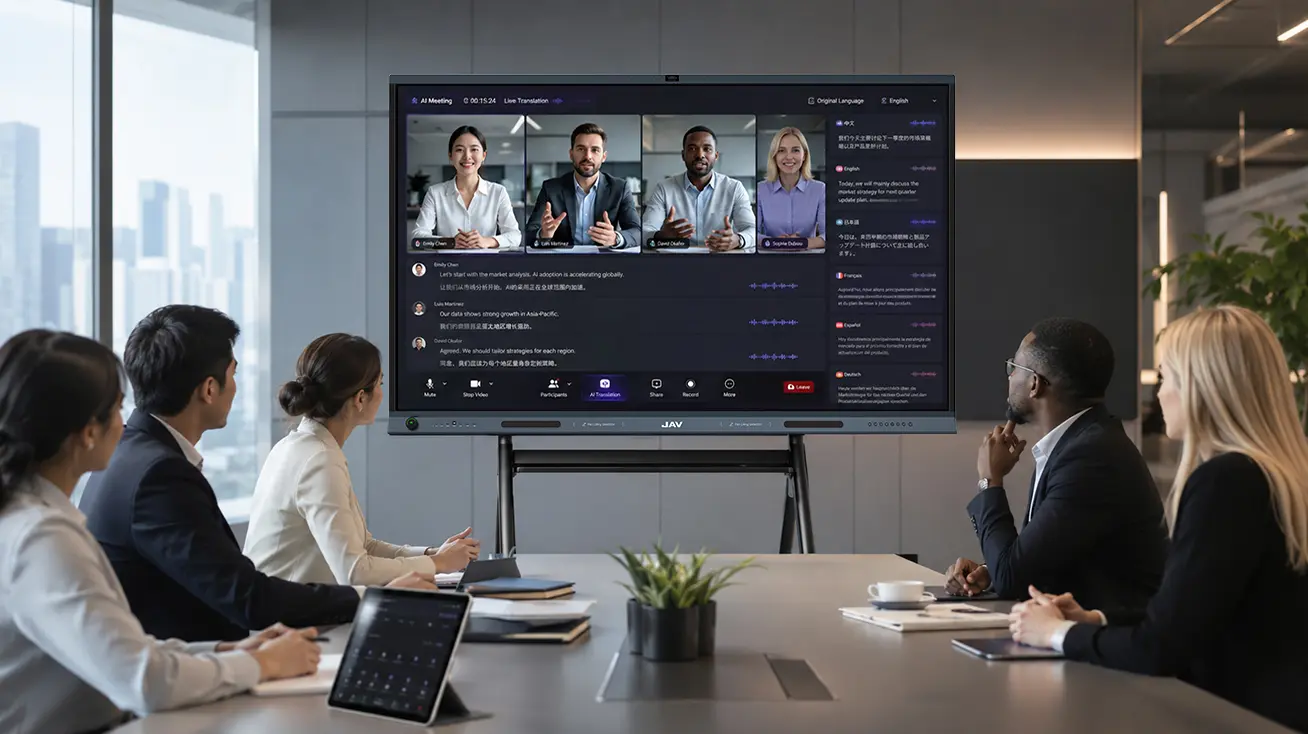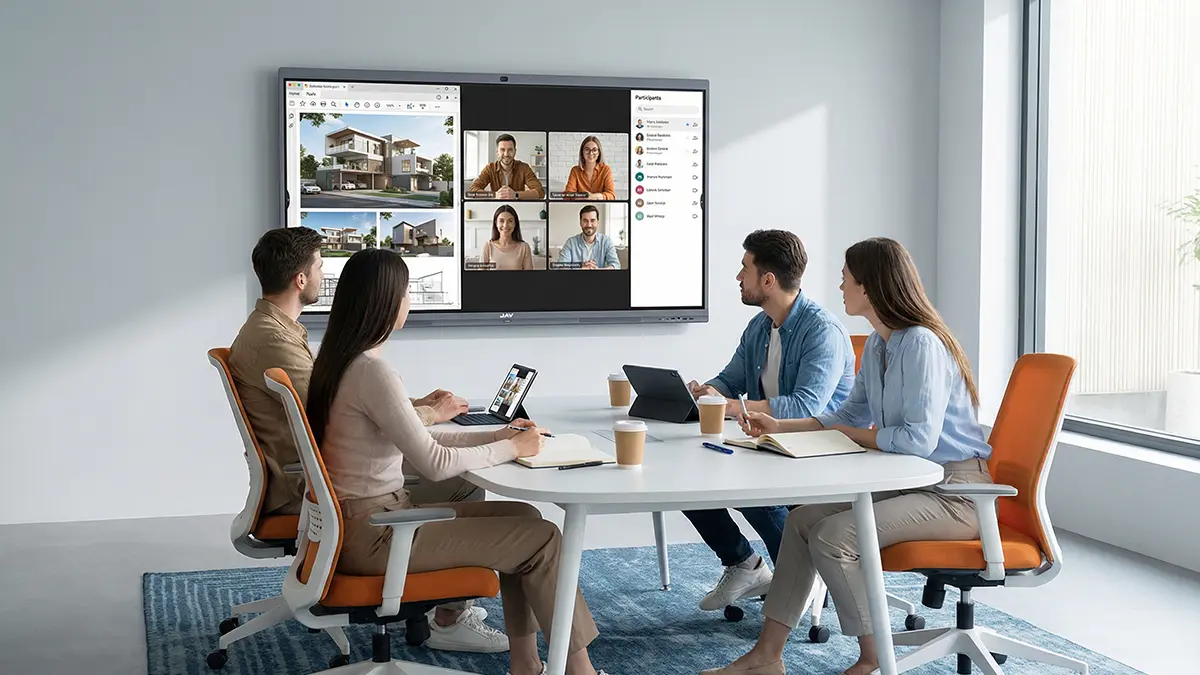
Hybrid meetings give employees the flexibility to join from the office, home, or another location. Yet flexibility does not always lead to equal participation. People in the room can exchange ideas naturally, while remote attendees may struggle to interrupt, follow side conversations, or contribute to work happening on a physical whiteboard. A lot of hybrid meeting solutions struggle to tackle these problems.
Effective hybrid meeting solutions must address more than video and audio quality. Companies also need meeting practices that help everyone prepare, participate, and follow through. The following best practices focus on the everyday problems that often make hybrid meetings less effective than they should be.
Before the Meeting: Remove Barriers to Participation
1. Give Everyone the Same Starting Point
When participants receive information at different times or work from different versions of a document, meetings quickly become inefficient. Some people spend the first few minutes catching up, while others are already discussing decisions.
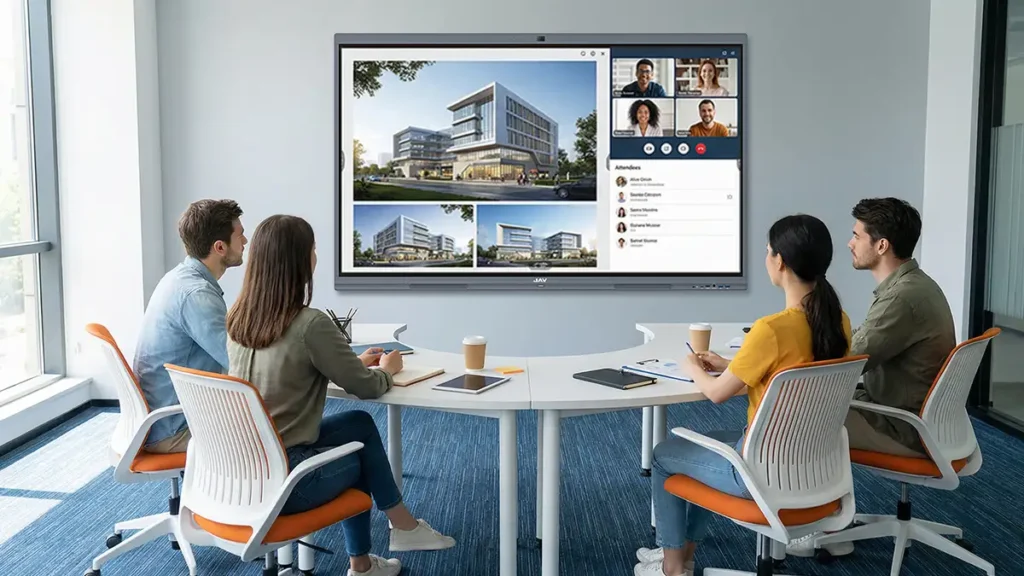
Share the agenda, reference documents, and expected outcomes in advance. Use a common location for meeting materials, and clarify whether participants should review, comment on, or make decisions about each item.
An interactive display can help presenters access and annotate materials without repeatedly switching between devices or applications. For example, JAV Board 19 is a standard interactive display which integrates access to local files and Google Drive and OneDrive accounts. This can help teams bring relevant documents into a meeting more easily, although shared access permissions and document versions should still be checked beforehand.
2. Check What Remote Attendees Will Actually Experience
A camera preview on the presenter’s screen does not necessarily show whether the meeting is working for people joining remotely. Voices may be difficult to hear from the far side of the room, and a camera angle may leave remote attendees unable to see who is speaking.
Before an important session, join from a separate device and check the room from the remote participant’s perspective. Test different seating positions, confirm that speakers can be heard clearly, and make sure shared content is readable.
JAV Board 19’s dual 48MP cameras and 12-microphone array provide camera and audio hardware for hybrid meeting environments. However, room acoustics, camera placement, conferencing software, and network conditions still influence the final experience. Testing the complete setup is more reliable than judging it by specifications alone.
During the Meeting: Make Collaboration a Shared Activity
3. Stop Treating Remote Attendees as an Audience
One common hybrid meeting problem is that the people in the room discuss ideas among themselves while remote colleagues watch and listen. Even when the video call works perfectly, the meeting can still exclude people.
The facilitator should deliberately create opportunities for remote participants to speak. Pause after asking questions, invite input from people joining online, and avoid making decisions during side conversations that others cannot hear. For sensitive or complex discussions, collect initial responses in chat or a shared document before opening the floor.
These practices are especially important when decisions depend on input from different departments or locations. Participation should be designed into the meeting, not left to whoever speaks first.
4. Bring Ideas Together on a Shared Workspace
Brainstorming, reviewing designs, and planning projects often involve more than talking. Participants need to mark up content, group ideas, compare alternatives, and revise a shared plan. When the whiteboard is only visible to people in the room, remote colleagues lose access to an important part of the discussion.
A digital whiteboard helps move this work into a shared space. With JAV Board 19, teams can connect compatible boards using a matching code and collaborate on the same whiteboard canvas over the internet. Changes made on one connected board are synchronized with the others, even when the boards are not on the same local network.
Consider a product team reviewing a launch plan across two offices. One team can map out milestones on its board while colleagues at the other location add dependencies, flag risks, and revise the same canvas. Instead of asking someone to photograph and send the whiteboard afterward, both groups can work from a shared version during the discussion.
This is where meeting tools should do more than display information: they should allow participants in different locations to shape the work together. The technology is most useful when the meeting agenda includes a concrete collaborative task, rather than a presentation alone.
5. Make Turn-Taking and Decision-Making Explicit
Not every participant will feel comfortable interrupting a fast-moving conversation, particularly when they are joining remotely. Establish a simple way to request a turn, such as raising a virtual hand or using the chat. The facilitator should monitor these signals and summarize important points before moving on.
At the end of each major topic, state what has been decided, what remains unresolved, and who needs to contribute next. This brief pause helps remote attendees confirm that they have followed the discussion and gives everyone a shared understanding of the outcome.
After the Meeting: Turn Decisions into Follow-Through
6. Make Outcomes Easy to Find and Act On
Meeting notes should do more than reproduce the conversation. They should identify decisions, action items, owners, deadlines, and outstanding questions. Share the notes in a common workspace promptly so that location does not determine who has access to the outcome.
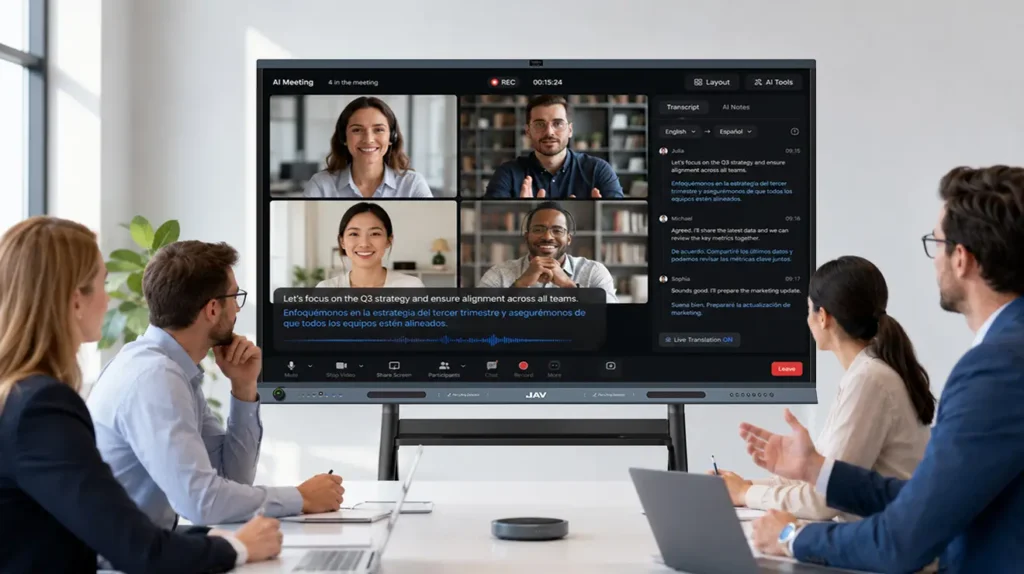
For teams that hold frequent meetings, JAV Board 19’s AI Meeting Minutes feature can help record and transcribe discussions and organize key topics, conclusions, action items, and responsible persons. This can reduce the burden of manual note-taking, but a meeting owner should review the generated content before distribution to verify names, decisions, and responsibilities.
Close the loop by checking progress against assigned tasks before the next meeting. If an action item has no owner or deadline, clarify it rather than allowing it to disappear into the meeting record.
Better Hybrid Meetings Require Both Technology and Culture
A reliable setup is important, but it cannot compensate for habits that exclude remote colleagues. Similarly, inclusive meeting rules are difficult to follow when participants cannot hear clearly or access the materials under discussion.
Companies should evaluate both the technical setup and the way meetings are run. Ask participants whether they can hear, see, contribute, access shared work, and understand the next steps. Use recurring feedback to improve room arrangements, collaboration workflows, and facilitation practices.
The most effective hybrid meeting solutions combine suitable equipment with deliberate ways of working. With JAV Board 19 supporting shared whiteboard work and AI-assisted meeting documentation, teams can make it easier to collaborate across locations and keep decisions visible after the call. The lasting improvement, however, comes when the whole team treats remote and in-room colleagues as equal contributors—not as two separate groups attending the same meeting.