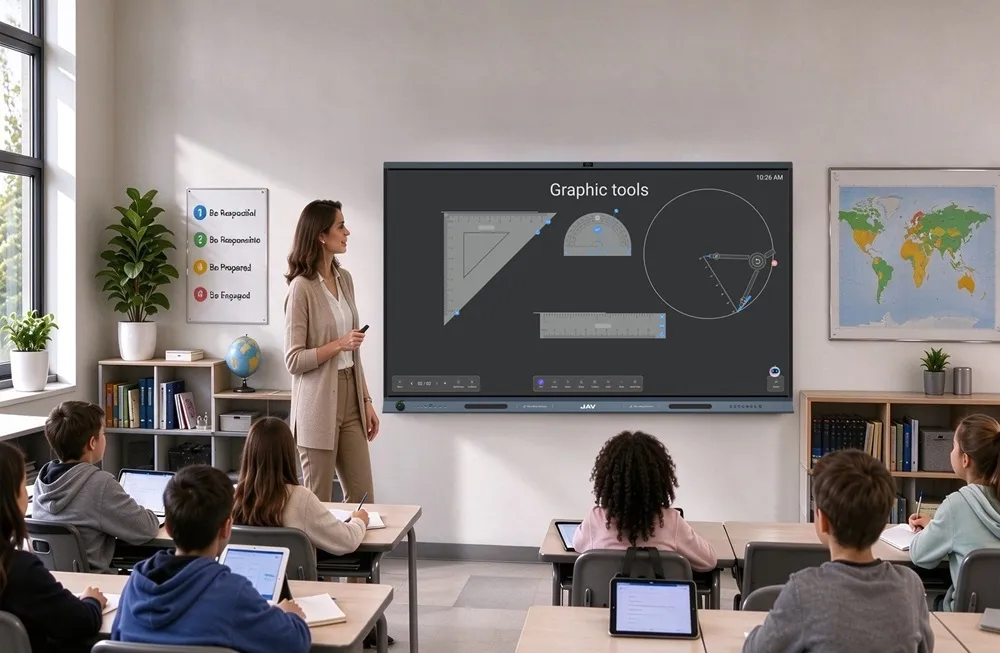
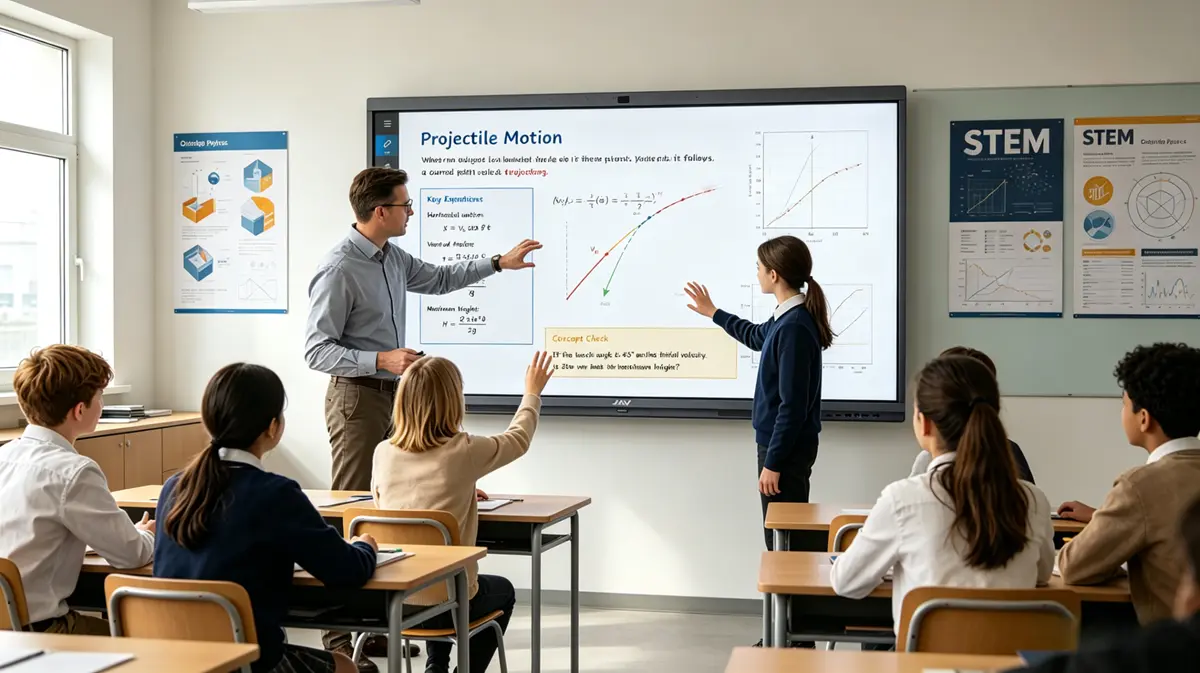
Many students struggle to grasp abstract physics concepts. Traditional classrooms often rely on static diagrams or slides, which make it hard to visualize motion, forces, or experiments. Teachers also face challenges keeping lessons engaging while ensuring every student can follow formulas, graphs, and experimental results in real time. To address these challenges, many schools are adopting an interactive whiteboard for teaching to make physics lessons more visual, interactive, and engaging.
The JAV Board 10 combines digital interaction with hands-on learning to bring complex physics concepts to life. Teachers can demonstrate experiments, annotate content in real time, and encourage active student participation. This creates a more effective learning experience for the entire classroom.
What an Interactive Whiteboard Is and How It Enhances Physics Teaching
An interactive whiteboard for teaching is a modern classroom device designed to overcome these challenges. Unlike traditional whiteboards, it is a large touch-sensitive screen that runs its own operating system, usually Android. Teachers can install and use a wide range of educational apps. The board supports handwriting, annotations, video playback, screen sharing, and multi-touch interactions, enabling lessons to be interactive, visual, and adaptable to different student needs.
For example, the JAV-Tafel 10 is a high-resolution, Android-based interactive whiteboard that demonstrates these capabilities. Its large touch screen allows students to interact directly with simulations, graphs, and videos. Teachers can annotate, guide, and demonstrate in real time. By integrating software, digital media, and hands-on interaction, the JAV Board 10 shows how an interactive whiteboard can transform physics lessons.
Using an Interactive Whiteboard for Teaching Mechanics Animations
One of the most effective ways to teach physics is through mechanics animations, which help students visualize motion, force, and collisions that are difficult to grasp with static diagrams. On an interactive whiteboard like the JAV Board 10, teachers can integrate simulations and animations to make lessons more engaging and hands-on.
Ways to leverage an interactive whiteboard for mechanics animations:
- Interactive simulations: Use applications such as PhET Simulations oder Algodoo (easily installed on Android-based whiteboards) to model concepts like projectile motion, Newton’s laws, or friction.
- Real-time parameter adjustment: Students can change variables such as mass, velocity, or angle directly on the large touch screen, observing immediate results.
- Group interaction: The board’s multi-touch capability allows several students to explore simulations simultaneously.
- Highlighting key moments: Teachers can pause animations or annotate directly on the screen to emphasize important concepts.
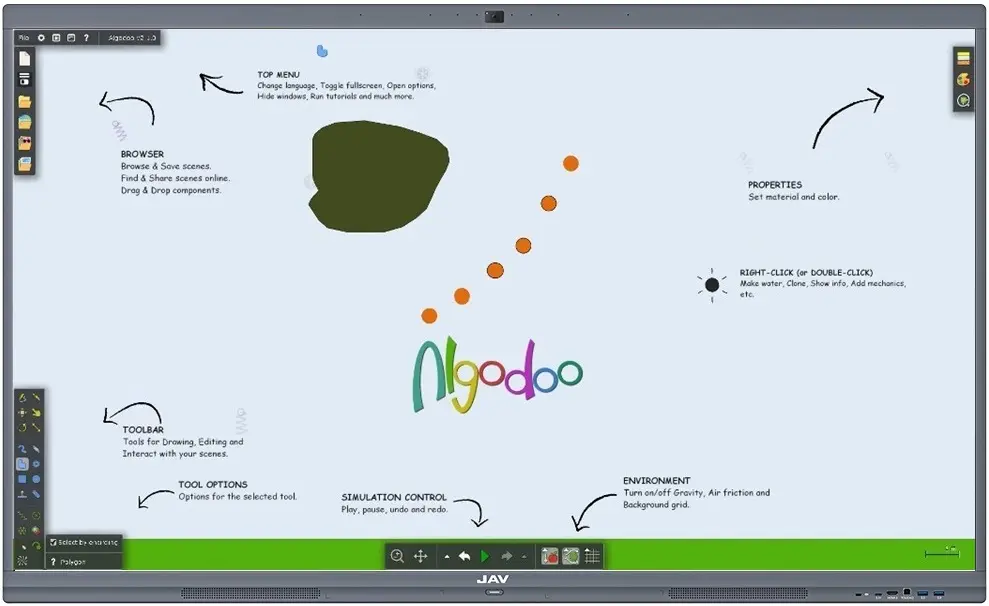
By combining digital simulations with the large, responsive display of the JAV Board 10, students gain a clearer understanding of abstract mechanics concepts through hands-on experimentation.
Using an Interactive Whiteboard for Step-by-Step Formula Derivations
Mastering physics formulas requires both explanation and guided practice. An interactive whiteboard for teaching allows teachers to demonstrate derivations step by step, while students follow along interactively.
Ways to use interactive whiteboards for formula derivations:
- Handwriting and annotation: Teachers can write formulas and highlight terms directly on the whiteboard using the JAV Board 10’s annotation tools.
- Digital conversion: Apps like MyScript MathPad can convert handwritten formulas into digital text, making complex equations easier to read.
- Step-by-step solutions: Teachers can use Math tools like Microsoft Math Solver on the interactive display to show detailed solution steps and verify calculations.
- Student engagement: Students can solve parts of the problem on the board, promoting collaboration and active participation.
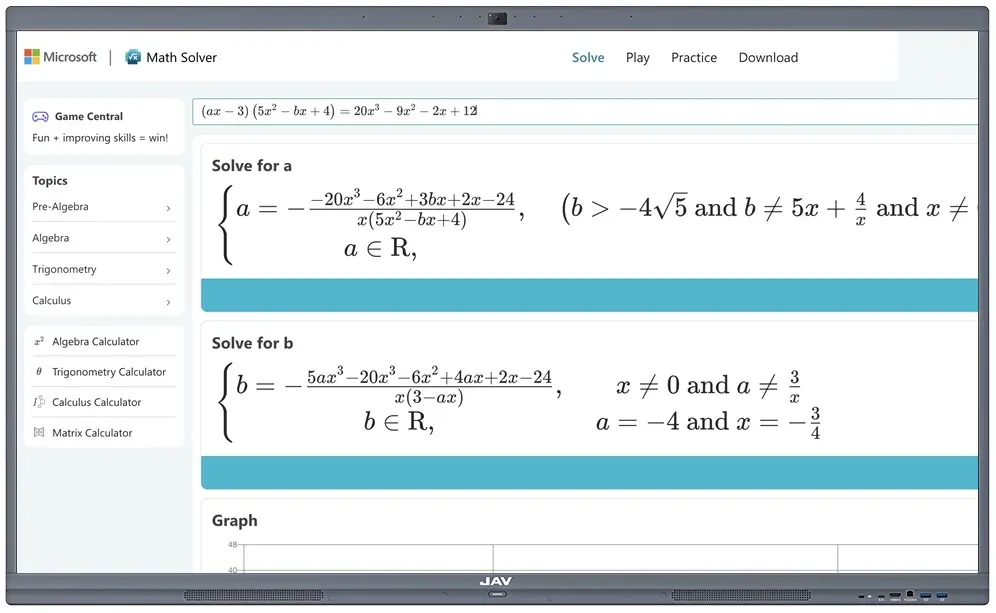
This approach ensures that students not only see the formulas but also understand the reasoning behind each step.
Visualizing Data with Live Graphs on an Interactive Whiteboard
Graphs are essential in physics for linking equations to observable trends. Interactive whiteboards make it easy to visualize data dynamically.
How to enhance graph-based lessons:
- Plot interactive graphs: Apps like GeoGebra oder Desmos can be installed on Android-based boards like the JAV Board 10 to create velocity-time or force-displacement graphs.
- Manipulate variables: Students can change inputs directly on the screen to see immediate changes in the graph.
- Real-time updates: Graphs automatically adjust when parameters are modified, helping students understand cause-and-effect relationships.
- Group analysis: The large display allows the whole class to observe results and discuss trends collaboratively.
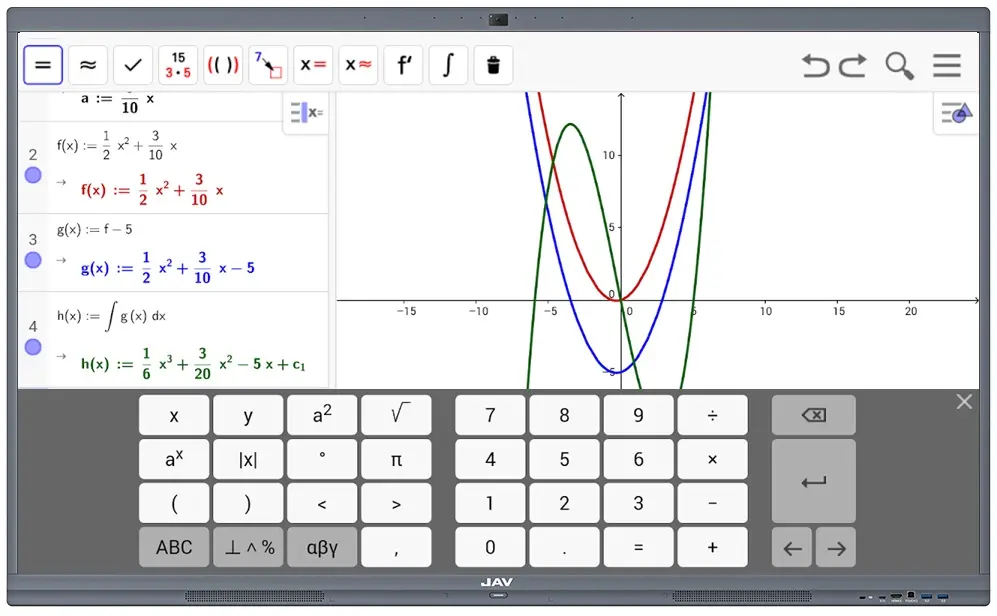
By combining live graphing with touch interaction, students can explore physics concepts in a visually intuitive way.
Enhancing Lessons with Video Demonstrations on an Interactive Whiteboard for Teaching
Sometimes experiments are best understood by seeing them in action. Interactive whiteboards allow teachers to integrate video content seamlessly into lessons.
Ways to use videos effectively on an interactive whiteboard like the JAV Board 10:
- Flexible video playback: Teachers can directly read and play videos from the device’s local storage or a USB drive, or use the Chrome browser or apps like YouTube to stream videos online. This makes it easy to access both school-provided content and online resources during lessons.
- Pause and annotate: Key moments can be paused for annotation, highlighting important observations or experimental details.
- Interactive discussion: Students can comment, ask questions, or even point out patterns directly on the board.
By combining versatile video playback with touch annotations, the interactive whiteboard transforms passive observation into an engaging, participatory learning experience.
Integrating All Elements for a Fully Interactive Physics Lesson with a JAV Interactive Whiteboard
A complete physics lesson can combine animations, formula derivations, live graphs, and videos on a single platform. For example, with the JAV Board 10, teachers can:
- Begin with a PhET simulation to introduce a motion concept.
- Walk through formula derivations using the whiteboard’s annotation tools.
- Visualize results using GeoGebra or Desmos live graphs.
- Conclude with a video demonstration of a real-world experiment.
This workflow ensures that students can engage with every aspect of the lesson—seeing, interacting, and analyzing physics concepts in a cohesive, hands-on way.
Abschluss
Using an interactive whiteboard for teaching physics provides a powerful way to make lessons engaging, interactive, and memorable. Visual simulations, step-by-step formulas, live graphs, and video demonstrations help students connect theory with observation. Tools like the JAV Board 10 allow teachers to conduct comprehensive, hands-on lessons that bring physics concepts to life on a single, intuitive platform. Interactive whiteboards are no longer optional—they are essential for modern, student-centered classrooms.