STEM teaching tools are transforming K-12 classrooms as education moves away from simple memorization of formulas, definitions, and textbook content. Today’s STEM lessons emphasize hands-on learning, where students explore concepts, solve real-world problems, test different designs, collaborate in teams, and clearly communicate their thinking process.
To support this shift, schools need more than traditional whiteboards, projectors, or printed worksheets. They require STEM teaching tools that make learning more visual, interactive, and collaborative. This is why interactive displays are becoming essential classroom technology for modern STEM education, helping teachers create more engaging and effective learning environments.
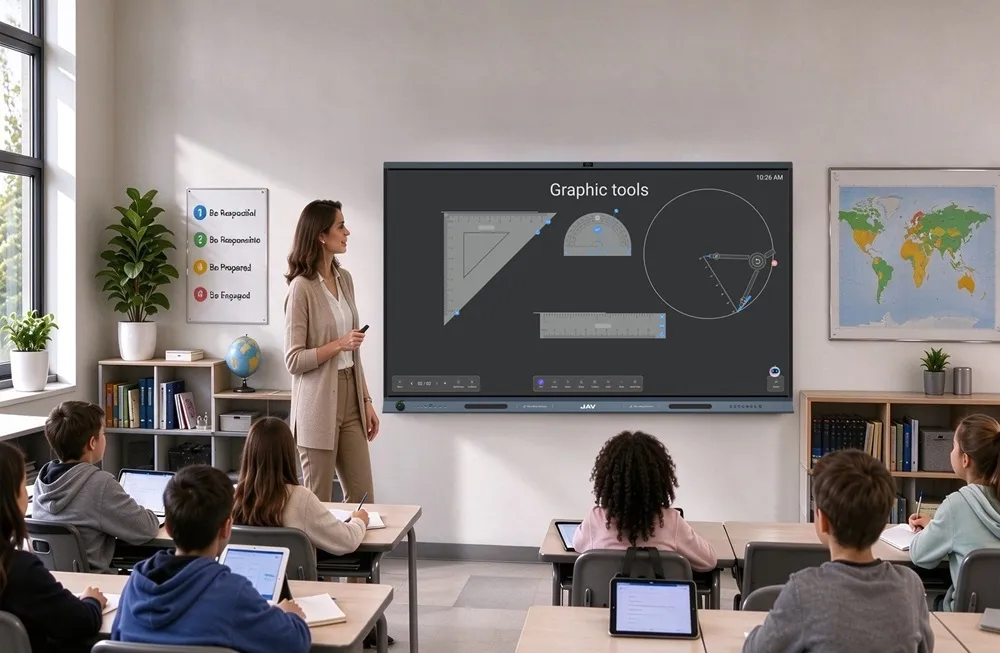
An interactive display such as JAVボード10 can be understood as a large-format Android tablet designed for classrooms. It combines a 4K touch display, built-in Android system, digital whiteboard, wireless screen sharing, multimedia playback, annotation tools, and app-based teaching workflows in one device. Teachers can use it to write, present, play videos, open teaching apps, share content from other devices, and guide group activities on a large interactive screen.
Instead of using separate tools for display, whiteboarding, screen sharing, and presentation, JAV Board 10 gives teachers one central platform for daily STEM teaching.
What Makes STEM Teaching Tools Important in K-12 Classrooms?
STEM subjects require students to think, test, and create. A science lesson may involve observing an experiment. A math lesson may require students to visualize geometry. A coding class may need students to map logic step by step. An engineering project may ask students to design, build, test, and improve a model.
Effective STEM teaching tools should help teachers support these activities more easily. They should make abstract concepts easier to see, encourage students to participate, and allow groups to work together.
Traditional tools still have value, but they are limited. A chalkboard or standard whiteboard can support writing, but it cannot display simulations, videos, interactive diagrams, or digital project materials. A projector can show content, but it does not allow students to touch, annotate, or collaborate directly on the screen.
Interactive displays bridge this gap by combining visual teaching, digital resources, and hands-on interaction.
How Interactive Displays Support K-12 STEM Learning
Interactive displays work well as STEM teaching tools because they support how students learn best: by seeing, doing, discussing, and applying ideas.
1. Making Abstract Concepts Easier to Understand
Many STEM topics are difficult to explain with text alone. Younger students may struggle to understand force, motion, shapes, or simple machines. Older students may need help with chemistry models, physics diagrams, coding logic, or engineering systems.
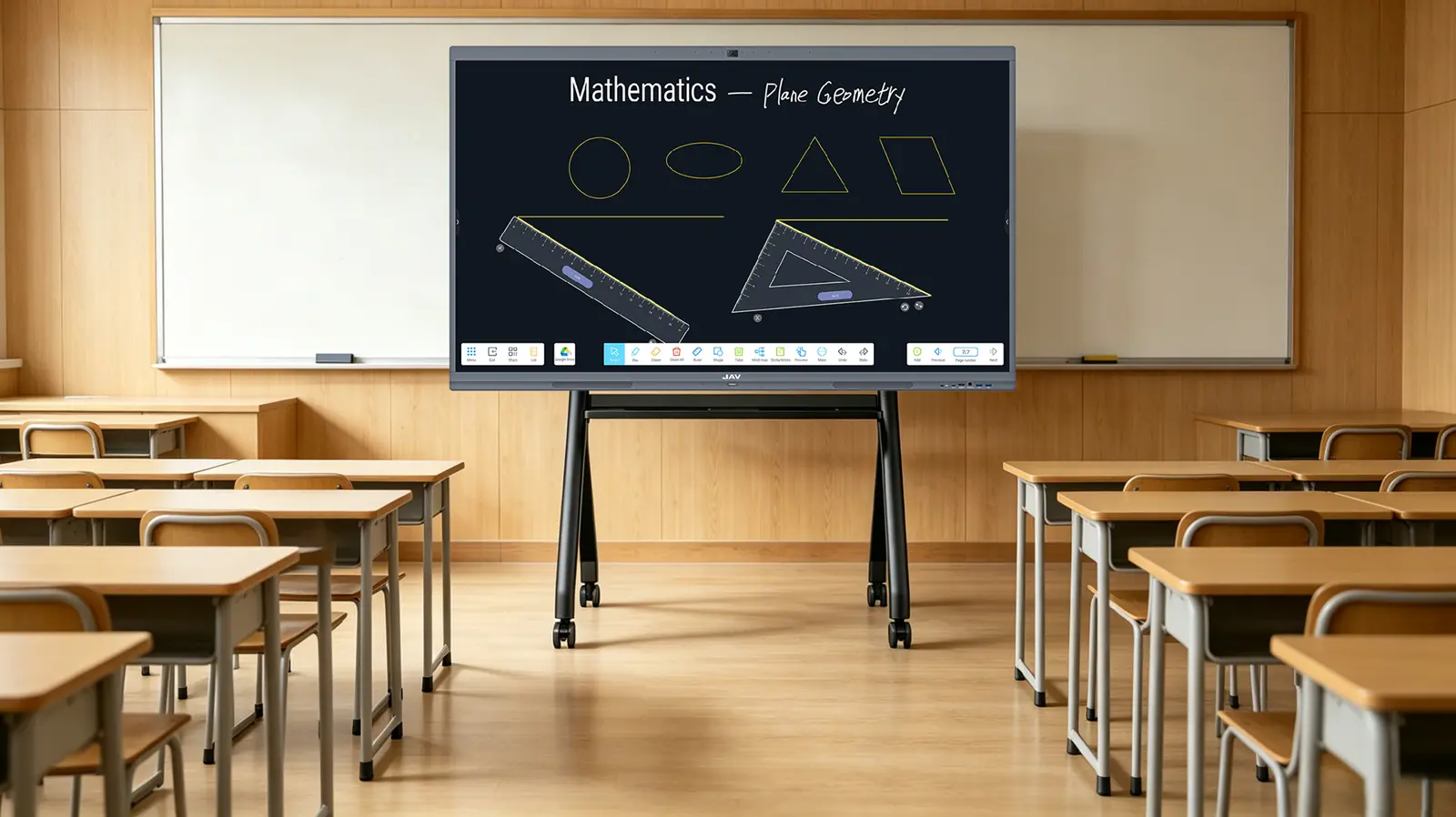
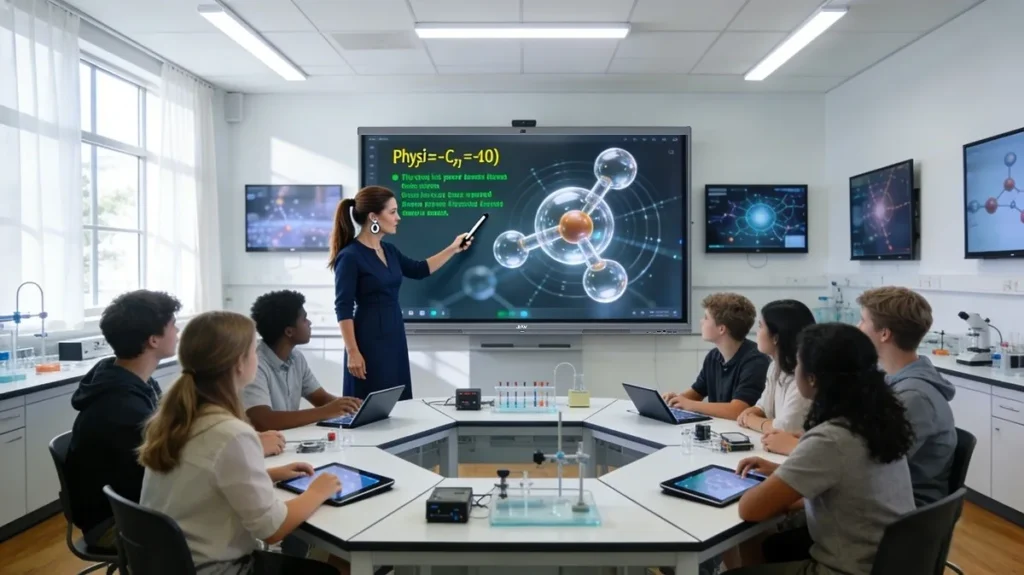
With an interactive display, teachers can show animations, diagrams, videos, simulations, and real-time notes on a large screen. For example, a physics teacher can pause a motion animation and mark the direction of force. A math teacher can draw angles, move shapes, and compare areas visually. A coding teacher can display a flowchart and explain each step of a program.
This visual approach helps students connect abstract concepts with clear examples.
2. Encouraging Active Student Participation
STEM learning becomes more effective when students are actively involved. Instead of only watching the teacher, students can solve problems, move objects, label diagrams, write answers, or explain their ideas on the screen.
Interactive displays encourage students to take an active role in lessons by engaging directly with the content. In science classes, they can label and explore the structures of a plant cell in real time. In mathematics, students work through equations step by step, visually tracking each stage of the solution. During engineering activities, they can sketch and refine bridge designs before moving on to physical model building, helping connect theory with practical application.
This hands-on interaction helps students stay engaged and gives teachers more opportunities to check understanding during the lesson.
3. Supporting Team-Based Learning
Collaboration is an important part of STEM education. Students often need to work in groups, share ideas, compare designs, and present results.
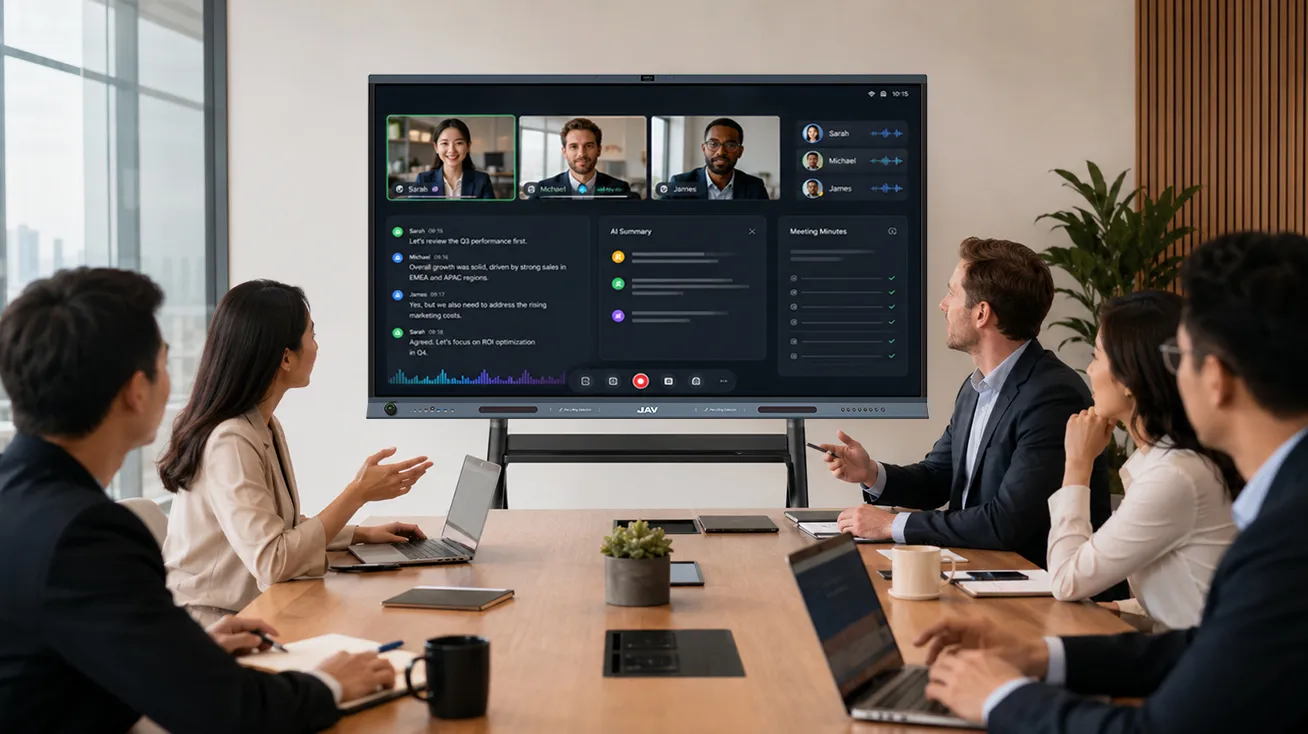
Interactive displays provide a shared digital workspace where students can brainstorm, organize project steps, annotate research, and present findings together. Multiple students can contribute ideas during group discussions, while teachers can guide the process visually.
This supports communication, teamwork, and problem-solving skills, which are important for future STEM study and careers.
4. Enabling Project-Based Learning
Project-Based Learning is widely used in STEM classrooms because it helps students apply knowledge to real-world problems. A typical STEM project may include research, planning, design, testing, improvement, and presentation.
Interactive displays can support every stage of this process. Students can display research materials, sketch prototypes, map coding logic, record test results, and present their final work on the same screen.
For example, in a robotics project, students can use the display to research robot designs, draw mechanical structures, organize coding steps, compare test results, and explain their final solution to the class.
STEM Teaching Tools Across Different K-12 Grade Levels
K-12 education covers a wide range of learning needs, so STEM teaching tools should be flexible enough for different grade levels.
で elementary classrooms, interactive displays help make STEM lessons more visual and playful. Teachers can use images, videos, simple diagrams, and interactive exercises to build curiosity.
で middle school classrooms, students can use interactive displays for experiments, data charts, group discussions, and project planning. This helps them move from basic understanding to deeper problem-solving.
で high school classrooms, interactive displays can support more advanced STEM activities such as coding logic, engineering design, scientific data analysis, and project presentations.
This flexibility makes interactive displays useful across multiple subjects, grade levels, and teaching styles.
What to Look for in STEM Teaching Tools for Schools
When choosing STEM teaching tools, schools should consider how well the tool supports real classroom use. Important features include:
- Clear display quality for diagrams, charts, and videos
- Touch interaction for writing, drawing, and annotation
- Digital whiteboarding for brainstorming and project planning
- Wireless screen sharing from laptops, tablets, or phones
- Multimedia support for videos, websites, apps, and documents
- Easy operation for teachers and students
- Collaboration features for group work
- Flexibility across science, math, coding, and engineering lessons
The best STEM teaching tools should not make teaching more complicated. They should help teachers explain ideas more clearly and help students participate more actively.
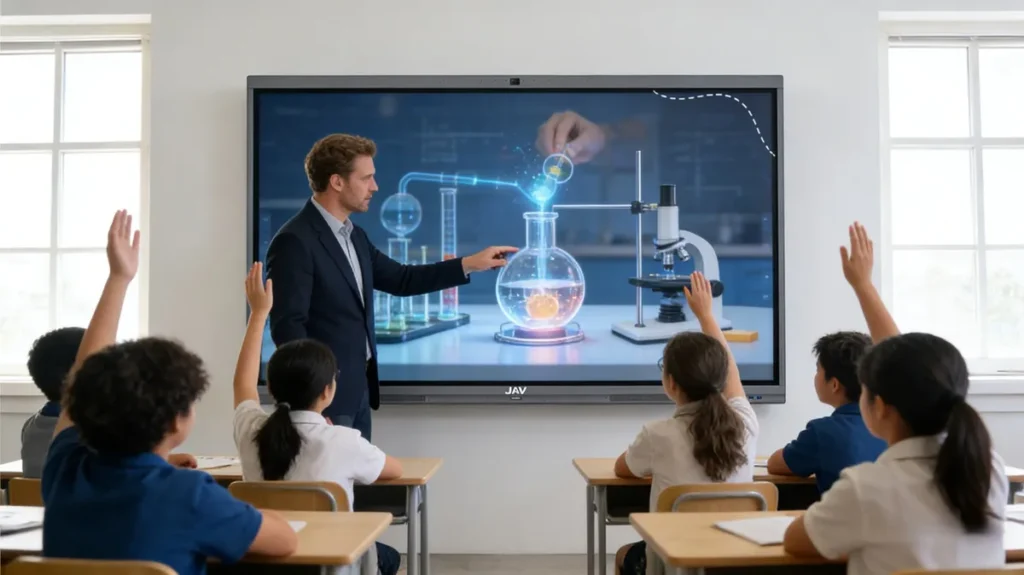
How JAV Board 10 Supports K-12 STEM Classrooms
JAVボード10 supports STEM learning by bringing display, touch interaction, whiteboarding, wireless sharing, and multimedia teaching into one classroom device.
The 4K interactive display enhances visual learning by allowing teachers to present science diagrams, mathematical models, videos, and project materials with exceptional clarity. It also encourages hands-on participation, enabling students to write, draw, annotate, and solve problems directly on the screen. In addition, the digital whiteboard supports group collaboration by providing a shared workspace where teams can brainstorm, organize ideas, and present their projects effectively.
JAV Board 10 also helps teachers manage digital resources more easily. They can open apps, display online materials, play videos, and share content from other devices without switching between multiple classroom tools.
For K-12 schools, this makes JAV Board 10 a practical interactive display for STEM classrooms that need visual teaching, student engagement, and flexible collaboration.
FAQ About STEM Teaching Tools for K-12 Education
What are STEM teaching tools?
STEM teaching tools are classroom technologies and resources that help teachers deliver science, technology, engineering, and math lessons more effectively. They can include interactive displays, coding kits, robotics tools, science sensors, digital simulations, and collaboration platforms.
Why are interactive displays useful for STEM education?
Interactive displays help students see, touch, discuss, and interact with STEM content. They support visual learning, real-time annotation, group collaboration, and project-based learning.
Are interactive displays suitable for elementary STEM classes?
Yes. Interactive displays are useful for elementary classrooms because they make STEM concepts more visual and easier to understand through images, videos, games, and simple interactive activities.
What features should schools look for in STEM teaching tools?
Schools should look for visual clarity, touch interaction, digital whiteboarding, wireless sharing, multimedia support, ease of use, and collaboration features.
How does JAV Board 10 support STEM teaching?
JAV Board 10 supports STEM teaching with a 4K touch display, digital whiteboard, wireless screen sharing, annotation tools, multimedia playback, and app-based teaching workflows in one interactive display.
結論
Interactive displays are becoming valuable STEM teaching tools for K-12 education because they help teachers make lessons more visual, interactive, and collaborative. They support abstract concept explanation, hands-on learning, group projects, and student presentations.
For schools looking to modernize STEM classrooms, JAV Board 10 offers a practical all-in-one interactive display that helps teachers guide lessons more efficiently and gives students a more active role in learning.
As STEM education continues to focus on problem-solving, creativity, and real-world application, tools like JAV Board 10 can help create classrooms where students do more than listen—they explore, build, test, and share ideas.