As classrooms continue to evolve, teachers are increasingly looking for interactive presentation tools for teachers that do more than simply display slides. From improving student engagement to supporting hybrid learning, the choice of classroom technology plays a critical role in teaching effectiveness. This naturally leads many schools to compare two common options: the interactive whiteboard and the traditional projector. Understanding the practical differences between these tools can help educators make a smarter long-term investment.
Why Interactive Presentation Tools for Teachers Matter More Than Ever
Modern classrooms demand more than static slide projection. Teachers need tools that support real-time annotation, multimedia lessons, classroom participation, and remote collaboration. This is why interactive presentation tools for teachers are increasingly replacing older projector-based setups.
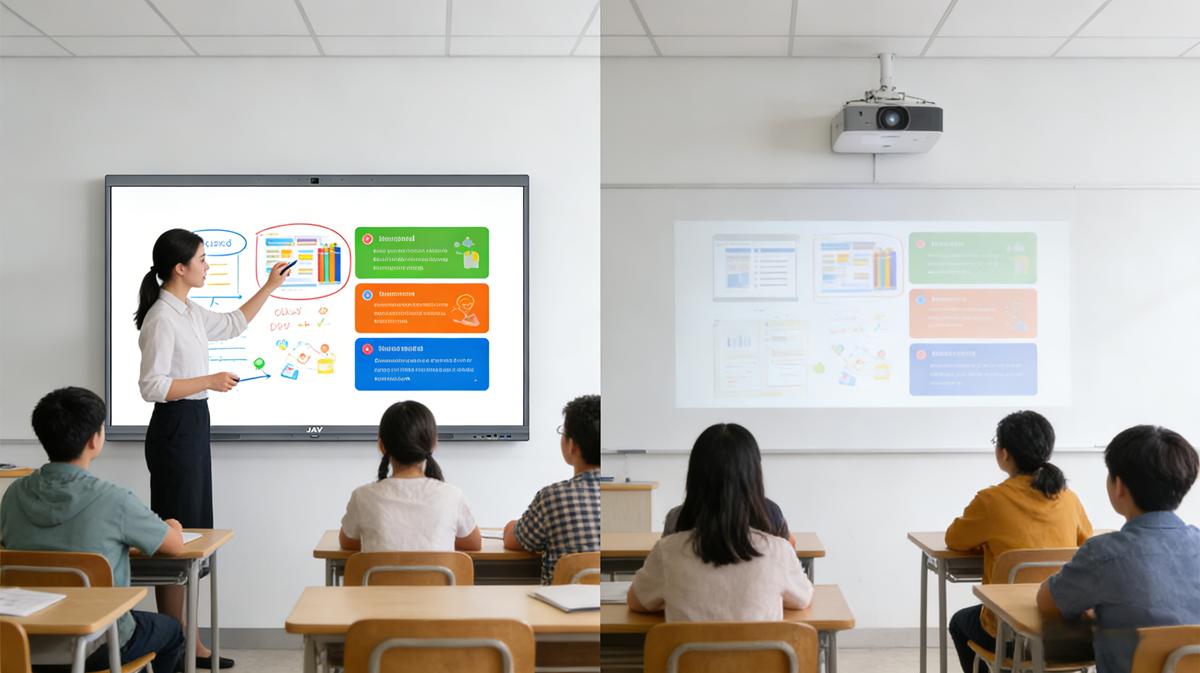
A traditional projector is mainly designed for one-way content delivery. It works well for showing slides, videos, and lesson materials, but it typically depends on external devices such as laptops, speakers, and sometimes a separate whiteboard for note-taking.
By contrast, an interactive whiteboard combines multiple functions into one device:
- touch-based writing and annotation
- screen sharing from multiple devices
- built-in educational apps and browsers
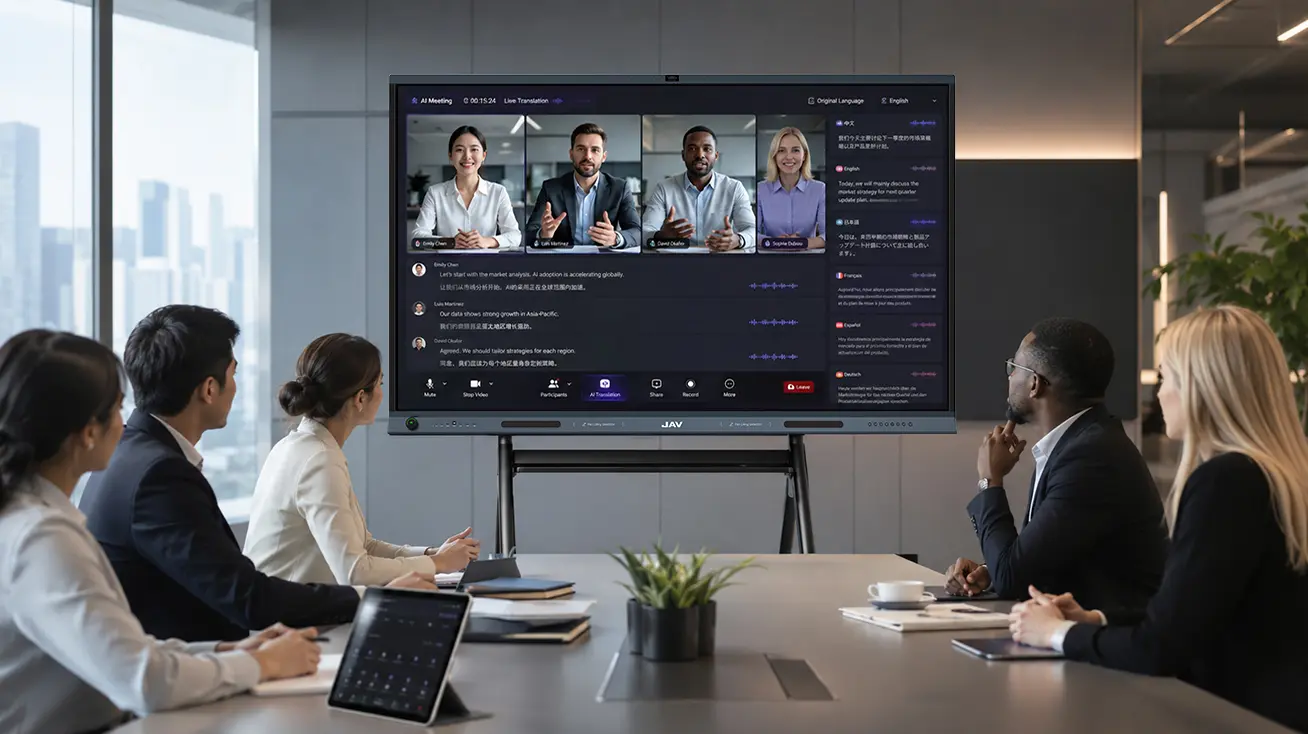
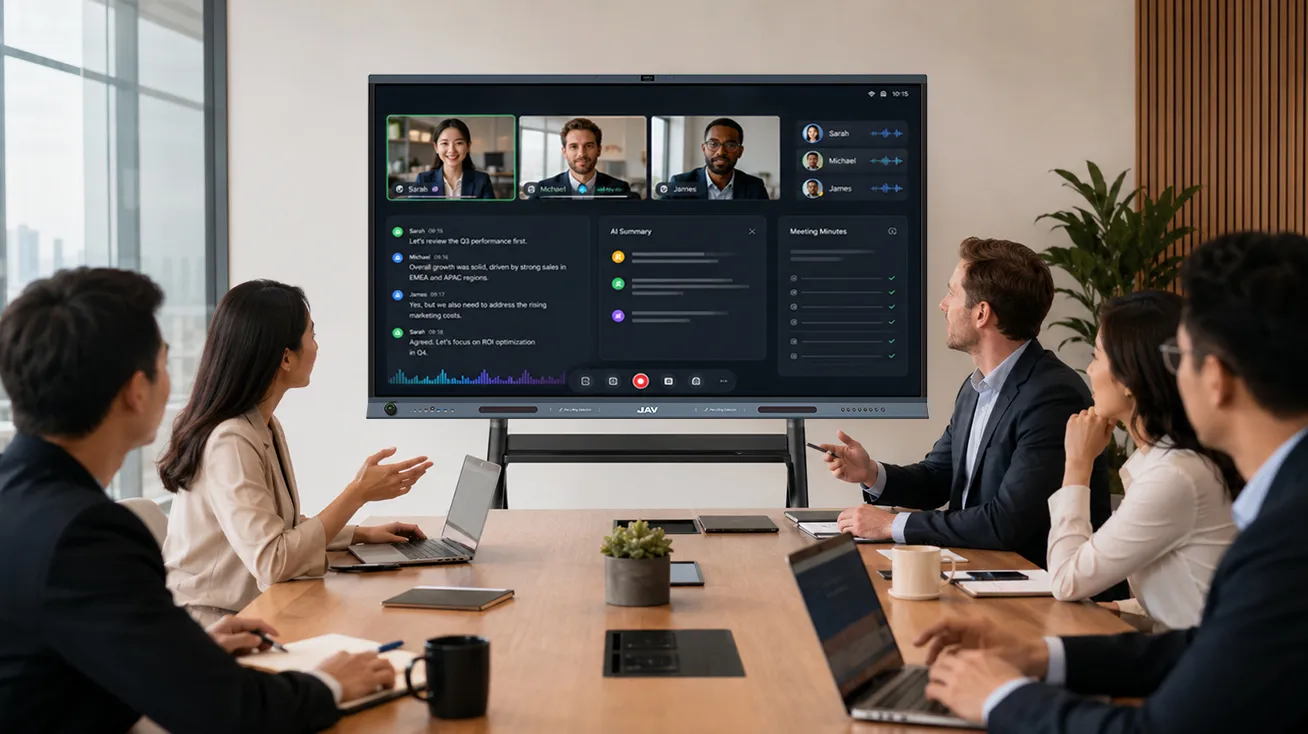
- video conferencing for hybrid learning
- cloud-based lesson saving
This shift from passive viewing to active participation is where the real value lies.
Interactive Presentation Tools for Teachers: Interactive Whiteboard vs Projector
The biggest difference is interactivity.
With a projector, students usually remain observers. The teacher presents, and the class watches.
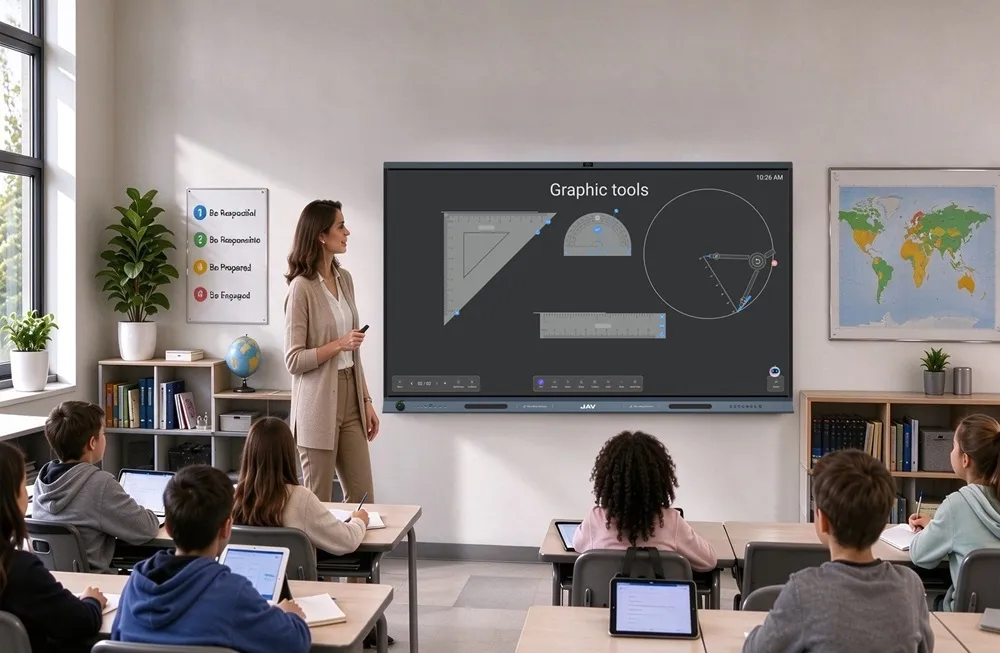
With an interactive whiteboard, students can come to the screen, solve equations, drag visual elements, participate in quizzes, and collaborate directly on the lesson. This hands-on interaction significantly improves retention and classroom engagement.
1. Student Engagement
Research and classroom experience consistently show that students learn better when they actively participate. An interactive whiteboard allows teachers to transform lessons into collaborative activities rather than one-direction lectures.
For example:
- drag-and-drop vocabulary exercises
- interactive STEM diagrams
- live polling and quizzes
- collaborative brainstorming
This is especially useful for elementary and middle school classrooms.
2. Visibility and Image Quality
Traditional projectors often struggle with:
- ambient light issues
- shadow interference
- reduced clarity over time
An interactive whiteboard provides consistently sharp visuals, high brightness, and better readability, even in bright classrooms.
This becomes especially important for charts, science visuals, and detailed instructional content.
3. Total Cost of Ownership (Important Information Gain)
One point many blogs overlook is long-term operating cost.
A projector may appear cheaper upfront, but over 3–5 years, schools often face:
- lamp replacement costs
- maintenance and calibration
- external speaker upgrades
- cabling and mounting expenses
An interactive whiteboard usually has a higher initial investment but lower maintenance costs and longer operational lifespan.
This total-cost perspective is often the real decision factor for schools.
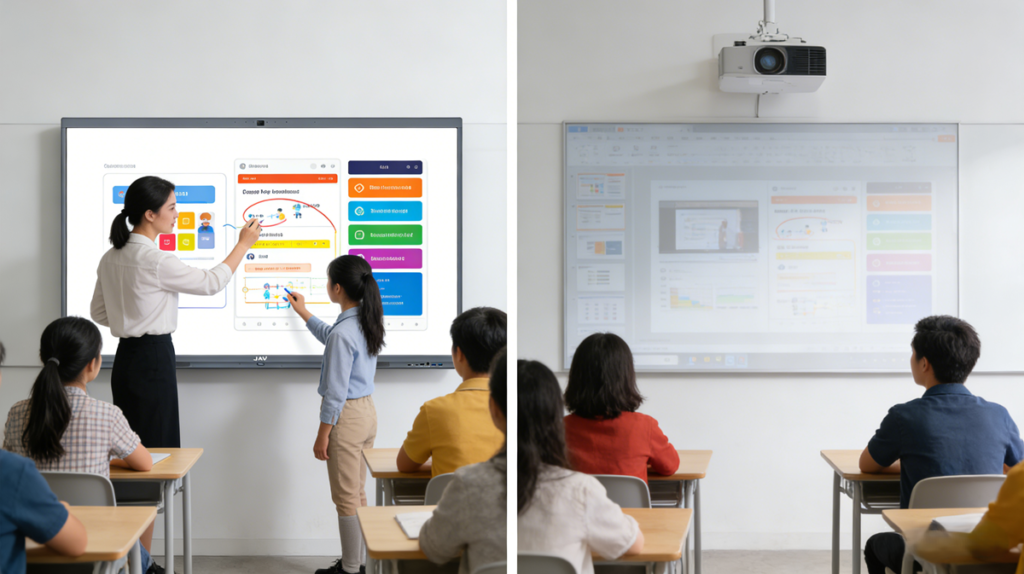
Interactive Presentation Tools for Teachers in Hybrid and Modern Classrooms
Another critical factor is hybrid teaching.
Traditional projectors are not built for seamless remote collaboration. Teachers often need multiple disconnected tools.
Modern interactive presentation tools for teachers, especially smart interactive whiteboards, support:
- wireless screen sharing
- cloud lesson access
- integrated cameras
- voice and touch collaboration
This makes them much more future-ready.
A Practical Recommendation: JAV Board 10
For classrooms that need more than basic projection—such as touch interaction, wireless screen sharing, and collaborative lesson delivery—solutions like JAVボード10 offer a more modern and teacher-friendly alternative.
As an advanced interactive whiteboard, it naturally fits the needs of teachers who want better classroom interaction and lesson flexibility. It supports touch writing, wireless casting, app integration, and collaborative lesson delivery.
What makes it especially valuable is that it helps teachers move from static presentation to dynamic classroom participation without adding multiple extra devices.
For schools focused on STEM lessons, hybrid teaching, or teacher-led workshops, it offers a much more modern experience than a traditional projector setup.
Final Thoughts on Interactive Presentation Tools for Teachers
Ultimately, choosing between a projector and an interactive whiteboard depends on your teaching goals. If your priority is simple content display, a projector may still work. However, for classrooms that value engagement, collaboration, and future-ready instruction, interactive presentation tools for teachers built around an interactive whiteboard offer significantly greater long-term value. For most modern learning environments, solutions like JAV Board 10 provide a smarter path toward more interactive, effective teaching.